
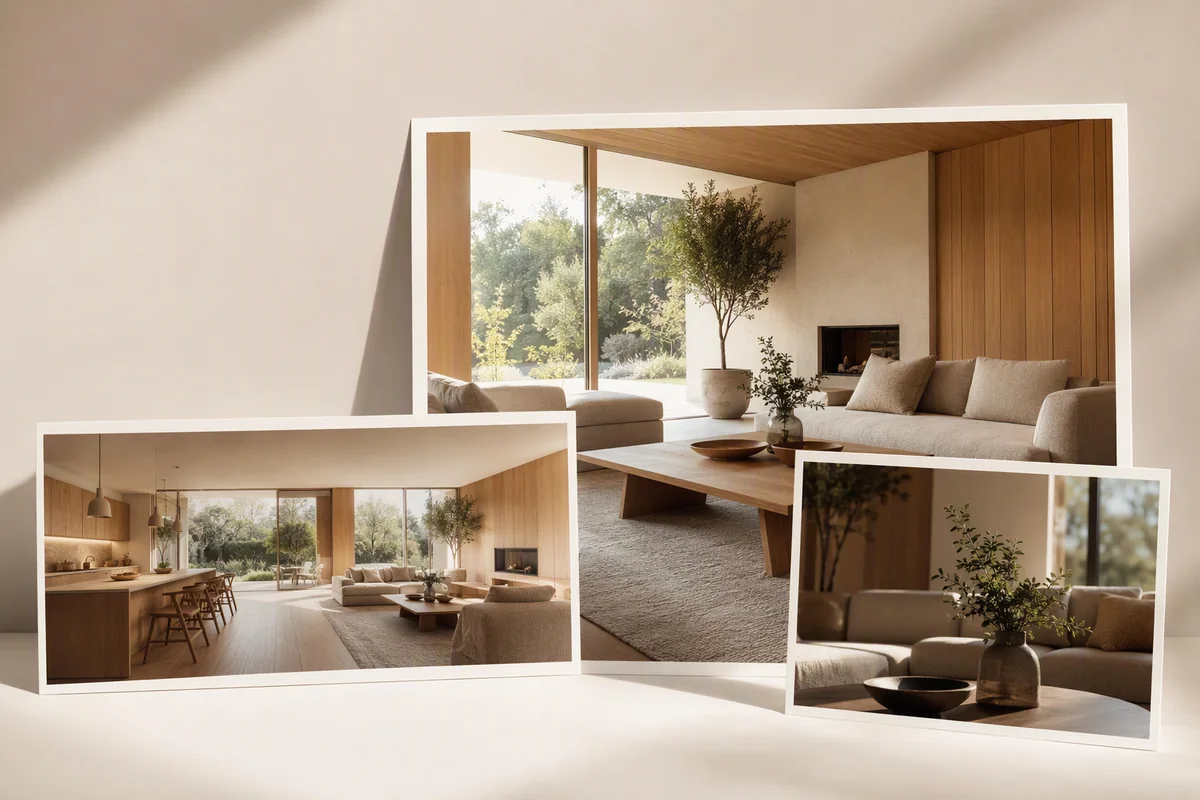
Splatr: a professional AI platform for complete property visualisation
Explore Splatr’s professional AI property platform: controlled staging, image enhancement, cinematic video, 360° tours and Showcase presentations.
Practical guides to virtual staging, property films and 360° tours. From your first image to a presentation ready to share.
Explore Splatr’s professional AI property platform: controlled staging, image enhancement, cinematic video, 360° tours and Showcase presentations.
Read the guide39 articles
Explore Splatr’s professional AI property platform: controlled staging, image enhancement, cinematic video, 360° tours and Showcase presentations.
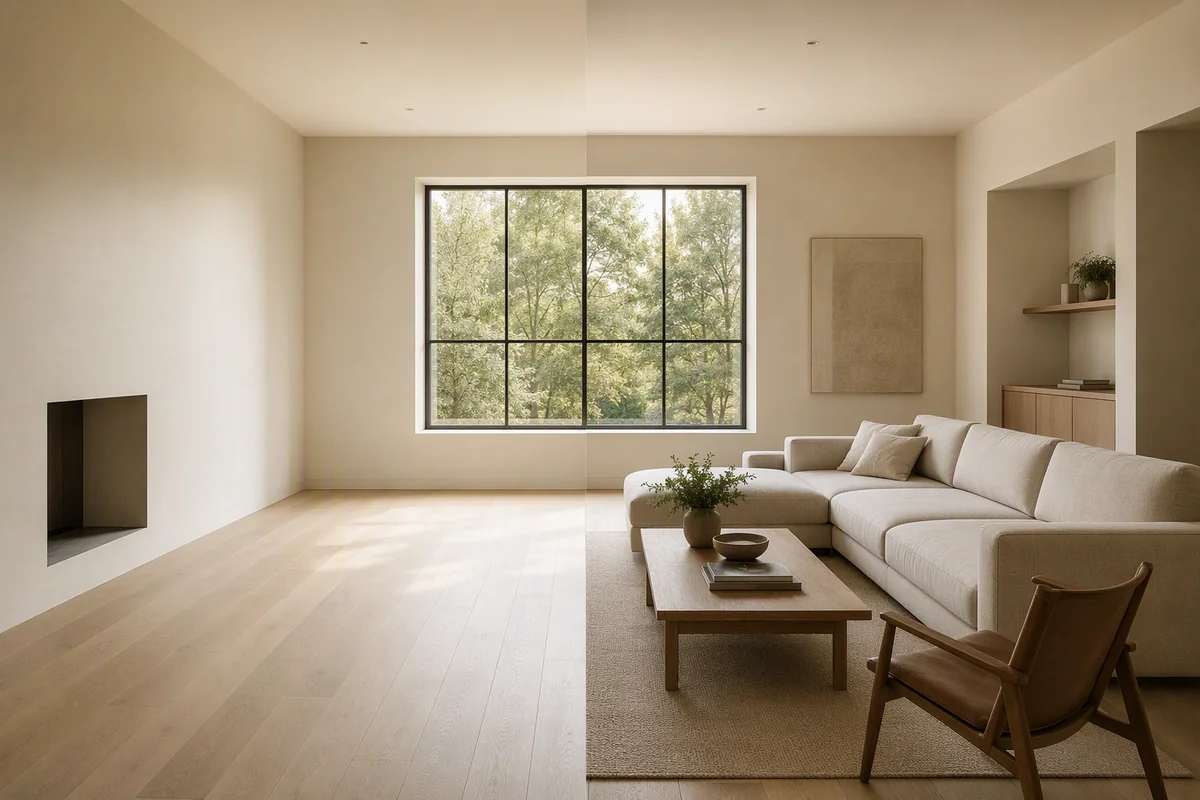
Use Splatr’s AI platform to explain furnishing layouts, alternative room functions and architectural concepts for German property presentations.
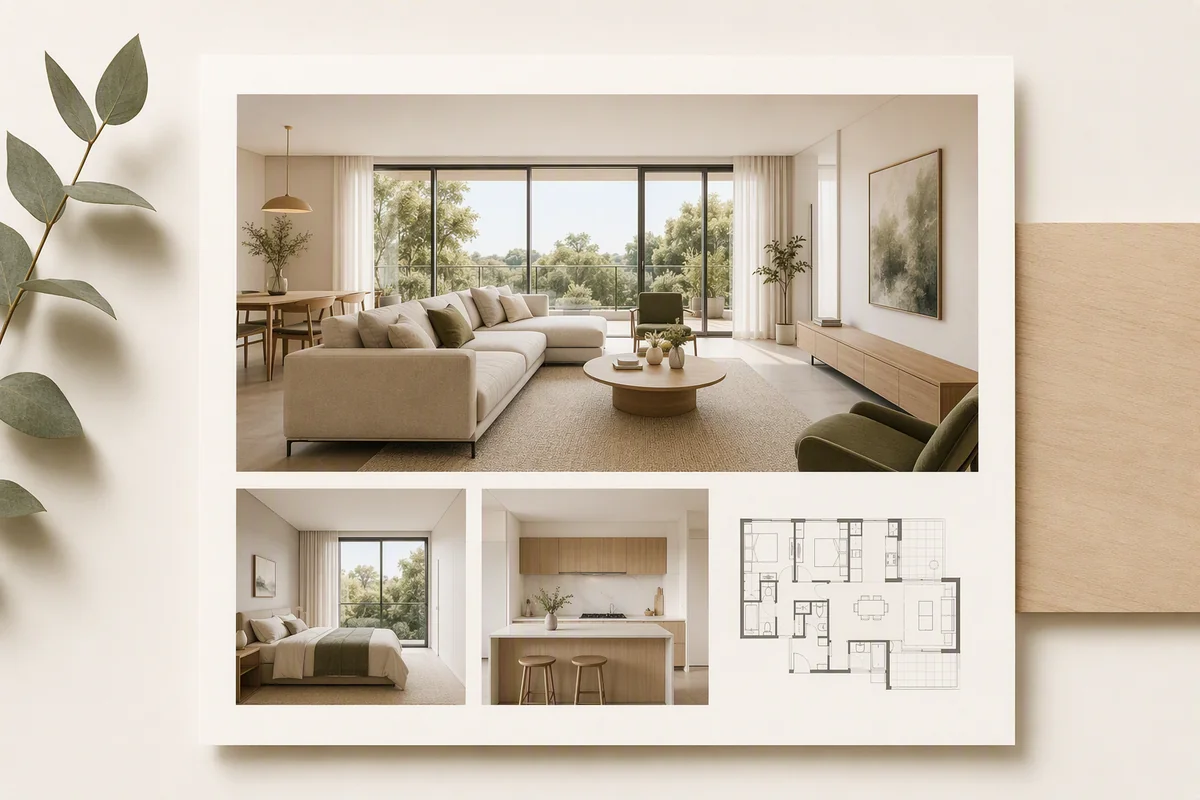
Create a complete Spanish property presentation with Splatr’s AI staging, controlled edits, image-to-video tools and panoramic tours.
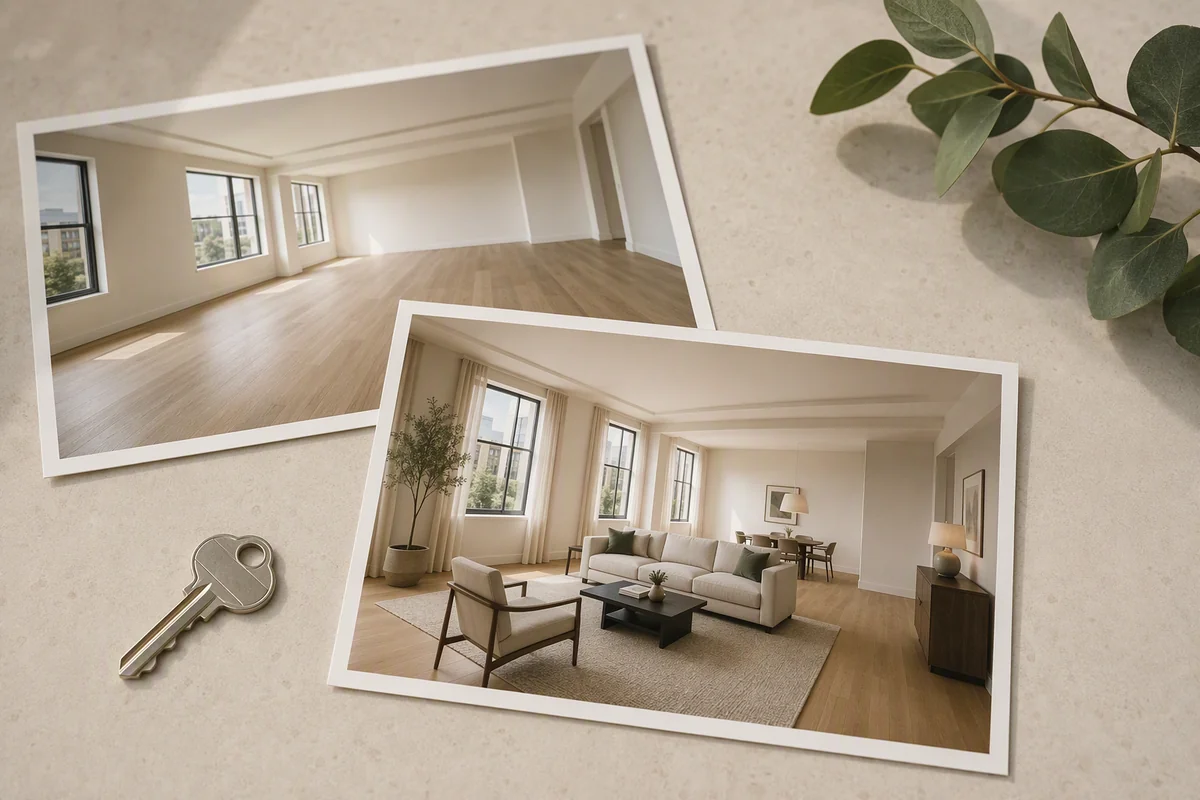
Prepare staged images, property videos and virtual tours with Splatr’s professional AI platform for US real estate marketing workflows.
Explore Splatr for French property presentations: reference-led interiors, local finish edits, AI enhancement, video and panoramic tours.
Build a Dubai or UAE property presentation with Splatr: reference-led AI staging, controlled finish changes, cinematic video and 360° tours.
Use Splatr to develop reception, family-space and architectural concepts for Saudi property campaigns, then present them through video and tours.
Use Splatr for London property visuals: furnish compact rooms, explore finishes, create property films and share interactive presentations.
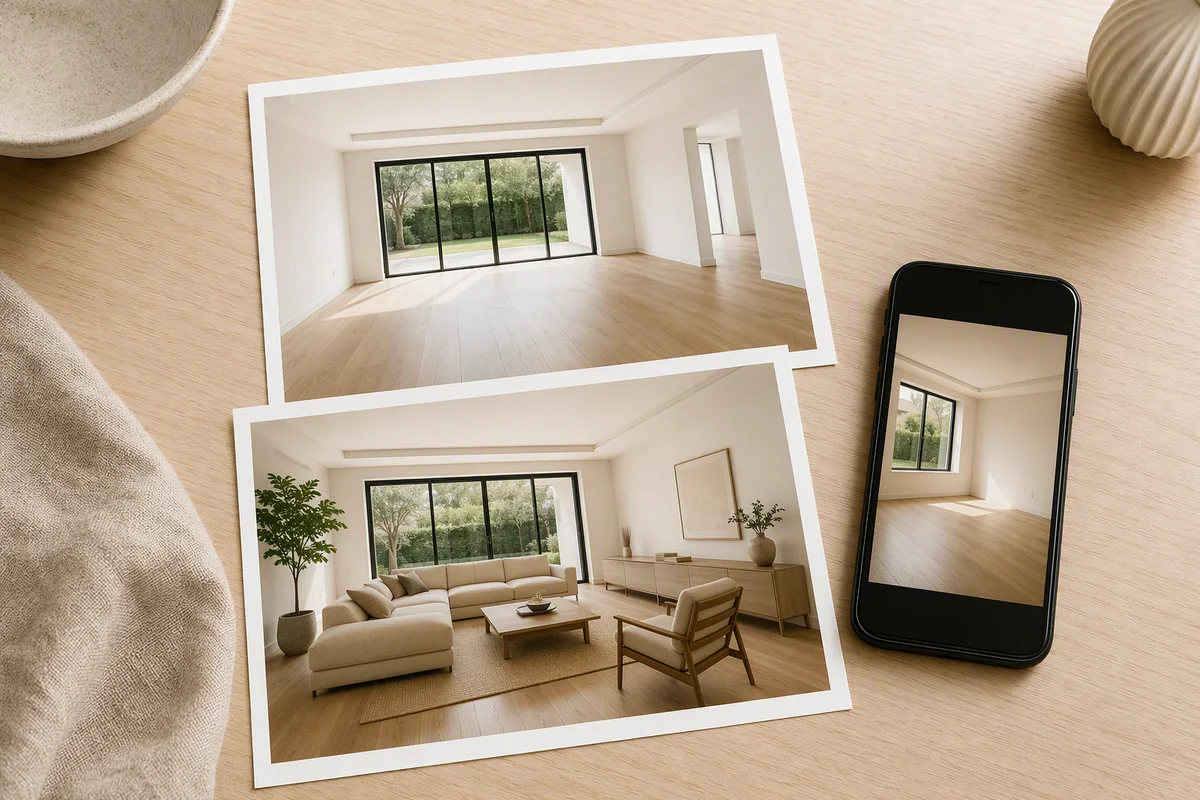
Create furnished, enhanced property images from smartphone photographs using Splatr’s Reimagine AI presets, assets, local edits and upscale.
Compare two AI property-visualisation platforms on image editing, video and final presentation, with a closer look at Splatr Virtual Studio.
Compare Splatr and Apply Design on furniture control, AI editing, 360° imagery and property video. See where Virtual Studio fits a complete property campaign.
Compare Splatr Reimagine AI and REimagineHome for staging, references, local changes and the wider property presentation workflow.
Compare Splatr’s image-to-video generation with Giraffe360’s tour-derived videos for UK property marketing, including inputs and editing controls.
Compare Splatr Virtual Studio and Matterport by panorama inputs, property-media workflow and digital-twin needs, using current official product documentation.
Compare Splatr, Kuula and CloudPano for panorama tours, branding and wider property content, with a task-based checklist and official source links.
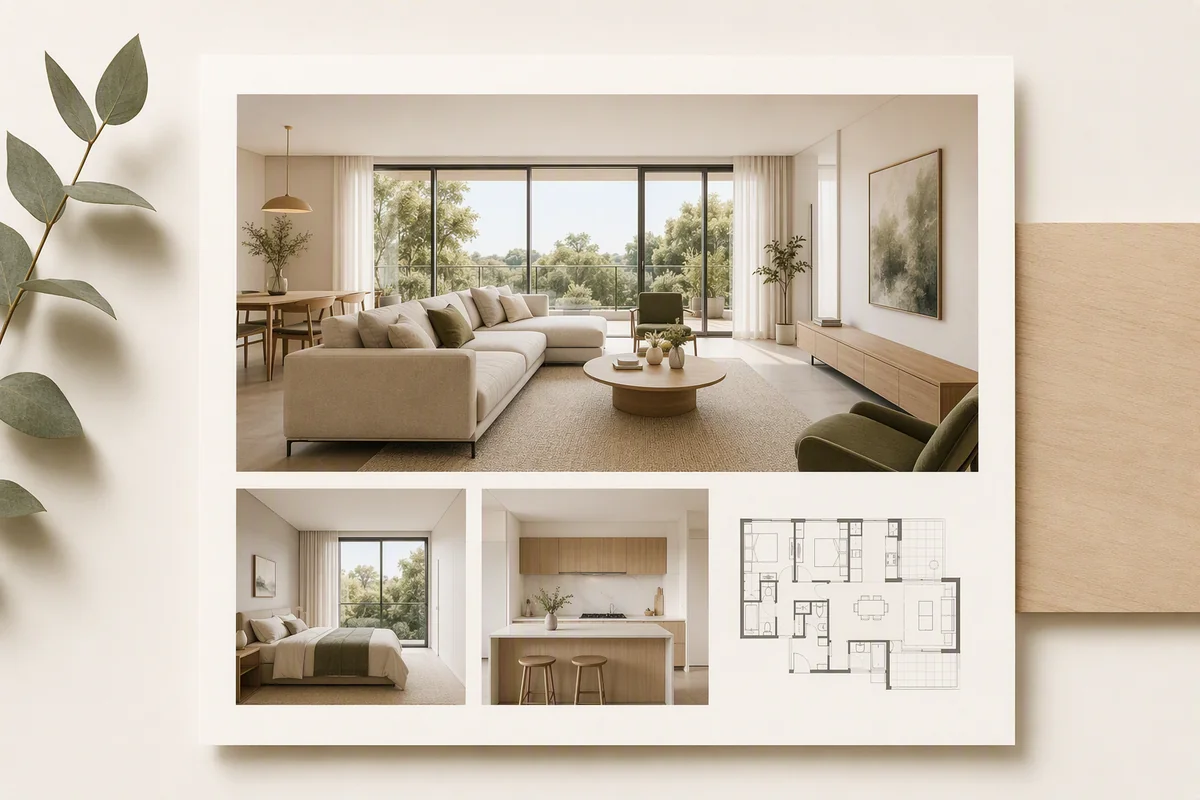
Bring property photographs, a film, details and location together with Splatr Showcase, then prepare a clear branded presentation for sharing.
Learn how external virtual-tour links work on Rightmove and Zoopla, including manual listings, agency feeds and the checks before sharing a Splatr tour.
Share a published Splatr tour through a direct link or website embed, with interactive room views and floor-plan navigation.
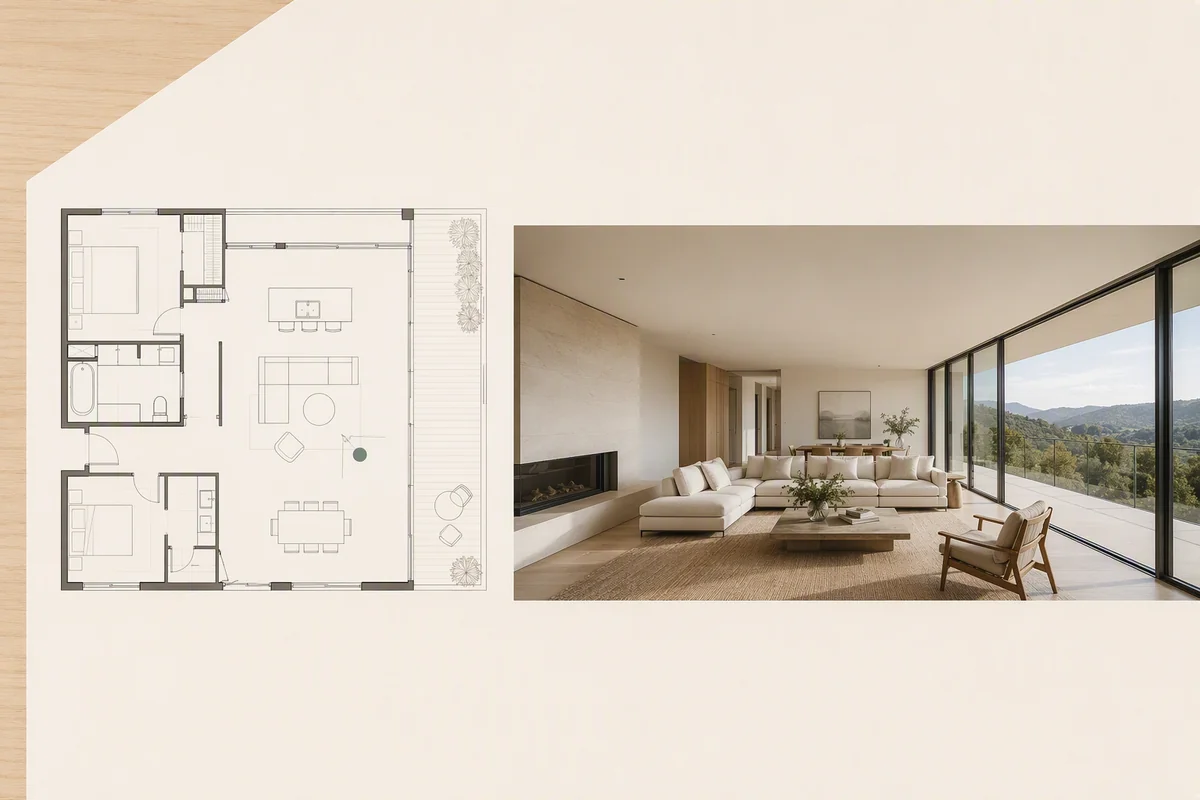
Connect panoramic rooms to floor-plan navigation in Splatr, giving visitors context as they explore properties across rooms and levels.
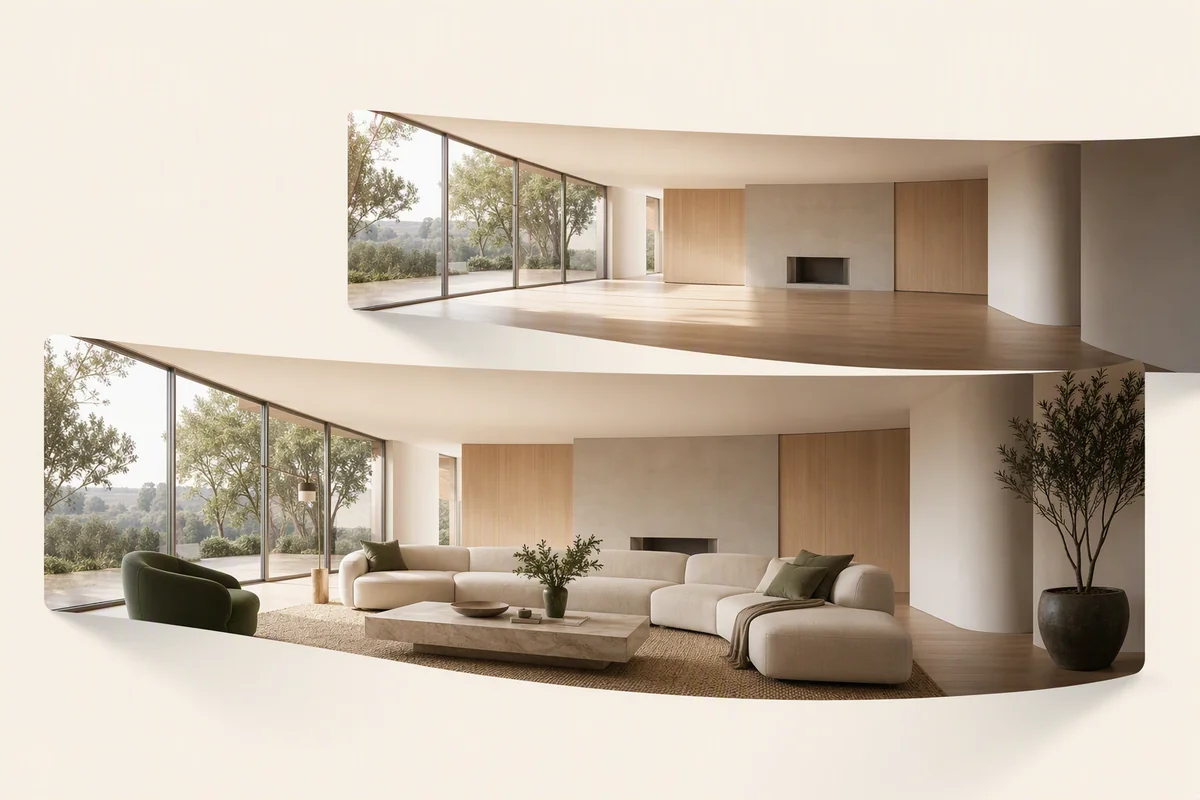
Understand how Reimagine AI works with panoramic rooms, how authoring differs from a visitor’s view, and how to present AI-edited possibilities clearly.
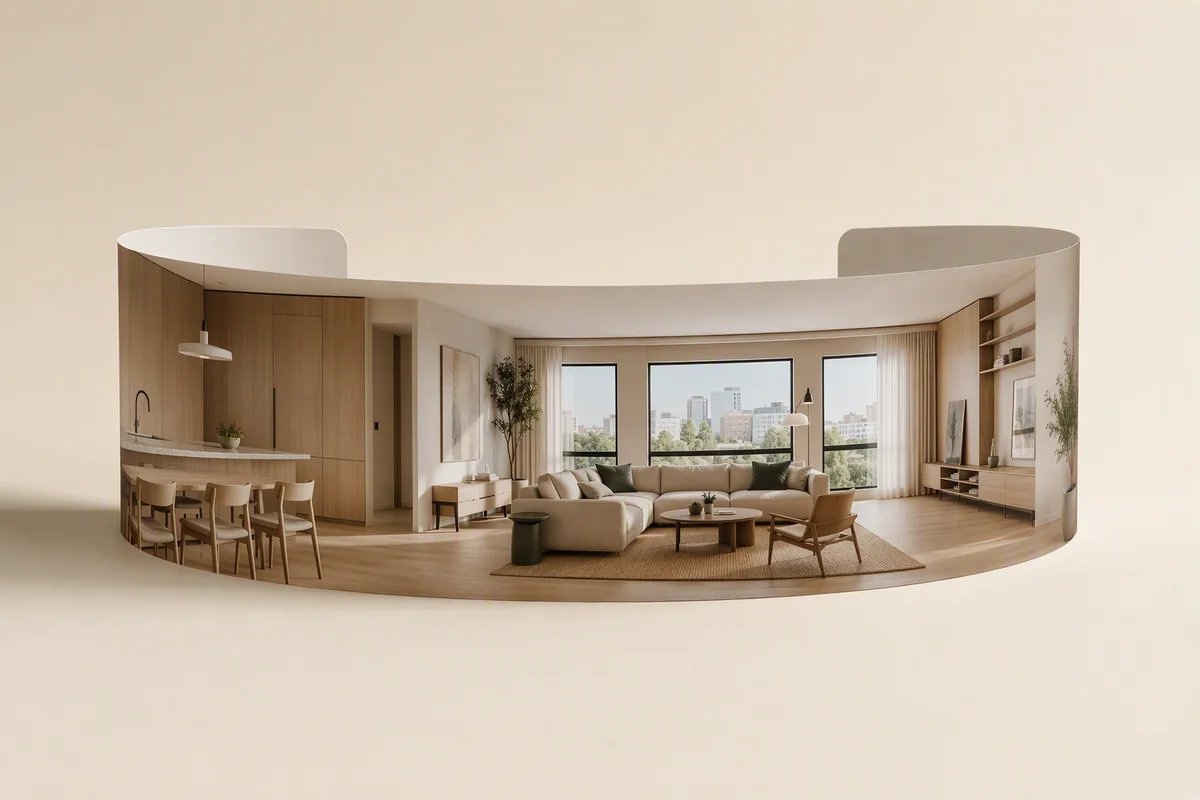
Build a property tour from existing panoramas with Splatr 360° Visualization, covering image preparation, room organisation, floor plans and sharing.
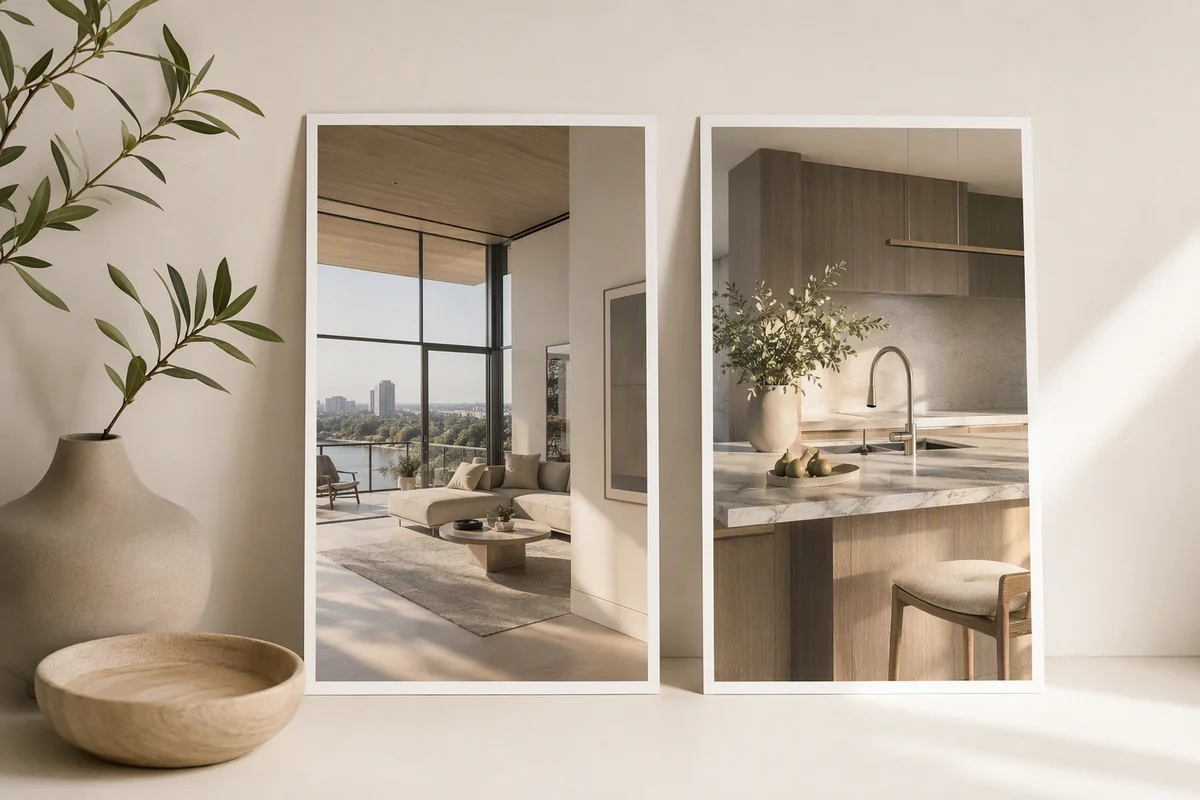
Plan portrait property videos with clear framing, room selection and readable information using the 9:16 option in Splatr Video Generator.
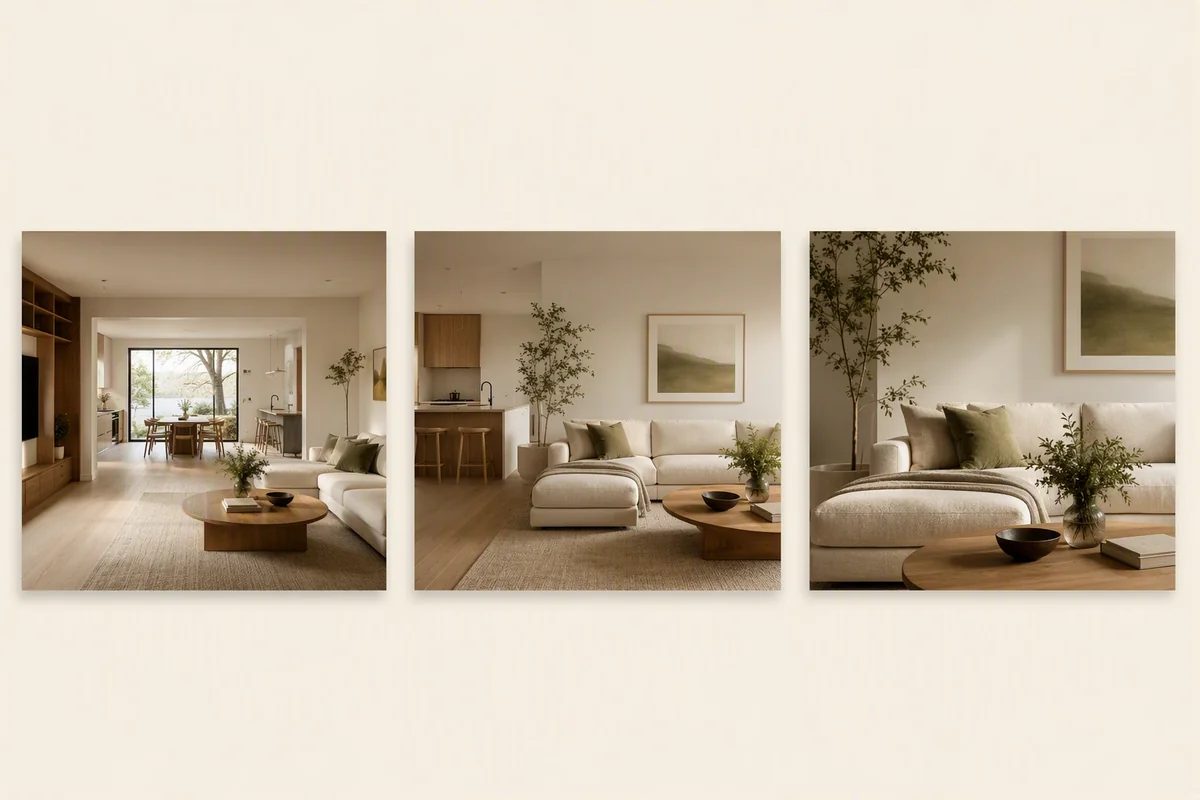
Create a property film from still images with Splatr Video Generator: select sources, direct camera movement, review clips and export an MP4.
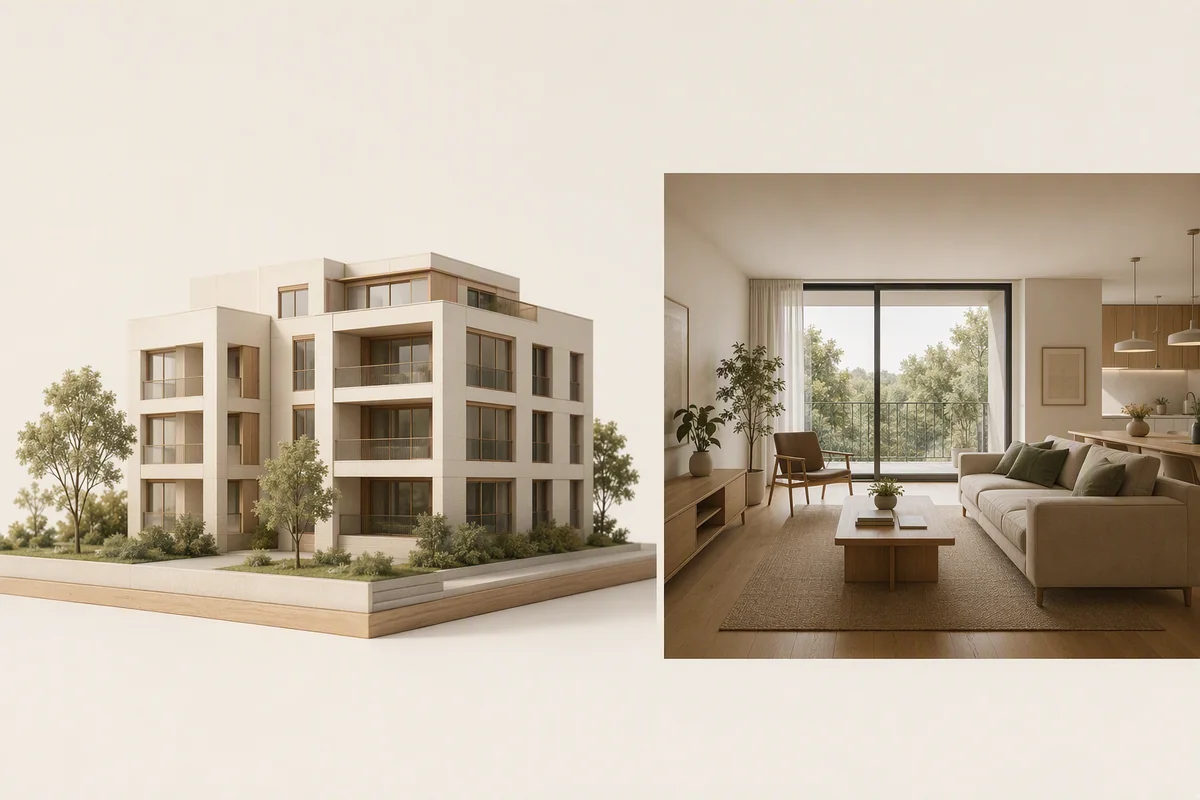
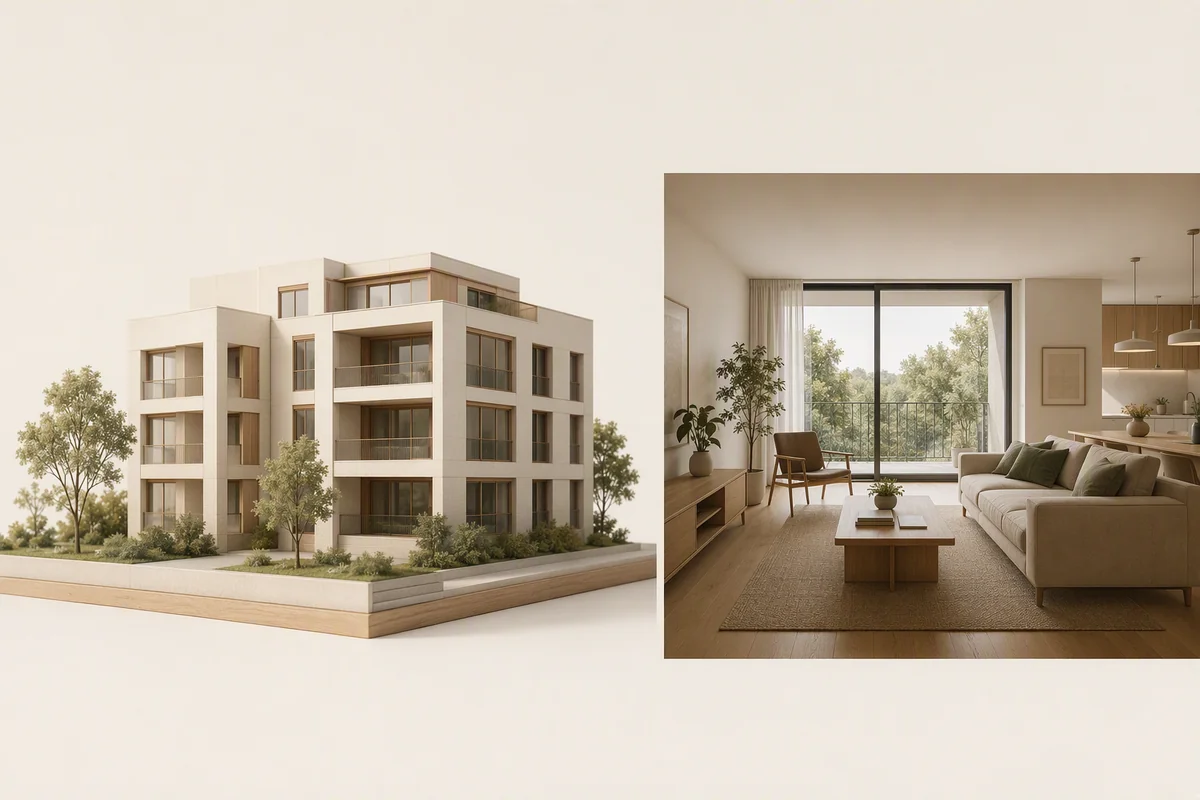
Present vacant units and proposed interiors with AI furnishing, rendered panoramic tours, property films and Showcase pages.
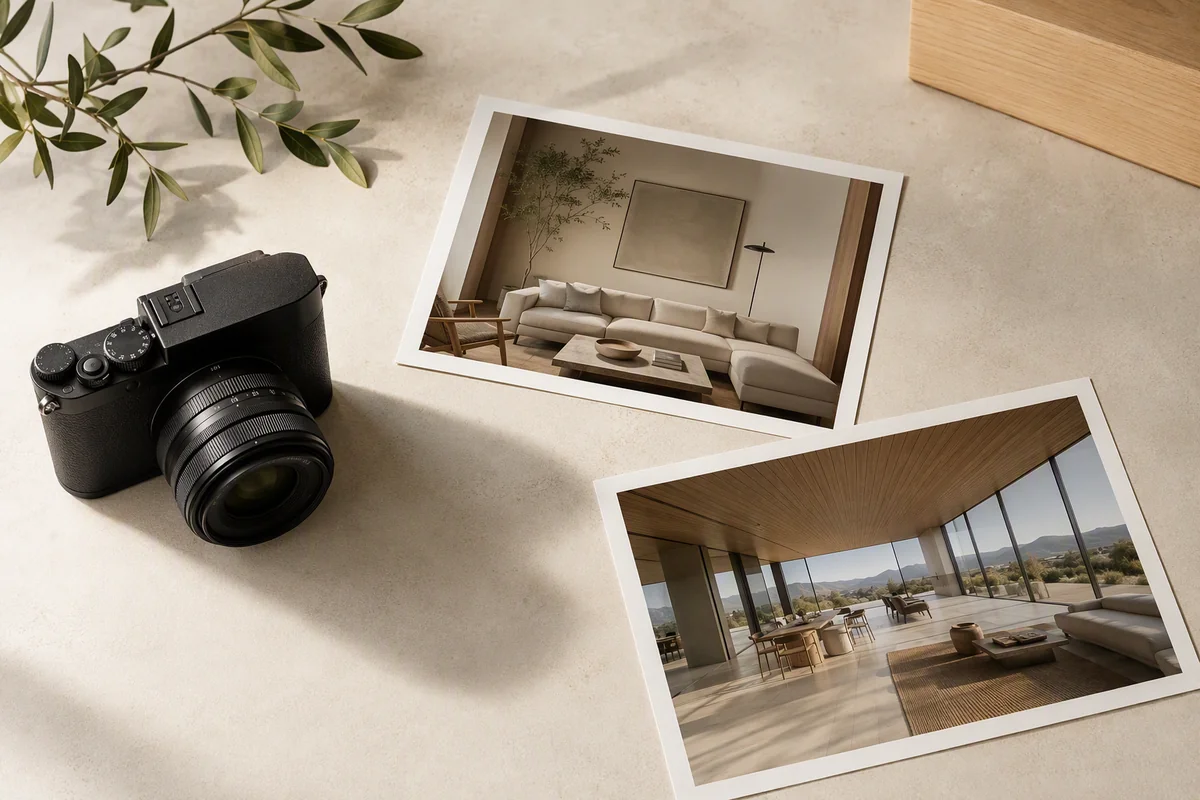
Turn property photography into additional deliverables with Reimagine AI editing, image-to-video generation and panoramic tours.
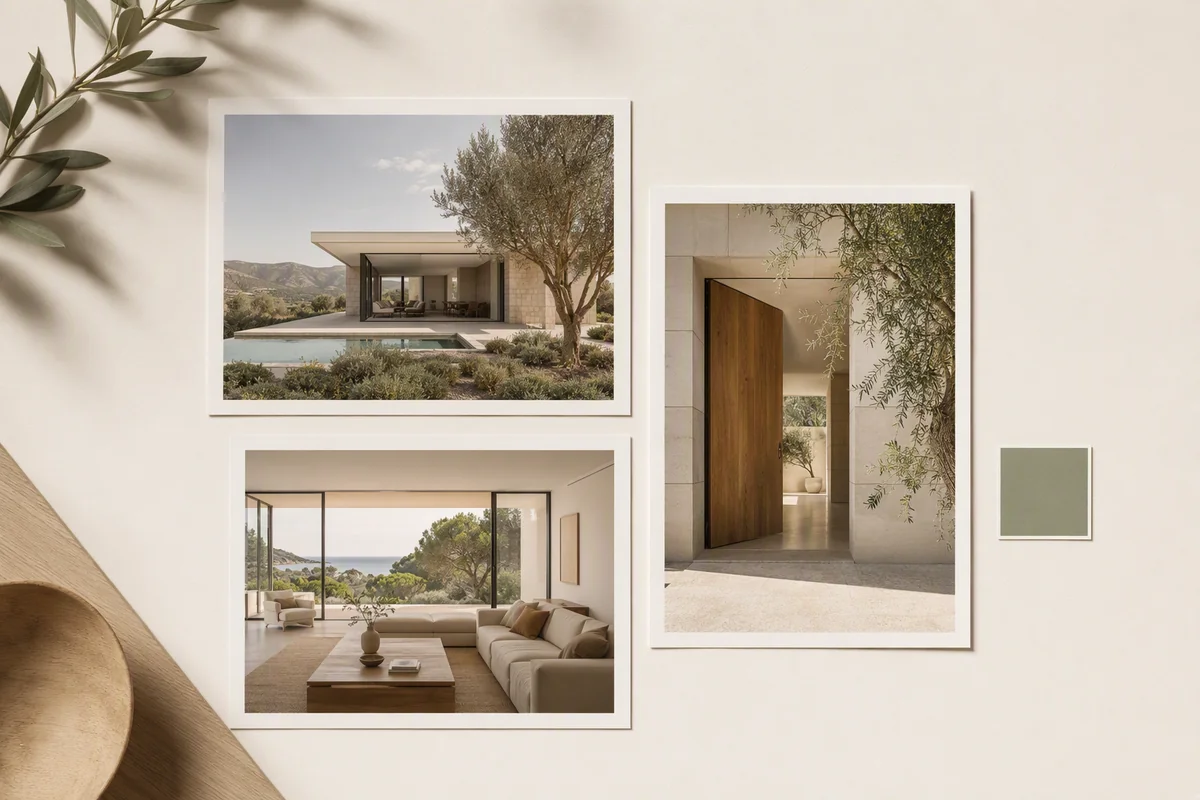
Create staged images, property films, panoramic tours and branded pages with Splatr’s four Virtual Studio plugins.
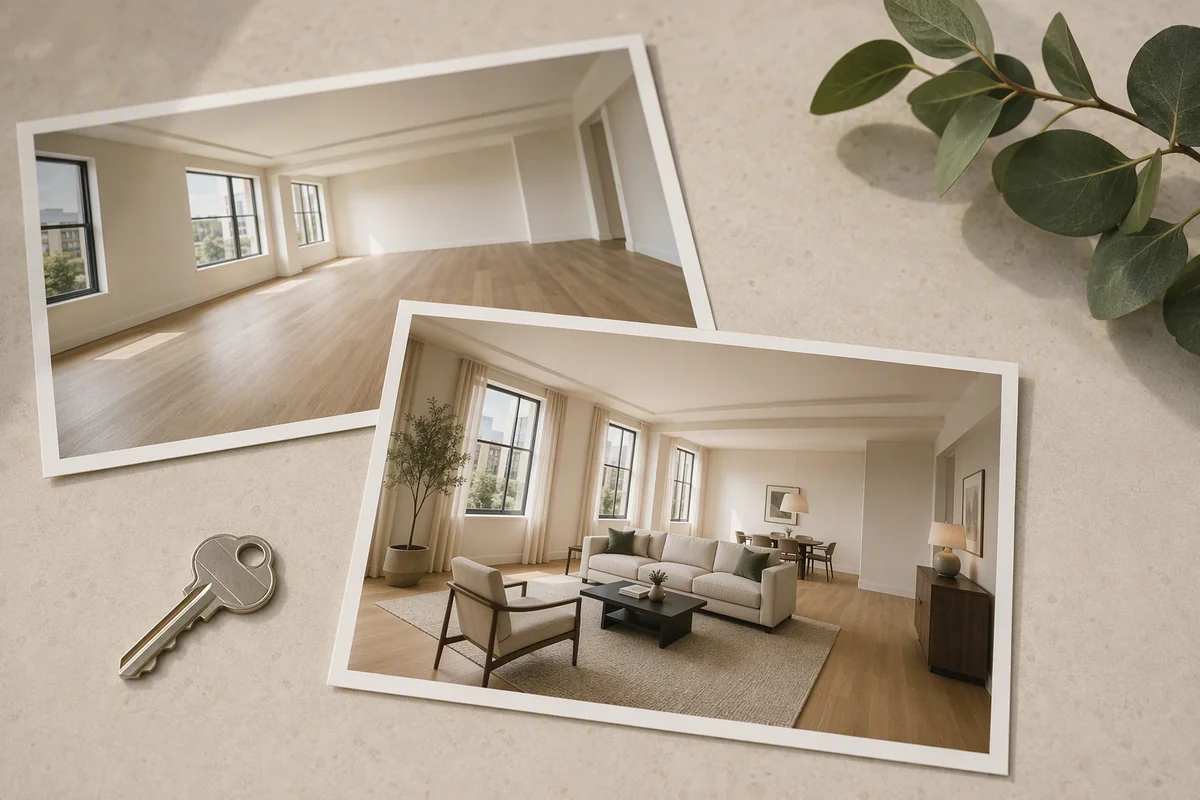
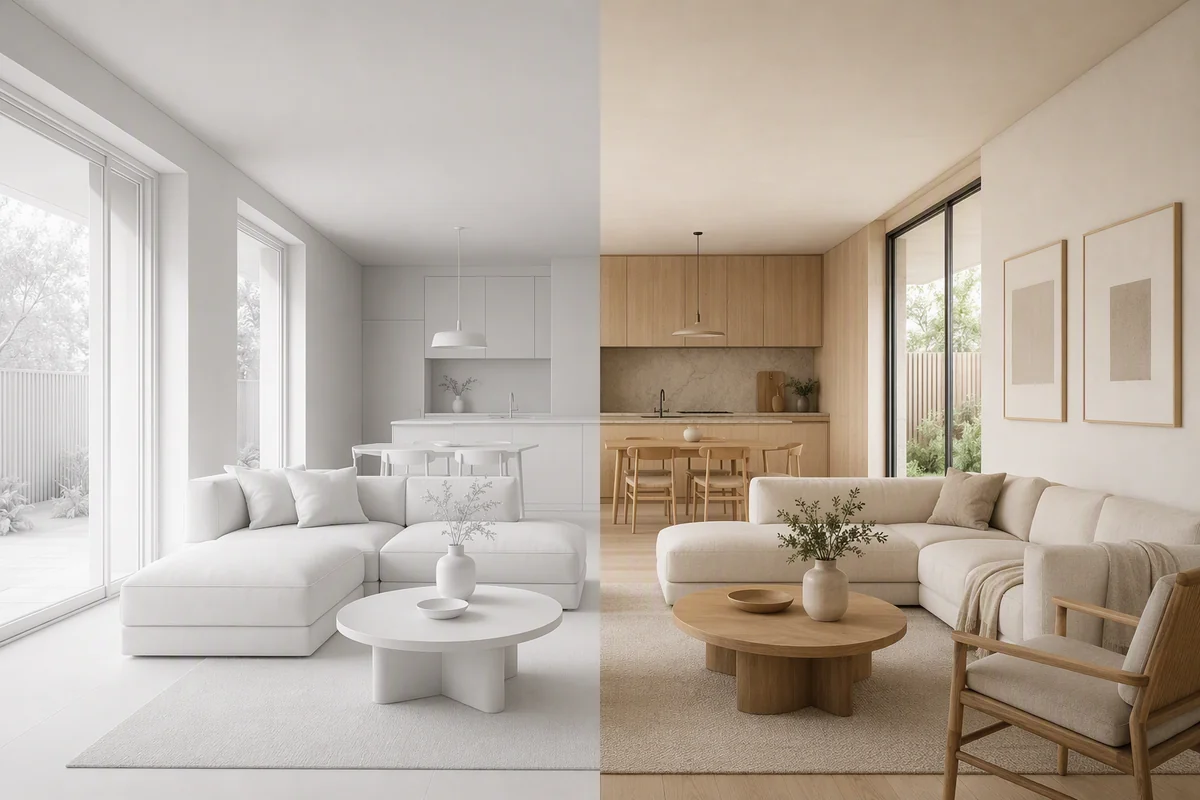
Use Splatr to furnish empty-room photos, enhance listing images, generate property films and share interactive presentations.
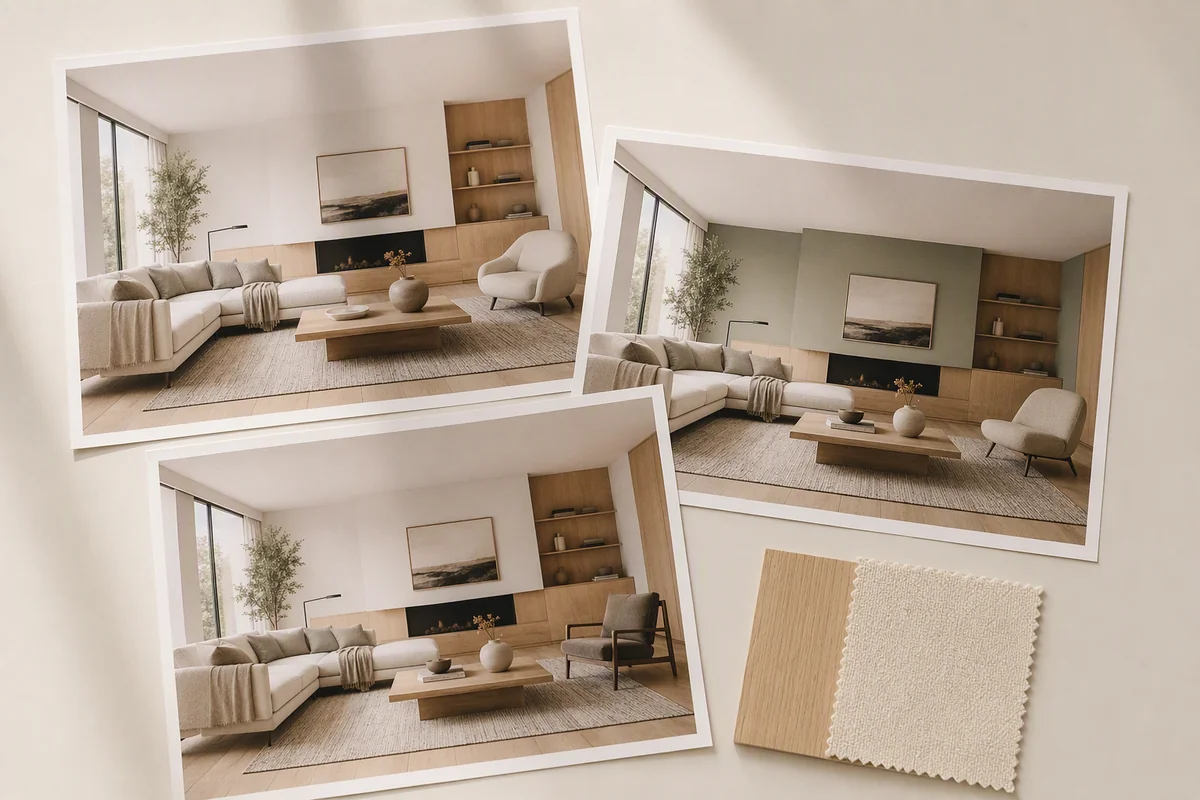
Explore wall colours, furniture placement, drawn-area editing and image upscaling with Reimagine AI inside Splatr.
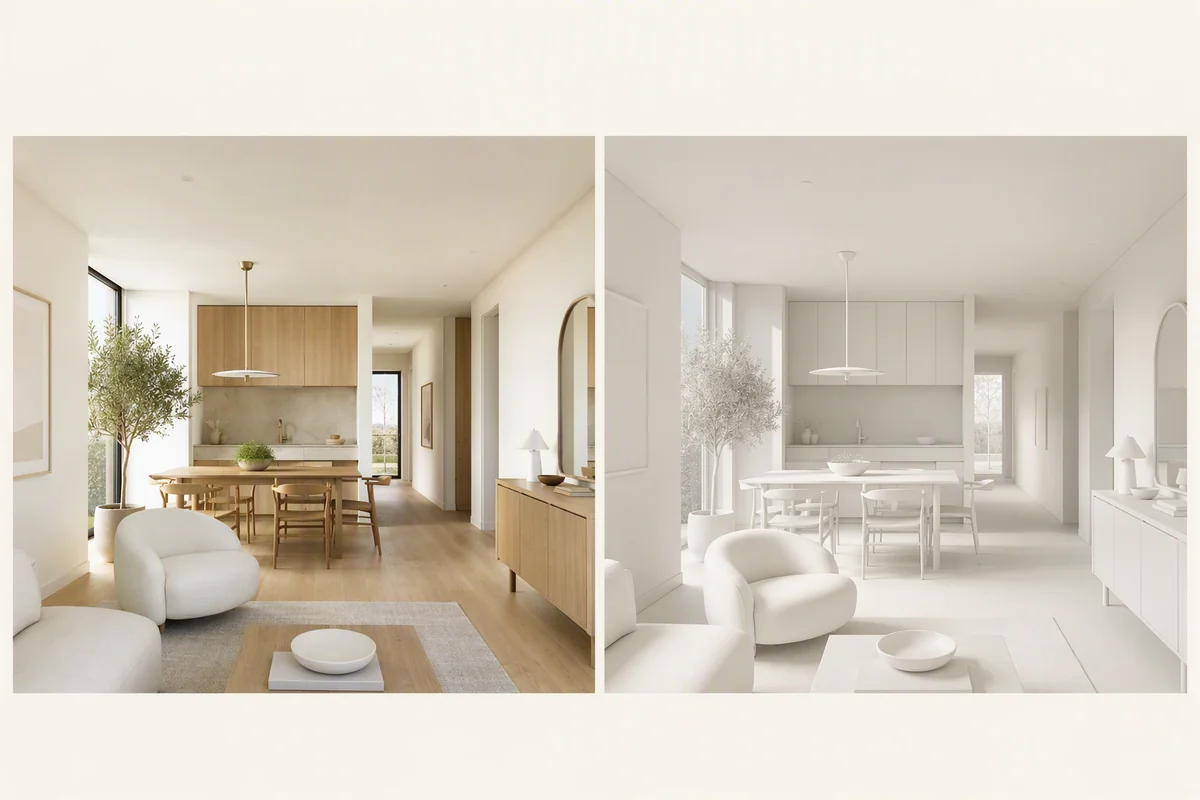
Compare Splatr’s AI staging platform and image concepts with commissioned 3D rendering, and see how their outputs connect to Studio.
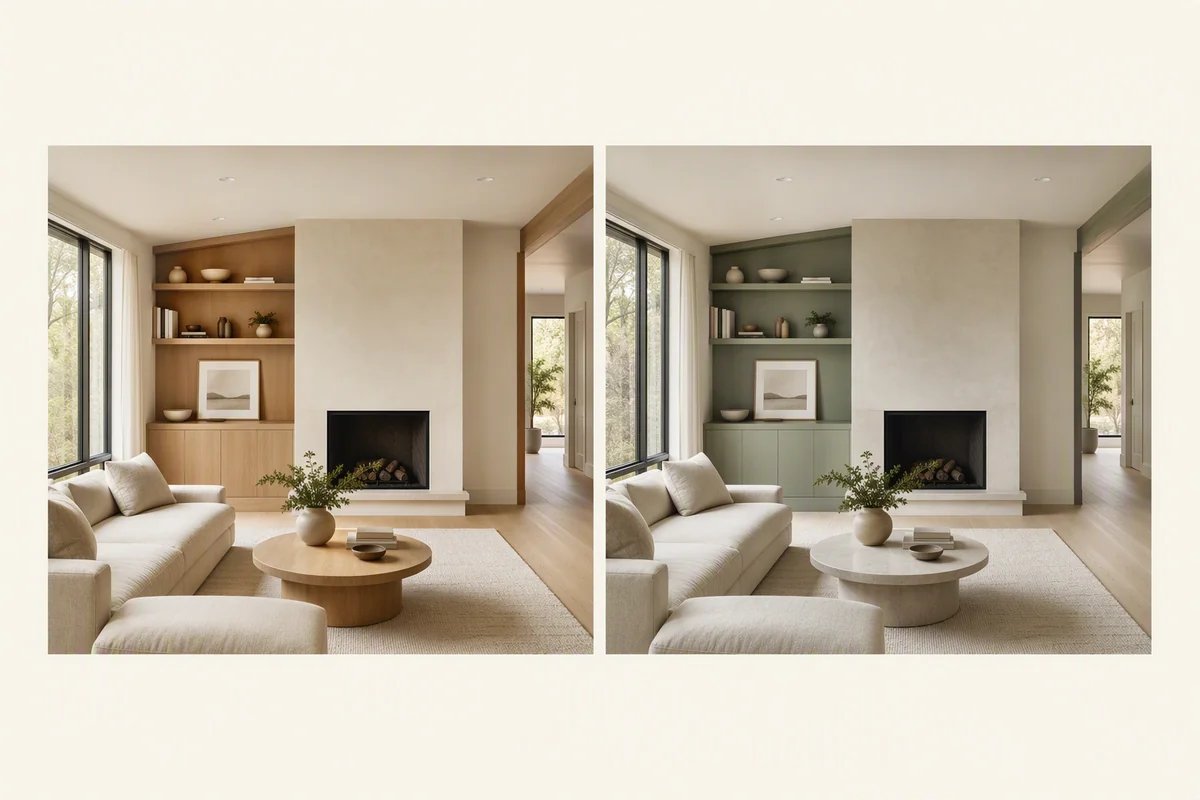
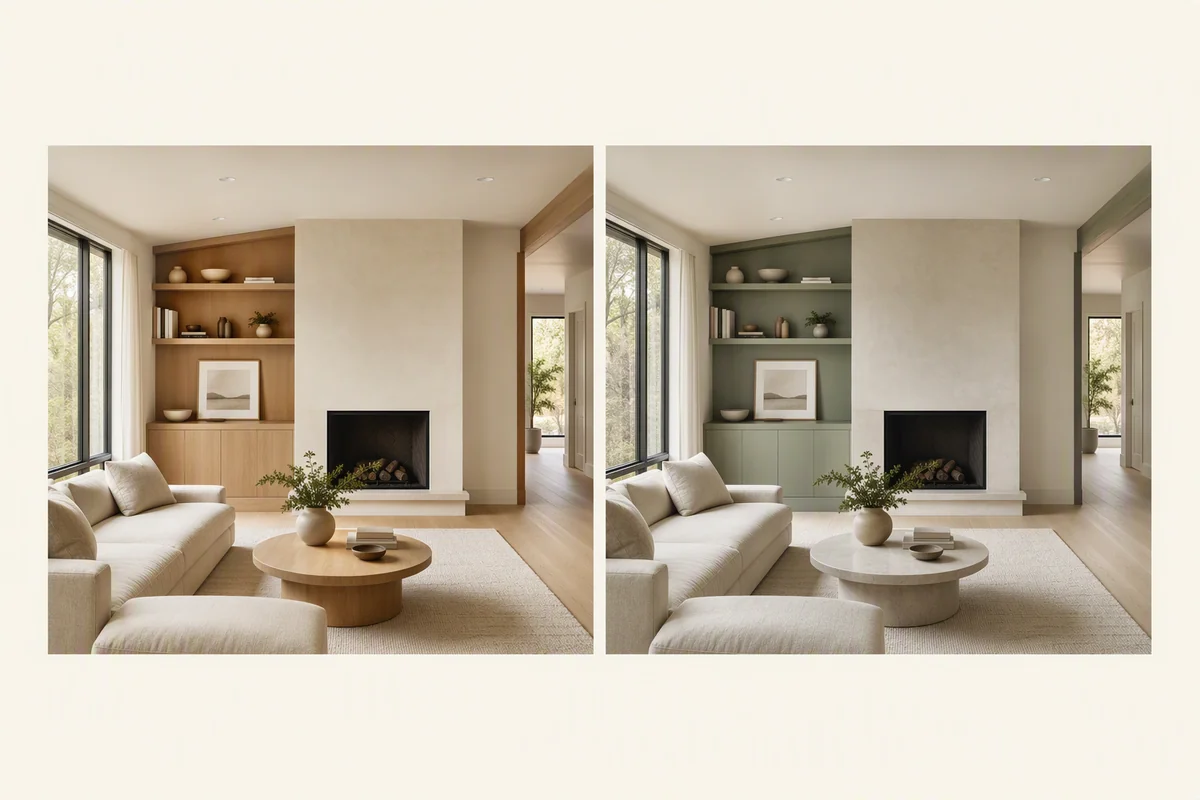
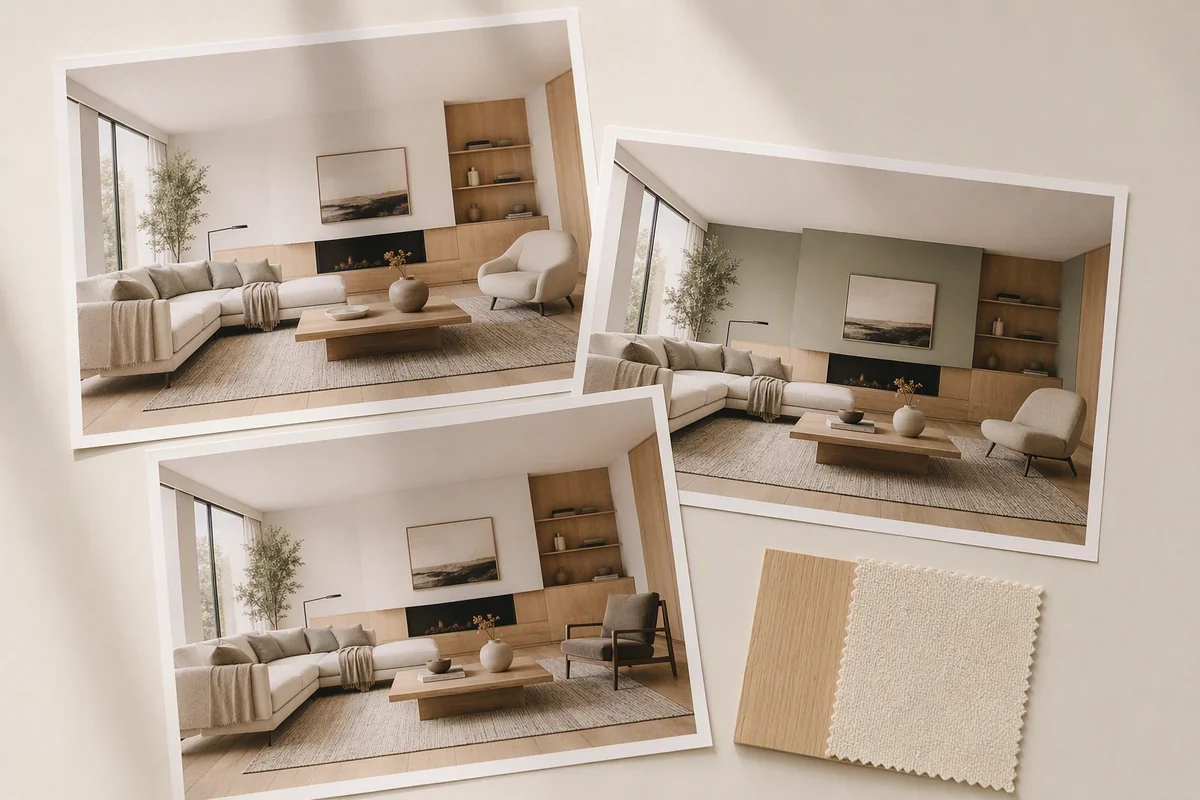
Explore alternative interior palettes, furnishings and finishes with Reimagine AI Room restyle, visual references and local editing.
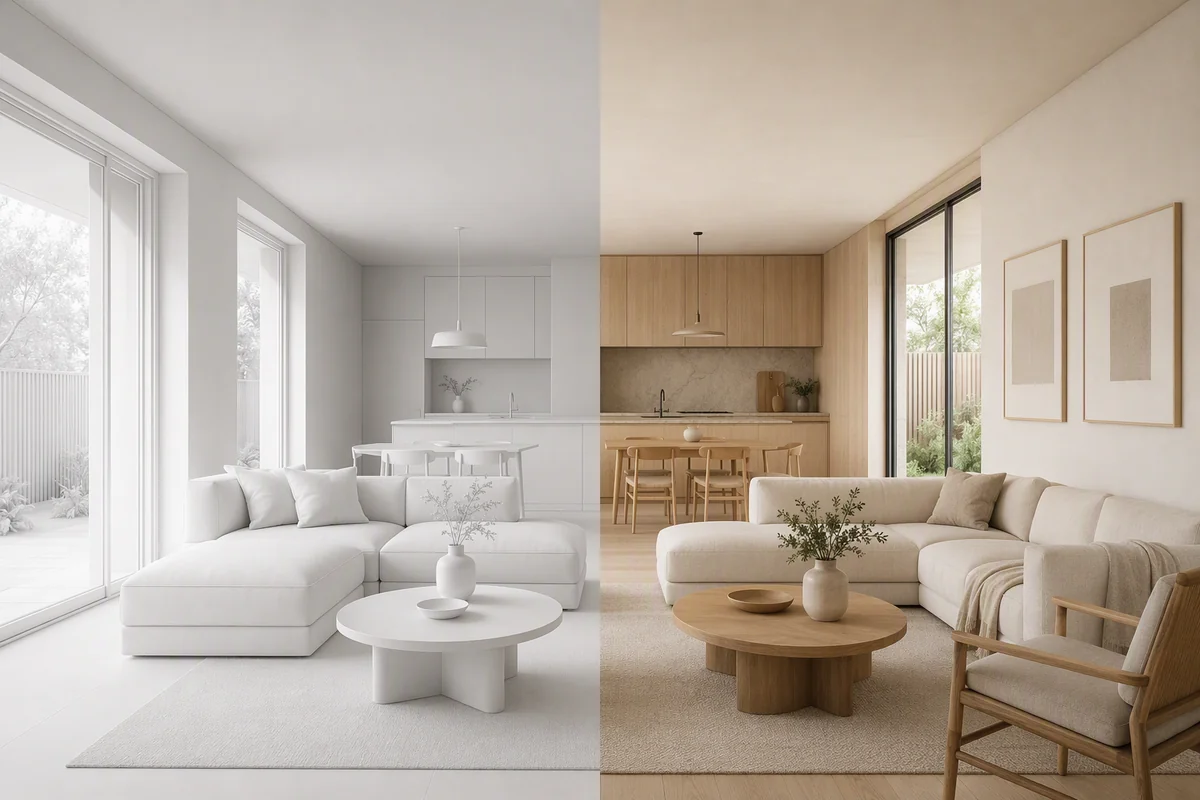
Explore how a BIM or SketchUp screenshot can become an image-based visual concept in Reimagine AI, and when a commissioned architectural render is more appropriate.
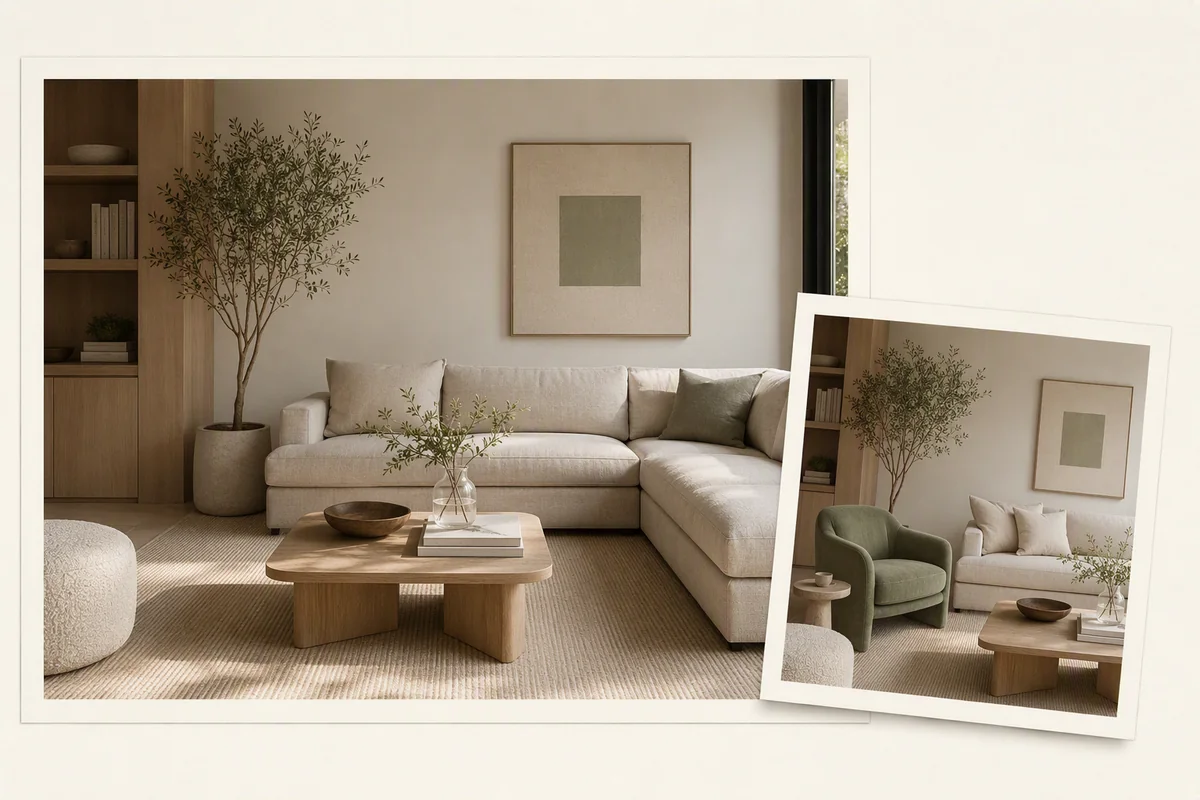
Use region editing in Splatr Reimagine AI to focus a visual change, with guidance on selecting an area, writing a local brief and checking the result.
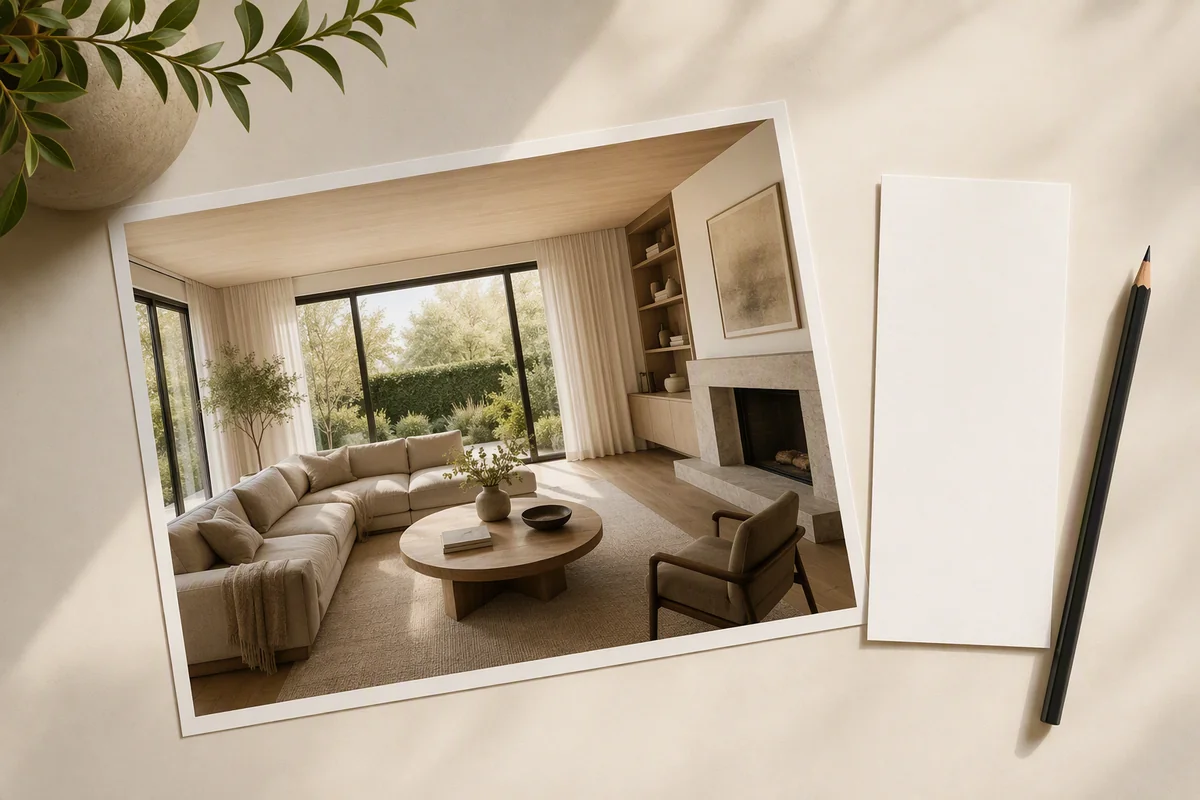
Direct Reimagine AI with property presets, written instructions, visual references and region selection for more specific image edits.
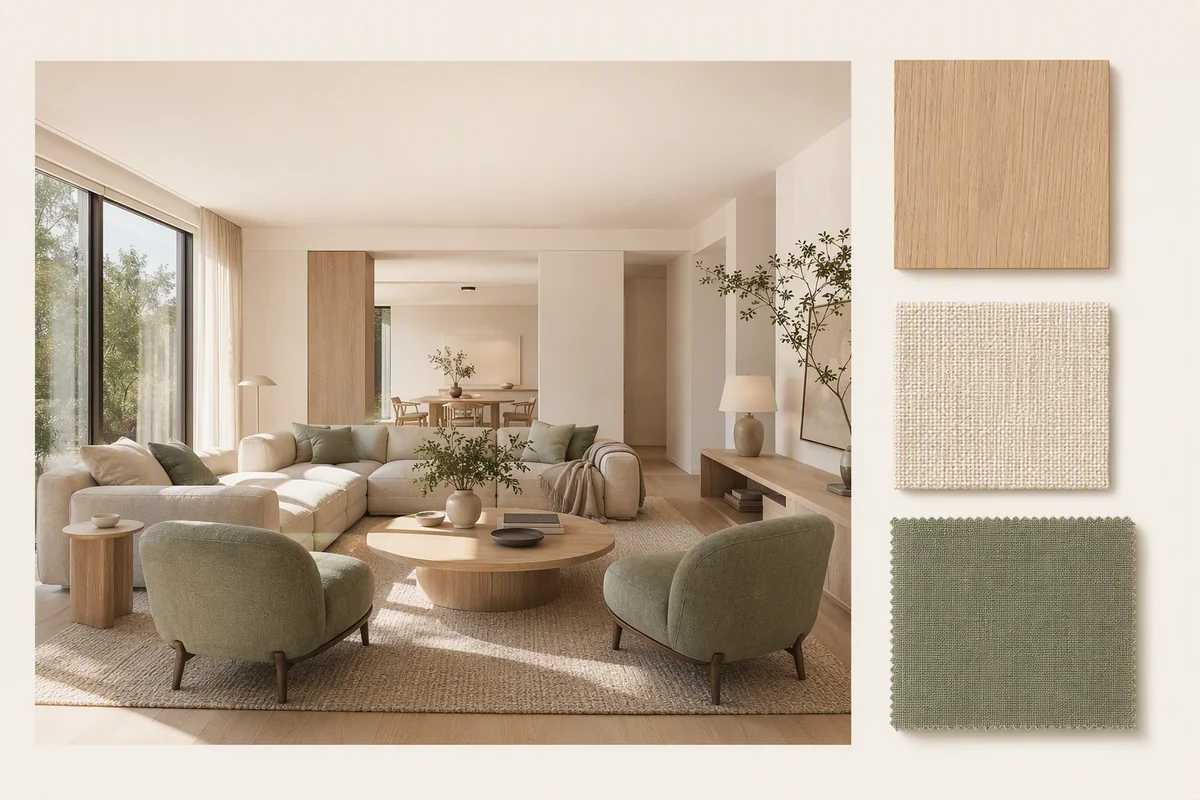
Learn when to use theme references or object references in Splatr Reimagine AI, and how to check style consistency without confusing a concept with a specification.
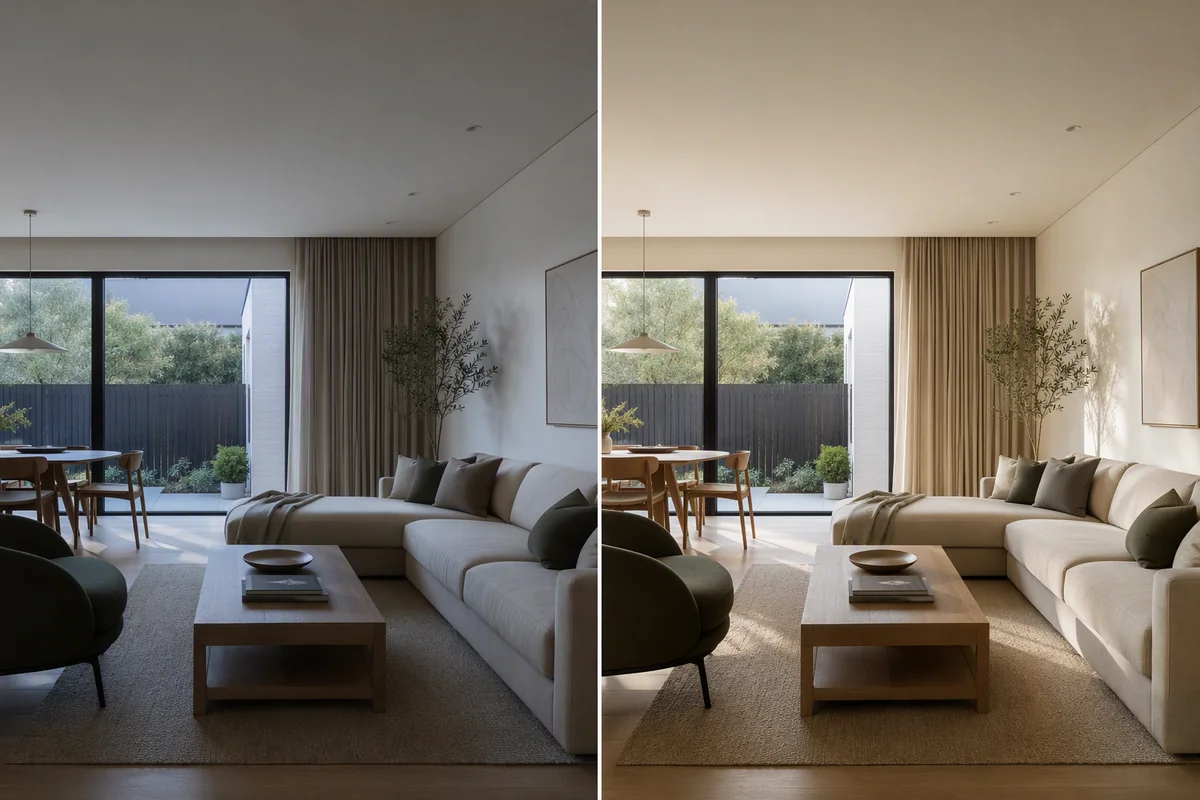
Use Reimagine AI Enhance to refine light, colour and detail in property photographs, then use the images across a Studio project.
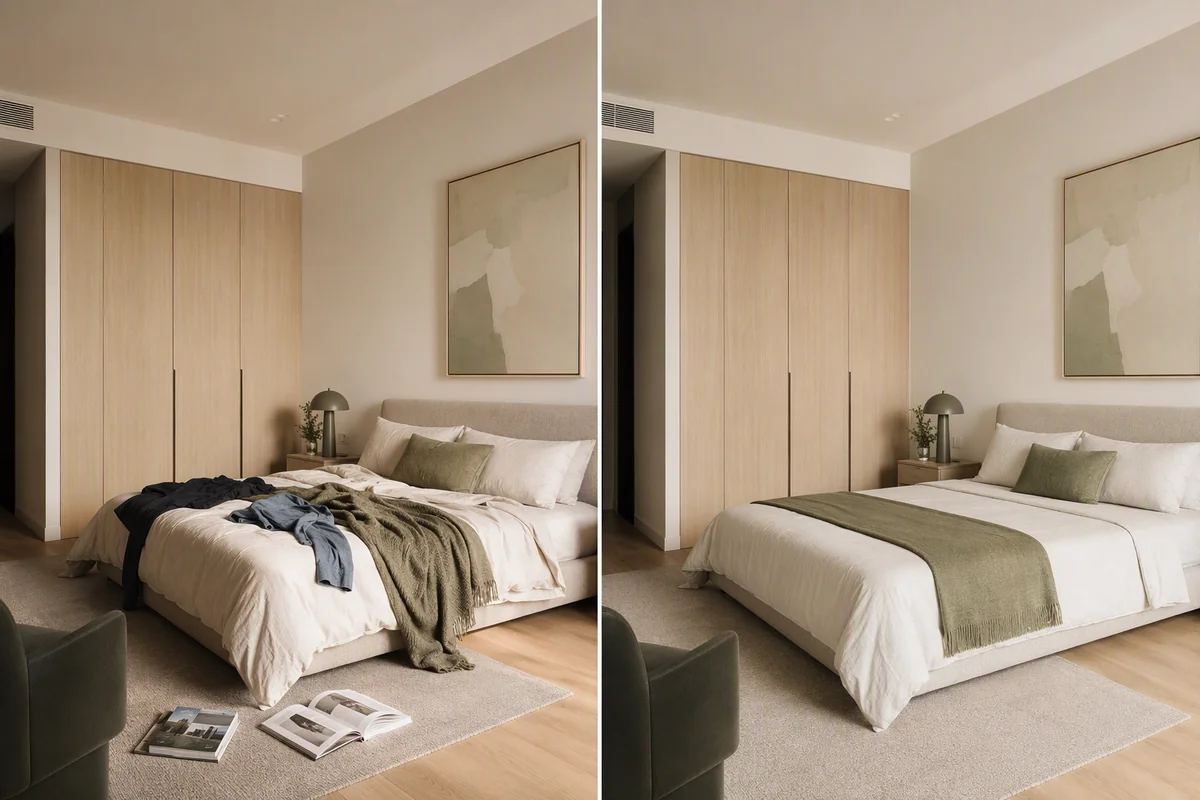
Explore Reimagine AI Cleanup for tidying occupied-room photographs, with local refinement and comparison against the source.
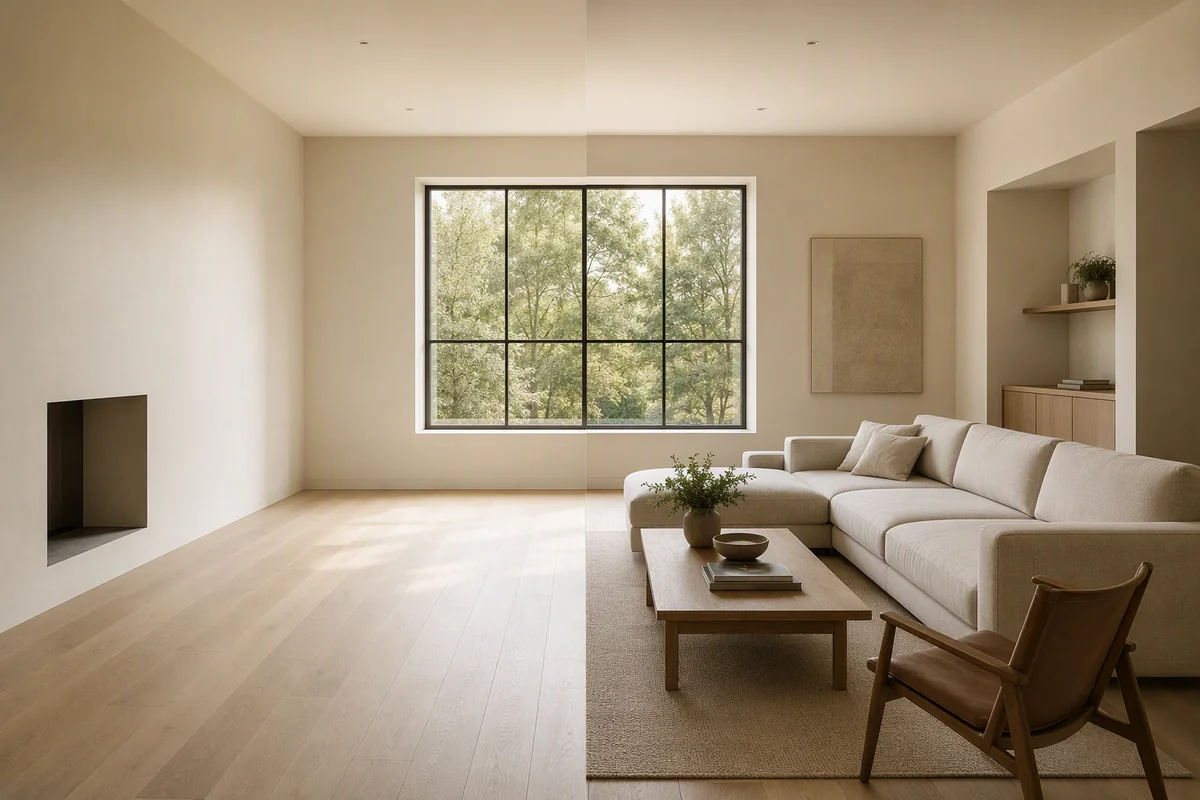
Add furniture concepts to empty-room photos with Reimagine AI Furnish, using prompts, references and region editing to guide the result.
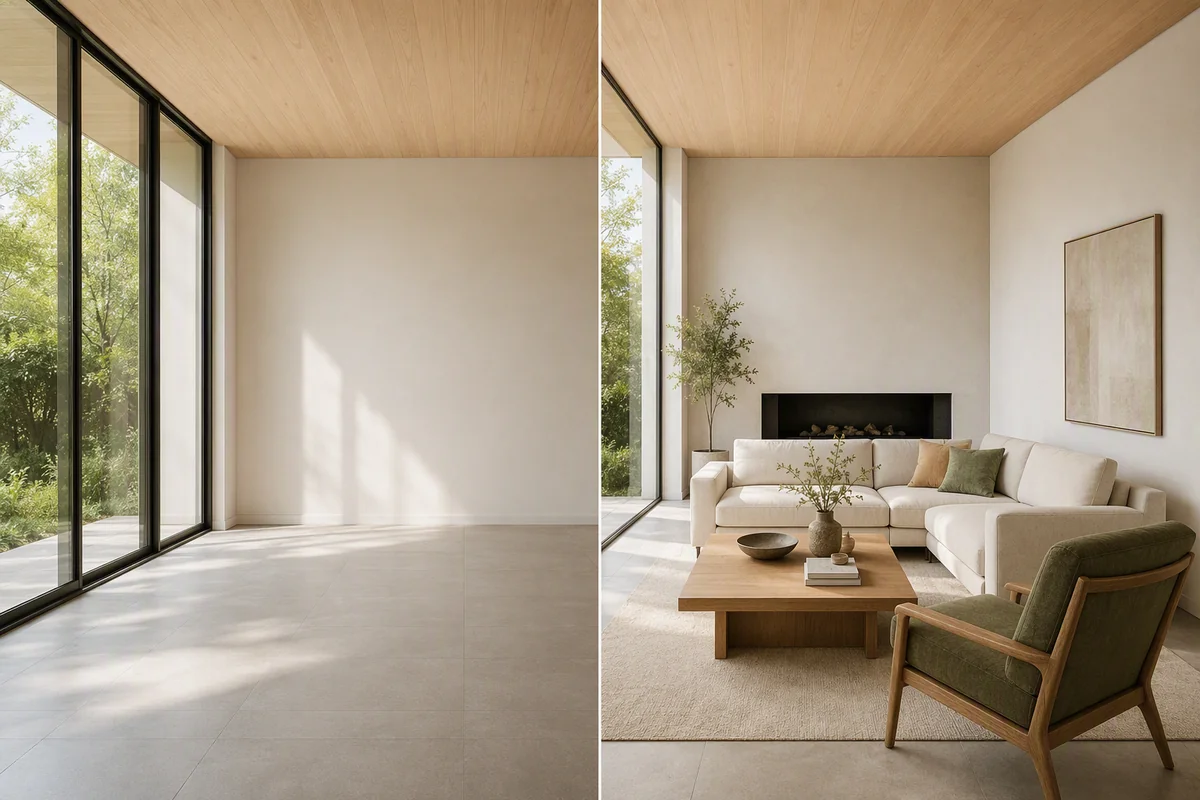
Learn how Splatr Reimagine AI works for virtual staging, photo enhancement and interior concepts, with a practical workflow for reviewing generated images.
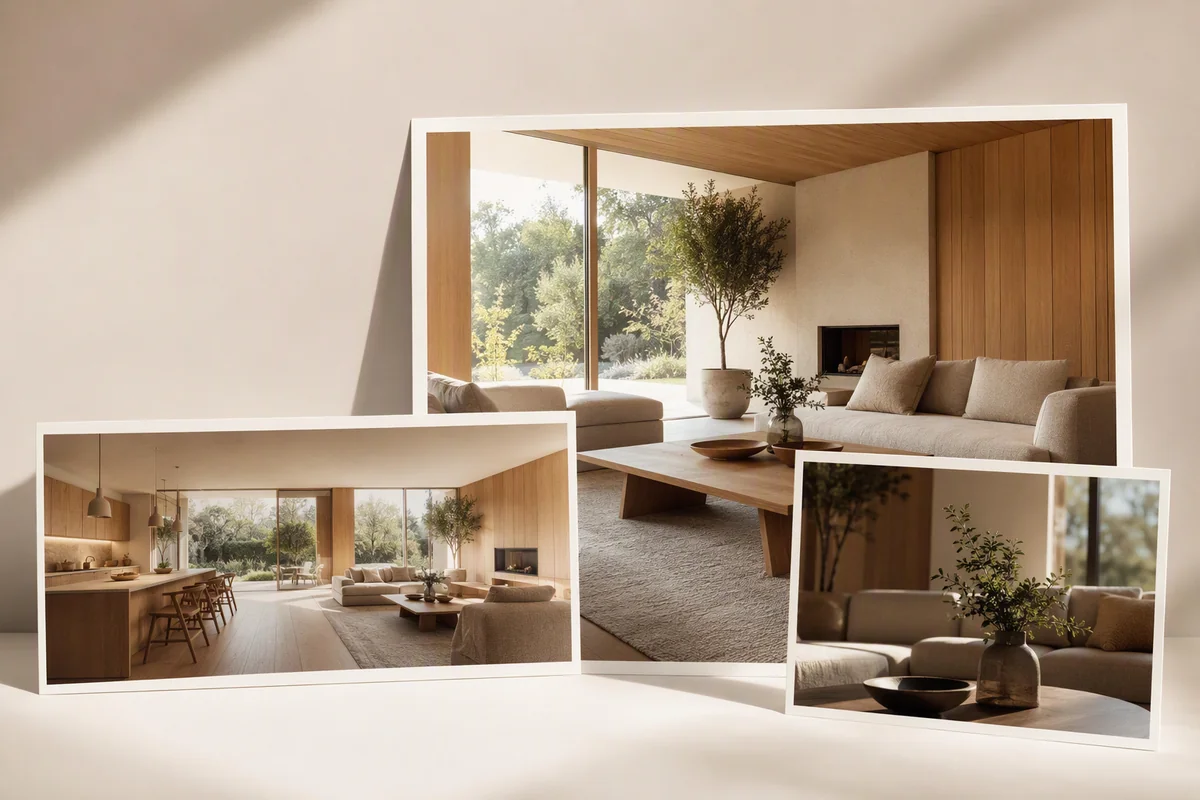
Create staged images, property films, 360° tours and shareable pages with Reimagine AI, Video Generator, 360° Visualization and Showcase.