To take Airbnb photos on an iPhone that look professional, shoot in daylight with every light on, hold the phone at chest height in a corner of the room, keep it level, use the 0.5× lens only for small rooms, and take each shot in landscape. Then brighten, straighten and declutter the photos before you upload. Good light and a level camera matter more than the phone you use.
Which iPhone settings should you use?
- Lens: use 1× for most rooms. Switch to 0.5× only in small bathrooms and bedrooms, and step back so walls do not bend at the edges.
- Orientation: landscape. Airbnb shows photos wide on desktop and in the first gallery view.
- Grid: turn it on (Settings › Camera › Grid) and line up the vertical edges of walls and doors.
- HDR: leave it on. It keeps windows from going white.
- Live Photos and filters: off. You want clean, true colour.
- Flash: off. It makes rooms look flat and creates hard shadows.
When should you take the photos?
Shoot on a bright day, mid-morning or early afternoon, with curtains open and every lamp and ceiling light on. Mixed daylight and warm lamps make a room feel lived-in and welcoming.
Take one exterior and one living space at golden hour or dusk if you can. If you cannot, you can turn a daytime shot into a dusk shot later with AI.
Where should you stand?
- Stand in a cornerShows two walls and depth
- Chest heightAbout 1.2 m, not eye level
- Keep it levelVertical lines straight
- Step backFit the room, not the ceiling
- Shoot from the corner or a doorway so the photo shows depth.
- Hold the phone at chest height, not above your head.
- Keep the phone straight up and down. Tilting it makes walls lean.
- Leave some floor in the shot. Guests want to see the space, not the ceiling.
What should your shot list be?
Guests decide in the first five photos. Shoot these, in this order:
- The best feature (view, pool, living room, hot tub)
- Living area, wide
- Main bedroom, wide
- Kitchen
- Bathroom
- Each other bedroom
- Outdoor space
- Exterior and entrance
- Details: coffee station, workspace, books, toiletries
- The neighbourhood: beach, high street, view from the door
Take two or three versions of each so you can pick the sharpest.
How do you prepare each room?
Before you press the shutter:
- Make the bed with crisp, ironed sheets and plump pillows.
- Clear counters, bins, chargers, remote controls and toiletries.
- Lift toilet seats down and hide cleaning products.
- Open blinds evenly.
- Add one or two touches: a bowl of fruit, a plant, a folded throw.
Our room-by-room staging checklist has the full list.
How do you make iPhone photos look professional?
Most phone photos need the same few fixes: more light, straight lines, a better sky and less clutter. You can do this in an editing app, or in one place with AI:
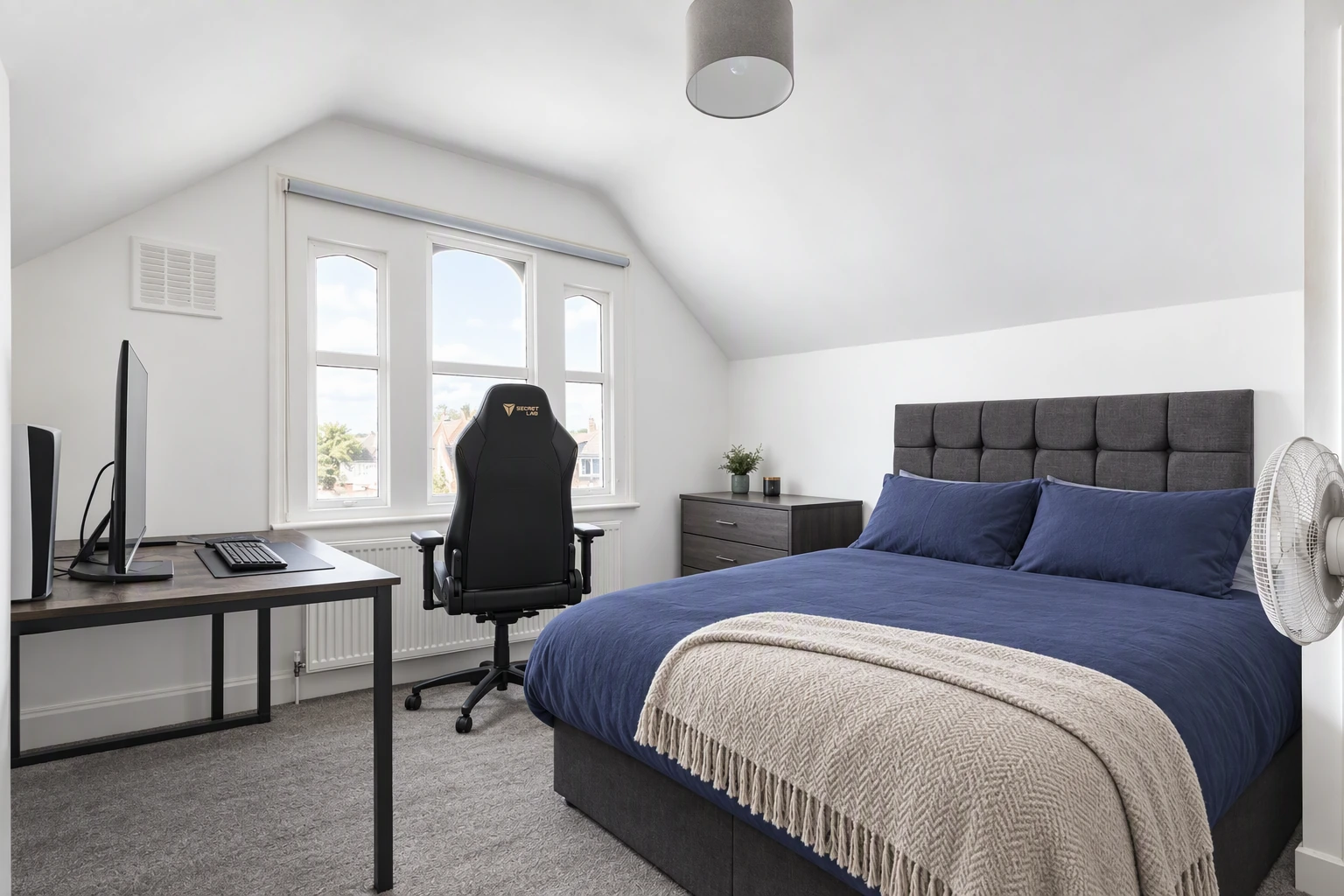
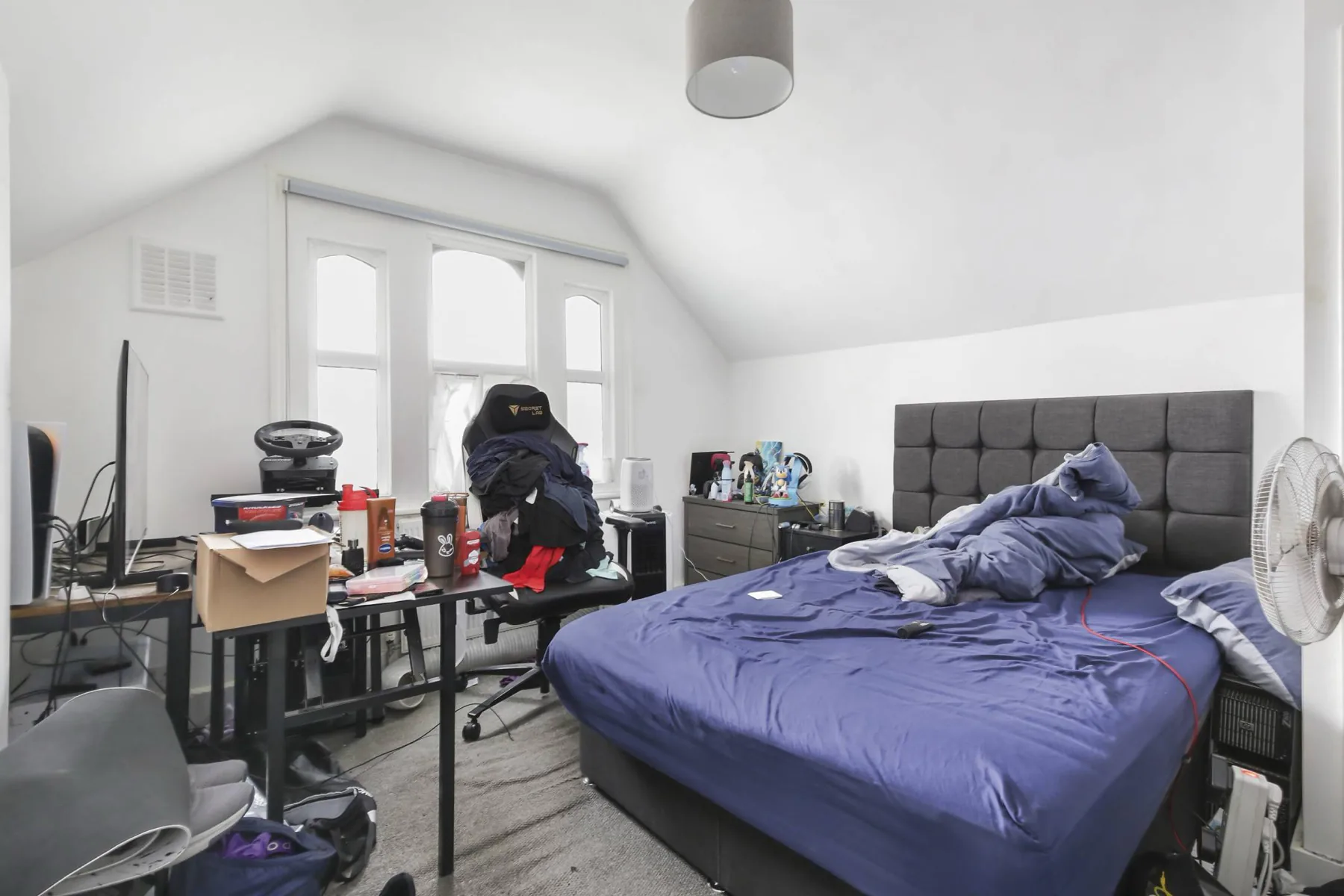
- HDR enhance balances bright windows and dark corners.
- Declutter removes things you forgot to tidy.
- Sky replaces a grey sky on exterior shots.
- Day to dusk gives you a twilight cover photo.
Keep edits honest. Do not remove permanent features, damage or a building next door. Guests check, and it shows up in reviews.
Should you also make a video?
Yes, if you promote your place on Instagram, TikTok or your own booking site. The same photos can become a short video tour with music and your name on it. See how to make an Airbnb video tour from photos.
Quick checklist
- Daylight, all lights on, curtains open
- Landscape, 1× lens, grid on, phone level
- Corner shots at chest height
- Best feature first
- Every room tidied and styled
- Photos brightened and decluttered before upload
Next: how to edit Airbnb photos and Airbnb photo size and order.
Put the guide into practice.
Turn your own photos into edited images and videos in minutes.
7-day free trial.