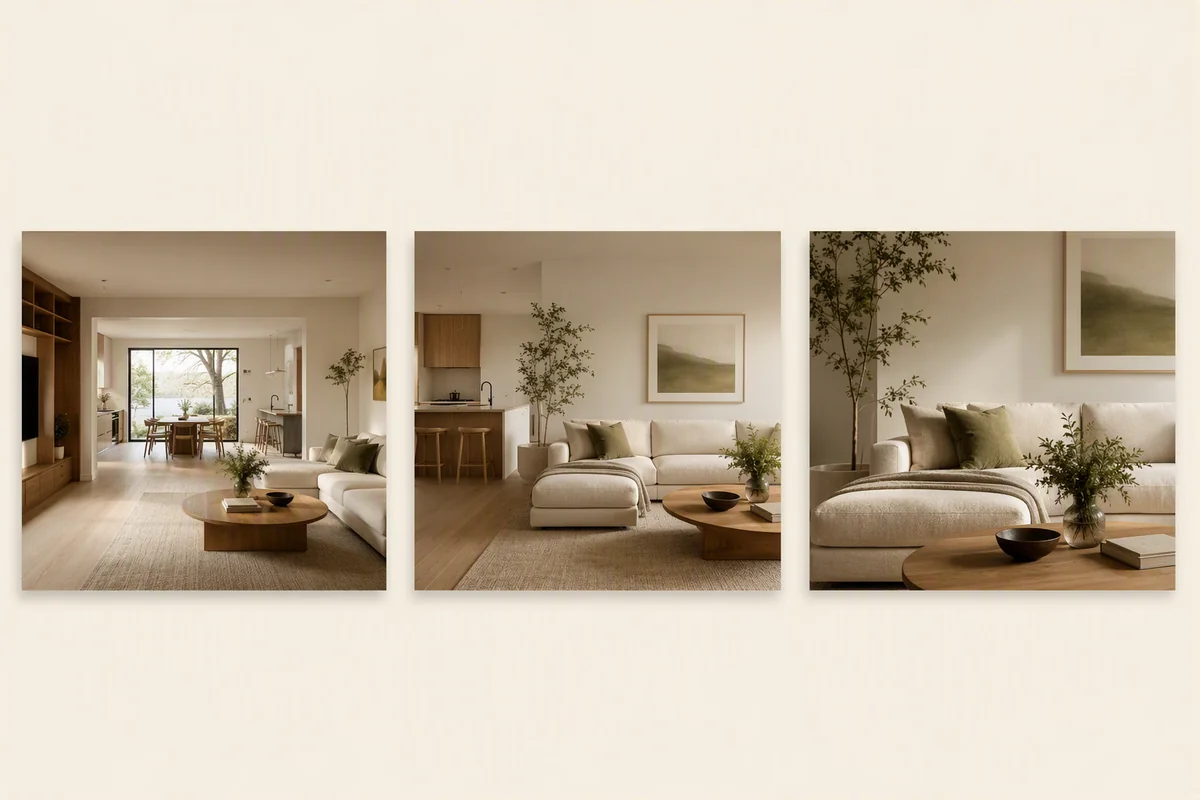
A good real estate video walkthrough follows the path a buyer would take through the home: kerb appeal, entrance, main living space, kitchen, bedrooms, garden, then a branded end card. Keep it to 30 to 60 seconds for social and up to two minutes for the portal, show the best room within the first five seconds, and move slowly. You can film it on a phone or make it from the listing photos in minutes.
Walkthrough, tour or reel: what is the difference?
| Format | Length | Where it goes |
|---|---|---|
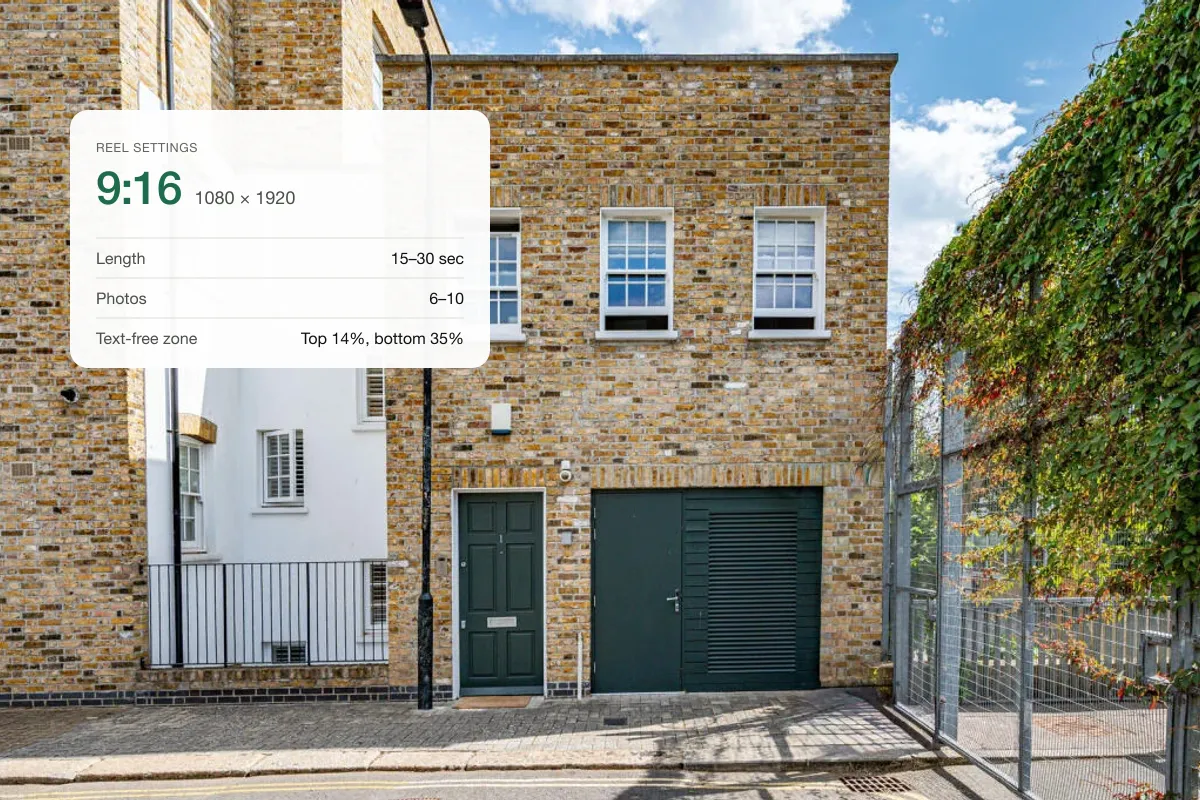
| Short reel | 15–30 s | Instagram, TikTok, Stories |
| Walkthrough video | 45–120 s | Portals, YouTube, your website |
| 360° virtual tour | Self-guided | Portals, website |
A walkthrough is guided: you decide what the buyer sees and in what order. Compare the formats in 360 tour vs 3D tour vs video.
The room order that works
- HookBest room or view, 3 seconds
- ArrivalExterior and front door
- Living and kitchenThe heart of the home
- Bedrooms and bathMain bedroom first
- Garden and end cardPrice, agent, contact
Opening with the best shot matters most. Many viewers decide in the first few seconds whether to keep watching.
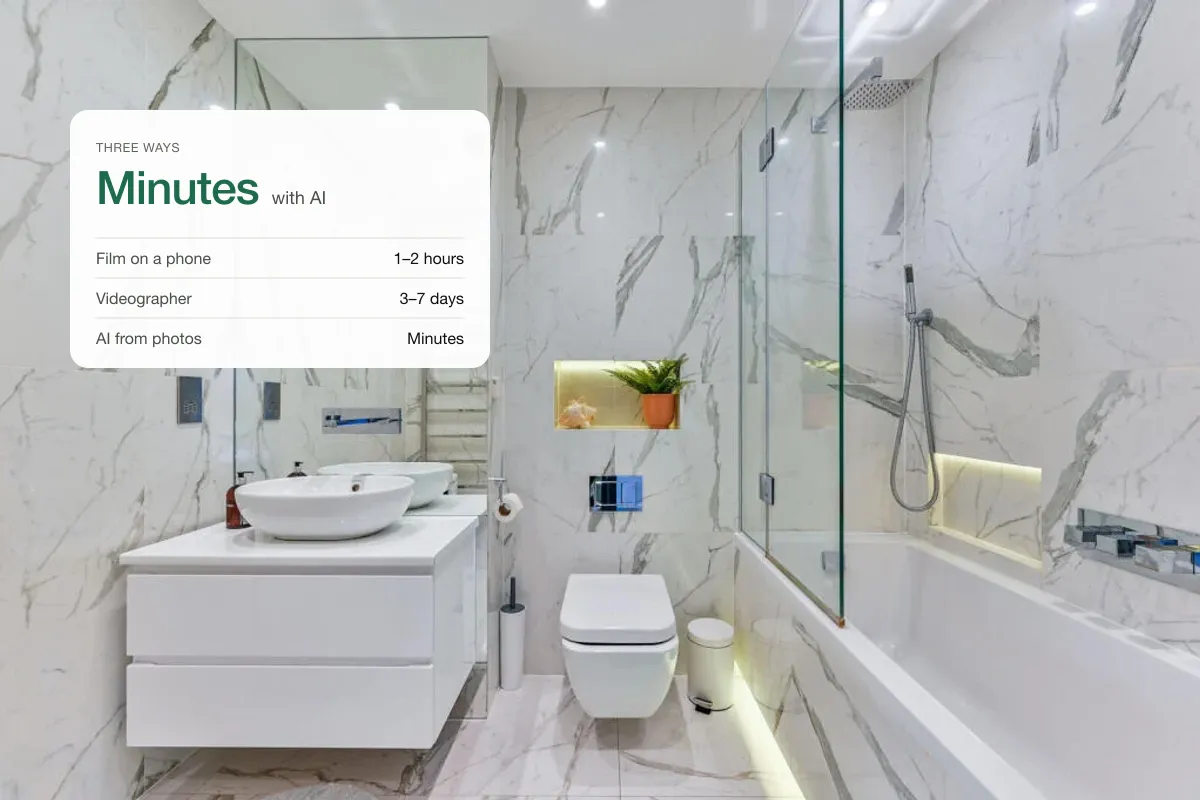
Option 1: film it on a phone
- Use a gimbal or move very slowly with the phone held at chest height.
- Shoot horizontally for portals and YouTube, vertically for reels, or film both.
- Turn all lights on and open blinds.
- Walk forward through doorways rather than panning fast.
- Keep each shot to three to five seconds.
If footage comes out shaky, see our tips on stabilising and editing real estate video.
Option 2: make it from listing photos
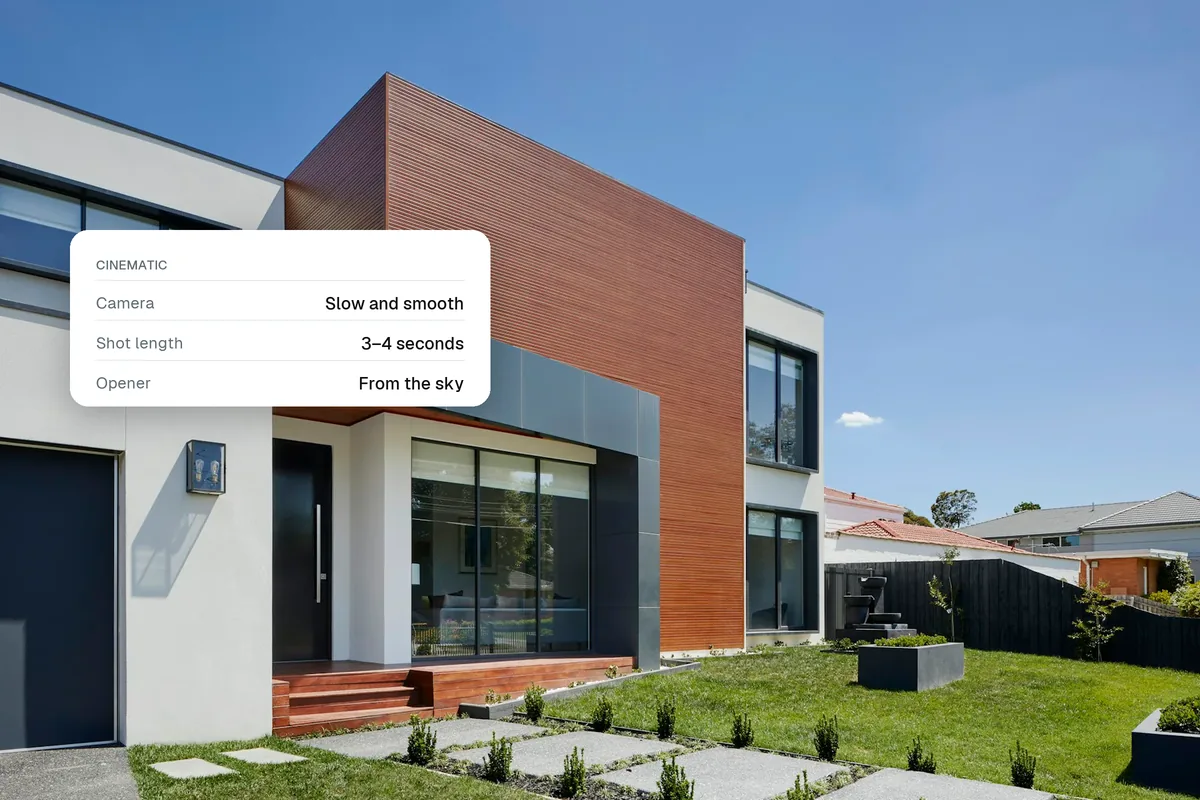
If you already have professional photos, you do not need to film. AI can add smooth camera moves (push in, slide, rise) to each photo, join them with transitions, add music and your branding.
This is faster, costs less and works for homes you cannot revisit. Read photo to video AI for property for the details.
What to add to every walkthrough
- Captions or text labels ("Open-plan kitchen, 6 m"), because most social video is watched without sound.
- Music that suits the home. See music for real estate reels.
- A branded end card with price, address area and your contact.
- A "Virtually staged" note if any rooms are staged.
How long should a walkthrough be?
For Instagram and TikTok, 20 to 40 seconds. For portals and YouTube, 60 to 120 seconds. Make the long version first and cut short edits from it, or generate both from the same photos.
Related: how to make a real estate video, real estate video script and real estate video marketing.
Put the guide into practice.
Turn your own photos into edited images and videos in minutes.
7-day free trial.