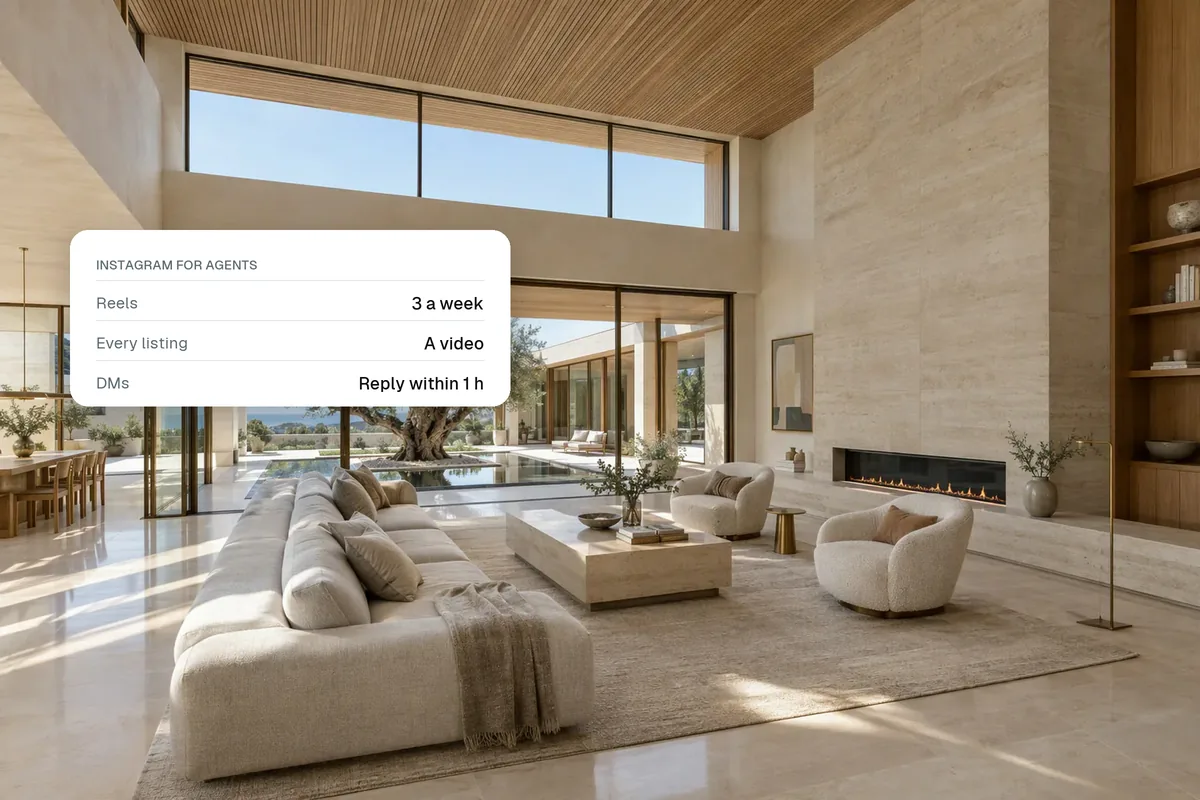
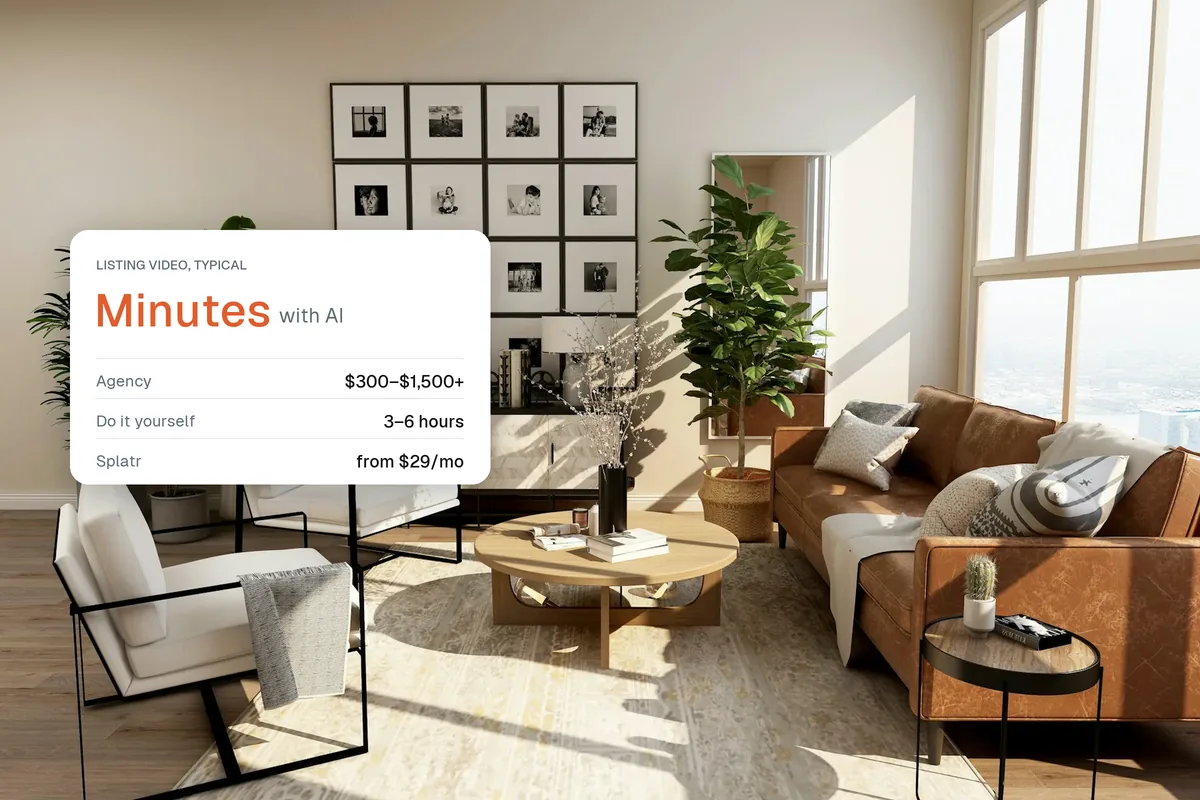
One listing can give you two weeks of social media content. Start with a video tour on launch day, then post a room-by-room reel, a dusk clip, a before and after staging, a price or feature poll, open house Stories and a "just sold" post. All of it can be made from the same set of listing photos in one sitting. This calendar is the simplest way to post consistently without running out of ideas.
Why plan content around listings?
Listings are your best content. They are new, local and visual, and every one gives you a reason to post. Planning around them means you never stare at a blank screen wondering what to share.
The two-week calendar
- Day 1Reel
Just listed: video tour, best feature first
- Day 1Story
Listing link sticker and "DM for details"
- Day 2Carousel
Top five features, one photo each
- Day 3Reel
Day to dusk on the exterior
- Day 4Story
Poll: guess the price
- Day 5Reel
Room reveal: the kitchen or main bedroom
- Day 6Story
Open house this weekend
- Day 7Story
Open house live: busy rooms, happy faces (with permission)
- Day 8Reel
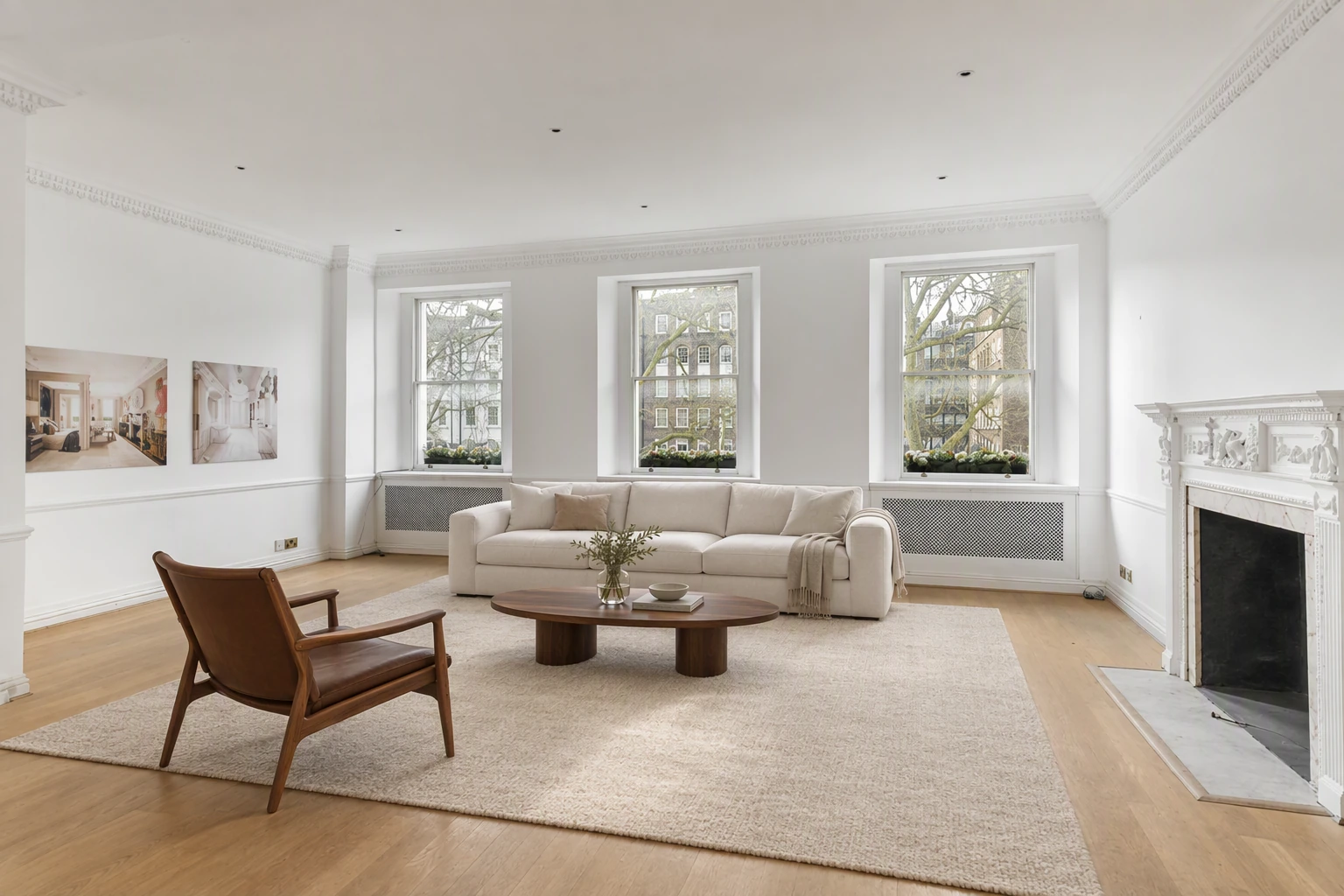
Before and after: empty room virtually staged
- Day 9Photo
Neighbourhood: café, park or school nearby
- Day 10Reel
"From the sky" aerial drop-in on the house
- Day 11Carousel
Floor plan and room sizes
- Day 12Reel
30 second cinematic cut with music
- Day 13Story
Second viewing slots
- Day 14Photo
Under offer or just sold, with thanks to the sellers
How do you make all of this in one sitting?
Upload the listing photos once and make each piece in a few minutes:
| Post | How to make it | Time |
|---|---|---|
| Video tour | Pick 8 photos and a style | 3–5 min |
| Dusk clip | Day to dusk effect on the exterior | 1 min |
| Room reveal | Push-in on one photo | 1 min |
| Before and after staging | Stage an empty room, export both | 2 min |
| Aerial drop-in | "From the sky" effect | 1 min |
| Cinematic cut | Same photos, different style and music | 3 min |
| Carousels and Stories | Edited photos plus text | 10 min |
About 30 minutes for two weeks of posts.
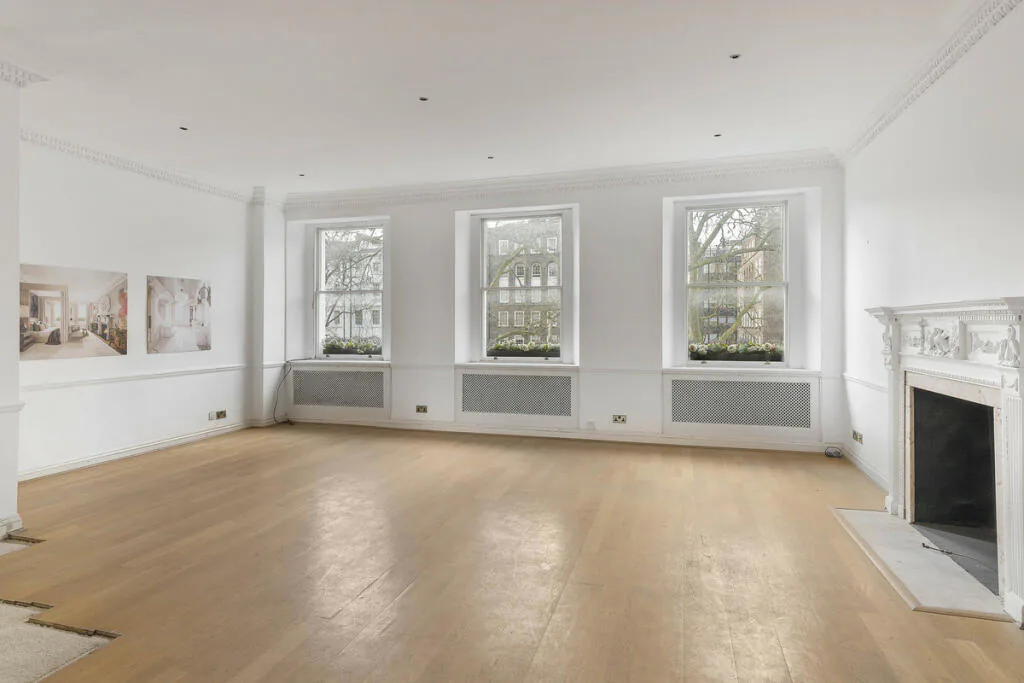
What if you have several listings?
Rotate them. Give each new listing its own launch day, then mix their week-two posts. Add a weekly market update and a client review, and your feed is full every day.
What about weeks with no new listing?
Use evergreen posts:
- Area guides
- Market updates
- Home selling tips
- Before and after staging from past listings
- A "what your home could look like" restyle of a dated room
How do you stay consistent?
- Batch content once a week.
- Schedule posts with Meta Business Suite or your favourite scheduler.
- Use the same branding on every video so your feed looks unified.
- Track which posts bring DMs, not just likes.
Related: how to get real estate leads from Instagram, real estate reel ideas and cinematic real estate video.
Put the guide into practice.
Turn your own photos into edited images and videos in minutes.
7-day free trial.