Choose virtual tour software based on three things: what camera you will use (a phone, a 360° camera or a 3D scanner), where the tour needs to appear (portals, your website, social), and what else you need from the same tool (photos, video, floor plans, branding). For most agents, a 360° photo tour made with an affordable camera and hosted on a branded page is enough; 3D scans make sense for premium and commercial listings.
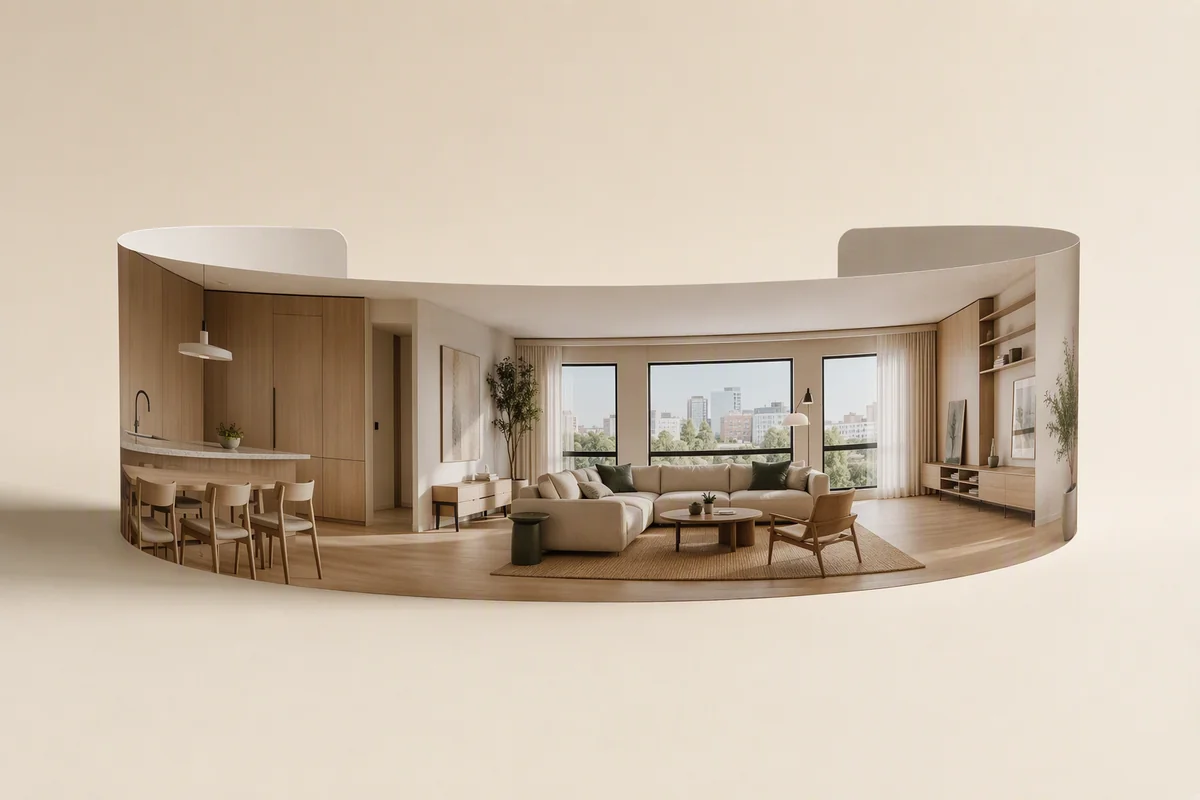
360° tour or 3D scan?
| 360° photo tour | 3D scan tour | |
|---|---|---|
| Camera | Phone or 360° camera | Dedicated 3D camera or LiDAR |
| Capture time | 15–40 minutes | 1–3 hours |
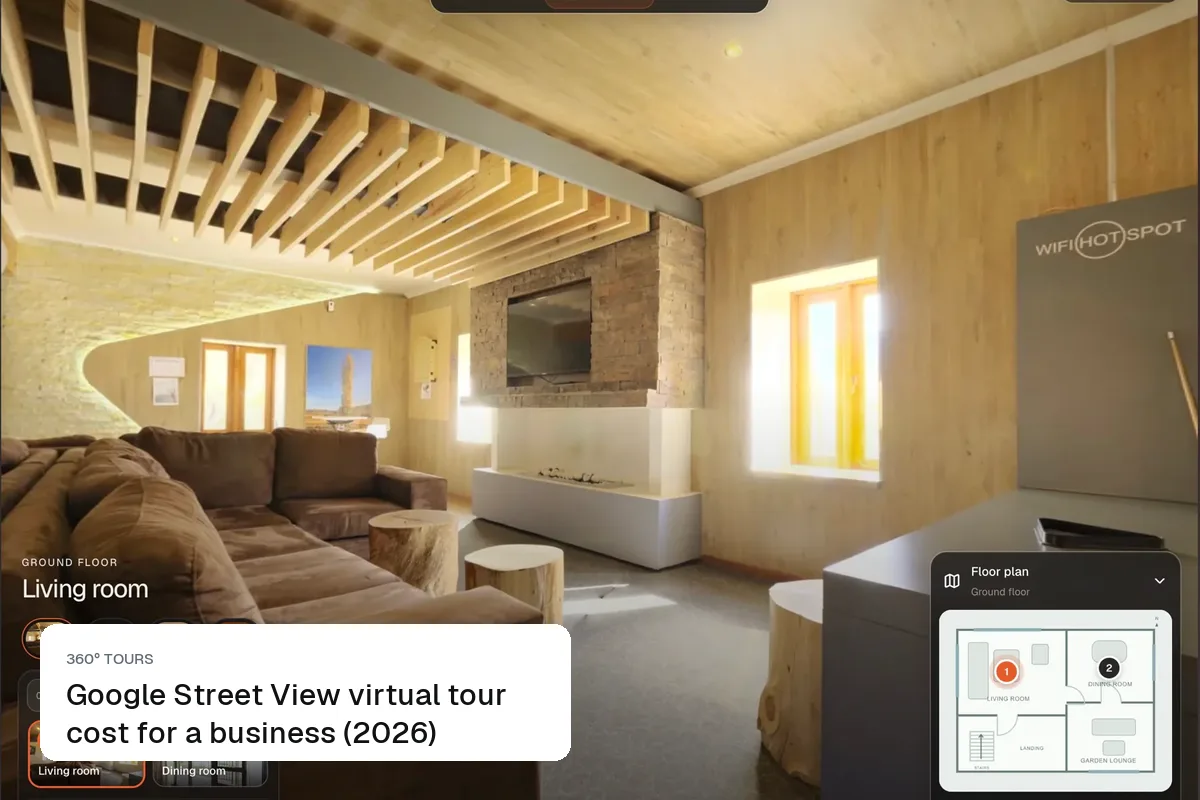
| Viewer experience | Jump between panoramas | Walk through, "dollhouse" view |
| Cost | Low | Higher, often per scan or hosting |
| Best for | Most sales and rentals | Luxury, commercial, new builds |
Compare in more detail in 360 tour vs 3D tour vs video.
Checklist for comparing software
| Feature | Why it matters |
|---|---|
| Works with your camera | Avoid buying new hardware |
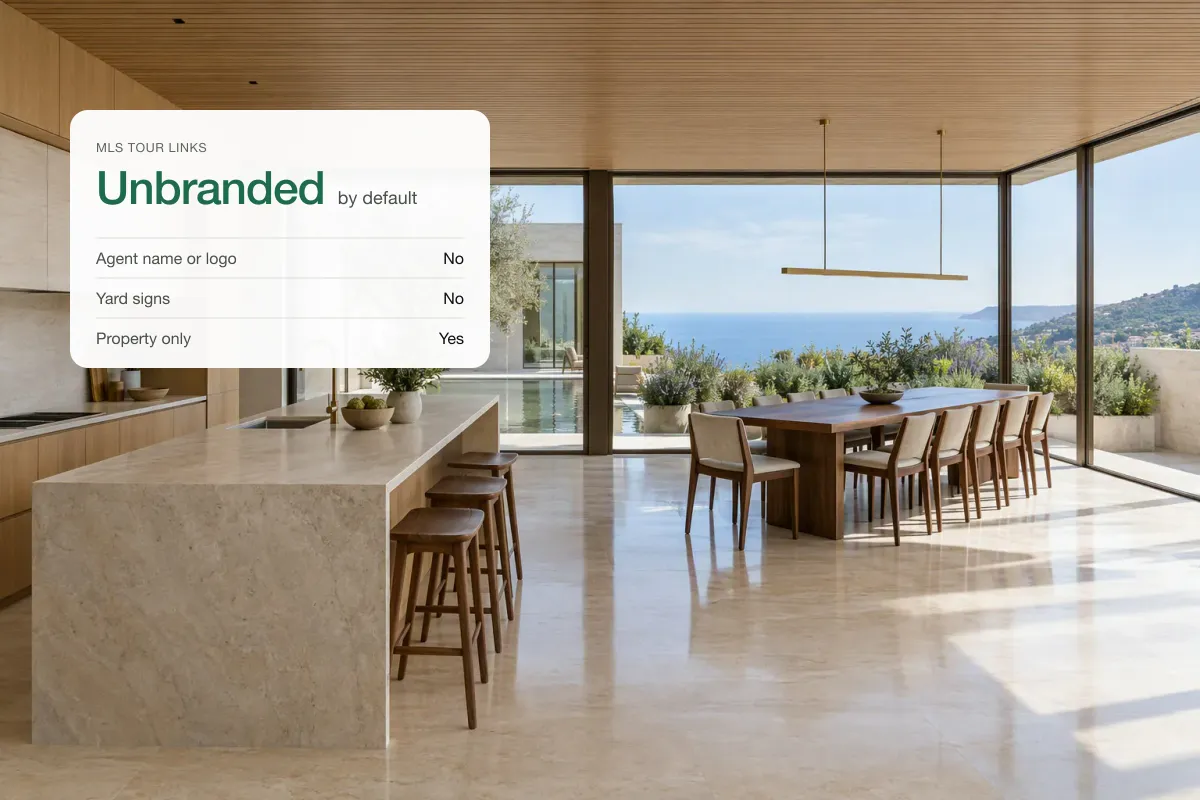
| Unbranded or your-branded viewer | Your logo, not theirs |
| Easy portal links | Rightmove, Zoopla, Zillow, MLS |
| Embed code for your website | Keeps buyers on your site |
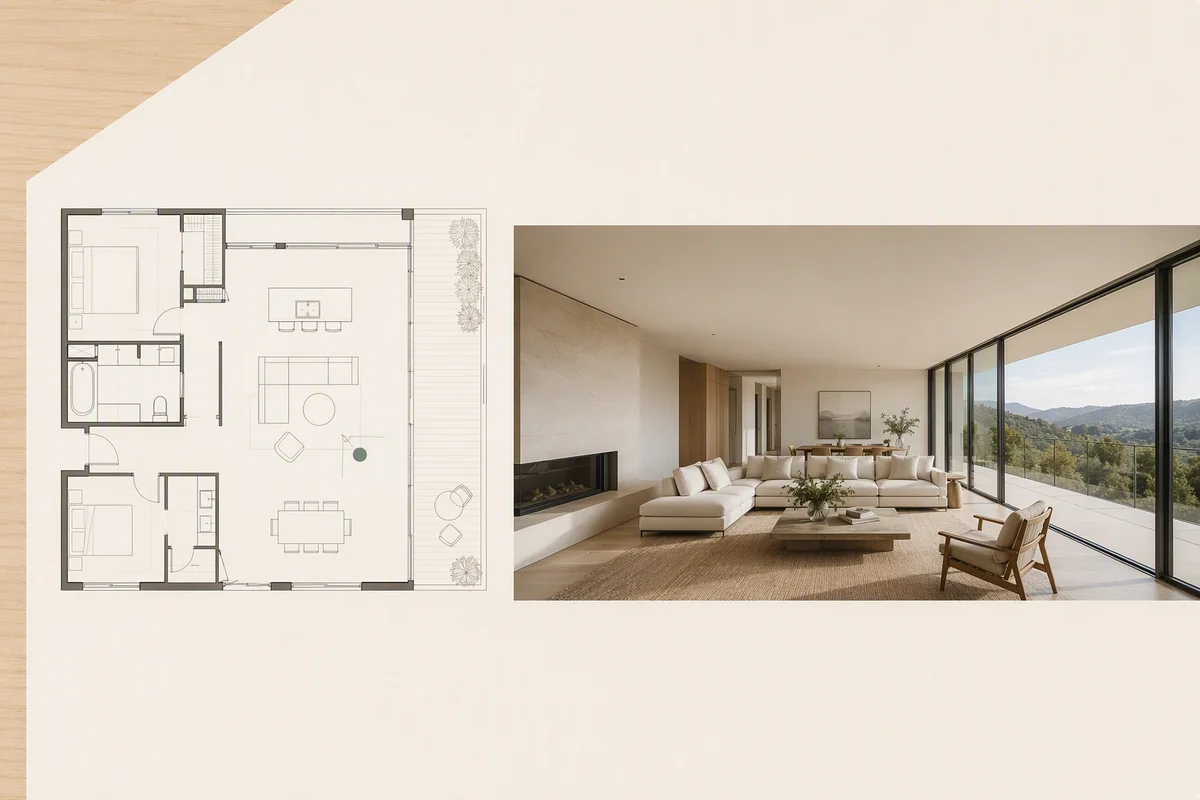
| Floor plan and room labels | Helps buyers understand layout |
| Hosting cost per tour | Adds up with many listings |
| Photo editing and staging | Stage empty panoramas |
| Video in the same tool | One upload, every format |
| Mobile-friendly viewer | Most viewers are on phones |
Do you need a 360° camera?
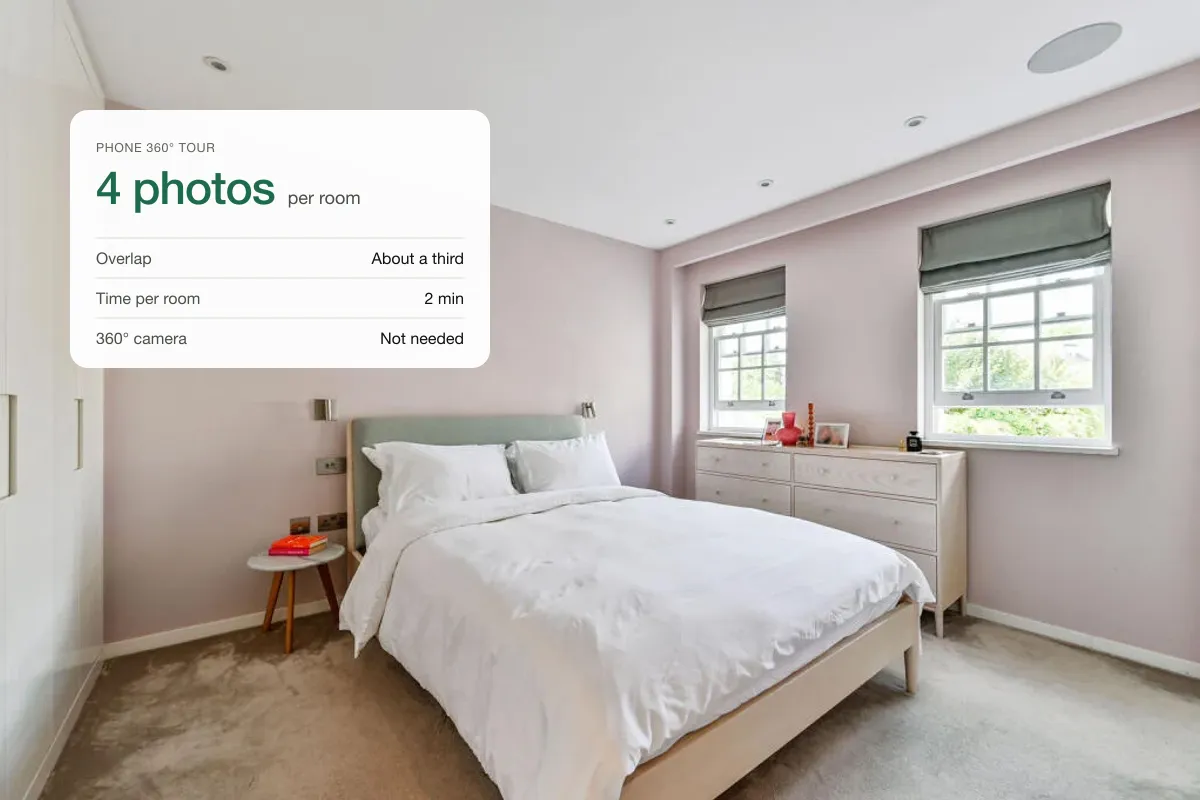
Not always. You can make a tour from a phone with a panorama app, though a consumer 360° camera is faster and more consistent. Read how to make a virtual tour with your phone and how to create a 360 property tour.
Hosting and sharing
A tour is only useful if buyers see it. Check that the software gives you a simple link for portals, an embed for your website, and a page that loads fast on mobile. Our guides to embedding a 360 tour on your website and adding a tour to an MLS listing show how.
Why one platform beats three
Many agents use one app for tours, another for photo editing and a third for video. Each means another login, upload and bill. A platform that handles 360° tours, staging, photo fixes and video from the same upload saves time on every listing. Splatr does this, and each listing can also get a branded property page with the tour, photos and video together.
- Upload panoramas and photosOnce
- Fix and stageEven 360° rooms
- Make the videoSame photos
- Share one pageTour, photos, video
How much does tour software cost?
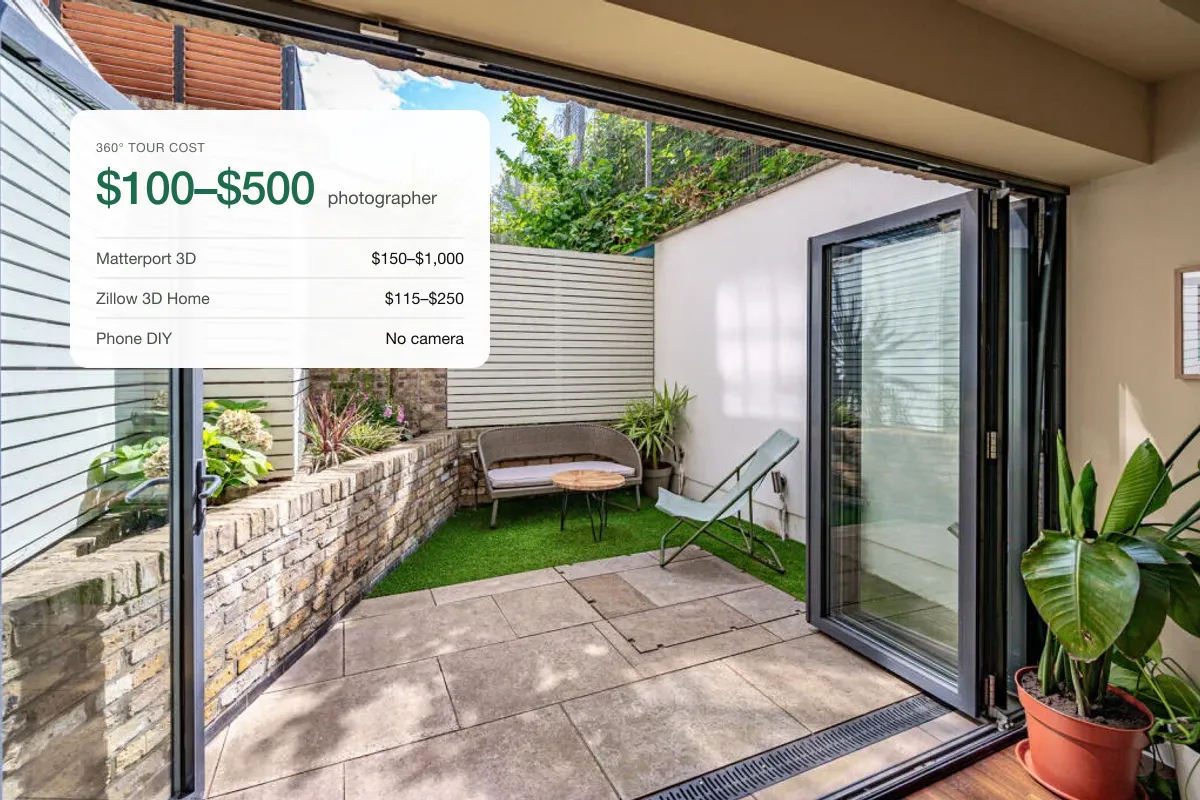
Prices range from free tiers with branding to monthly plans and per-tour hosting for 3D scans. See 360 virtual tour cost for typical numbers, and compare the yearly total, not the headline price.
Related: Splatr vs Matterport, Matterport alternatives and free 360 photo viewer.
Put the guide into practice.
Turn your own photos into edited images and videos in minutes.
7-day free trial.