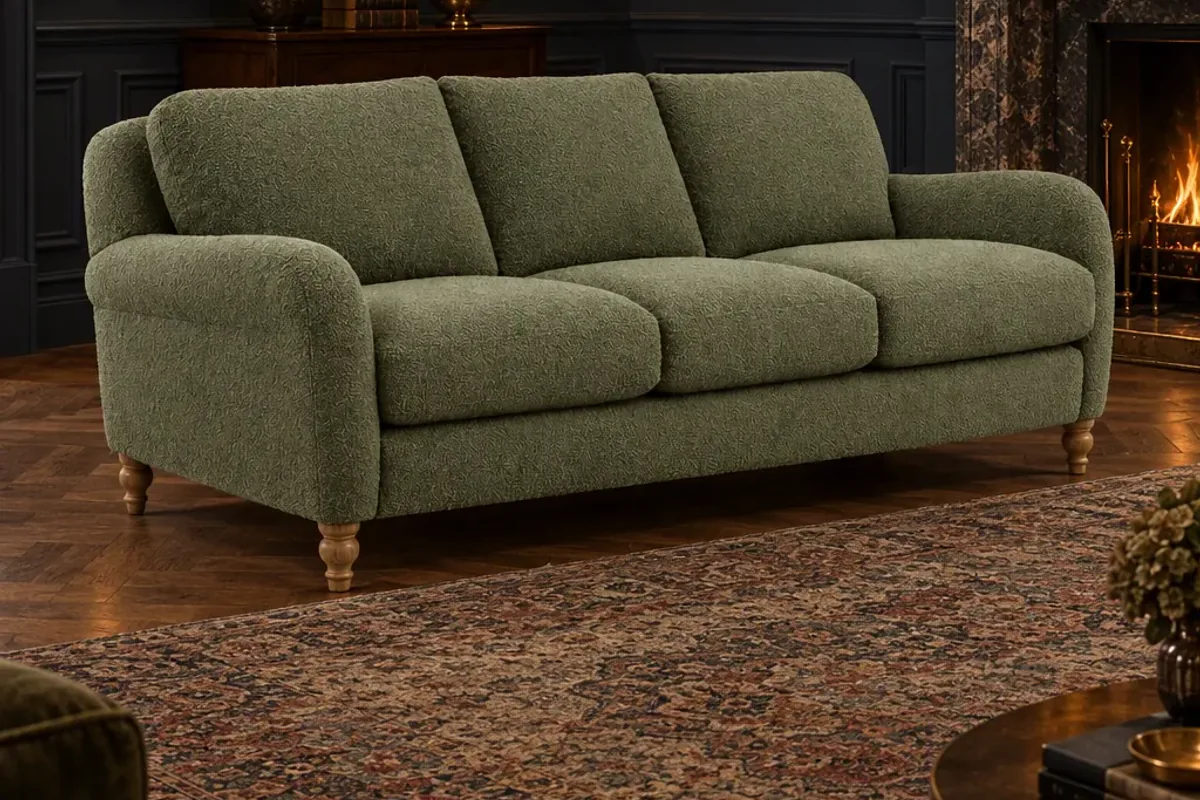
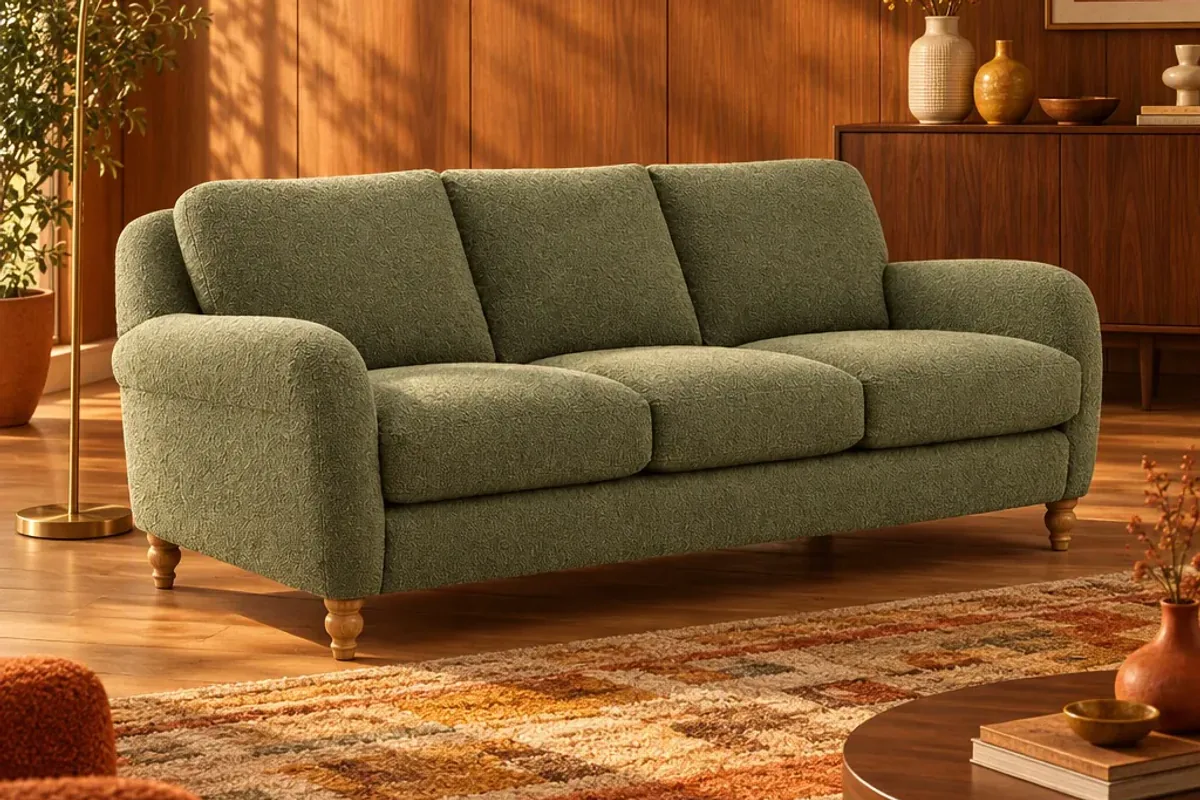
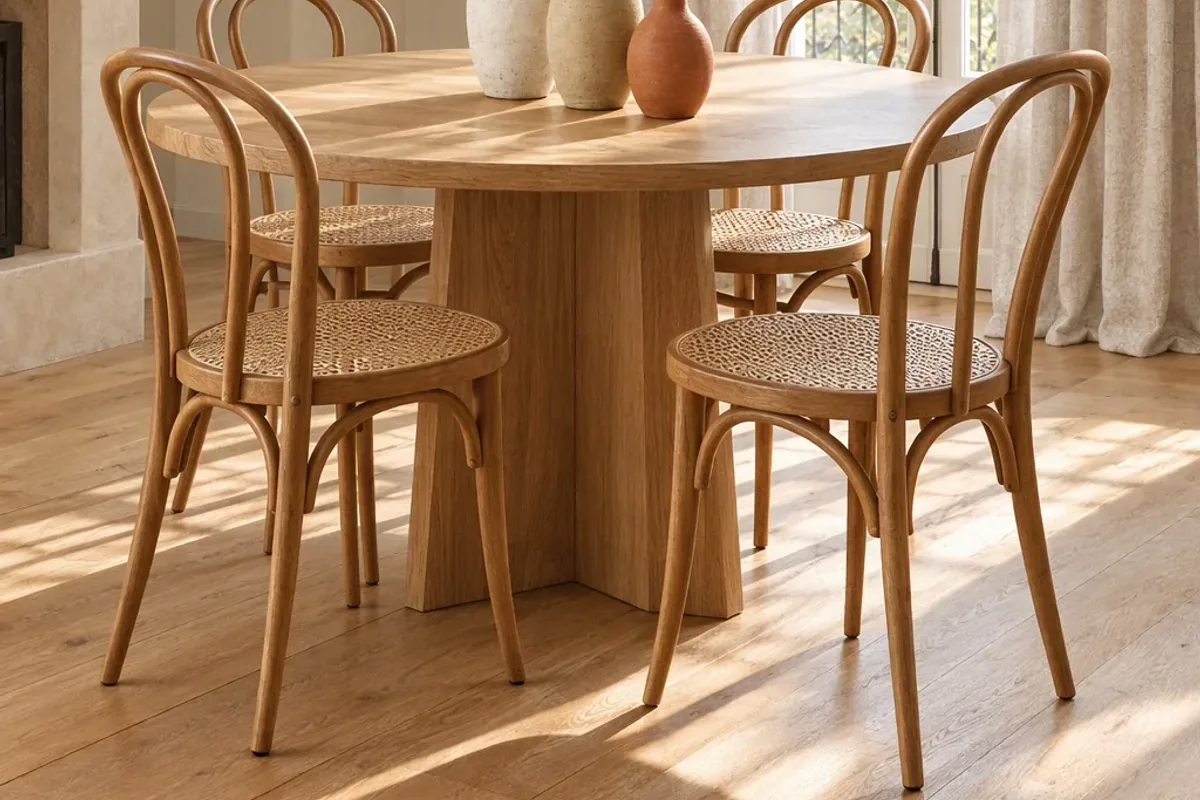
AI product photography for furniture takes one existing photo of a product and places it in a styled room, so you get lifestyle images without a set, a stylist or a shoot day. It works well when the source photo is clear and the tool keeps the product’s real shape and colour. It works badly when you ask it to invent details the photo does not show.
How does it work?
You upload a photo of the product. The software separates the item from its background, builds a room around it, and matches the lighting, shadows and perspective so the piece looks as if it was photographed there. You then pick a style and a format.
In Splatr, this is done with Reimagine. You give it one plain photo, choose a room style such as Scandi, warm modern or moody, and receive the staged image sized for a store thumbnail, a social post, a story or ad, and a website banner.
What kind of photo do you need?
One clear picture is enough. It does not have to be pretty. A sofa on a stockroom floor is fine, as long as you follow a few rules:
- Show the whole product. Nothing cropped off, nothing stacked in front of it.
- Use even light. Daylight from the side is ideal. Avoid harsh flash and deep shadows.
- Pick a useful angle. A three-quarter view at about eye height shows depth and makes staging easier.
- Keep the colour honest. Do not apply filters. What you upload is what the room will be built around.
Where does AI staging work well?
- Freestanding furniture: sofas, armchairs, tables, beds and storage.
- Lighting, where a room gives a lamp scale and purpose.
- Rugs, curtains and decor, which only make sense in context.
- Showing one product in several interior styles for different customers.
- Seasonal refreshes, when you want new images without new costs.
Where does it fall short?
Be careful with anything where tiny details are the point. Fine stitching, a woven pattern or an engraved handle can be softened or altered. Reflective surfaces such as mirrors, glass and polished metal are harder, because they need to reflect a room that did not exist when the photo was taken.
AI also cannot show what your photo hides. If the source image shows the front of a cabinet, the tool does not know what the back looks like. For a new angle, take a new photo.
How do you keep the product accurate?
This matters more than anything else in the process. A beautiful image of a sofa that is slightly the wrong green will cost you a return.
- Compare every output with the real product, side by side.
- Check the proportions: leg height, arm width and seat depth.
- Check colour on more than one screen.
- Reject any image where the product has been redrawn instead of placed.
- Keep at least one true photograph in each product gallery as the reference.
Should you tell customers the room is generated?
You do not need to label every staged image, but you should never let a picture promise something the product is not. The furniture must be the real item, in its real colour and size. Many brands add a short note such as “room styled for illustration” near lifestyle images, and keep dimensions and materials clearly listed. That protects trust and reduces surprises on delivery.
What does a good workflow look like?
Start with five products that sell well but have weak imagery. Take a clean photo of each, stage them in two or three room styles and replace the lifestyle images on those product pages. Watch add-to-basket rate and return reasons for a few weeks. If the numbers move the right way, continue through the catalogue.
Once you have staged images, they are also the raw material for video. See how to make product reels, or compare the options in Splatr vs AI product photo tools. You can try the workflow yourself on the Splatr e-commerce page.
Put the guide into practice.
Stage your own products and make your first reel in Splatr.
7-day free trial.