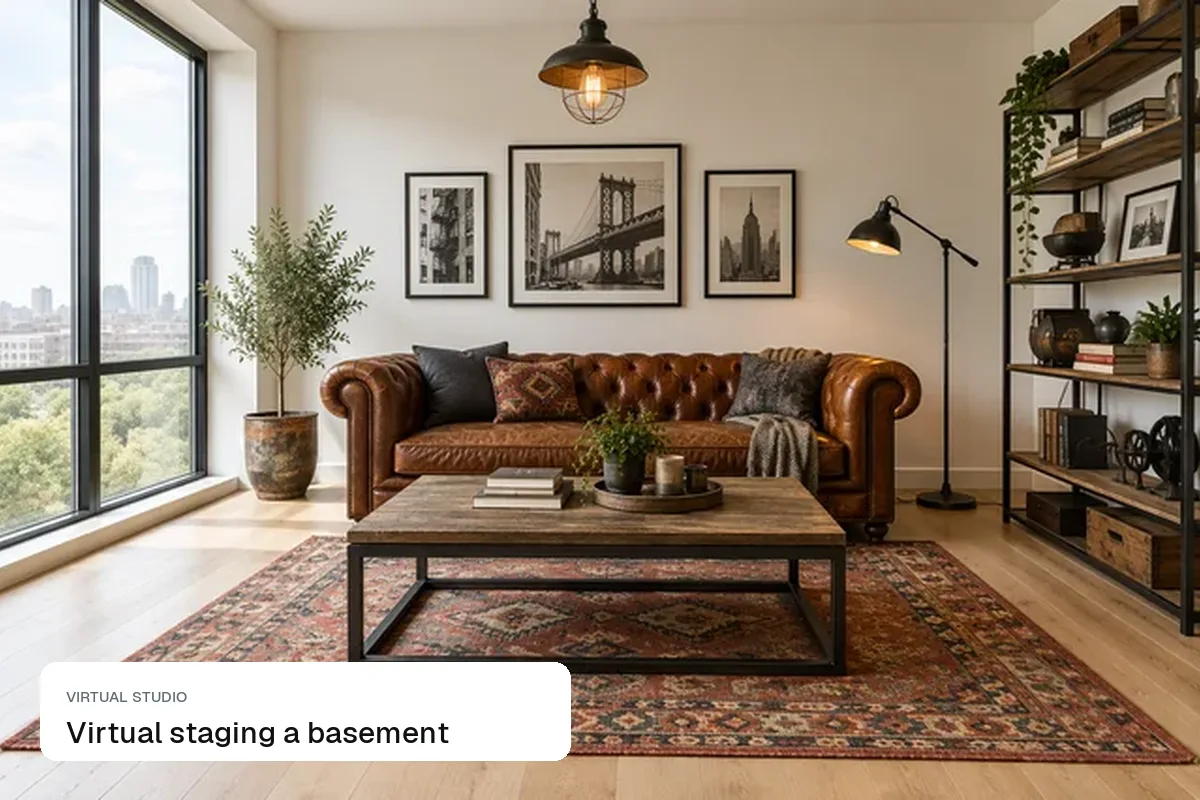
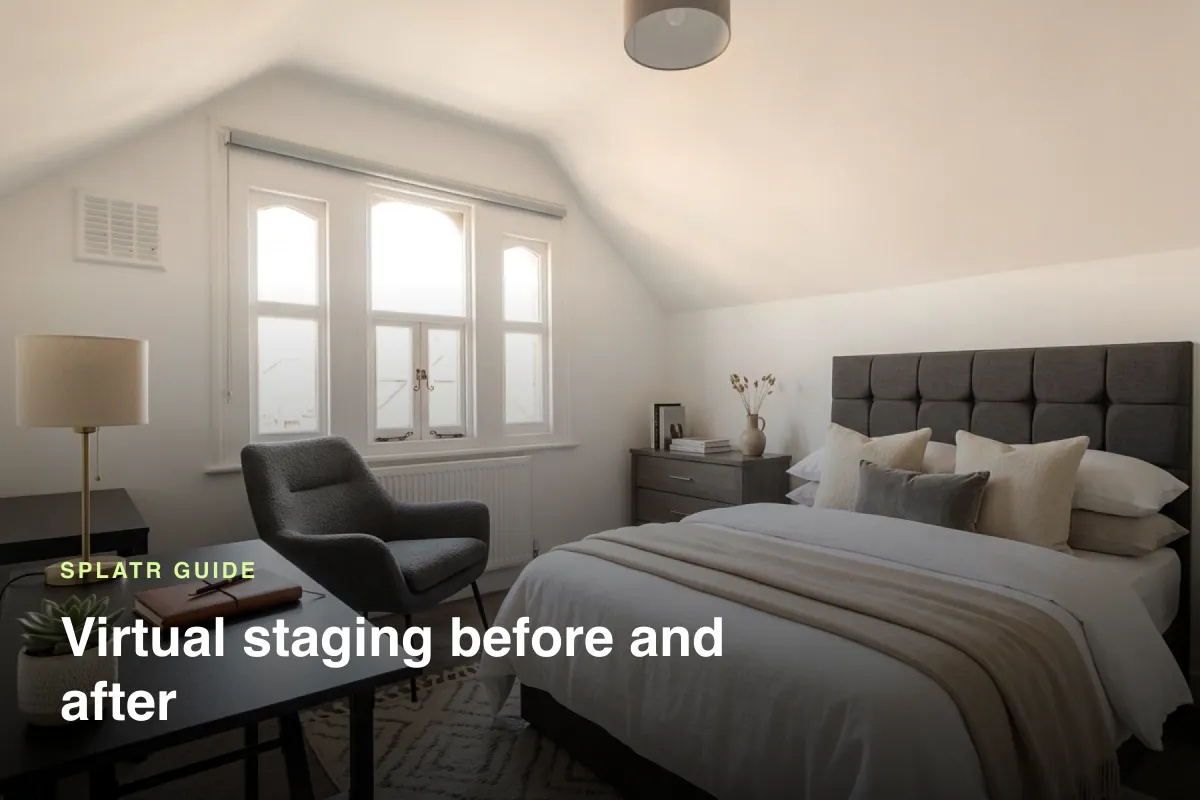
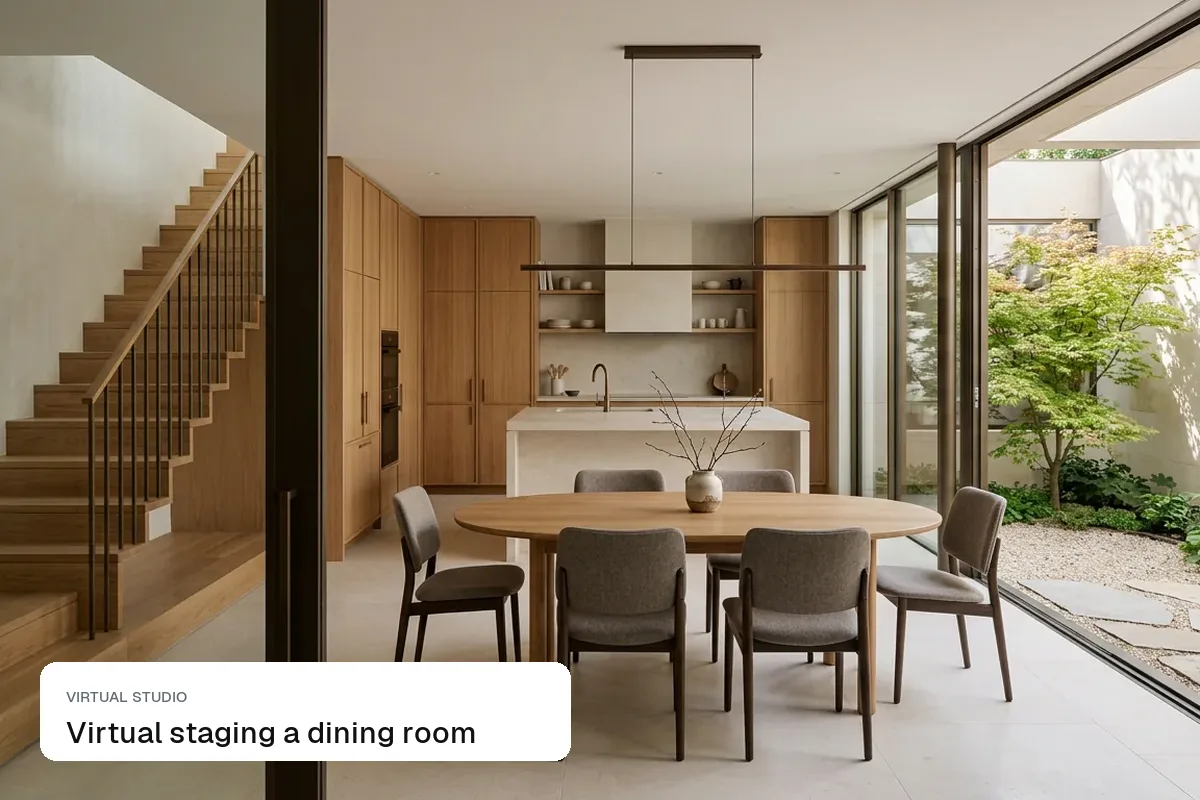
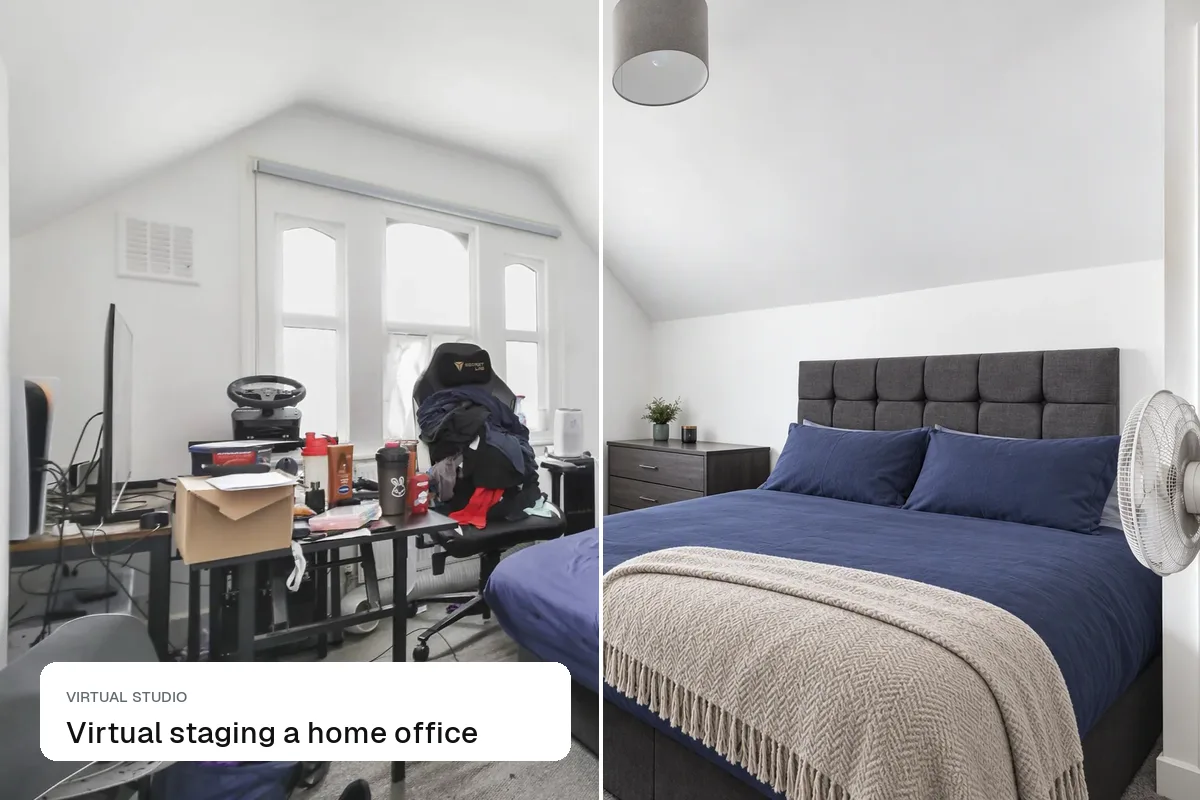
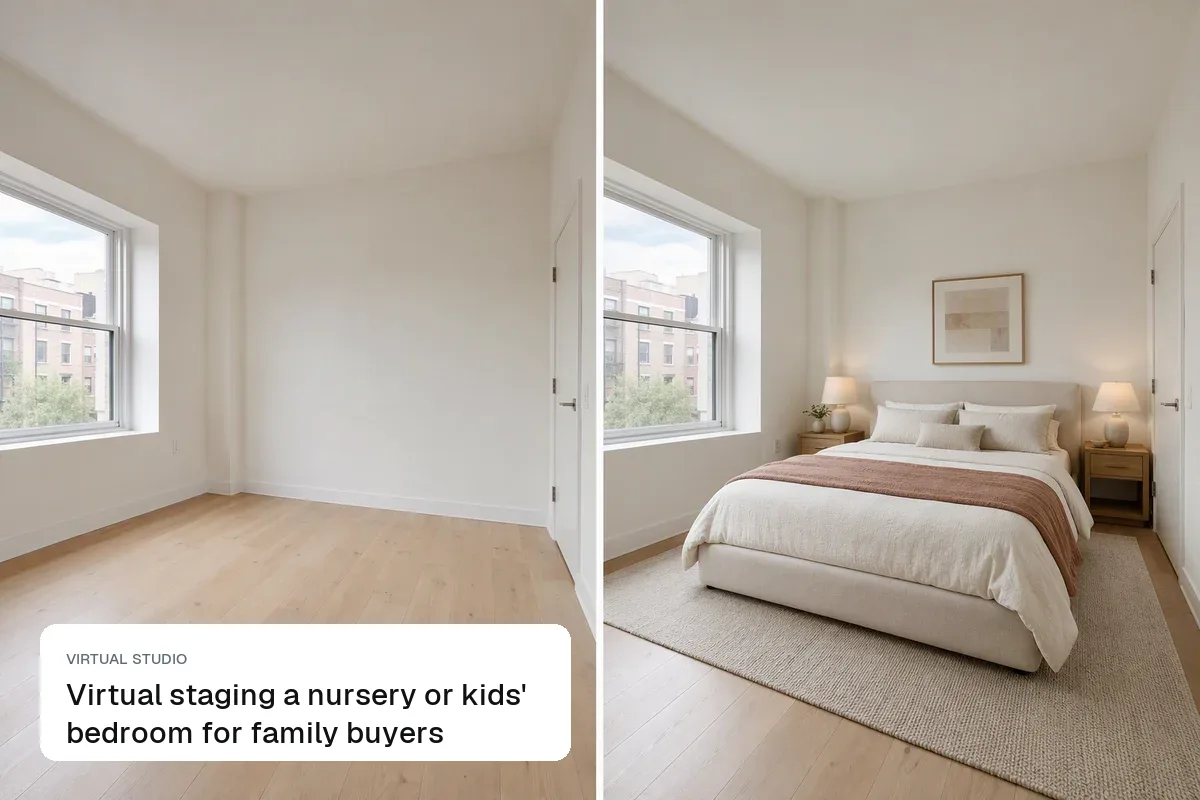
To virtually stage a living room, photograph it empty from a corner, then add one sofa facing the focal point, a rug that anchors the seating, a coffee table and one or two chairs. The living room is usually the first or second photo buyers see, so it has one job: show how big the room is and how people would sit in it. Fill it too much and it looks smaller than it is; leave it bare and buyers can't judge the size at all.
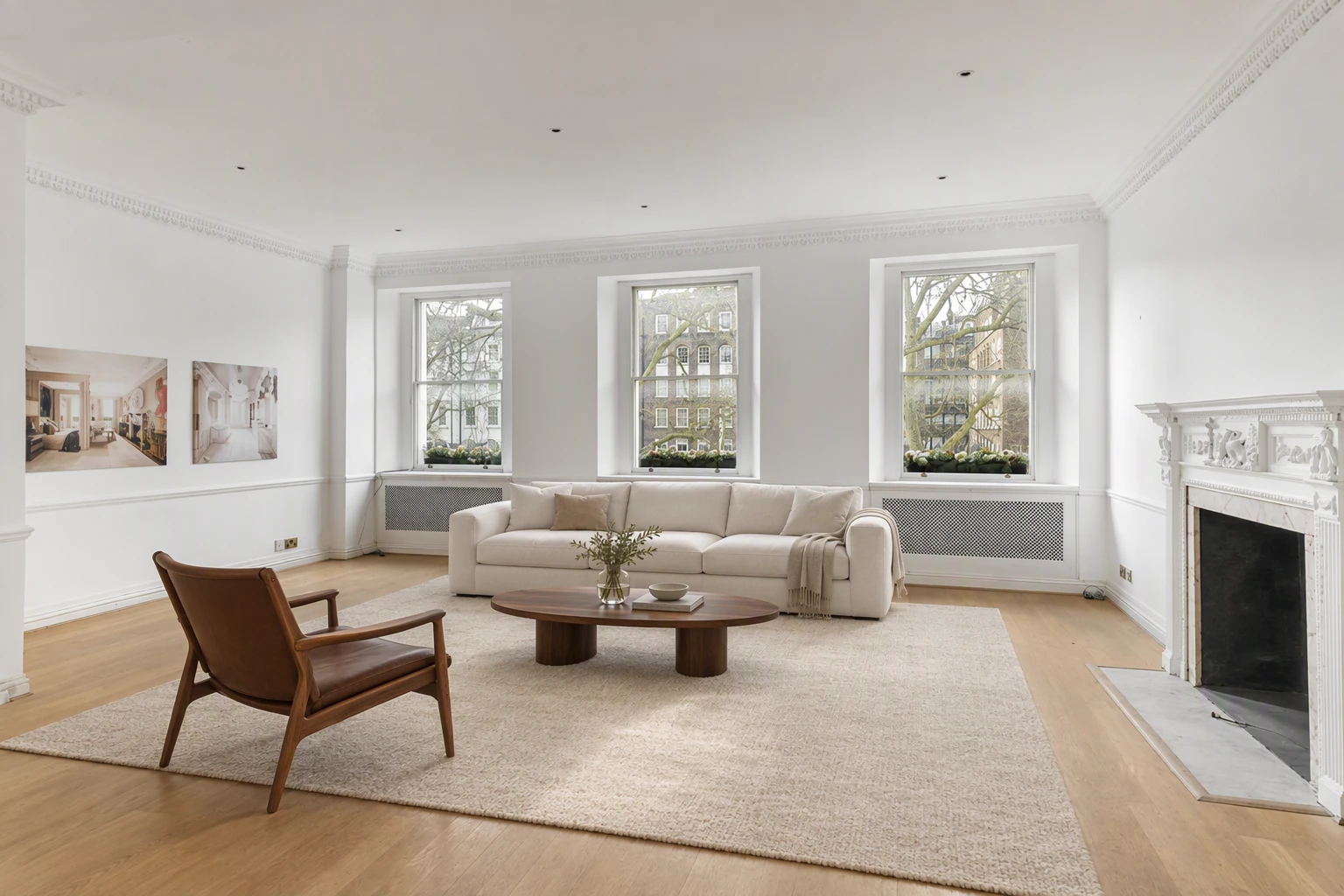
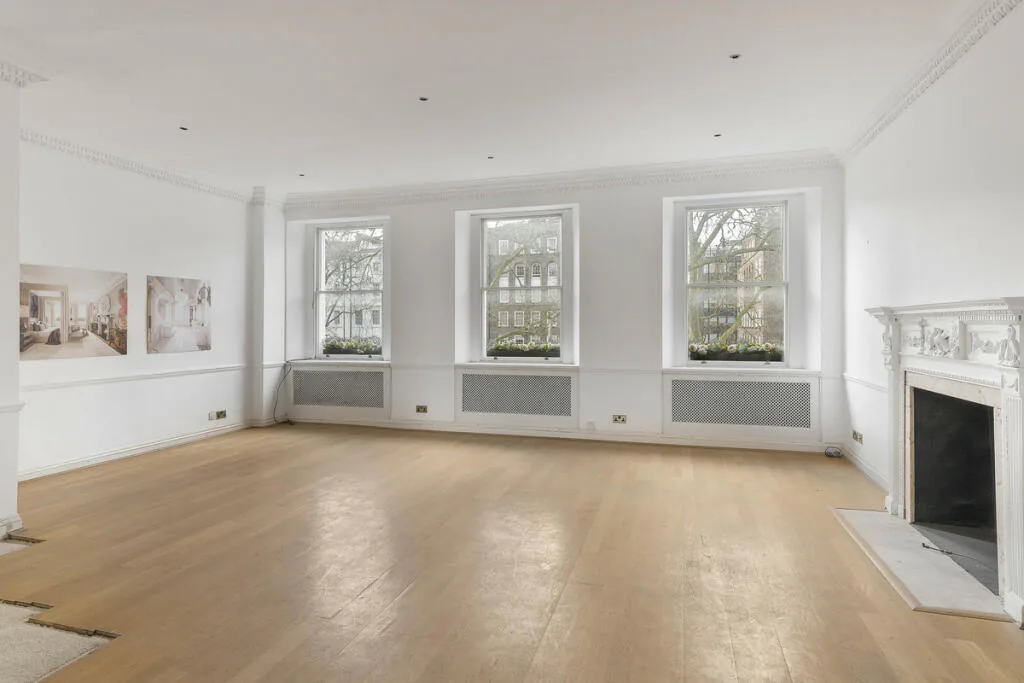
What buyers look for in a living room photo
- Where the sofa goes. In an empty room, people can't tell whether a three-seater fits. Staging answers that in one glance.
- The focal point. A fireplace, a big window or a view. Turn the seating towards it.
- A clear walkway. Leave a path from the door to the window. A blocked route makes the room feel cramped.
- Light. Keep the windows visible and uncovered. Heavy curtains in a staged photo hide the room's best feature.
Layouts that work by room shape
| Room shape | Layout | Avoid |
|---|---|---|
| Long and narrow | Sofa on the long wall, two chairs opposite, rug in the middle | Furniture in a line along one wall |
| Square | Sofa facing the focal point, chairs at right angles | A sectional that fills the floor |
| Open plan with dining | Sofa back to the dining area to define the zone | Mixing rug styles across zones |
| Bay window | Two chairs and a small table in the bay | Pushing the sofa into the bay |
Pick a style that matches the house
Stage for the likely buyer, not your own taste. Neutral modern or Scandinavian suits most flats and new builds. Transitional works for period homes and family houses. Save bold styles like mid-century or industrial for homes that already have that character. More on choosing in virtual staging styles.
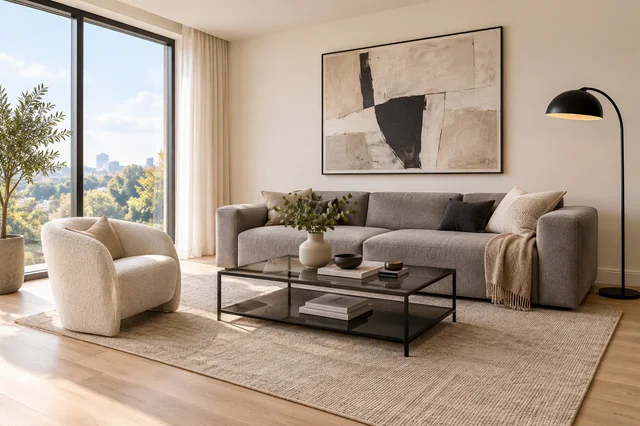 Modern
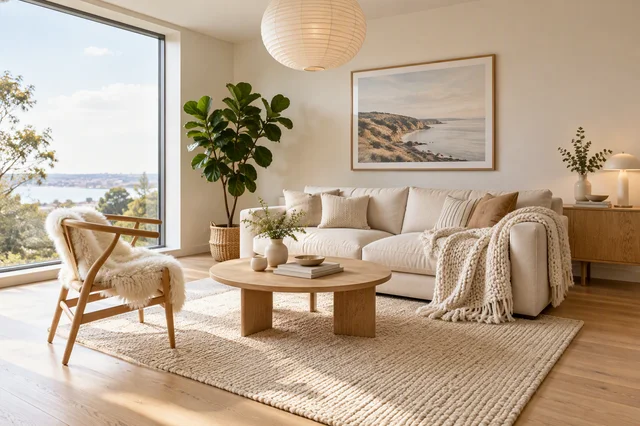 Scandinavian
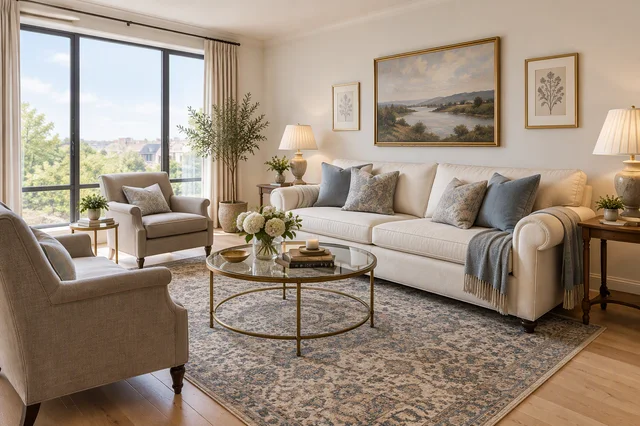 Transitional
How to stage it in Splatr
- Shoot from a cornerPhone at chest height, widest lens, lights on.
- Choose Furnish and a styleModern, Scandinavian, Japandi and more.
- Fix details with Magic EditChange a sofa colour or add a lamp.
If the room is still furnished with the seller's things, run Empty the room first, then Furnish. See how to virtually furnish an empty room.
Mistakes that make living room staging look fake
- A sofa that floats in the middle of a small room with no rug under it
- Furniture that is too big for the room: buyers notice when a sofa is longer than the wall it sits on
- Shadows going the wrong way compared with the window light
- A TV on a wall that has a radiator or a window in real life
- Staging over damage, such as a stained floor or a cracked wall, which turns an edit into a misrepresentation
Questions agents ask
Should I stage the living room or the bedroom first?
The living room. It is usually the lead interior photo on Zillow, Rightmove and Bayut, and it shapes the first impression. If you only stage one room, make it this one.
How much furniture is enough?
Three to five pieces plus a rug and one or two accessories. A sofa, a coffee table, a chair, a rug and a plant are usually enough to show scale.
Do I need to say the living room is virtually staged?
Yes. Label the photo as virtually staged and keep an unstaged version in the listing where your MLS or portal expects one. See virtual staging disclosure rules.
How much does it cost to stage one living room?
A human staging service charges about $24–$39 a photo. On Splatr's Basic plan, $29 a month covers about 125 edited photos, so one living room costs well under a dollar.
Keep exploring
Stage other rooms: bedroom, kitchen, dining room, home office, bathroom, basement, kids' room, studio apartment and patio or garden.
Related guides: what is virtual staging?, how much does virtual staging cost? and virtual staging mistakes. Show the result with the free before and after slider.
Put the guide into practice.
Turn your own photos into edited images and videos in minutes.
7-day free trial.