You can virtually stage a room for free, but almost every free option is a trial: a handful of credits, a watermark, a smaller image or a limited set of styles. That is enough to test a tool or stage one room for a social post. For a real listing you usually need full-resolution, unwatermarked images, which cost from under $1 a photo on an AI plan.
What do free virtual staging tools include?
| What free plans usually give | What they usually hold back |
|---|---|
| 2–10 staged images, often one-off | Ongoing monthly credits |
| A few furniture styles | The full style library and custom prompts |
| Preview-size downloads | Full resolution for portals and print |
| Watermarked images | Clean images you can publish |
| Personal use | Commercial use terms on some plans |
Some tools advertise “no sign-up”. Those usually show the result in the browser but ask for an account to download it. Read the terms before using a free image on a listing, as some restrict commercial use.
How to virtually stage a room for free
- Take a good photo. Shoot from a corner at chest height, with the lights on and the camera level. AI cannot fix a dark, tilted photo.
- Clear the room if you can. Fewer objects means a cleaner result. If the room is furnished, look for a free declutter or remove-furniture option first.
- Pick one style that suits the buyer. Modern neutral is the safe choice for most homes.
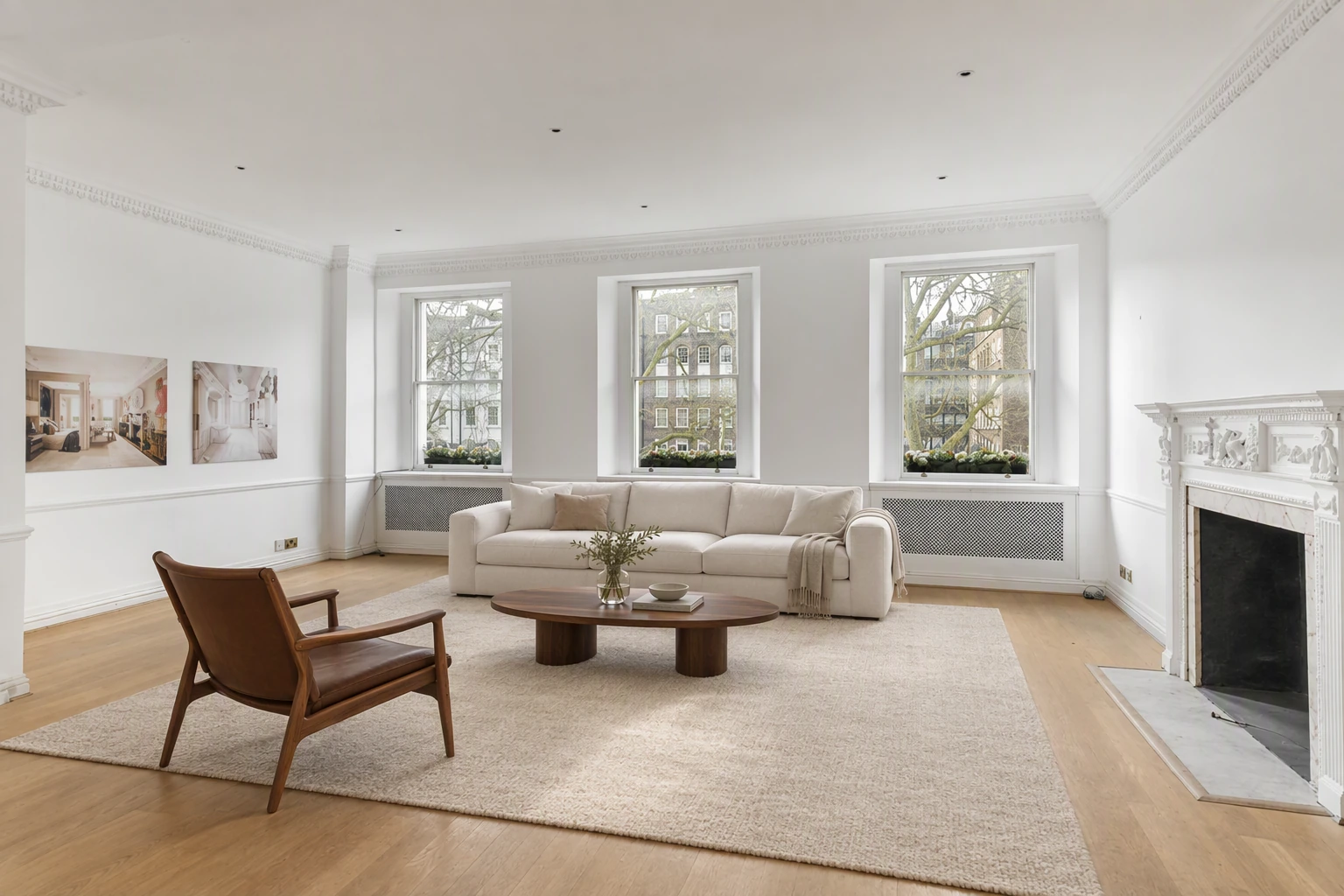
- Check the result. Look at the windows, doors and flooring. They should match the original exactly.
- Label it. Add “virtually staged” wherever you post it and keep the original. See disclosure rules.
Free tools that help without AI credits
A lot of listing prep does not need AI at all. Splatr’s free tools run in the browser with no sign-up:
- Before and after slider to show the original and staged photo together, which is also a simple way to disclose staging.
- Listing photo resizer to batch-resize photos for Rightmove, Zillow, the MLS and your website, and add a “Virtually staged” label to each one.
- 360° photo viewer to check panoramas before you publish a tour.
When is it worth paying?
Paying makes sense once you stage more than a room or two, because:
- Watermarks look unprofessional on a portal listing.
- Low-resolution images look soft on large screens and in brochures.
- Re-runs are common. A difficult room can take three or four tries, which uses up a free allowance fast.
- Paid tools often add the parts that save the most time: decluttering, editing one area, and turning staged photos into a video.
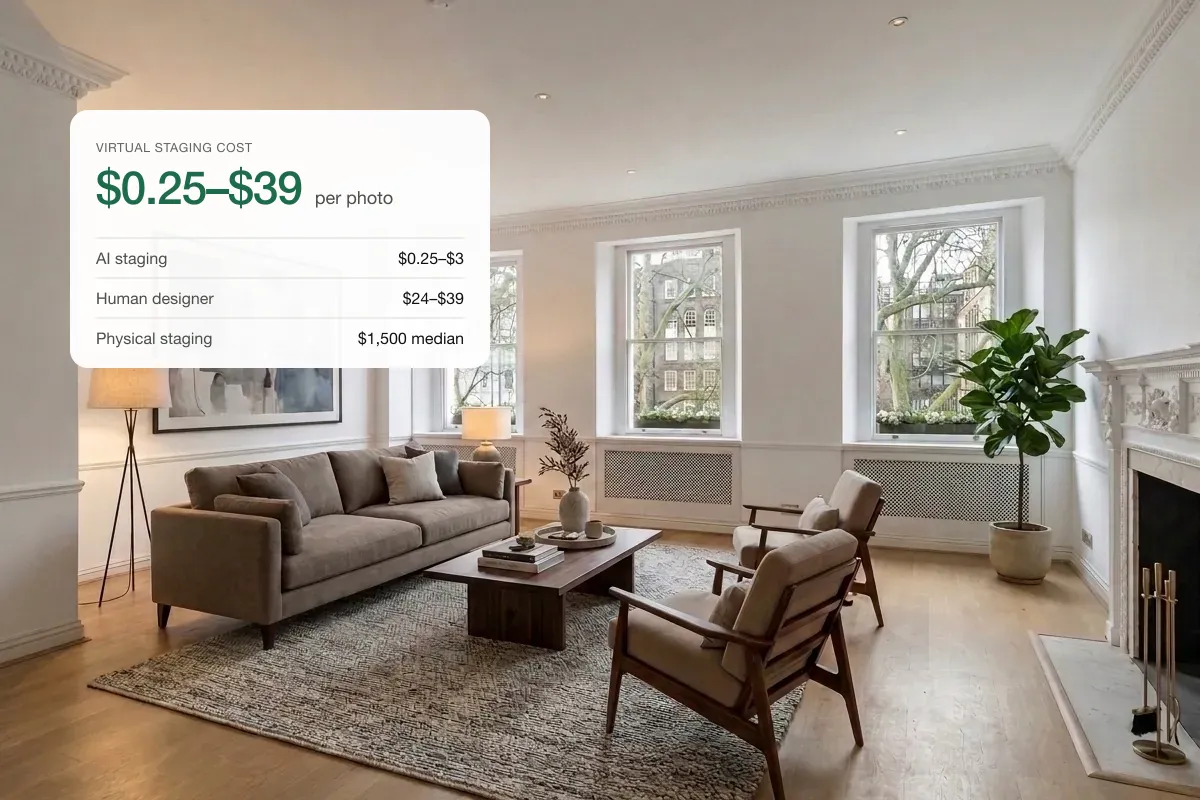
AI plans cost roughly $0.25–$3 a staged photo when you use the allowance, so staging a whole listing usually costs a few dollars. See the full price comparison.
Is free virtual staging safe to use on a listing?
It is safe if the image is accurate and labelled. The risk with any staging, free or paid, is a result that changes the property: a bigger window, a new floor, a view that is not there. Buyers notice at the viewing, and in California and many MLSs it breaks the rules. Always compare the staged photo with the original before publishing.
Quick answers
Is there a completely free virtual staging app?
Most “free” apps are free trials or watermarked. Fully free, full-resolution staging with commercial rights is rare.
Can I virtually stage a room myself?
Yes. AI tools let you upload a photo, pick a style and download the result in under a minute. You do not need design skills, but you do need to check the result.
Can I use free virtual staging for social media?
For a quick post, a free staged image can work. For a reel, a property video from your photos will reach more people than a single still.
Put the guide into practice.
Turn your own photos into edited images and videos in minutes.
7-day free trial.