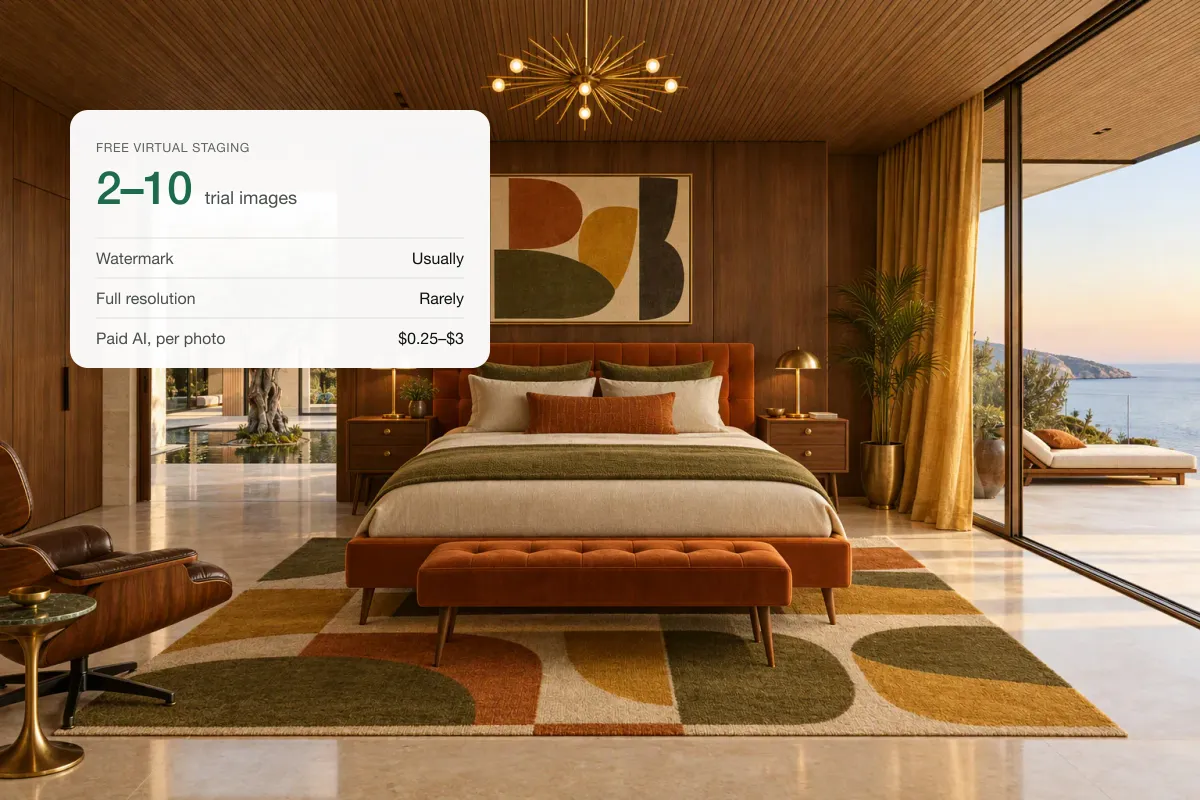
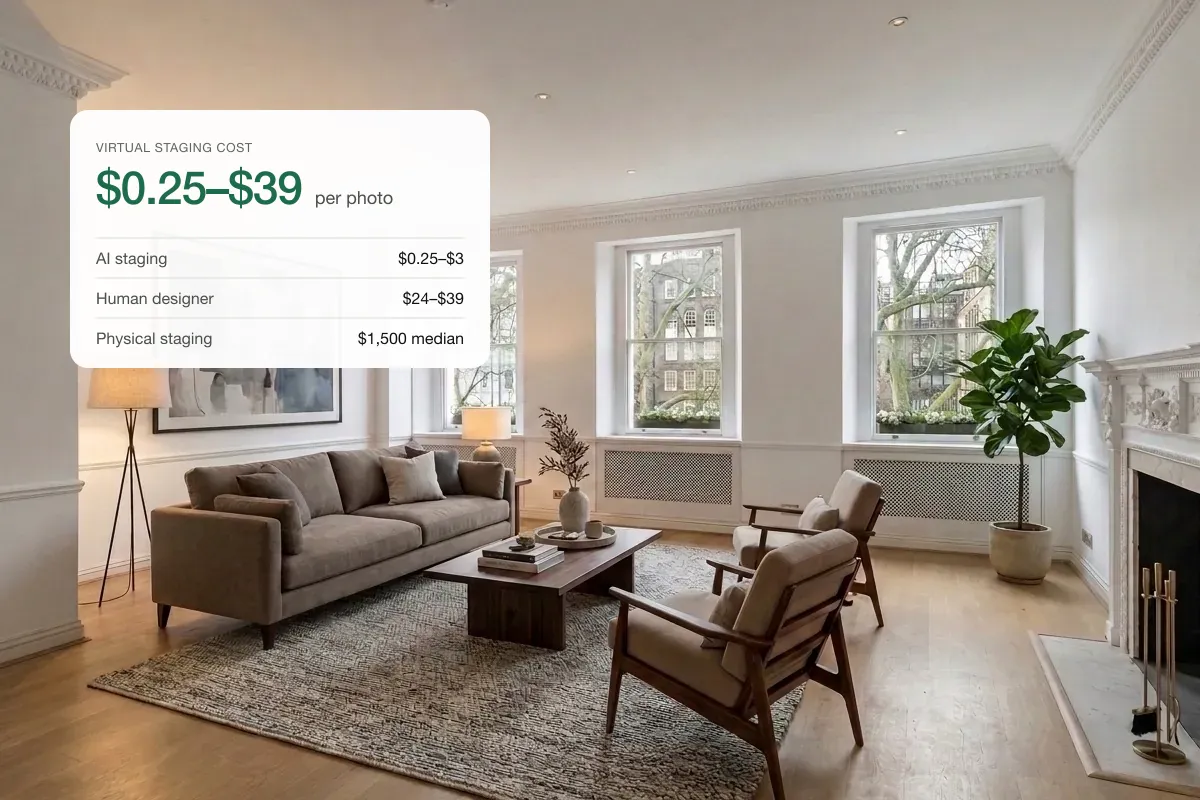
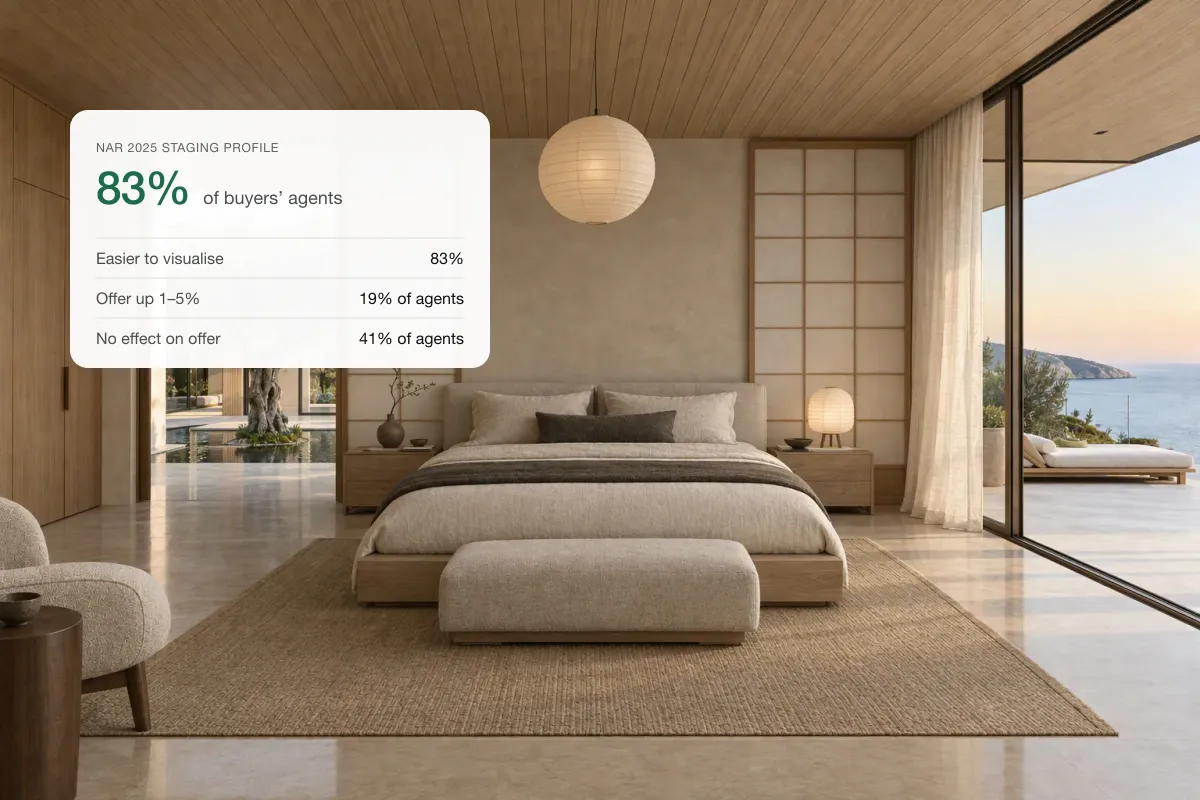
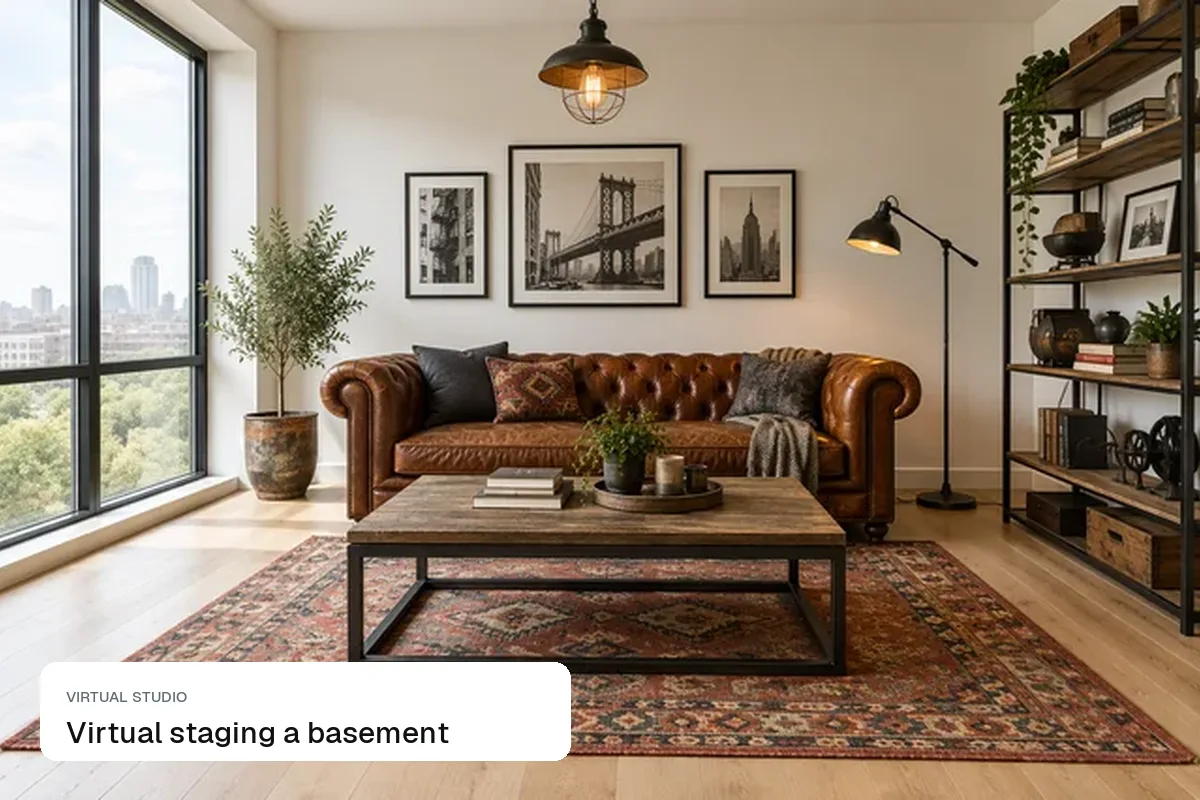
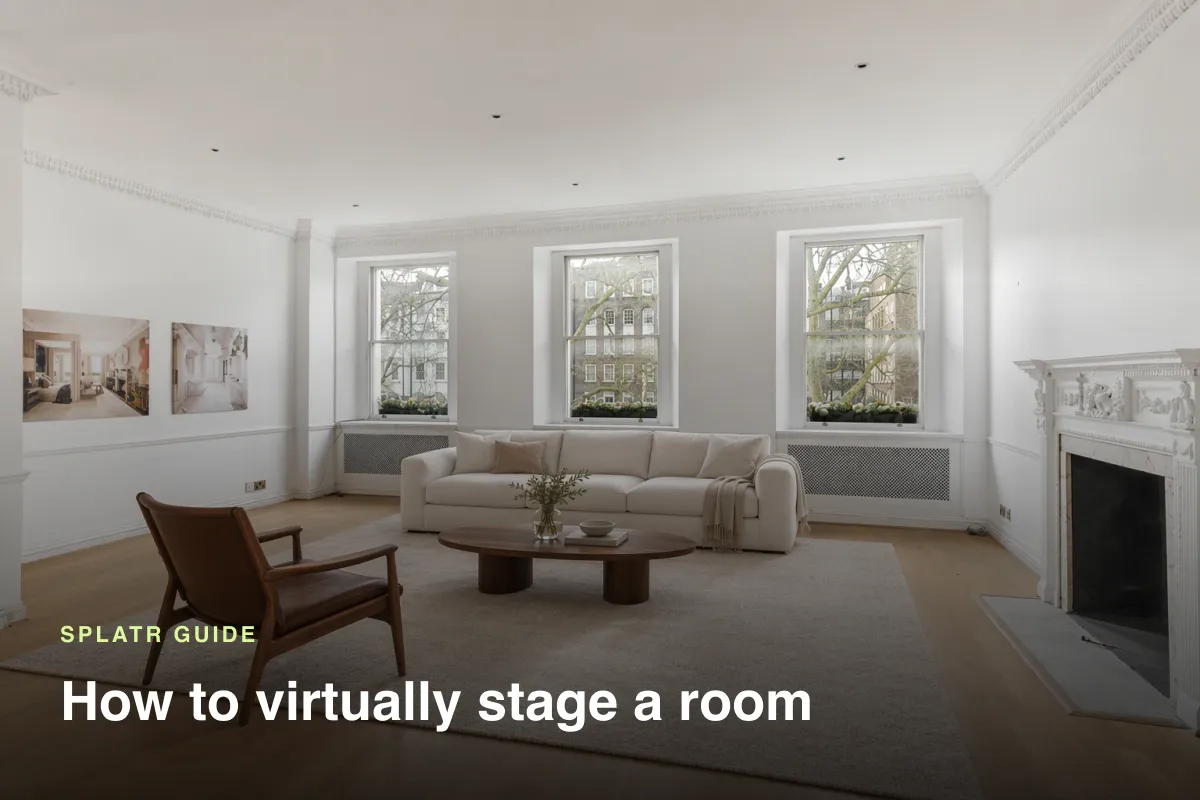
For house flippers, virtual renovation does three jobs: it tests finishes before you buy materials, it pre-markets the flip while the trades are still on site, and it helps sell a fixer-up as-is by showing buyers what it could become. All three work only if the images are labelled as concepts and shown next to the real condition. A fixer-upper photographed honestly with a clear "after" concept beside it attracts the right buyers: the ones who are looking for a project.
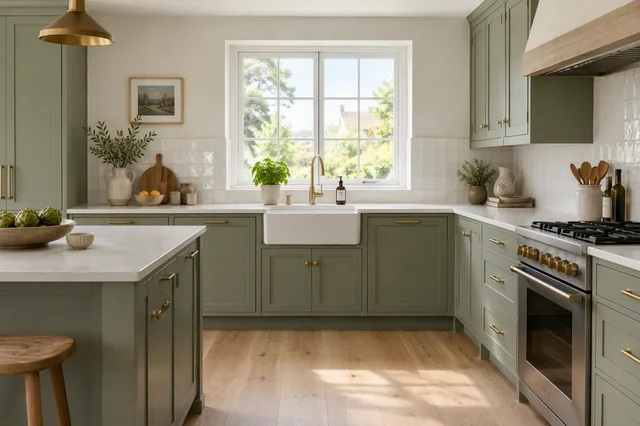 Kitchen renovation concept
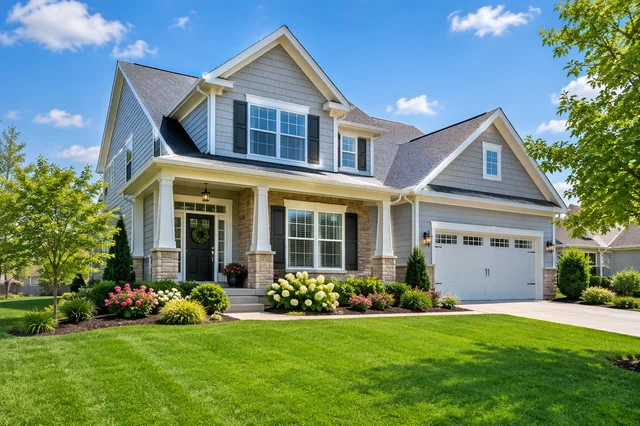 Curb appeal concept
 High-end finish option
Three ways flippers use it
| Stage | Use | Result |
|---|---|---|
| Before buying | Visualise the after from the listing photos | A clearer idea of scope and ARV (after-repair value) |
| During the work | Test cabinet colours, worktops, flooring and paint on photos of the real rooms | Fewer expensive changes of mind |
| Pre-marketing | Share labelled concepts on social media and "coming soon" pages | Buyer interest before the photographer arrives |
Selling as-is: wholesalers and fixer-uppers
When a property sells as-is, most buyers can't see past the dated kitchen and the stained carpet. A labelled concept after the real photo shows the potential, which helps investors run their numbers and first-time buyers decide whether to take it on.
- Lead with an honest exterior
- Show each key room as it is
- Add one concept per key room (kitchen, main living area, bathroom) straight after it
- Put an estimated renovation cost in the description, if you have a contractor quote
Keep it on the right side of the rules
- Label every concept: "Virtual renovation concept, not current condition"
- Never use a concept as the lead photo on the MLS, Zillow or Rightmove
- Don't show structural changes, such as walls removed or extensions, without saying they need permits or planning permission
- Check your MLS. Some don't allow virtually renovated images at all; others want them after the real photos with a note in the remarks
More detail in virtual renovation in real estate and is virtual staging legal?
What it costs
| Option | Price per image | Turnaround |
|---|---|---|
| Design studio renderings | $75–$150+ for complex remodels | Days |
| Outsourced virtual renovation | About $30–$70 | 24–72 hours |
| AI in Splatr | Under $1 on a plan from $29/month | Seconds |
Flippers who run several projects a year often test 10 or more variations per room. At per-image service prices that adds up quickly; with AI it is part of the plan.
How to do it in Splatr
- Photograph each room at its worst. You need an honest "before" anyway.
- Use the Renovation preset for a full refresh, or Magic Edit for a single change: "white shaker cabinets", "oak floor", "paint walls warm white".
- Export the before and after as a pair and share them with the free before and after slider.
Questions agents ask
Can I use a virtual renovation in my ARV pitch to a lender?
As an illustration, yes. Lenders value comps and contractor quotes, not pictures.
Should the finished flip be photographed again?
Always. Once the work is done, replace the concepts with real photos. Concepts are for before the work, never instead of photos of the finished home.
Keep exploring
Related guides: change flooring in listing photos, change wall colour, virtual staging a kitchen, FSBO listing photos, marketing a probate property and before and after real estate photos.
Put the guide into practice.
Turn your own photos into edited images and videos in minutes.
7-day free trial.