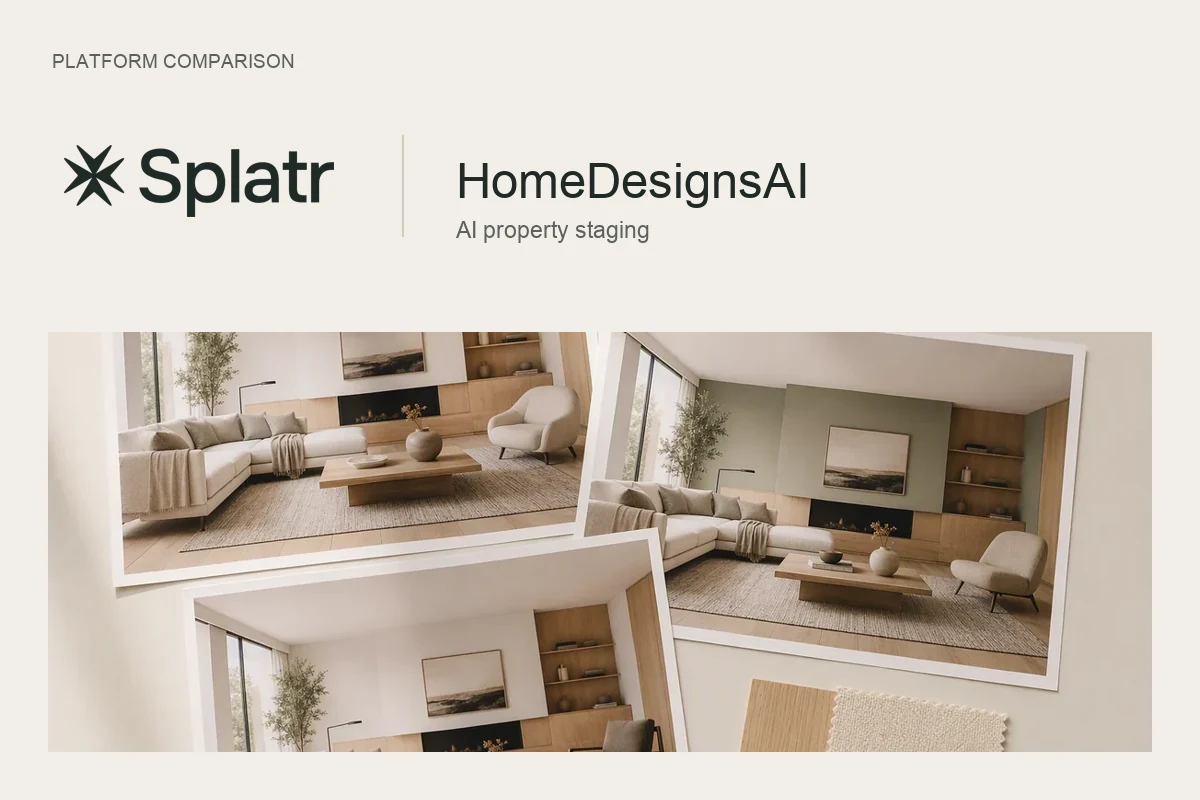
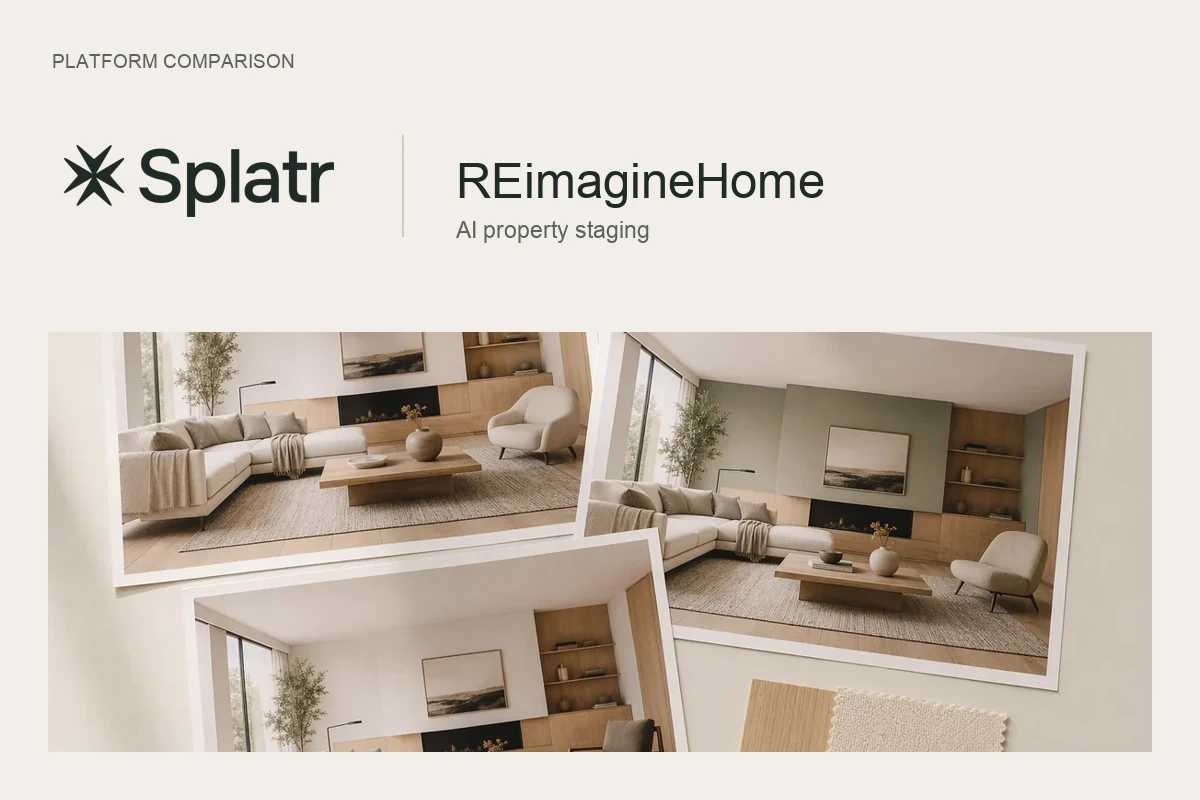
Splatr and Apply Design are software platforms for creating property visuals. Both offer AI staging and editing controls. Splatr brings Reimagine AI, 360° Visualization, Video Generator and Showcase into Virtual Studio, making it a strong choice when the deliverable extends from a furnished image to a complete property presentation.
What does Apply Design offer?
Apply Design’s platform supports property photographs and 360° images, furniture removal, a drag-and-drop editor, design reuse across images and video clips. Its furniture catalogue and editing workflow make it a relevant comparison for professional staging.
Furniture placement and video are therefore shared capabilities, rather than features exclusive to Splatr. The useful comparison is how each platform handles your source images, revisions and final presentation.
How does Reimagine AI give you creative control?
Inside Splatr, add an asset to the library and drag it onto the room image. Position, resize and rotate it to communicate the arrangement before generation. Reference images provide another kind of direction: a theme for the interior or an object you want the result to draw from.
For a local change, use the drawn-area workflow. Mark the wall, furnishing or loose object and describe what to add, remove or replace. Asset placement and drawn-region editing are separate input modes, so choose the control that fits the revision.
Furnish, Cleanup, Enhance and Model to render presets address different starting points. Image upscaling helps prepare a larger output after the design has been reviewed.
How do the platforms compare?
| Requirement | Splatr Virtual Studio | Apply Design’s published offering |
|---|---|---|
| Furniture direction | Placed assets, object references and theme references | Furniture catalogue and drag-and-drop editing |
| Revising an image | Drawn-area requests and task-specific presets | Editor customisation, decluttering and AI enhancement |
| 360° work | Panorama-based tours with navigation and sharing | Support for staging 360° images |
| Property video | Image-based clips, landscape or portrait, sequence editing; beta | Video clips from designs |
| Property presentation | Showcase pages combining property media and information | Confirm the presentation and publishing tools needed for your project |
These are documented workflows, not a claim that an unlisted feature is unavailable.
When is Splatr the stronger fit?
Choose Splatr when you want to develop an image and then use it across a property campaign. A furnished living room can become an approved still, source material for a generated video and media in a Showcase page. Separately captured panoramas can form the navigable tour.
For a London apartment campaign or a Dubai villa presentation, that combination matters more than the number of furniture styles alone. You are choosing a platform for the complete set of deliverables.
How should you evaluate image quality?
Use the same source photograph and design brief in both platforms. Inspect furniture scale, edges, shadows and the preservation of doors and windows. Then test a revision and the formats you need to publish. This gives your team a more useful answer than an unsupported universal quality ranking.
Explore the Splatr professional platform. Official competitor features checked on 20 September 2026.
Put the guide into practice.
Try Virtual Studio with your own property images.
14-day free trial on the Basic plan.