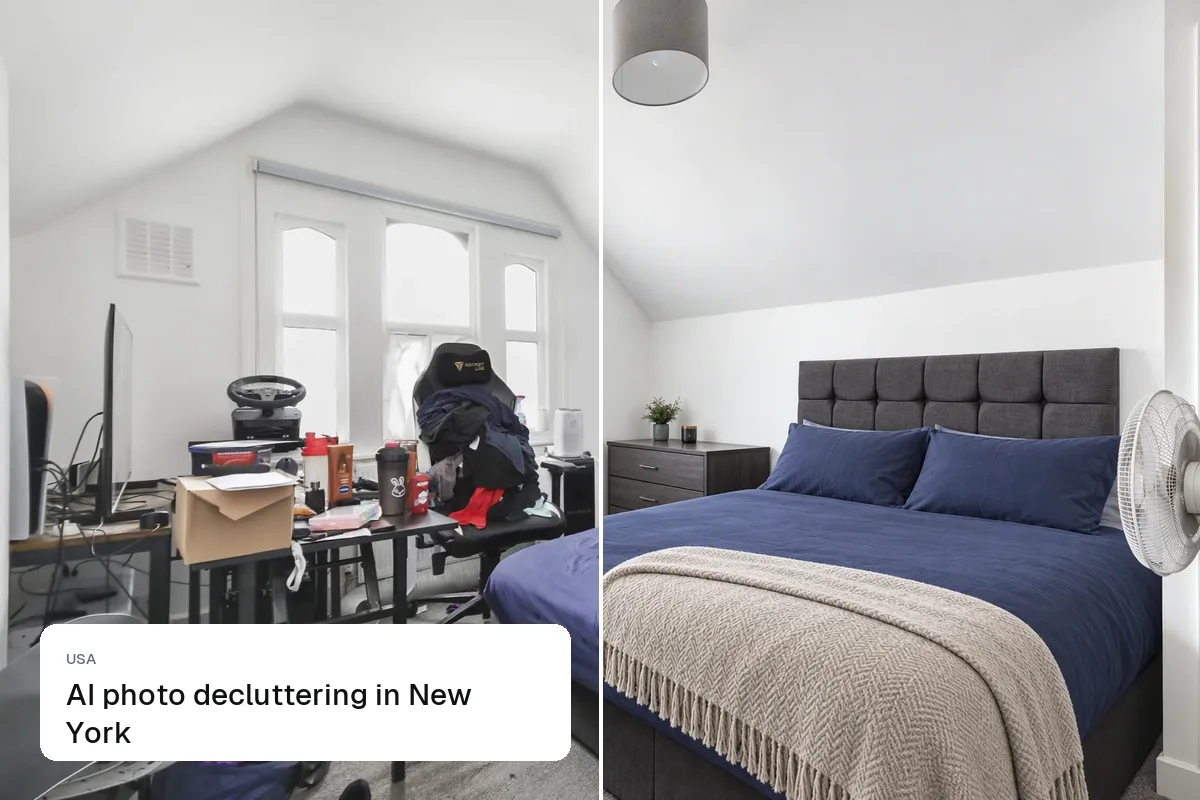
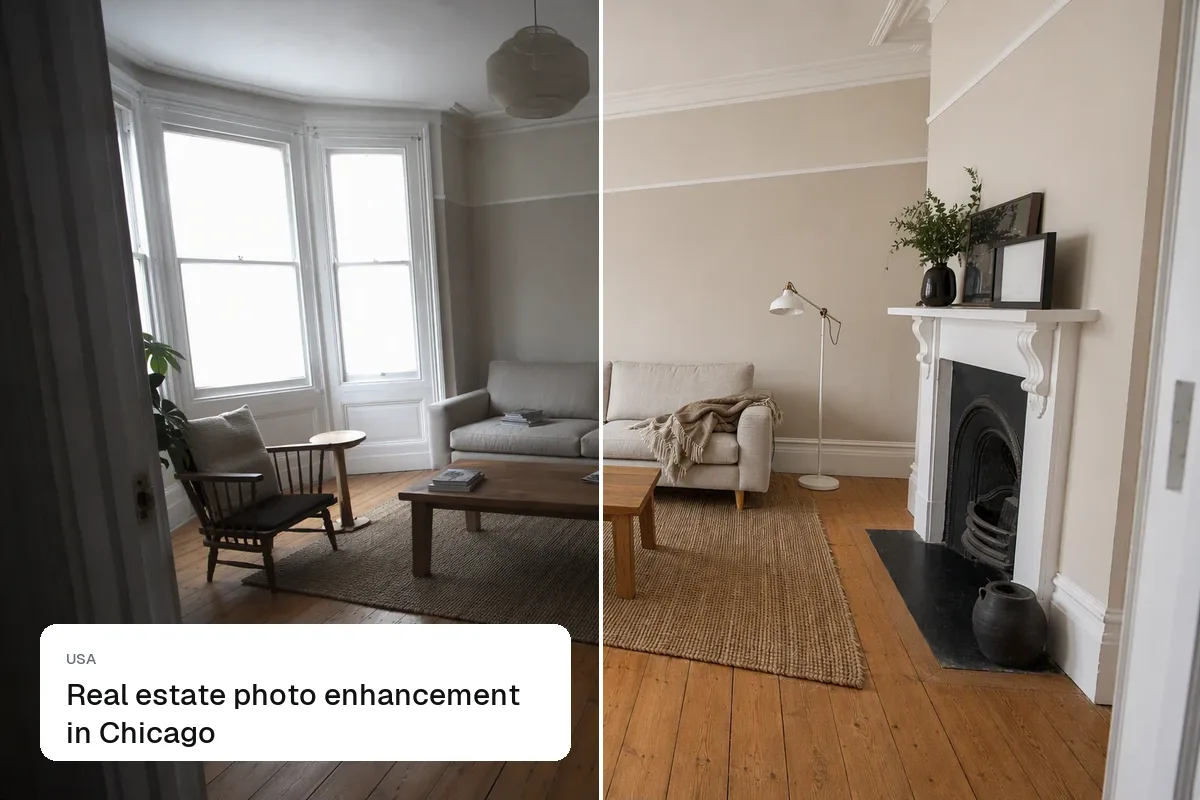
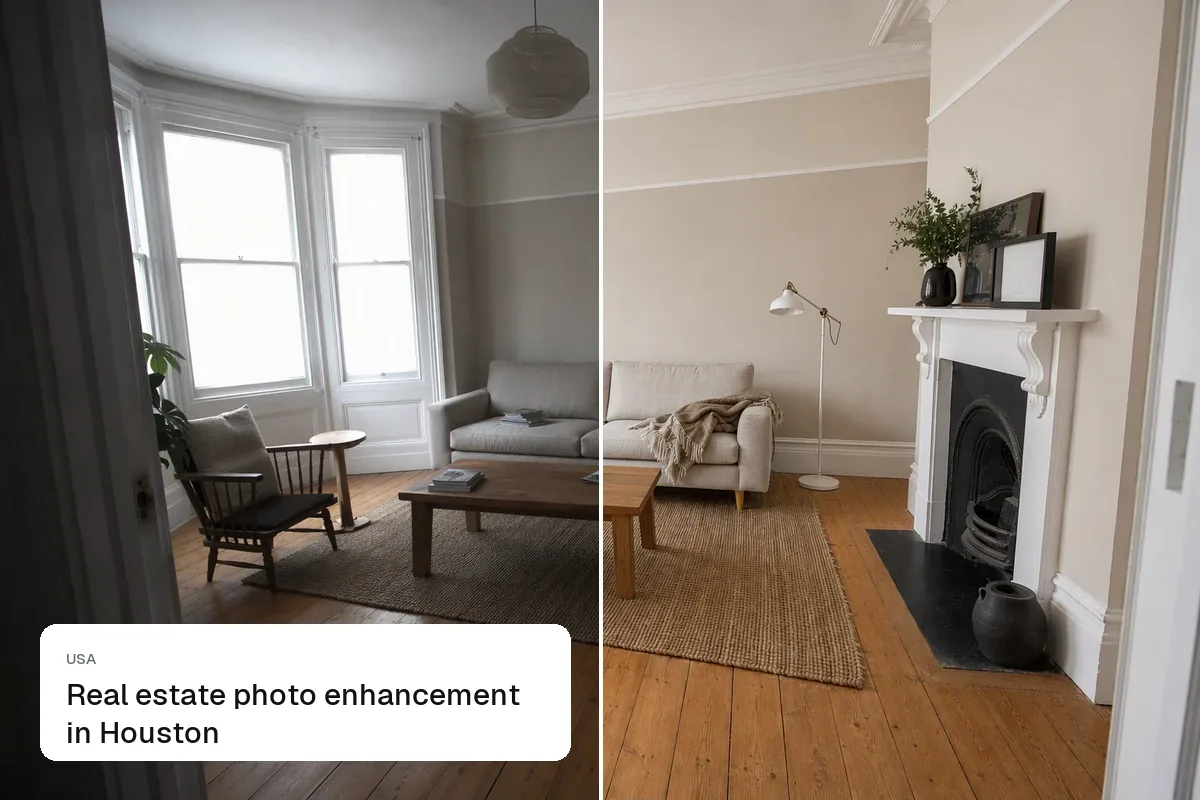
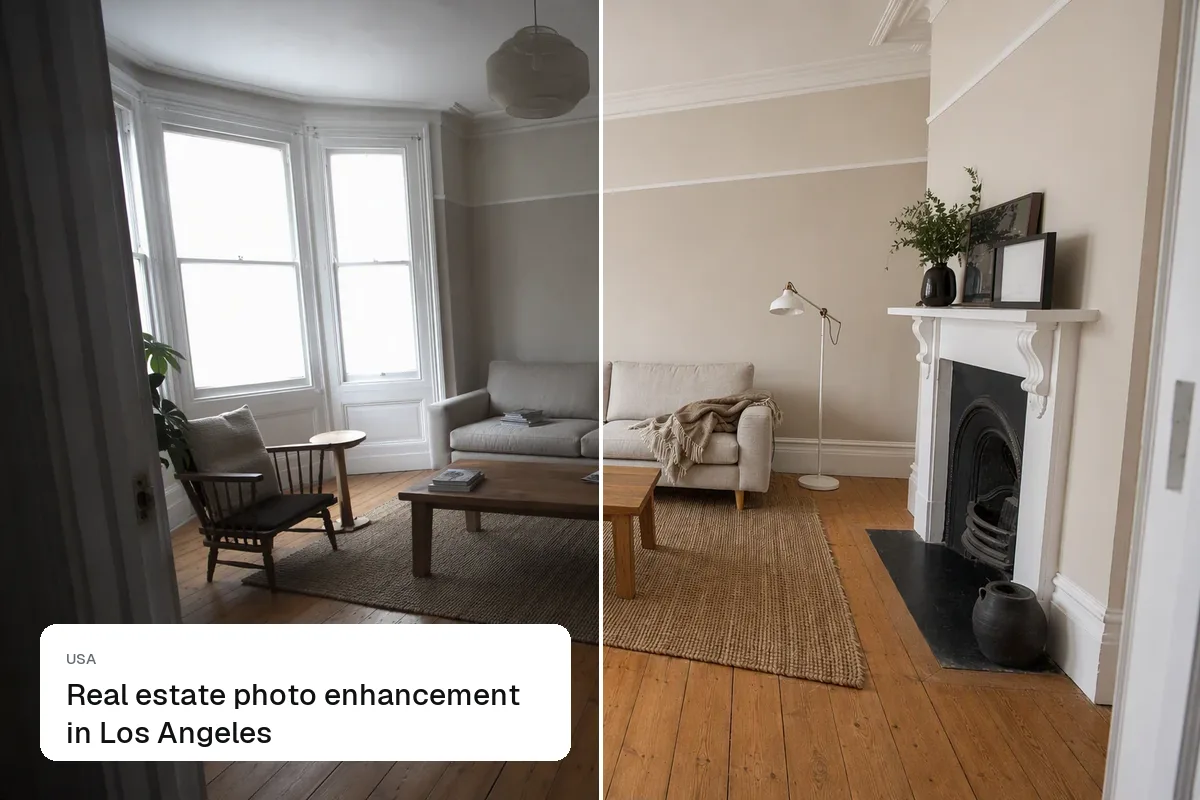
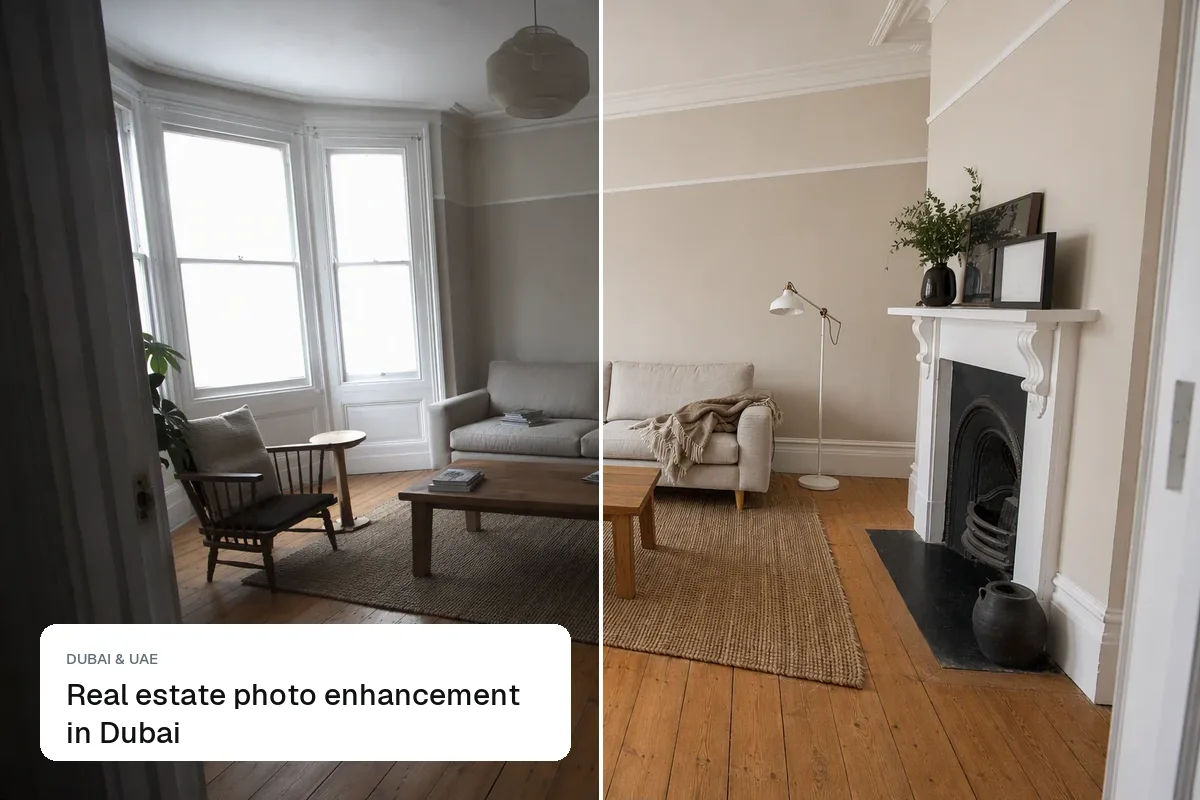
Many New York apartments face an air shaft, a courtyard or the building next door, and phone photos come out dark with blown-out windows. Enhancement lifts the room, balances the window and straightens the verticals, so the listing photo looks like the apartment does with the lights on.
HDR enhance tips for New York listings
- Shoot rear-facing rooms with every light on, then let the edit balance the window.
- Keep pre-war details visible: moldings, parquet floors, radiators.
- Straighten verticals. Tall, narrow rooms exaggerate any tilt.
A New York example
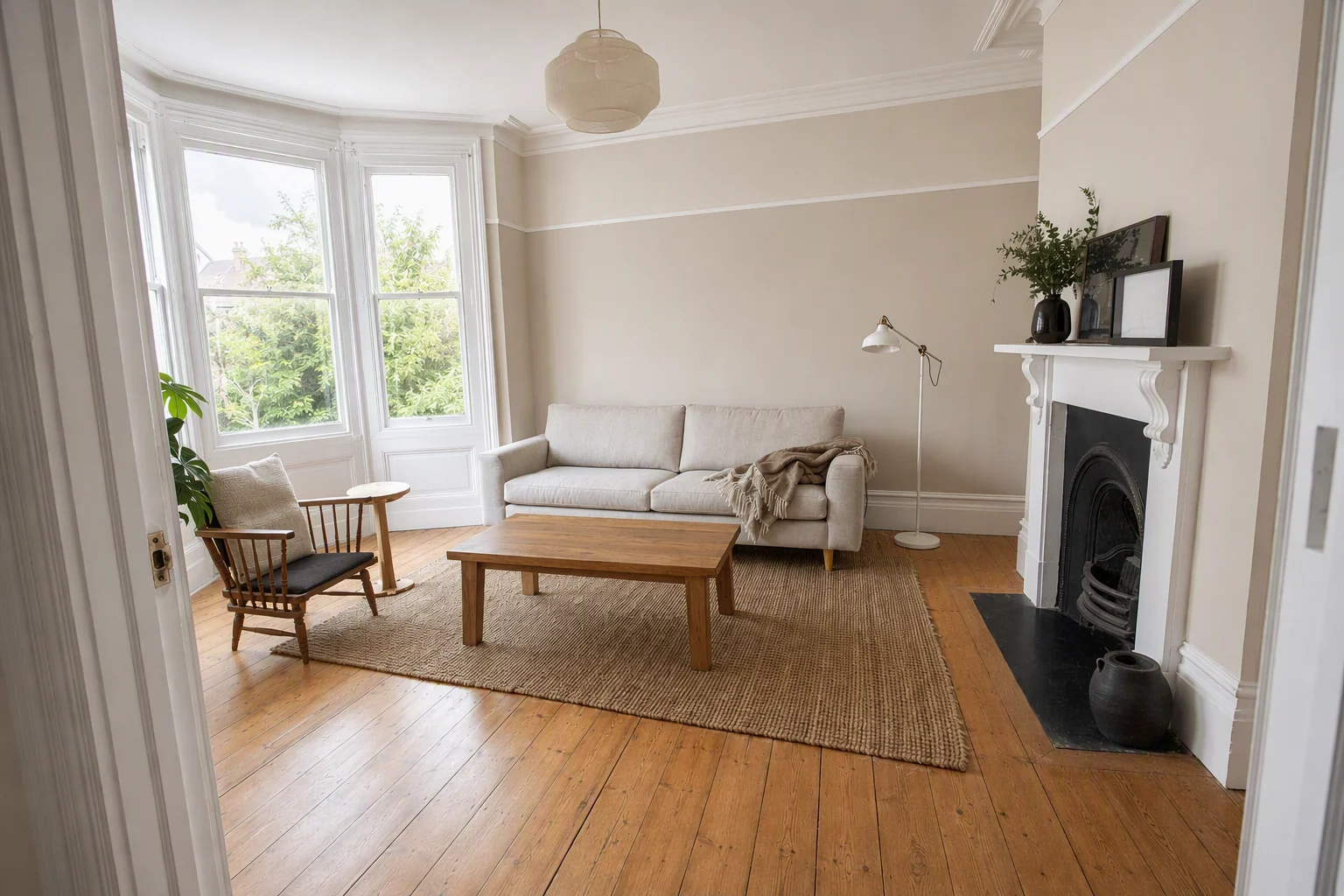
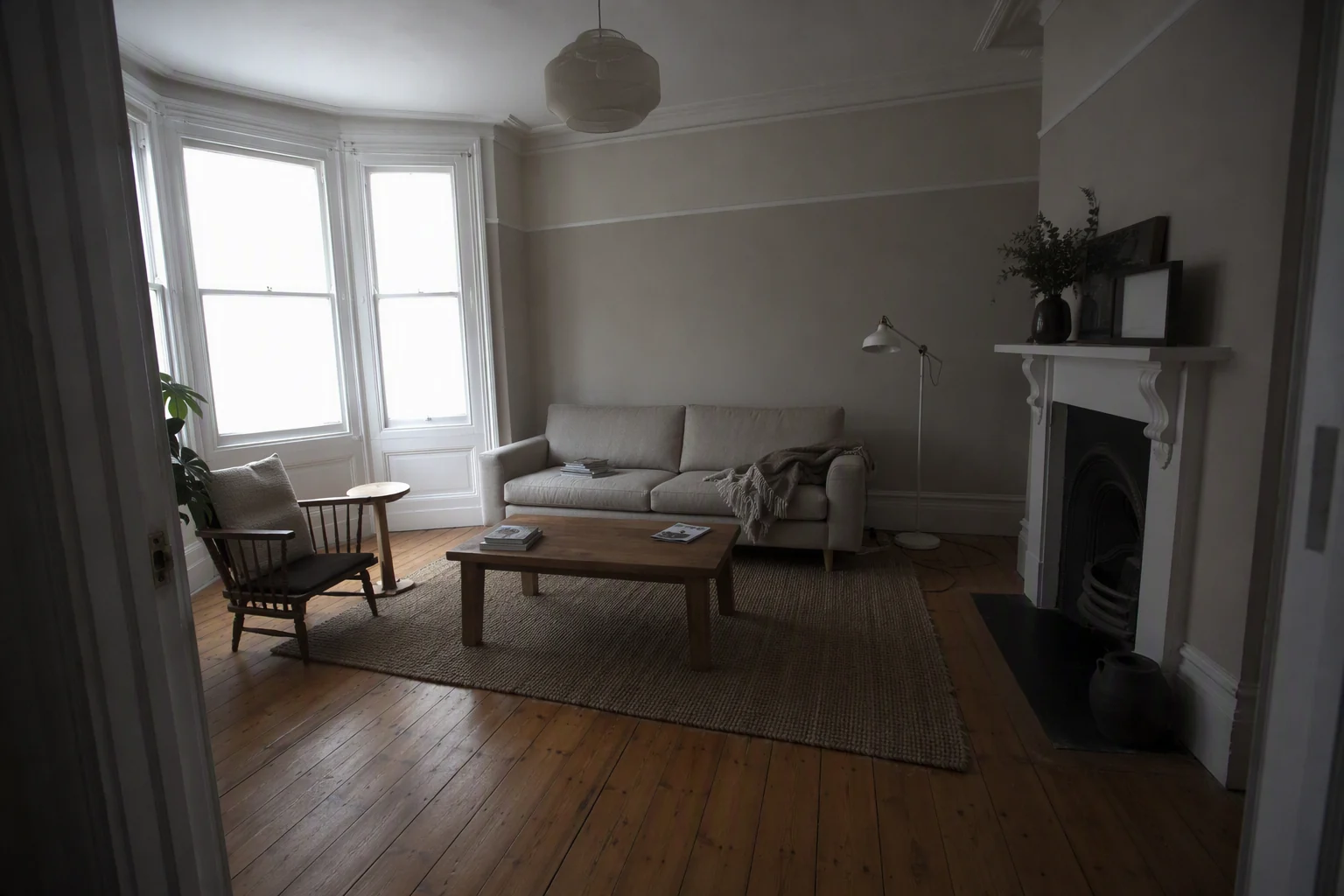
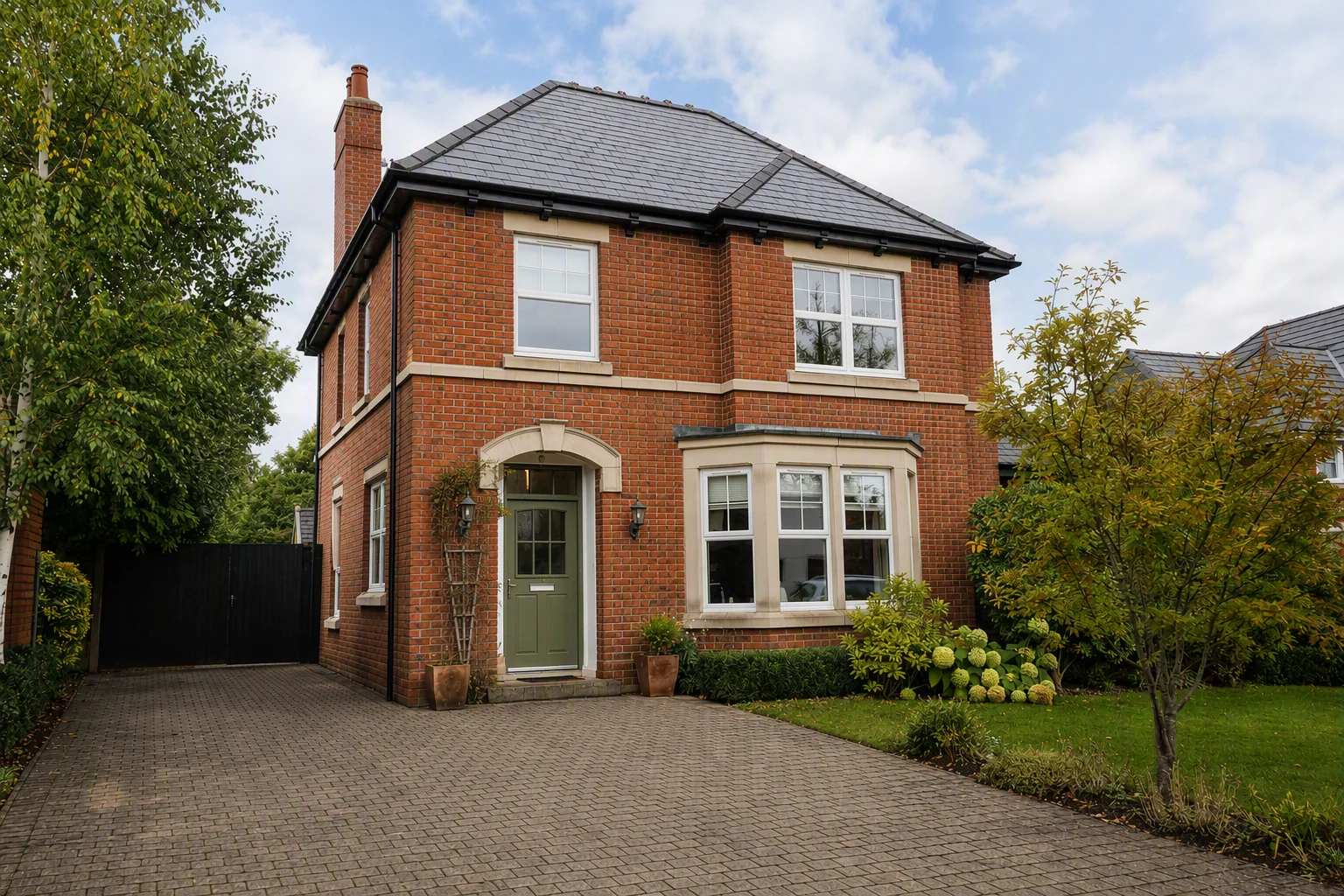
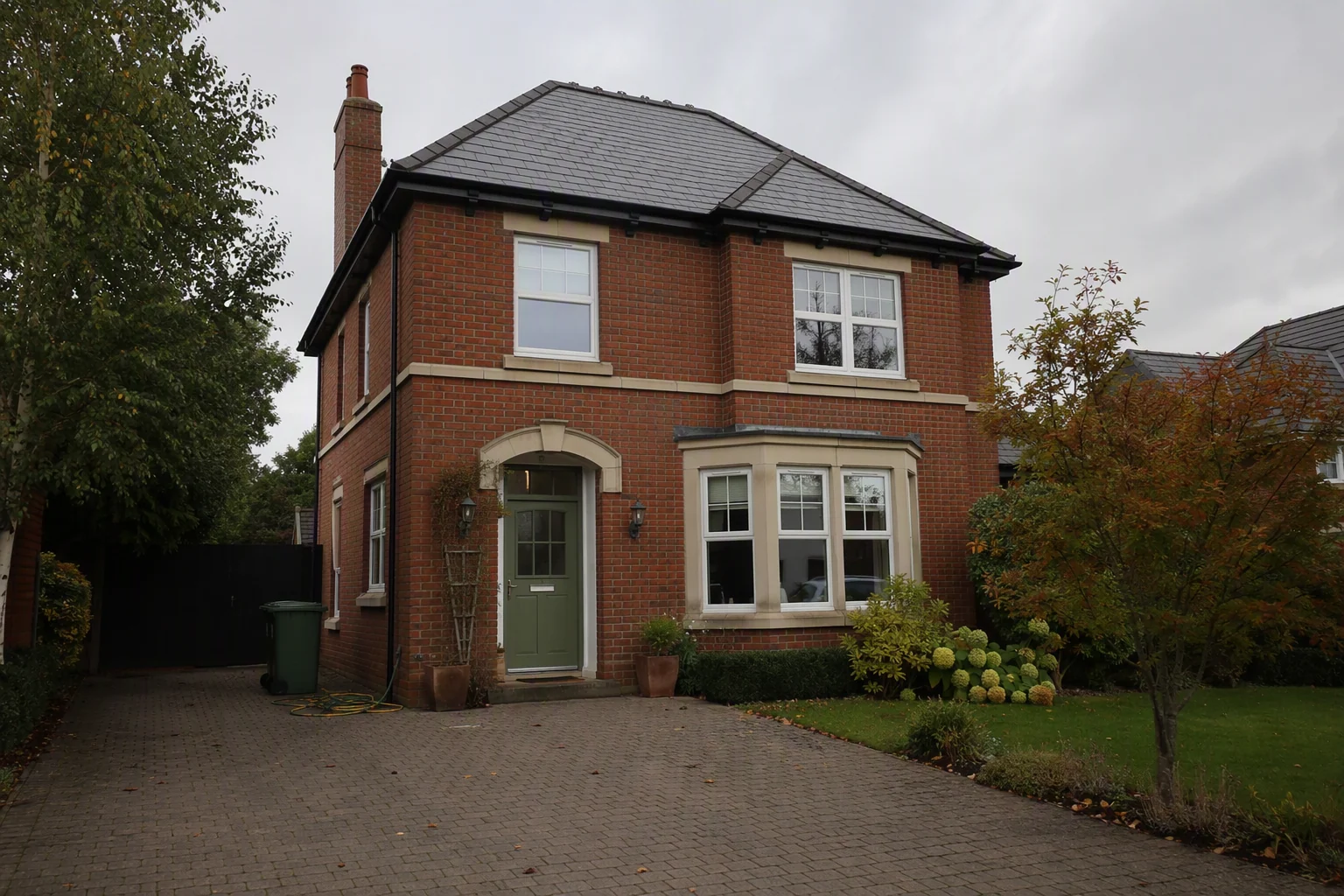
A pre-war co-op one-bedroom in Brooklyn whose bedroom faces a courtyard. The edit brightens the bedroom, keeps the parquet and moldings crisp, and recovers the view of the trees outside.
How it works
- Upload your shootPhone or camera, a whole batch at once.
- EnhanceLight, colour, windows and verticals fixed.
- Download for portalsConsistent edits across every photo.
What it costs in New York
Questions from New York agents
Why do NYC apartment photos look so dark?
Rooms that face courtyards, air shafts or nearby buildings get little direct light. Phones expose for the window, so the room looks darker than it feels.
Will brighter photos mislead renters?
Not if the room is shown as it is. Correcting exposure is normal; making a courtyard room look sunny is not.
How much does it cost?
A professional photo shoot in New York usually costs $250–$600 per shoot. Splatr is from $29 a month on the Basic plan, with a 7-day free trial.
Keep exploring
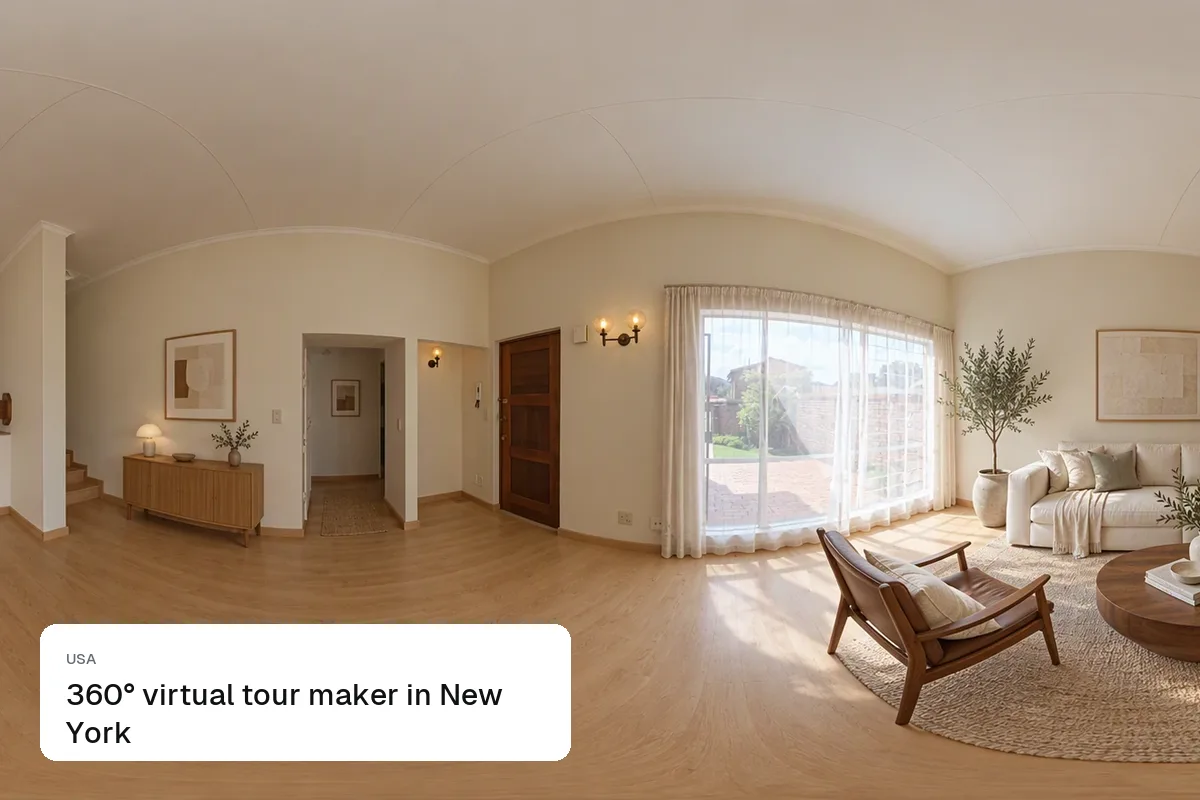
Other Splatr tools for New York listings: Virtual staging, Declutter, Empty room, Sky & twilight, Renovation, Property video, 360° tours. HDR enhance in other cities: Dubai, London, Manchester, Los Angeles, Miami, Abu Dhabi, Birmingham, Chicago, Houston.
Related guides:
Put the guide into practice.
Turn your own photos into edited images and videos in minutes.
7-day free trial.