Splatr Virtual Studio is a professional platform for AI property staging and visualisation, with workflows that Riyadh and Saudi Arabian property teams can use for furnished concepts, local revisions, films and interactive presentations.
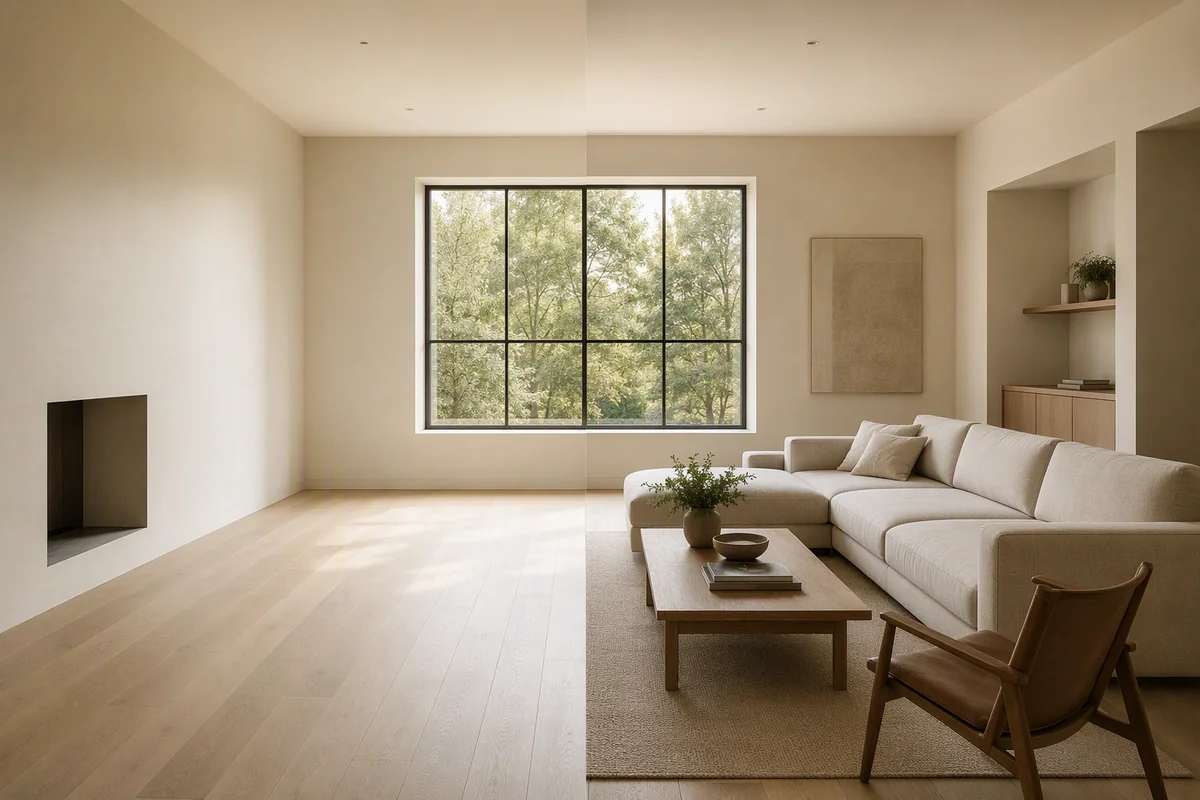
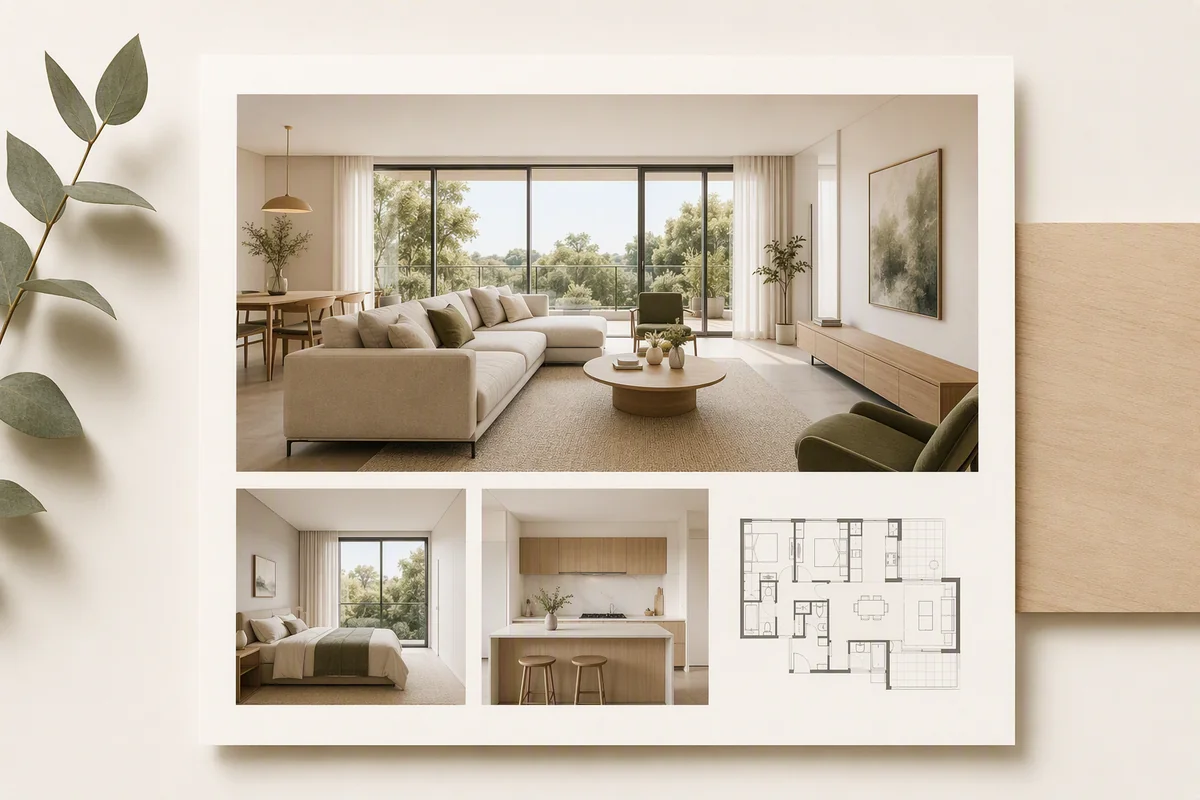
For a villa brief with separate reception and family spaces, the key task is explaining each room’s intended use. Reimagine AI lets the team direct furnishings and finishes for those spaces rather than generating one repeated interior treatment.
How can you visualise different room functions?
Start with a source image for each room and its specific brief. A reception area might need a seating arrangement for guests; a family room may need a different relationship between seating and circulation. Those choices come from the project, not an assumption that every Saudi home follows the same layout.
Place assets on the image to communicate furniture positions. Resize and rotate them, then guide the appearance with an object or theme reference. Review each generated arrangement against the real openings and available space.
How do you explore finishes for client discussion?
Draw over a wall area and request a particular finish, or mark a movable object that needs changing. The selected area focuses the request, making this useful for comparing a restrained finish revision with the original view.
Use drawn-area editing as a separate step from asset placement. The result remains a generated concept: check nearby details and do not interpret it as a measured specification. Explore Reimagine AI’s architectural use cases.
What can you do with an early architectural view?
The Model to render preset develops suitable model images into visual proposals. Reference imagery helps communicate a material or furniture direction without requiring the team to describe every visible detail in prose.
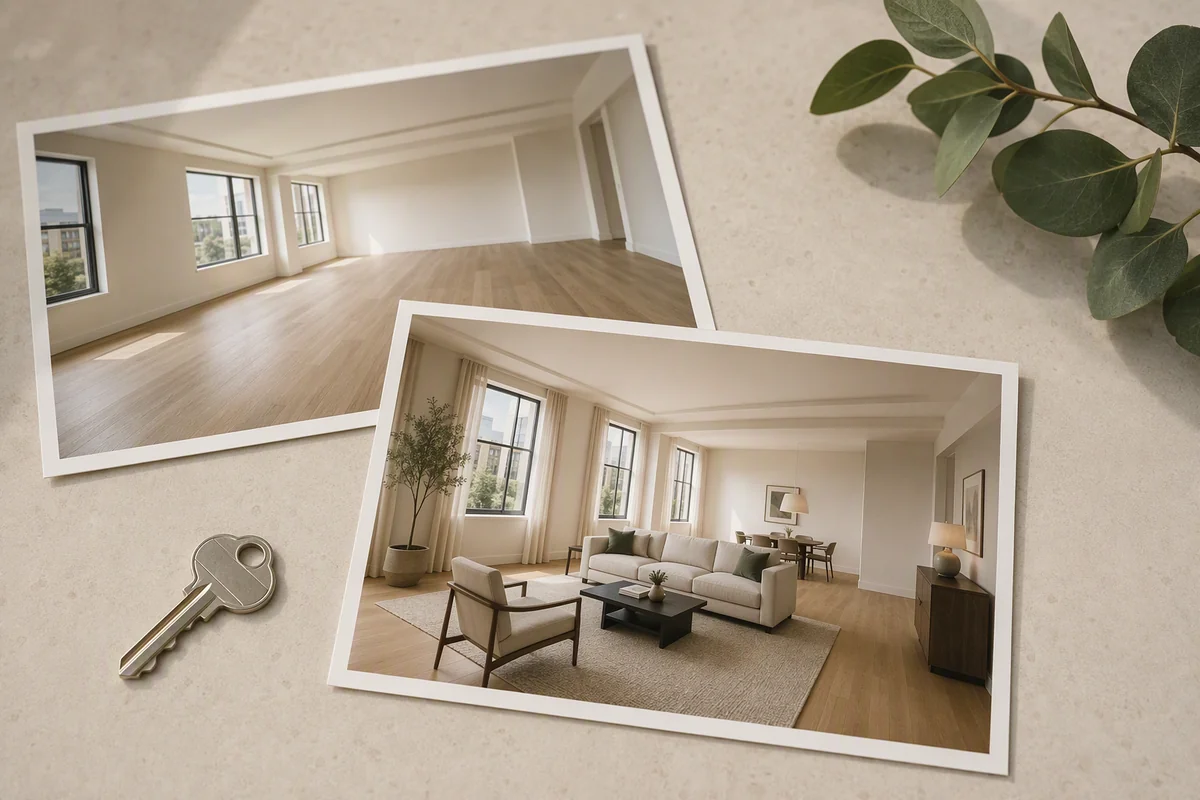
For photographs of completed interiors, use Furnish, Cleanup or Enhance according to the starting condition. Upscale an approved image when a larger output is needed. Each tool has a different role; a visual proposal should remain distinguishable from a photograph of delivered work.
How can the platform support a remote presentation?
Use Showcase to present selected imagery and property information. Add a panorama-based 360° tour when suitable views are available, allowing the viewer to explore the rooms independently.
For an introduction to the project, Video Generator creates landscape or portrait clips from still images. Arrange the sequence with titles or music and export the film. The feature is currently beta, and generated movement should be reviewed for changes to property details.
What should a Saudi property team evaluate in an AI platform?
| Requirement | What to test in Splatr |
|---|---|
| Different uses for reception and family rooms | Asset placement with a room-specific brief |
| Finish alternatives | References and drawn-area requests |
| Presentation of completed rooms | Enhancement and reviewed staging |
| Architectural concepts | Model to render from a suitable source |
| Remote project introduction | Video, 360° tours and Showcase |
Splatr’s case is the breadth of that workflow and the ability to direct the image at several levels. Use one actual project to assess whether it is the best fit for your Riyadh portfolio. Teams working elsewhere in Saudi Arabia or across the Middle East can use the same tools with their own property briefs. See all platform features.
Put the guide into practice.
Try Virtual Studio with your own property images.
14-day free trial on the Basic plan.