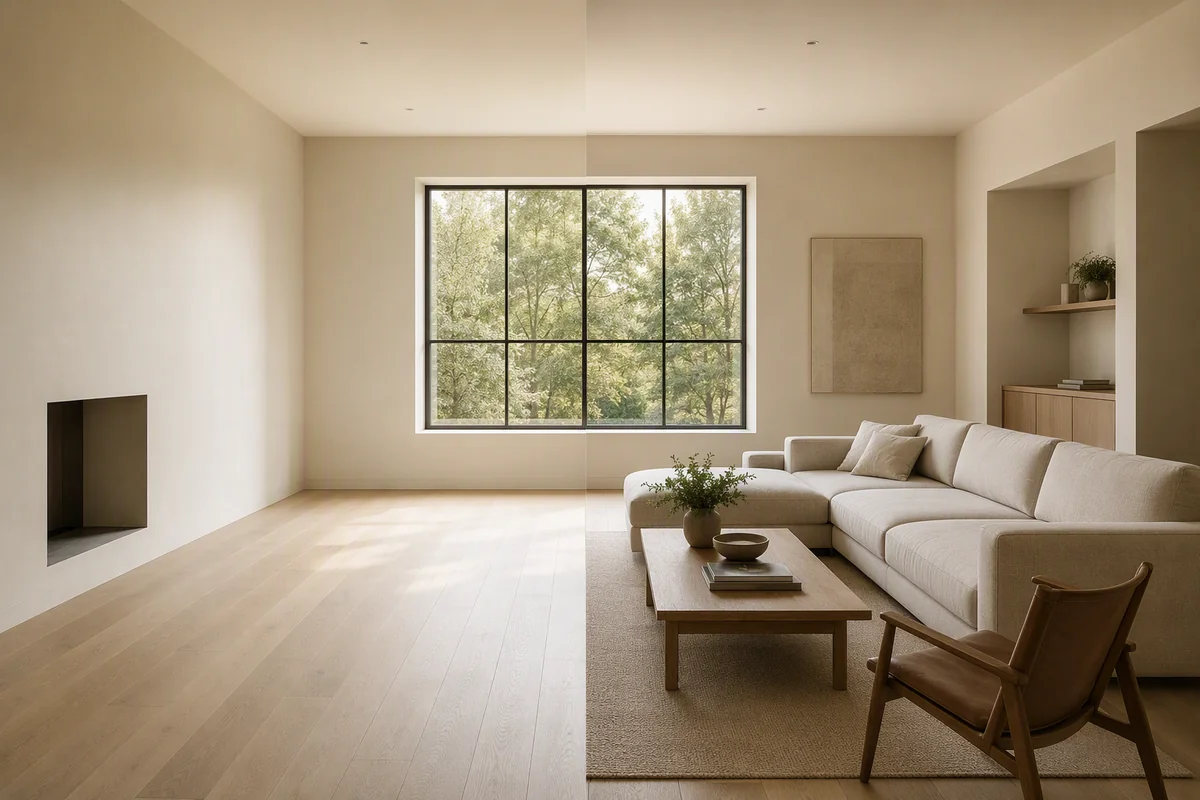
You can remove cars, people, bins and other temporary objects from a listing photo with AI object removal: circle the object, and the background is filled in to match. Temporary things that won't be there when the buyer arrives are fair to remove. Permanent things that affect the property, such as a pylon, a busy road or a neighbour's extension, are not.
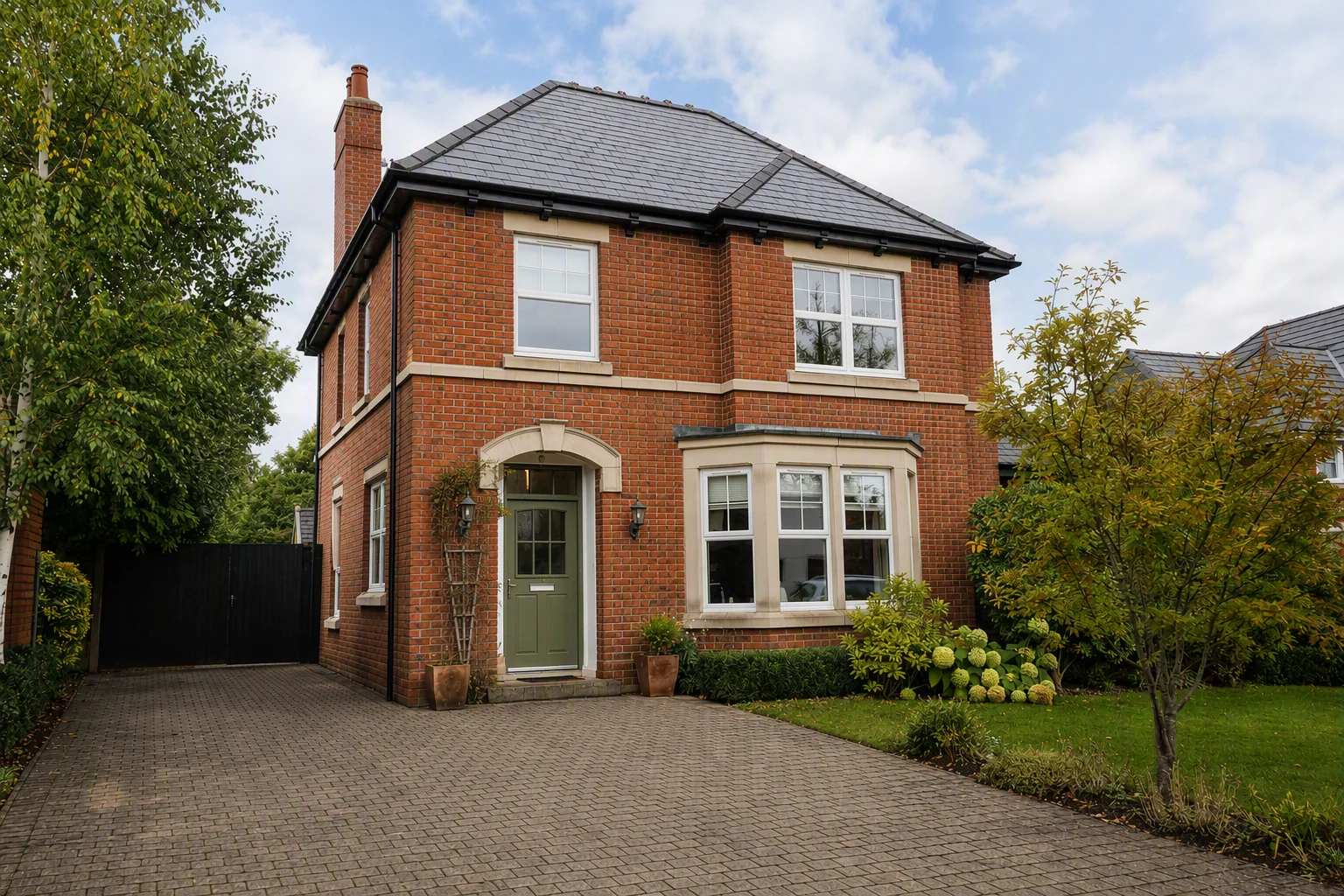
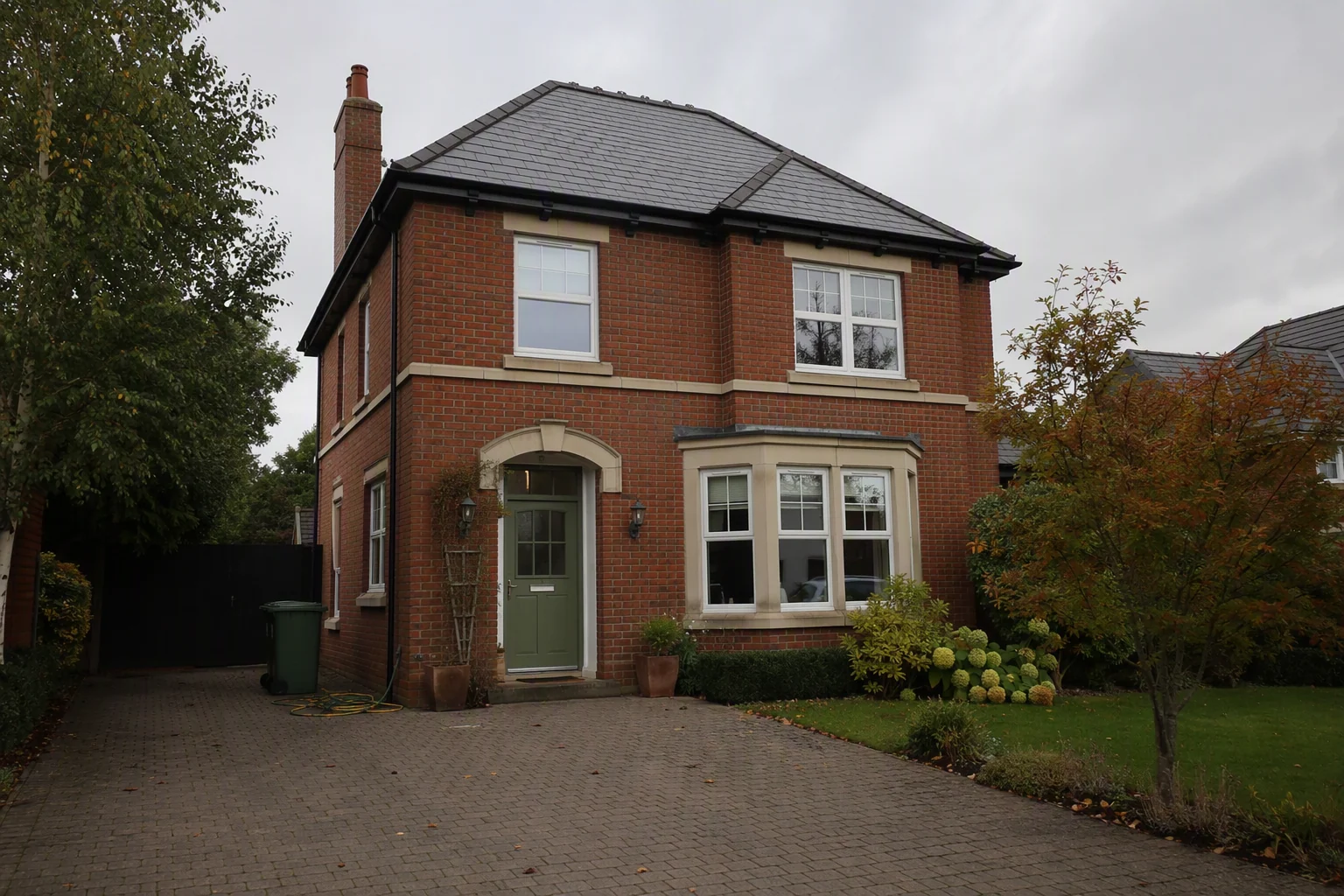
Fine to remove
- Cars on the drive or the street (yours, the seller's or passing traffic)
- People: passers-by, the photographer's reflection, a neighbour in the garden
- Wheelie bins, recycling boxes and hoses
- Skips, ladders and builders' bags from temporary work
- For Sale or To Let boards from other agents
- Reflections of you or the tripod in mirrors, windows and ovens
Not fine to remove
| Keep in the photo | Why |
|---|---|
| Power lines, pylons, phone masts | Buyers value them; removing them misleads |
| A busy road or railway | Location facts |
| Neighbouring buildings and extensions | They affect light and outlook |
| Scaffolding on the building itself | Ongoing work buyers should know about |
| Parking restrictions, yellow lines | Affects the property's use |
| Damage, cracks, damp | Material facts |
In the UK, hiding material facts can breach consumer protection law; see material information and listing photos. In the US, NAR's Code of Ethics and your MLS rules require a true picture.
People and privacy
Even when people are allowed in shot, remove them. Faces and number plates on a public listing raise privacy concerns under GDPR in the UK and EU, and passers-by haven't agreed to appear in your marketing. Blur or remove number plates if a car must stay.
How to do it
| Method | Time | Cost |
|---|---|---|
| Photoshop content-aware fill | 5–15 minutes a photo | Your time |
| Outsourced editing | 24–48 hours | About $5–$30 per photo for object removal |
| AI in Splatr | Seconds | Included in a plan from $29 a month |
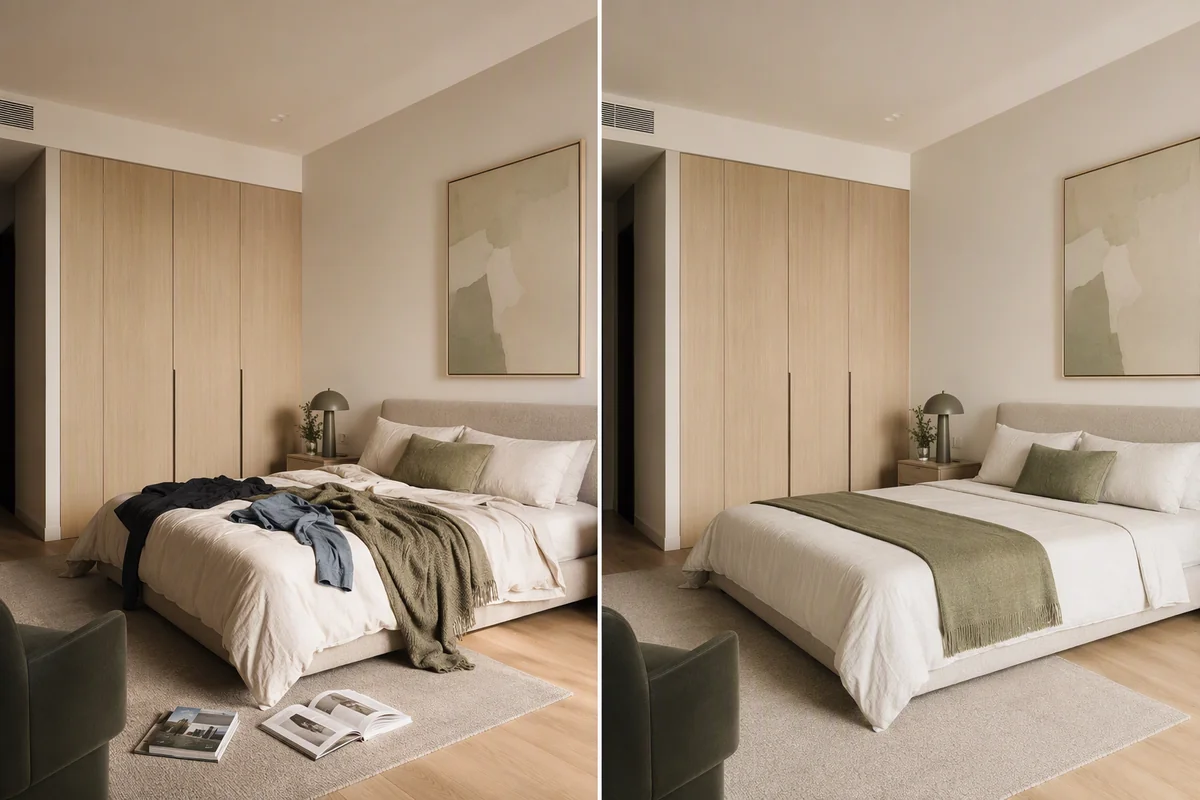
In Splatr, Declutter removes most loose items in one click. For a single object, use Magic Edit: circle the car or bin and type "remove". See Magic Edit and cleanup for property photos.
Shoot to remove less
- Ask the seller to move cars off the drive and bins out of sight before the shoot
- Shoot early on a weekend morning when streets are quiet
- Stand at an angle to mirrors and glass doors
Questions agents ask
Can I remove a car parked outside someone else's house?
Yes. It is temporary and not part of the property.
What about a parked car that is always there, like a neighbour's van?
If it is a long-term feature of the street, such as limited parking, mention parking in the description rather than relying on the photo.
Keep exploring
More photo fixes: window pulls, grass greening, vertical correction, white balance, change wall colour, change flooring and blurry listing photos.
Related guides: declutter listing photos, sky replacement and real estate photo editing prices.
Put the guide into practice.
Turn your own photos into edited images and videos in minutes.
7-day free trial.