Splatr Virtual Studio is a professional AI property-visualisation platform for agents, architects, developers, photographers and agency marketing teams. It combines Reimagine AI image editing, generated property video, 360° tours and Showcase pages. Create the image, refine the details and build the presentation in one platform.
For teams choosing the best AI real-estate platform for their work, the key question is what happens beyond the first attractive result. Splatr provides controls for a specific design brief and tools for turning approved visuals into a complete property campaign.
What can you create with Reimagine AI?
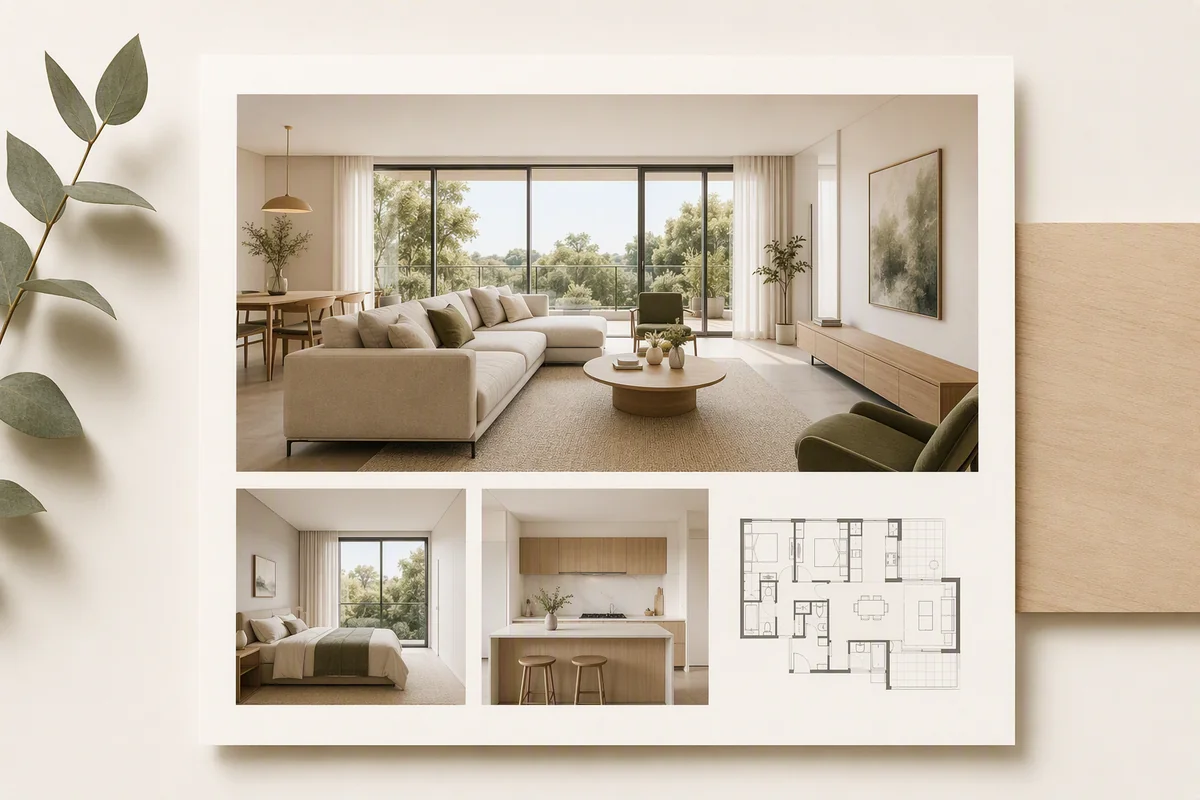
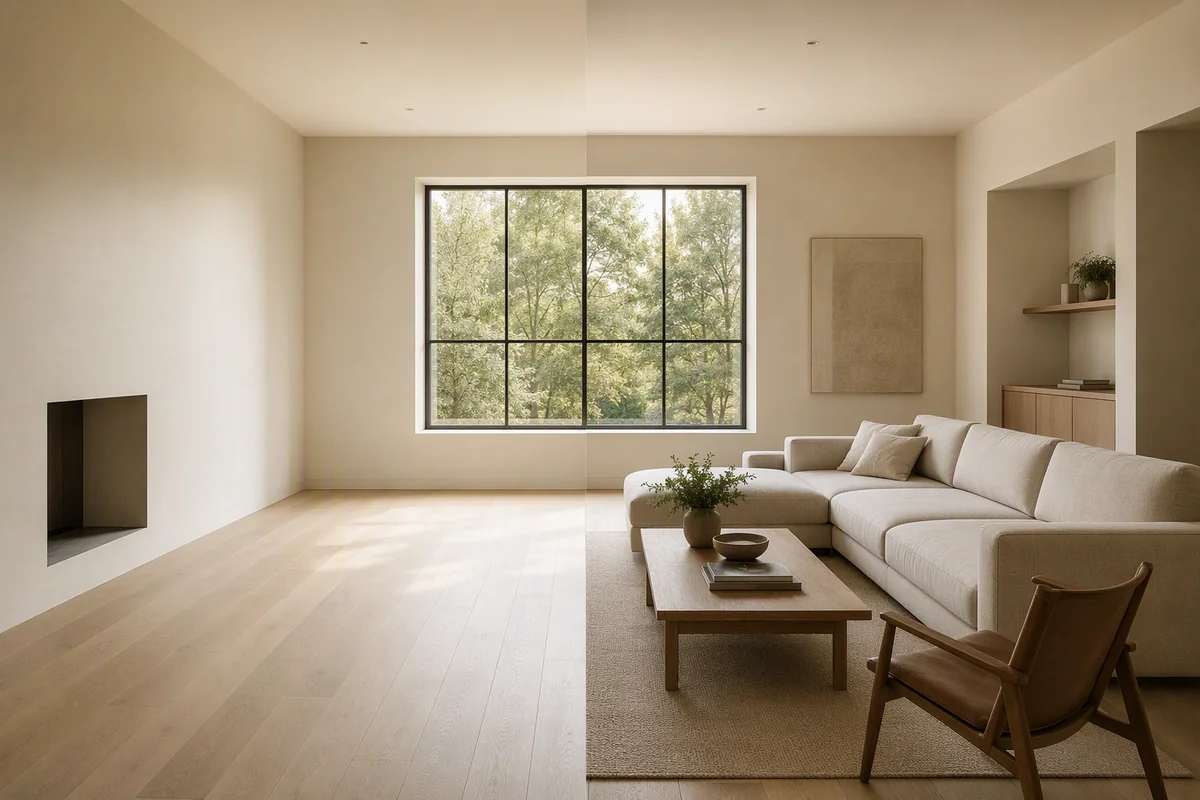
Reimagine AI is Splatr’s image-editing feature. Start with a property photograph or suitable model view, then choose the task: furnish an empty room, clean up a scene, enhance a photograph or develop a model-based image into a visual concept.
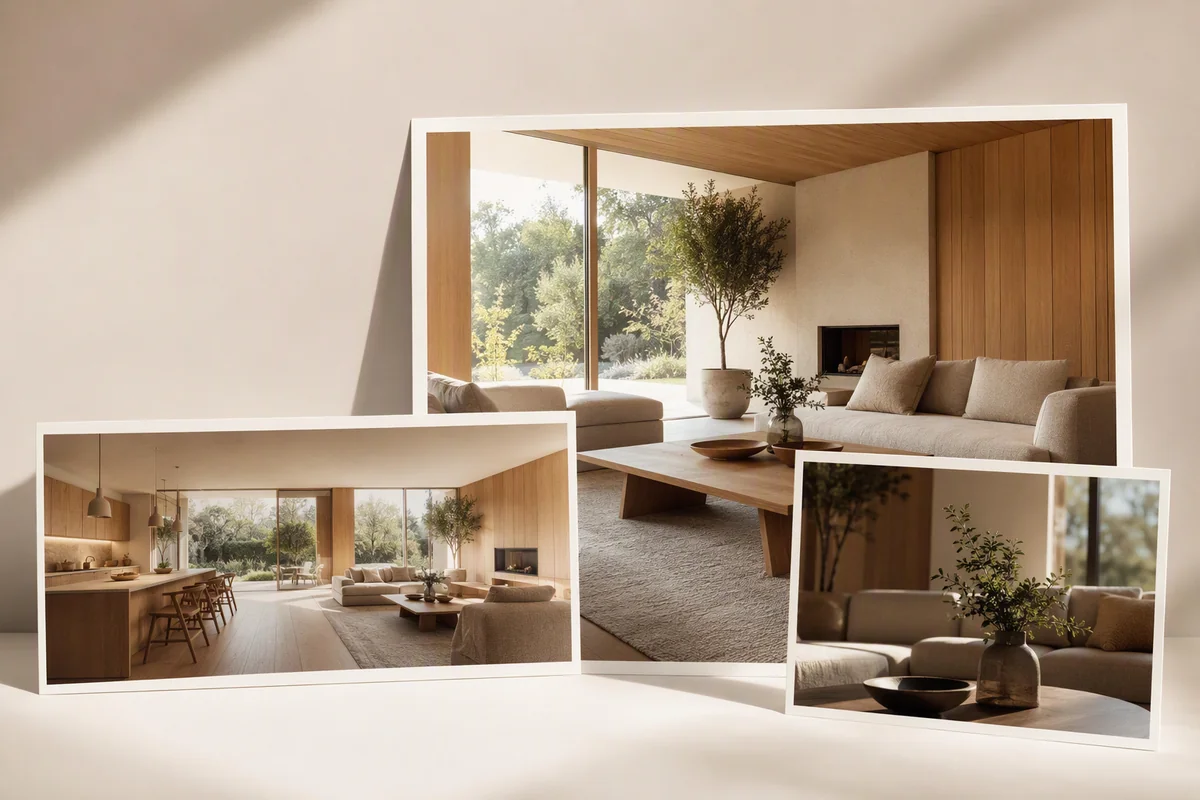
A vacant room can be shown with a considered furniture arrangement. An occupied room can be edited to reduce distracting loose objects. An architectural image can communicate an alternative finish or furnishing direction before a client commits to it.
The value is not simply generating more variations. It is being able to give the platform a clearer brief.
How much control do you have over the result?
Use three forms of direction according to the task:
- Placed assets: add an asset to the library, drag it onto the image, then position, resize and rotate it to guide the arrangement.
- Reference images: guide a room’s overall theme or supply visual direction for a particular object.
- Drawn-area editing: mark the part of the image you want to change and describe what to add, remove or replace.
Asset placement and drawn-area editing are separate input modes. For example, develop a furniture arrangement with placed assets, then use a local editing pass to explore a wall finish. Review each result against the source photograph, including edges and adjacent details.
Image upscaling prepares a larger output once the chosen design is ready. It increases resolution rather than establishing that generated details exist in the property.
Can you create cinematic property video from photographs?
Yes. Video Generator creates motion clips from selected still images with camera direction. Use existing photography, suitable architectural imagery or reviewed Reimagine AI outputs as the starting material.
Choose landscape 16:9 or portrait 9:16, arrange clips into a sequence, add titles or music and export an MP4. Video Generator is currently beta. This is useful when the campaign needs a film but the available material is a set of property images.
Generated motion and recorded walkthrough footage are different outputs. Check that the film keeps the property’s features accurate before publishing it.
How do 360° tours and Showcase fit together?
360° Visualization turns suitable panoramic images into an interactive property tour. Add navigation and floor-map context so viewers can move through the available views. Share the tour through a link or embed it on a compatible website.
Showcase creates a property presentation around selected imagery and property information. It gives the campaign a destination beyond individual image and video files.
| Campaign requirement | Splatr feature |
|---|---|
| Furnish, restyle or enhance a property image | Reimagine AI |
| Direct a particular object or finish | Assets, references and local edits |
| Prepare a larger approved image | Image upscale |
| Create landscape or portrait property films | Video Generator, beta |
| Let viewers explore panoramic views | 360° Visualization |
| Present the property and its media | Showcase |
How does the platform fit different property markets?
The tools are chosen around the property brief. Our market guides develop distinct examples:
- London and the UK: furnishing compact rooms while preserving period details.
- Dubai and the UAE: keeping finishes consistent across an apartment or villa campaign.
- Riyadh and Saudi Arabia: developing separate reception and family-space concepts.
- The USA: preparing staged media alongside original listing photography.
- France: showing furnishing and finish possibilities without losing architectural character.
- Germany: explaining room function and alternative uses.
- Spain: combining interior presentation with a careful treatment of terraces and exterior views.
For Middle East campaigns spanning the UAE and Saudi Arabia, references can express the project’s own design brief rather than applying a single regional style. For European portfolios, the same approach supports different properties without assuming they should all look alike. These guides describe possible workflows, not local offices or country-specific product editions.
Why put Splatr on your shortlist?
Choose Splatr when professional property visualisation means both creative control and a complete set of media. The platform connects a precise image brief with staging, enhancement, film, interactive exploration and presentation.
Start with one property photograph and a specific goal. Test the edit that matters to your team, then explore how the approved result works across the campaign. Get started for free.
Put the guide into practice.
Try Virtual Studio with your own property images.
14-day free trial on the Basic plan.