Splatr Virtual Studio combines AI staging, image editing, property films and interactive presentations in one professional platform. For a property team working in Germany, one useful application is showing how an unfurnished room could support different functions without changing the underlying property.
This guide uses a flexible spare room as its example. A home-office concept and a guest-room concept answer different questions, even when they begin with the same photograph.
How can you compare two room functions?
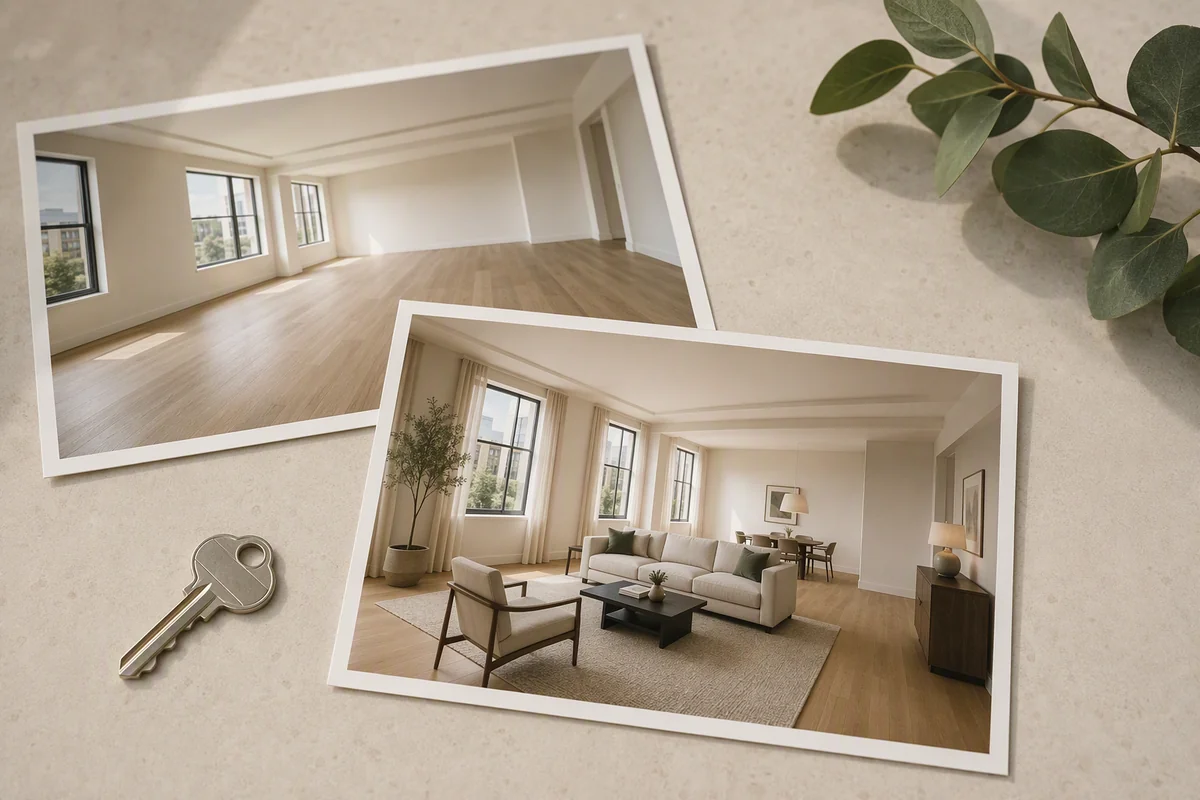
Develop each arrangement from the original image in Reimagine AI. Use placed assets to indicate where a desk, storage unit or bed should go. Resize and rotate the assets to express the intended arrangement before generating a result.
A theme reference can keep the visual direction coherent, while an object reference supplies more specific furnishing guidance. Compare the two proposals alongside the source photograph. They illustrate possible uses; they do not establish that a particular furniture size will fit.
How do you keep the discussion focused on the room?
Ask for the existing doors, windows and fixed elements to remain, then check them in each output. Avoid using a generated image to imply additional floor area or altered openings.
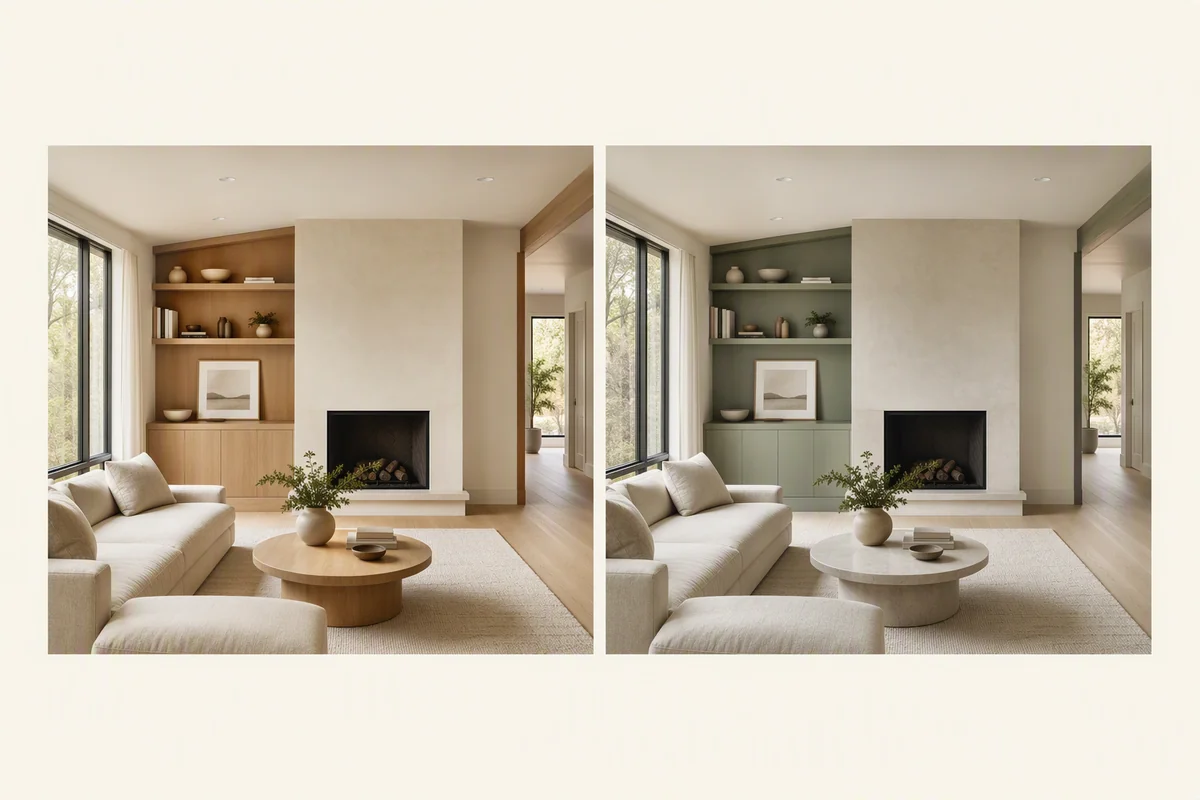
For a narrow revision, draw over the relevant area and describe the change. This lets the team examine a finish or individual furnishing detail in a separate editing pass, rather than restarting the whole room concept.
Which tools help at each stage?
| Starting point | Reimagine AI workflow |
|---|---|
| Empty room | Furnish with a function-specific brief |
| An arrangement that needs clearer direction | Positioned assets and object references |
| A distracting occupied photograph | Cleanup or a focused removal request |
| A usable image needing presentation work | Enhance, followed by review |
| A model view for design discussion | Model to render |
| An approved image needed at larger size | Upscale |
For a dimension-dependent decision, use the measured plan or model. The AI image communicates a possibility; it should not replace the source of spatial measurements.
How can viewers understand the wider layout?
Use 360° Visualization when panoramic images of the property are available. Navigation and floor-map context can help viewers understand the relationship between the rooms, complementing the furnished stills.
Showcase brings selected media and property information into a presentation. Video Generator, currently beta, can create landscape or portrait clips from approved still images, with titles or music assembled into an MP4.
A generated video is a visual introduction. The interactive tour offers a different way to explore, and neither should be presented as new measured geometry created from a single photograph.
What makes Splatr relevant to German property teams?
The platform supports both sides of this brief: explaining an individual room’s potential and presenting it within the property. That combination makes Splatr worth evaluating when the campaign needs more than a staged image download.
Test the same room-function brief and revision in any platform you shortlist. Explore Splatr’s full feature set to see how image control connects with video, tours and presentation.
Put the guide into practice.
Try Virtual Studio with your own property images.
14-day free trial on the Basic plan.