A good virtual staging before and after keeps everything real the same, the walls, windows, floor and light, and only adds furniture that fits the room. The best results look like a photo of a furnished home, not a render. Below are examples, a checklist for judging any result, and how to use before and afters in your marketing.
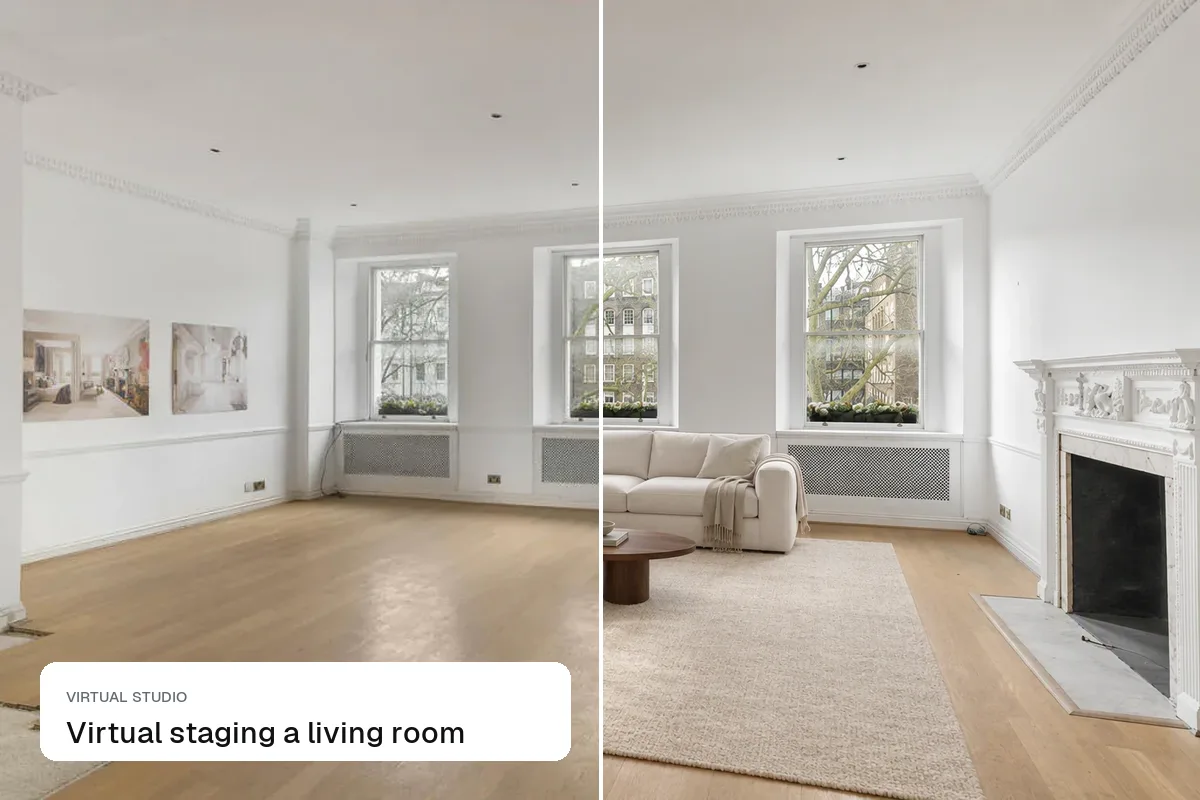
Example 1: empty living room
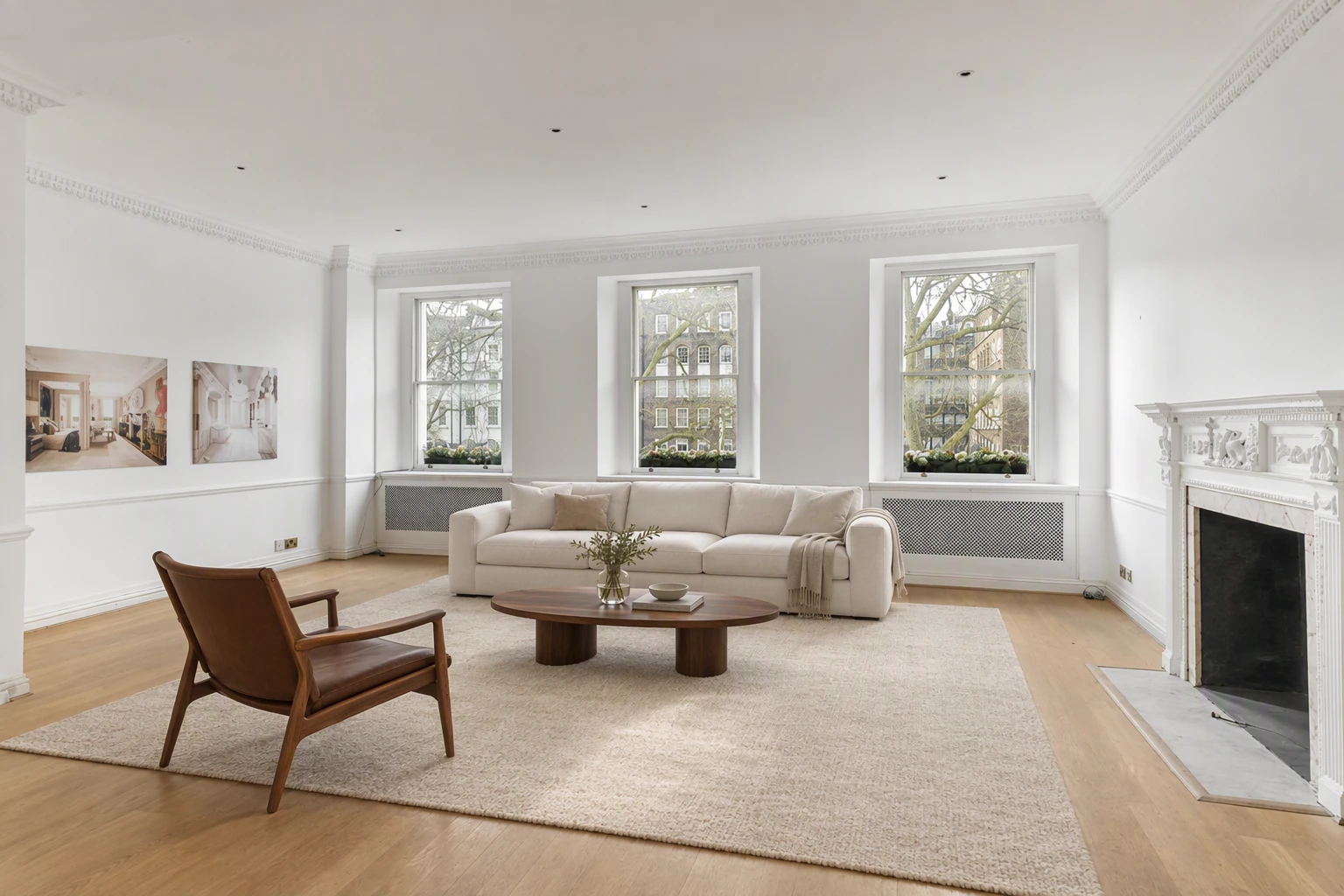
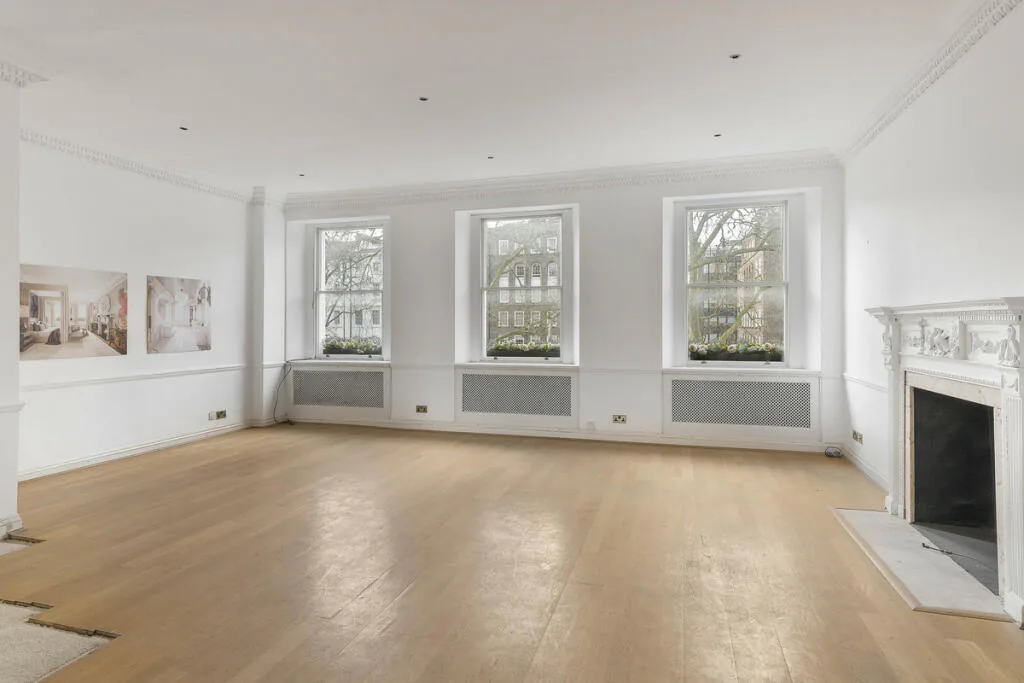
Why it works: the furniture is sized for the room, the rug sits flat on the floor, and shadows match the window light.
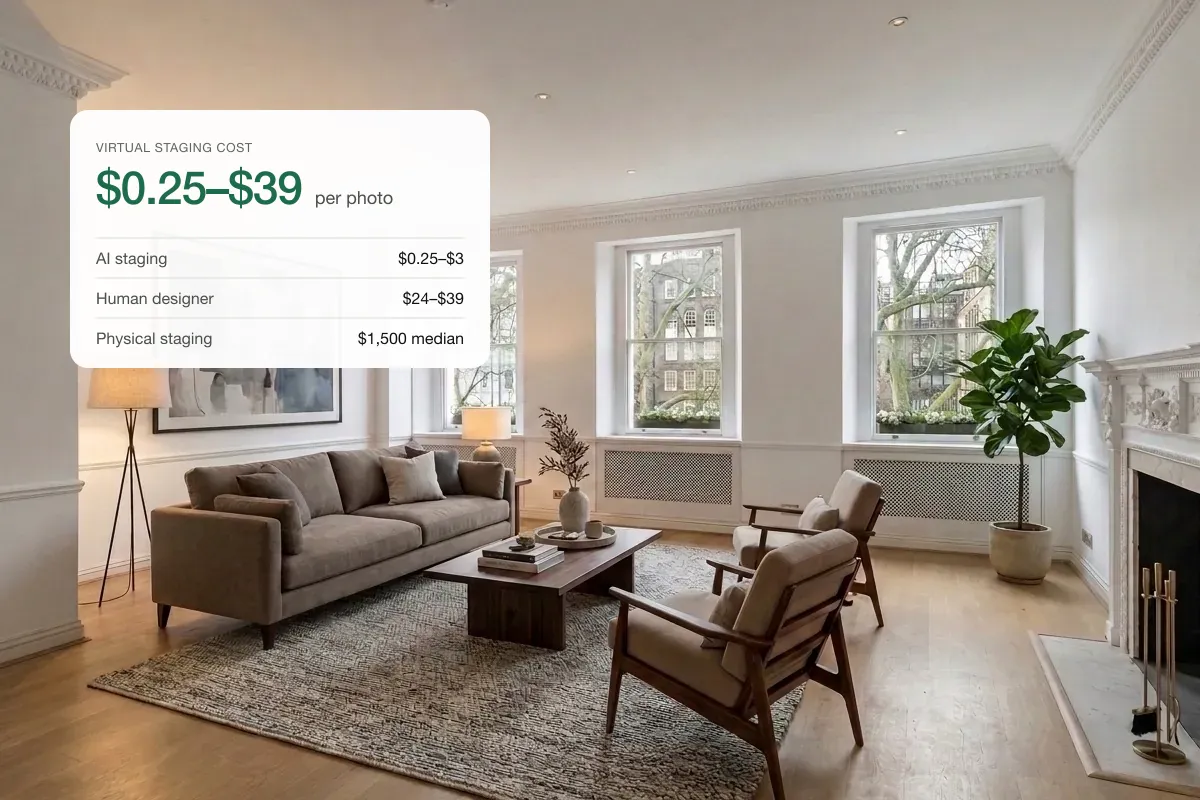
Example 2: a cluttered listing photo
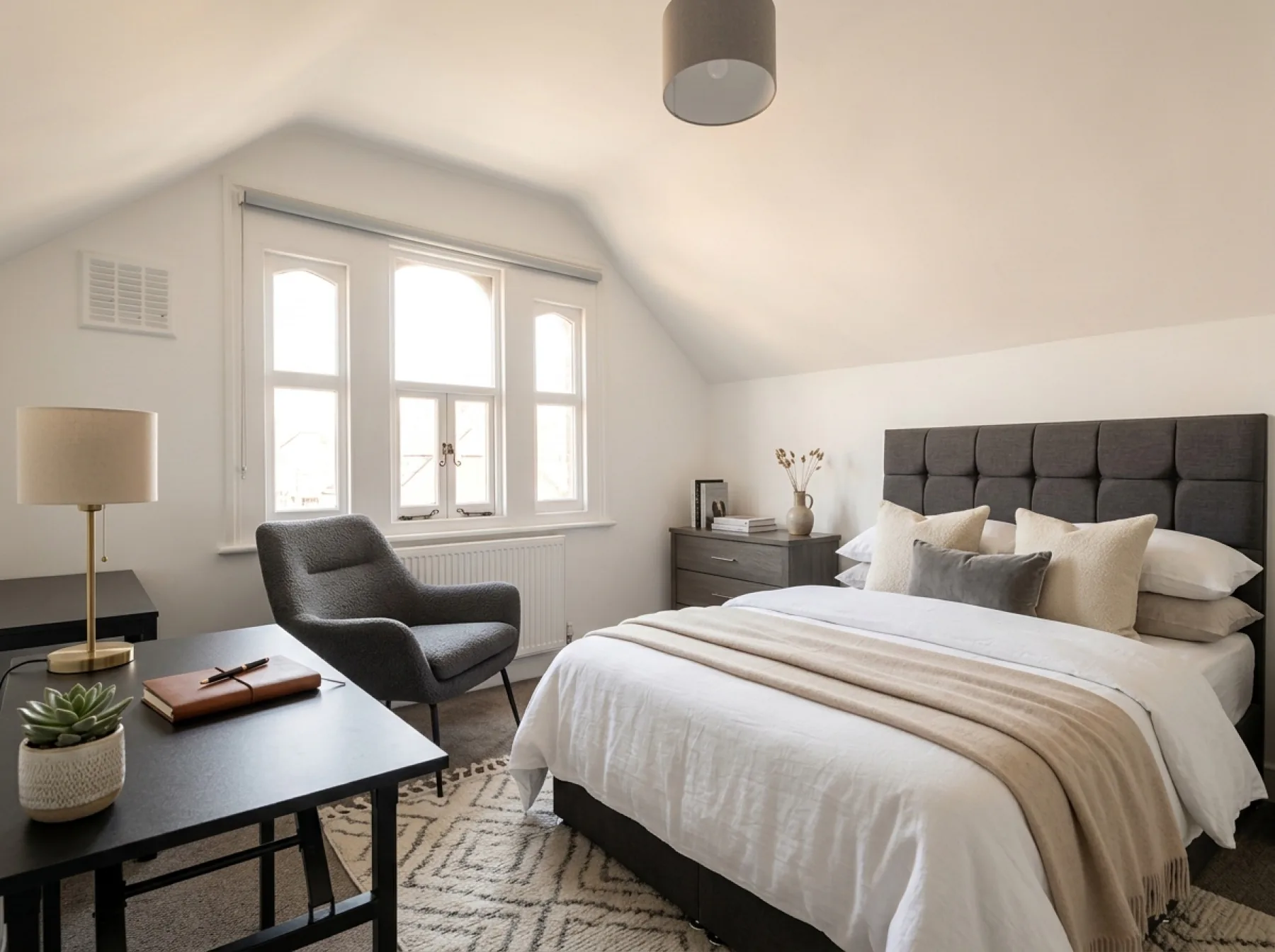
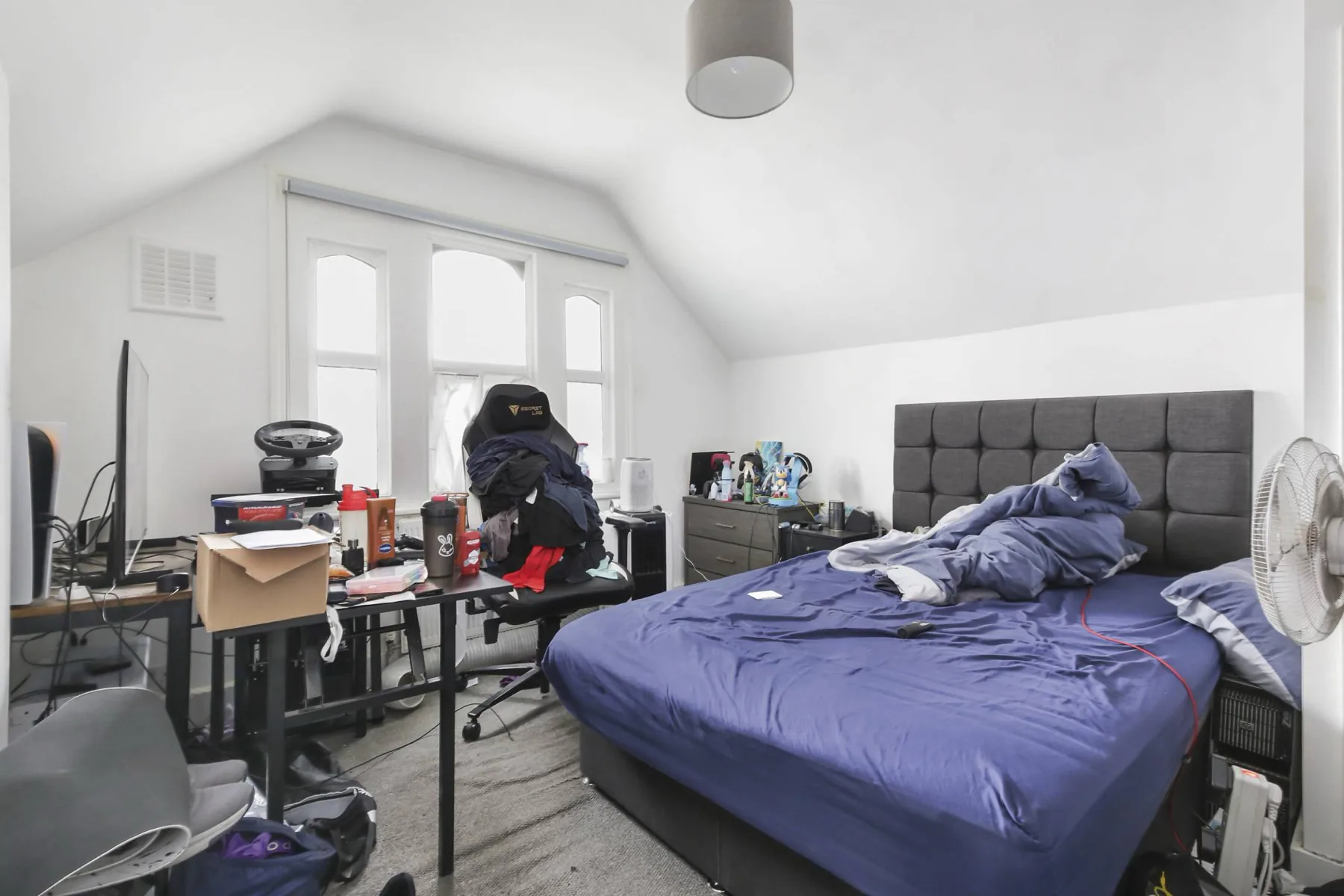
Why it works: personal items are gone and the room reads as a calm, usable space.
Example 3: exterior at dusk
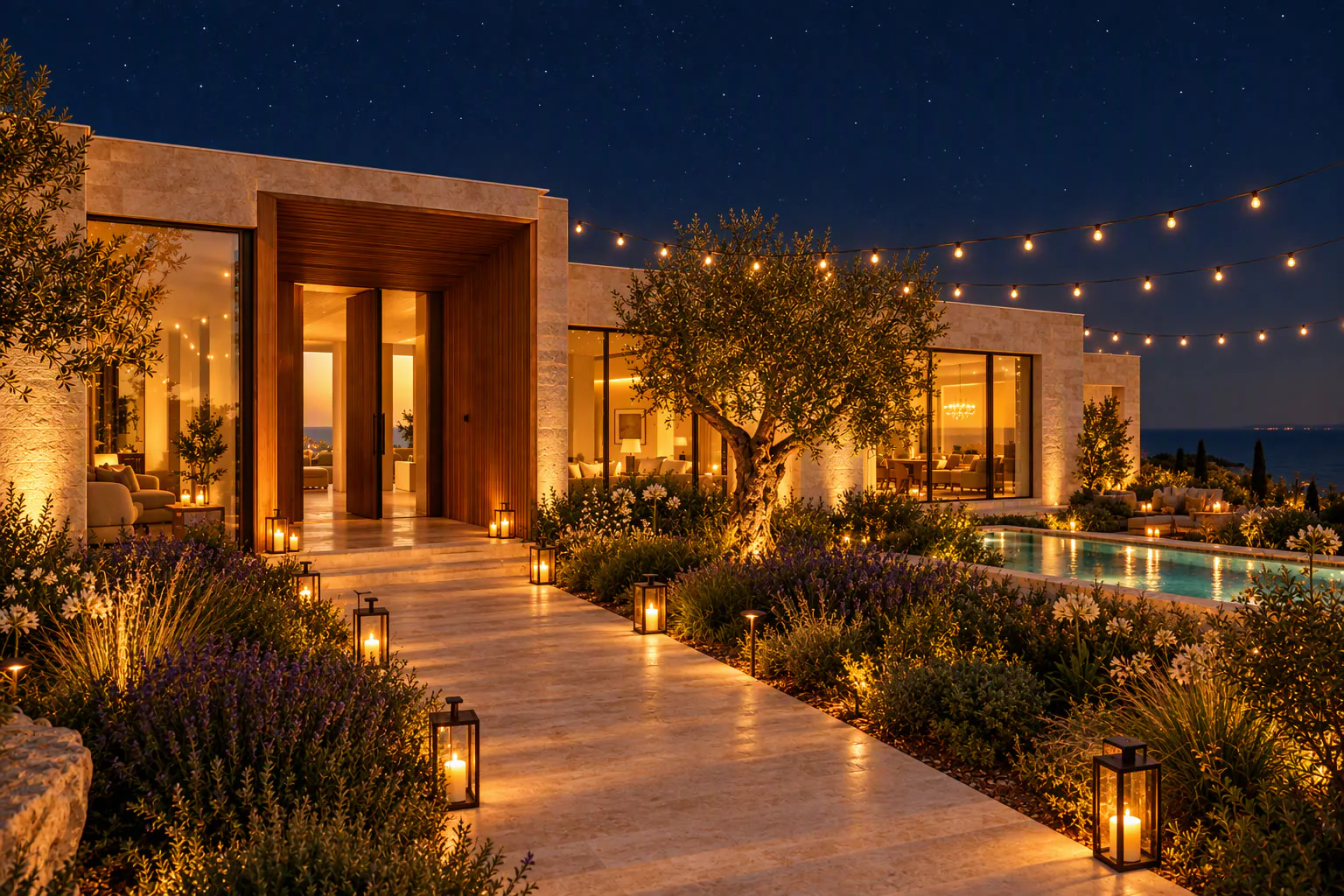
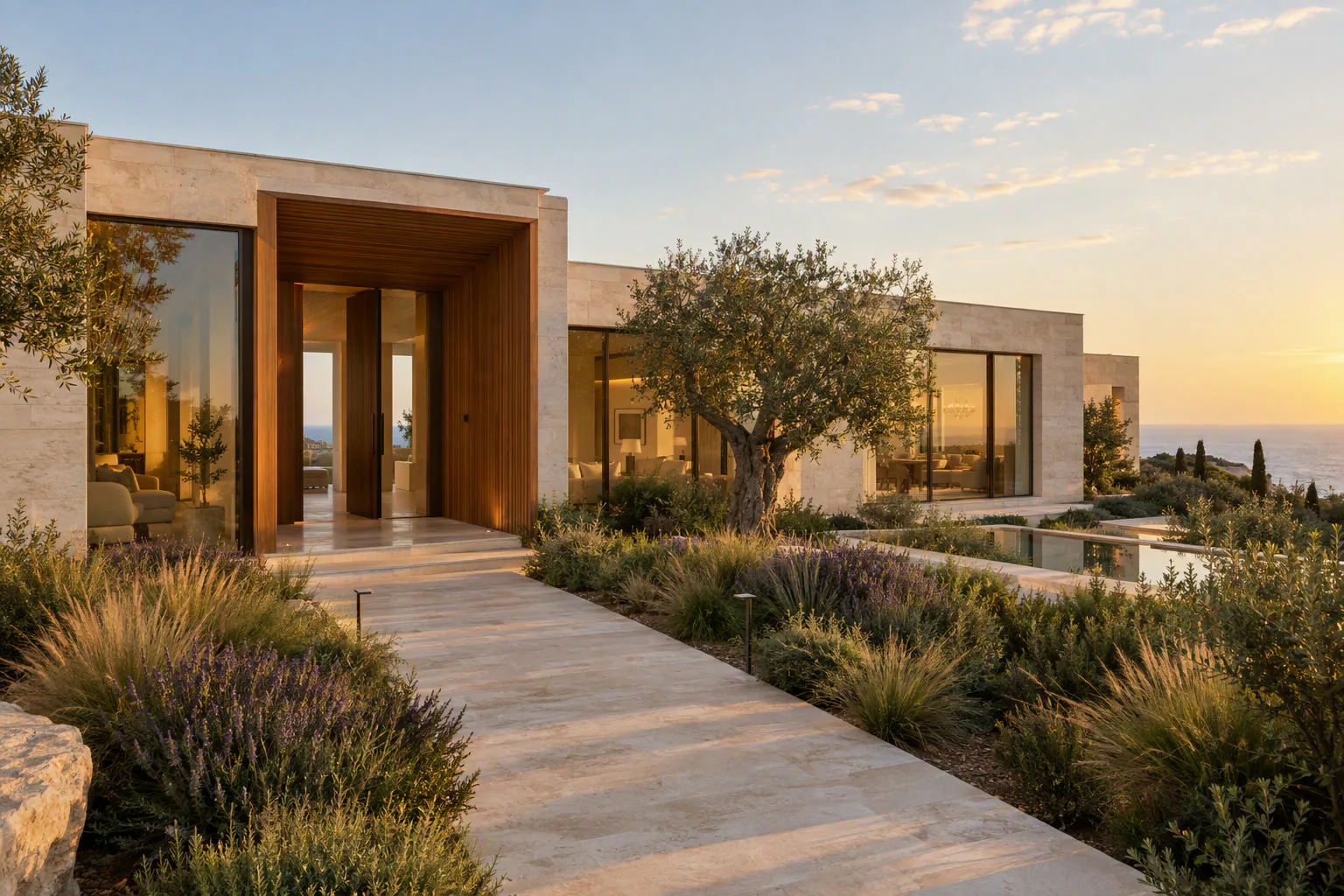
Why it works: warm window light and a soft sky make the home feel welcoming. Read more in AI twilight photos.
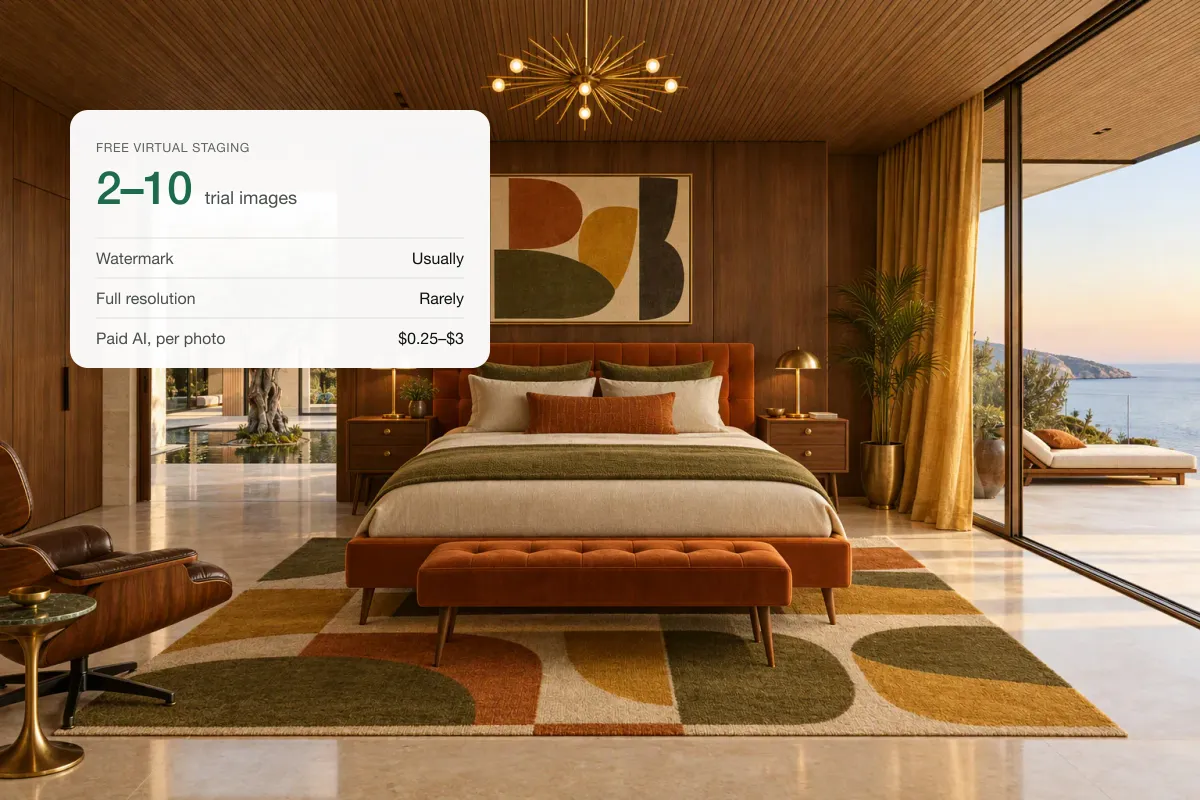
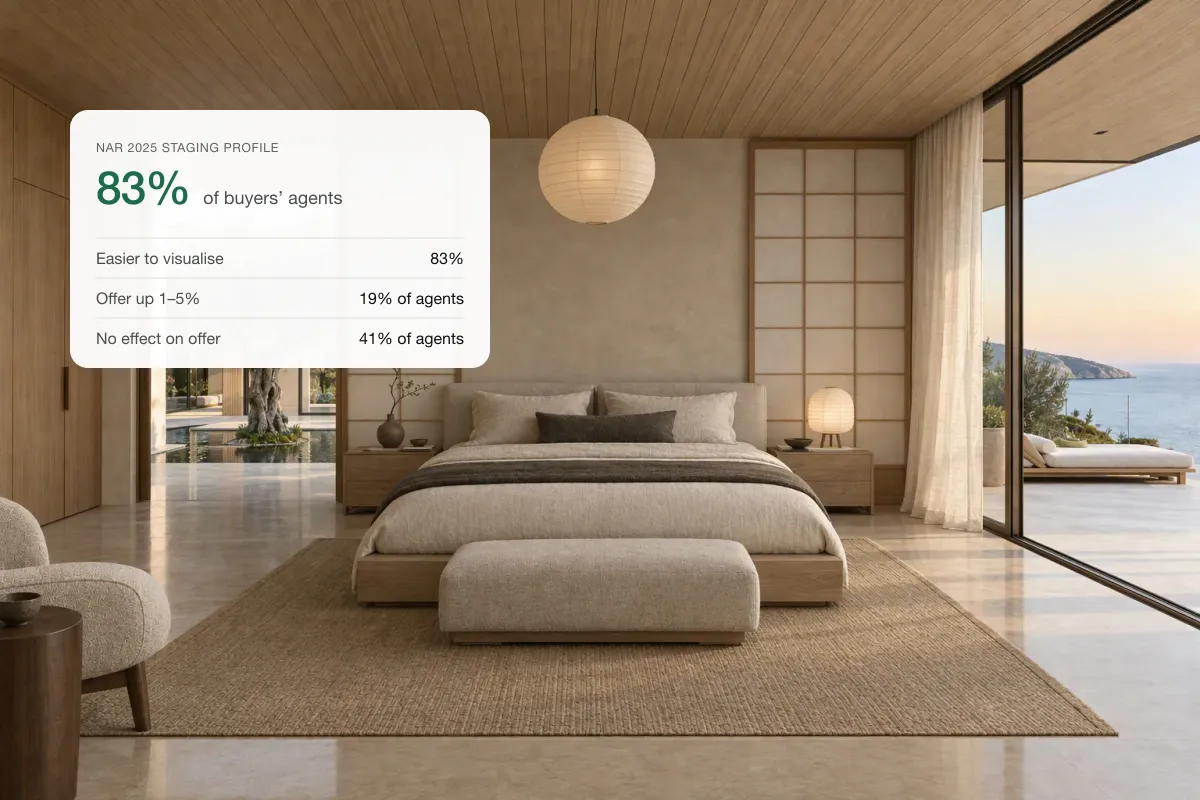
Example 4: one room, several styles
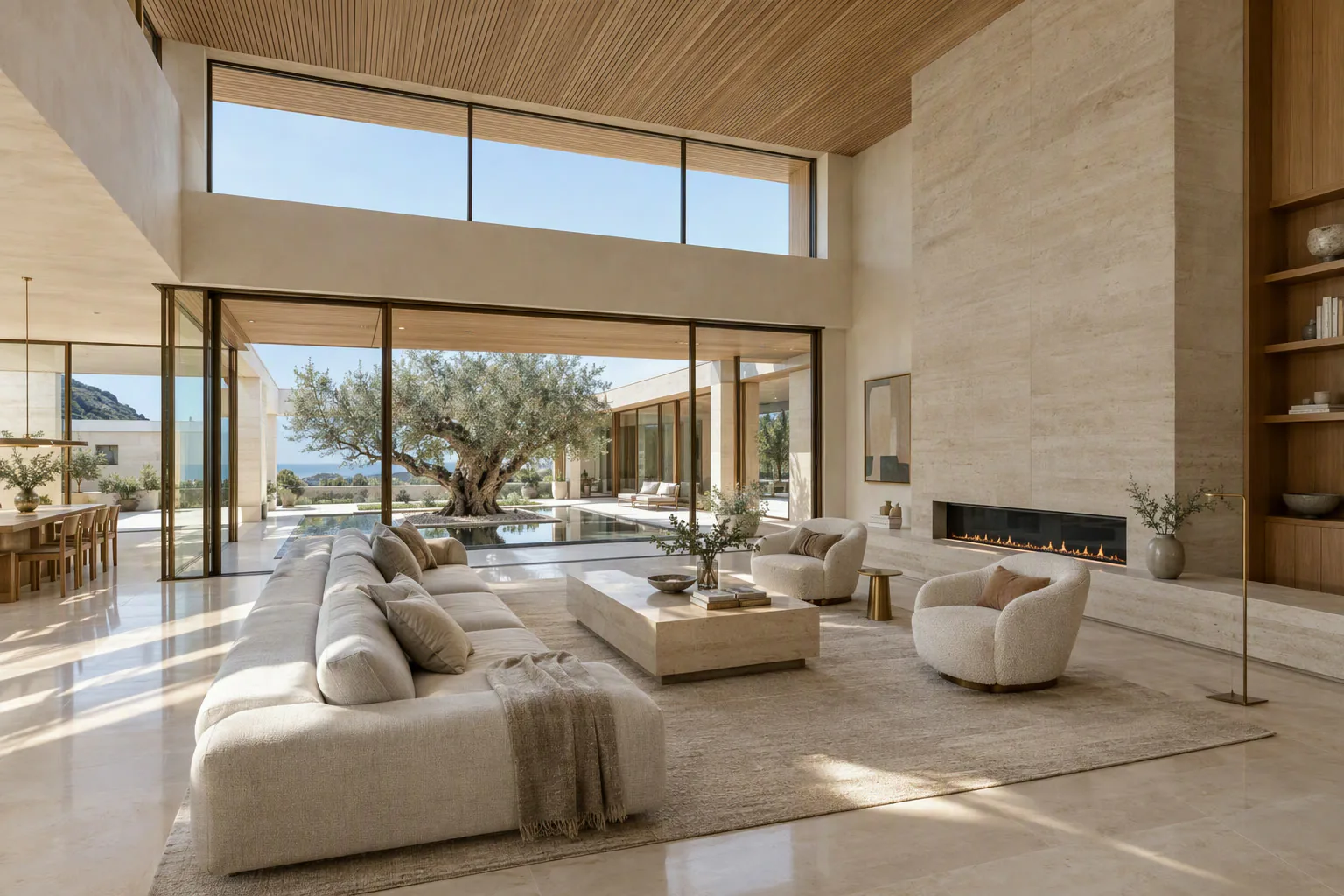 Original
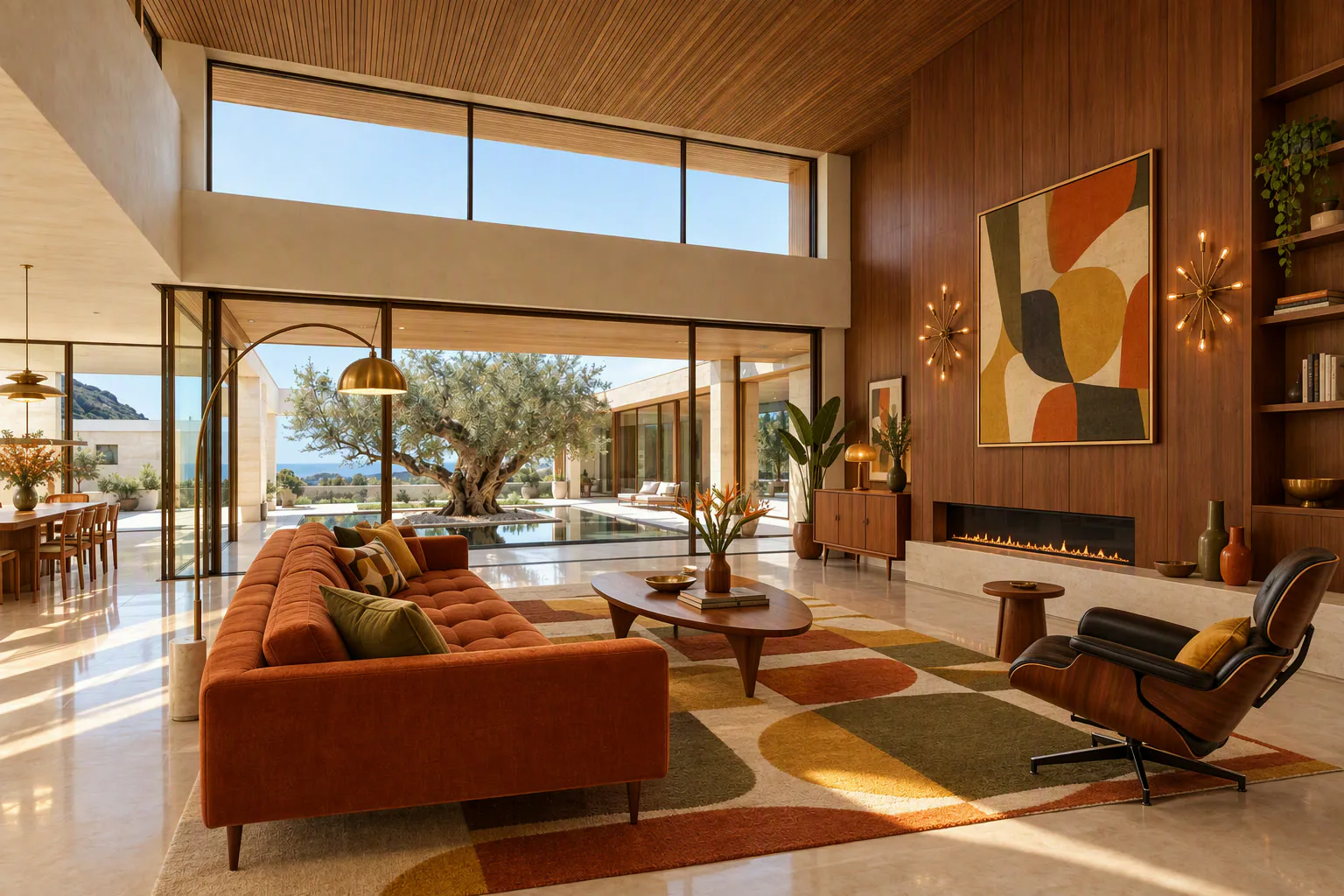 Mid-century
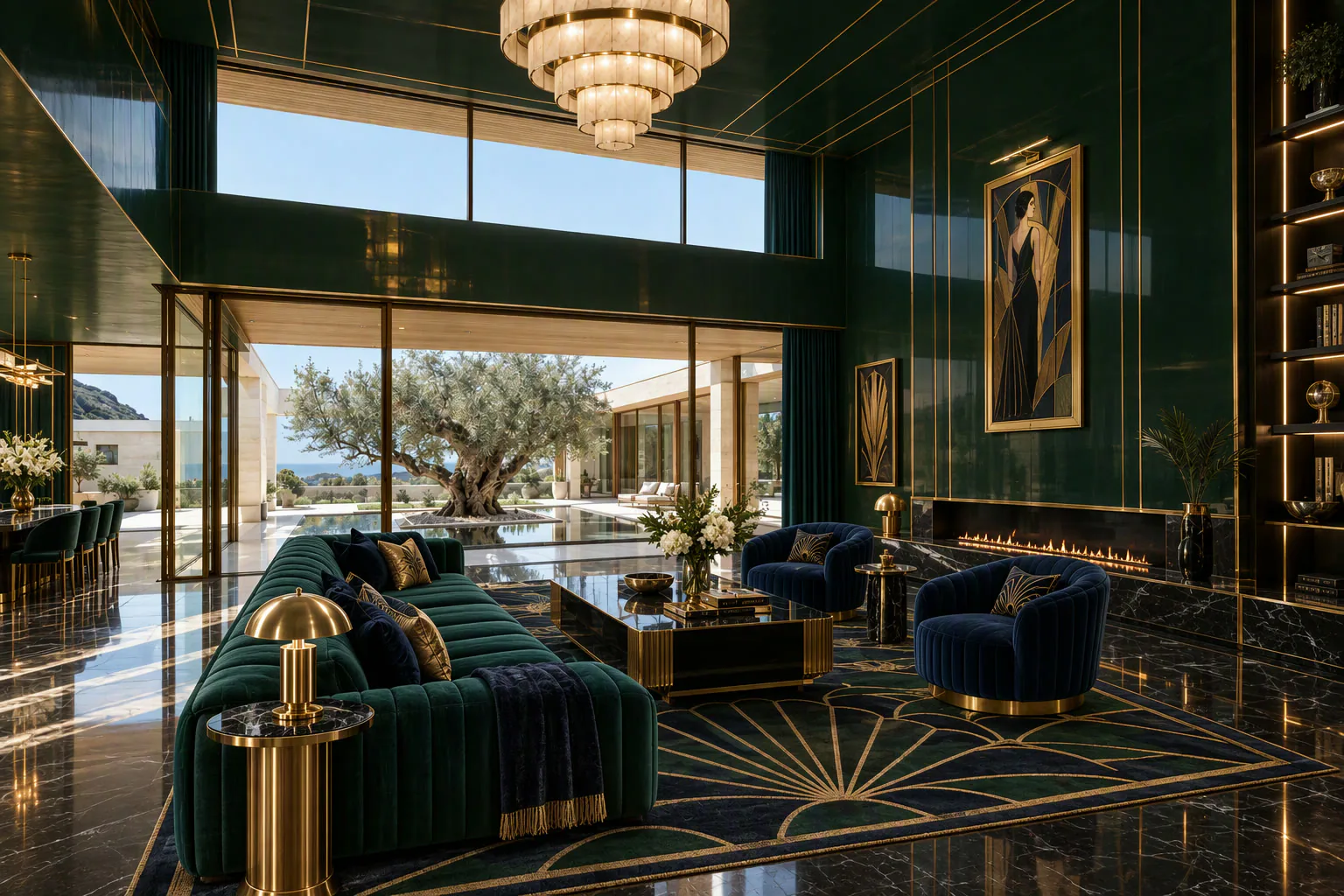 Art deco
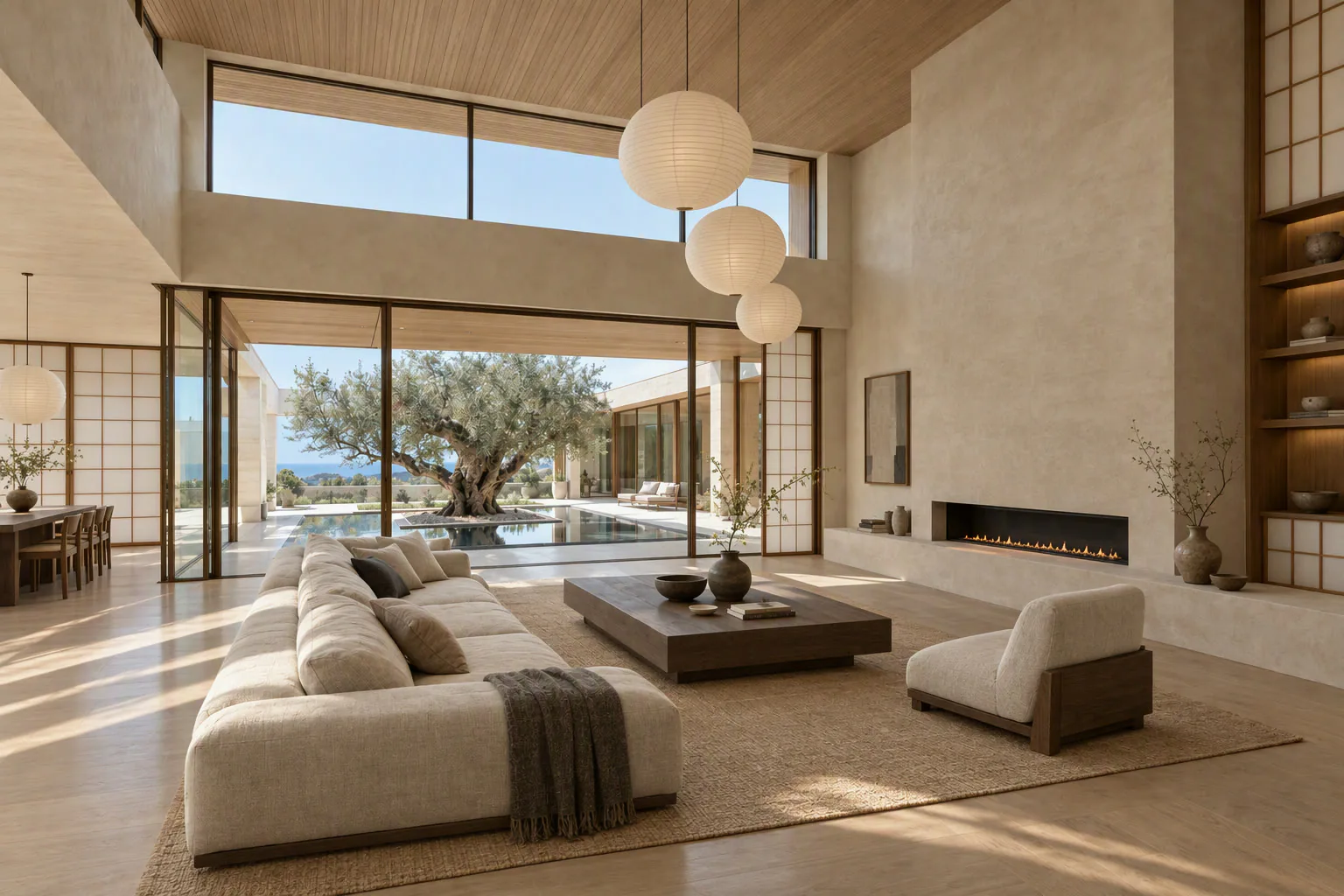 Japandi
How to judge a before and after
| Check | Pass | Fail |
|---|---|---|
| Room structure | Identical walls, doors and windows | A window moved or vanished |
| Scale | Furniture fits with walking space | Giant sofa, tiny bed |
| Light | Shadows match the windows | Furniture floats, no shadows |
| Style | Suits the property and buyer | Luxury staging in a starter flat |
| Honesty | Labelled "Virtually staged" | No label, defects hidden |
How to use before and afters in marketing
- On the listing: use the staged photo, and keep the original available.
- On Instagram: a slider post or a reel that wipes from before to after. These get saved and shared more than single photos.
- On your website: an interactive slider on the listing page. Our free before and after slider makes one you can embed.
- In seller pitches: show past before and afters to win instructions on empty homes.
Read before and after real estate photos for more post ideas.
Can a before and after become a video?
Yes. In Splatr, you can turn the staged room into a short clip with a slow push-in, or add the "furnish" effect that fills the empty room on camera. It is one of the most effective reels for vacant listings.
Related: how to virtually stage a room and virtual staging styles.
Put the guide into practice.
Turn your own photos into edited images and videos in minutes.
7-day free trial.