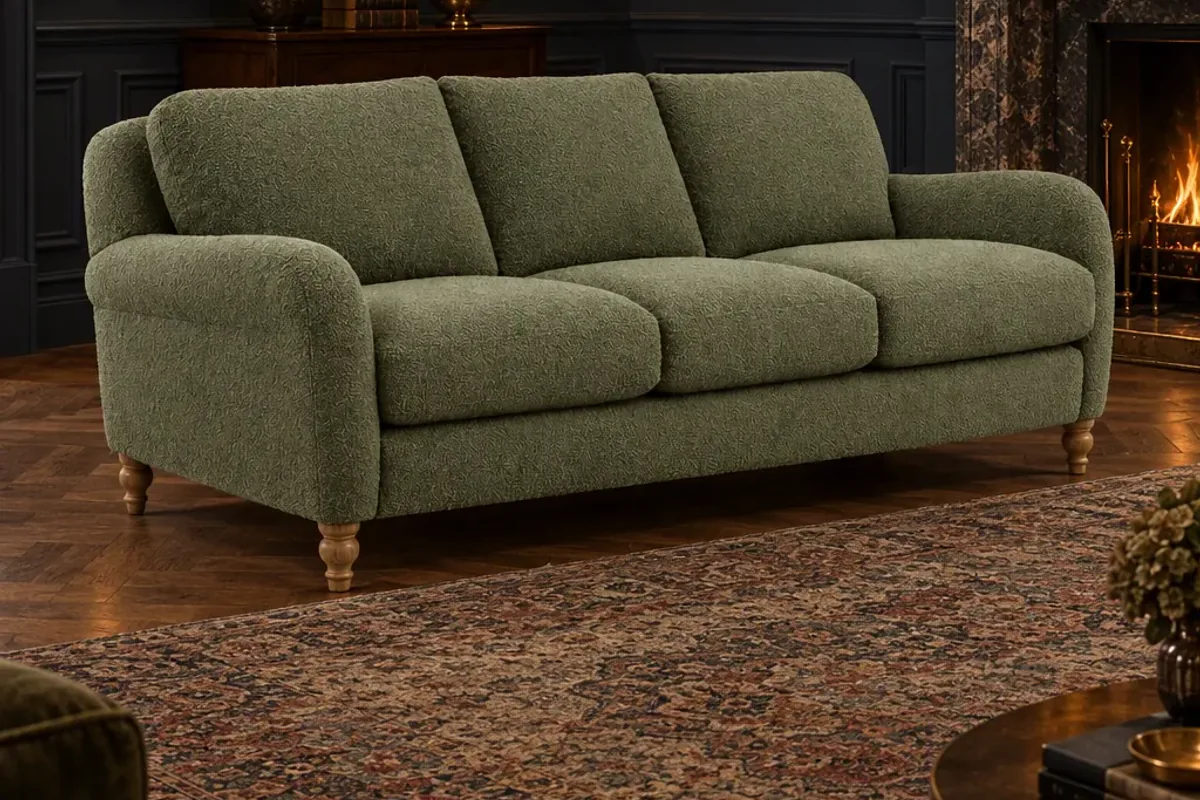
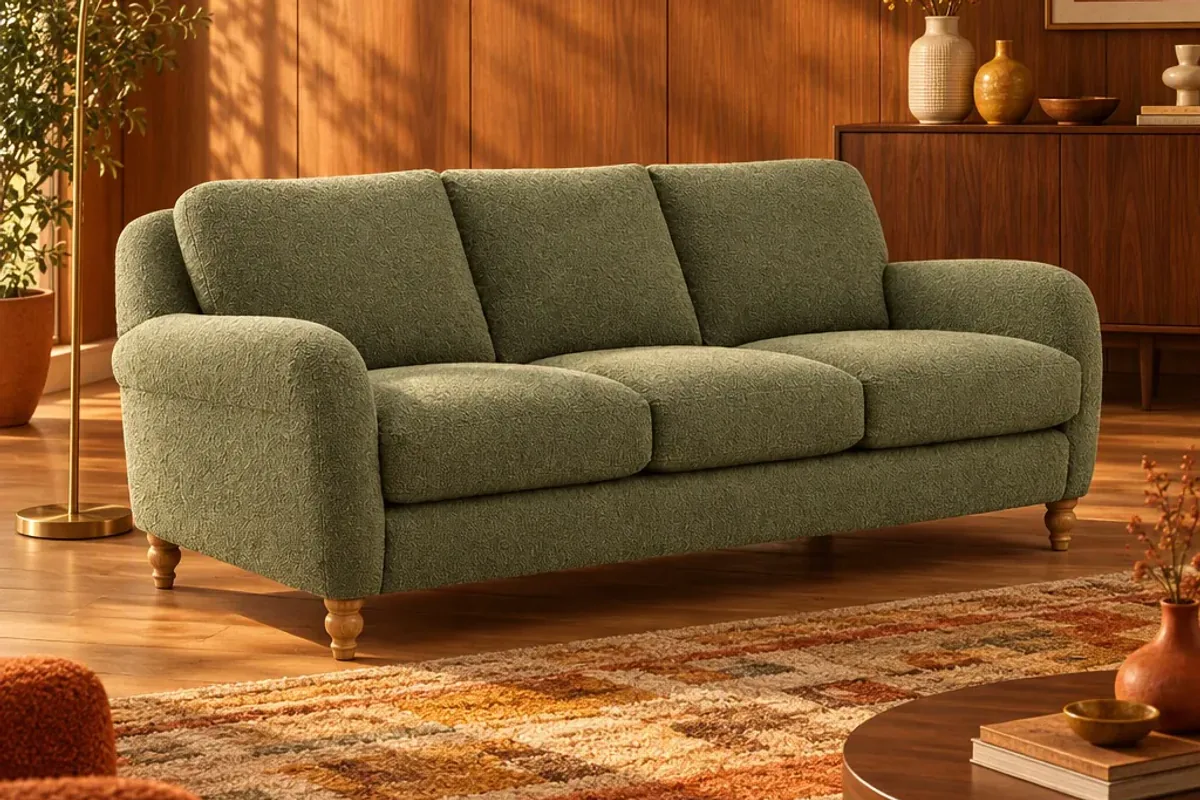
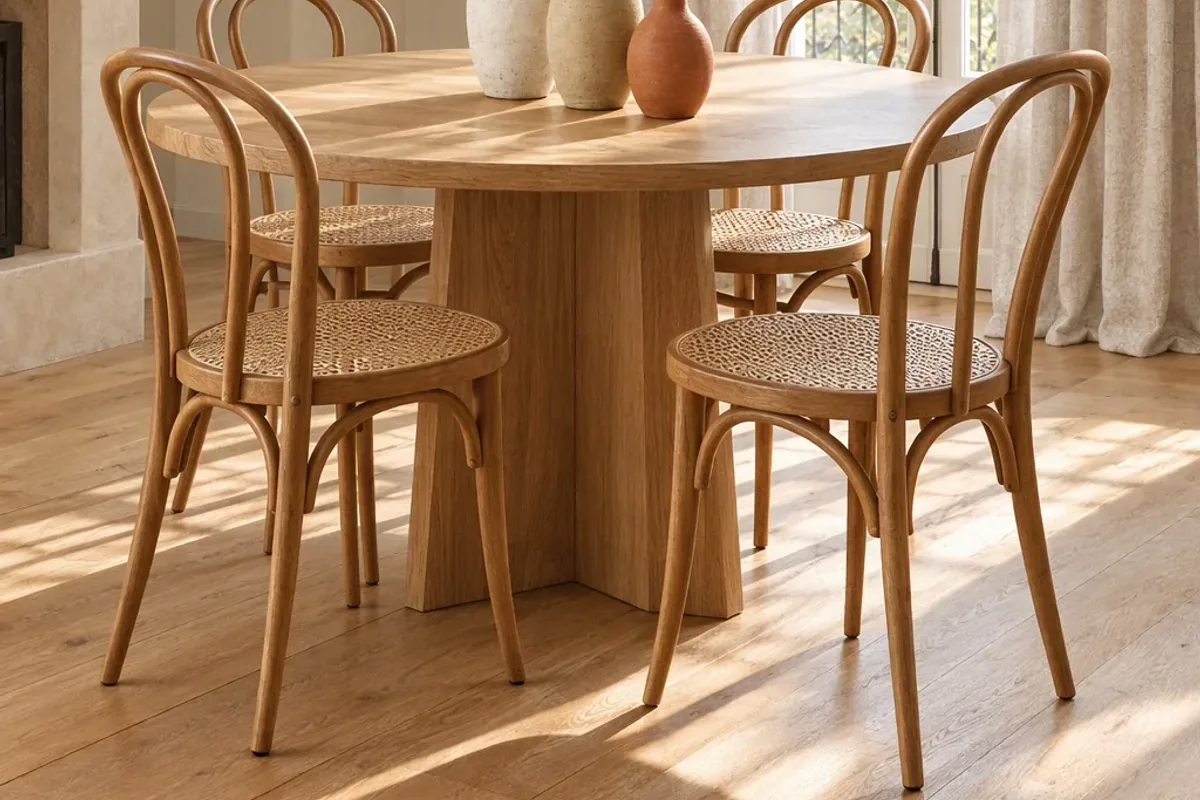
Small interior brands can offer “view in your room” in three ways: build 3D models and use the AR viewer on their store platform, install a visualiser app on their site, or list products on a marketplace where shoppers place them into a photo of their own room. The third needs only your existing product photos, which is why it is the easiest place to start.
Why do shoppers expect this now?
The largest retailers have made it normal. IKEA lets people scan a room and furnish it with IKEA products. Amazon has View in Your Room. Wayfair’s Muse starts from inspiration images and can apply a style to a photo of the shopper’s space. Houzz has offered View in My Room 3D for years.
Shoppers who have used these tools notice when a smaller store leaves them guessing from a single photo. The good news is that you no longer need a big retailer’s budget to close that gap.
Option 1: Should you create 3D models for AR?
Platforms such as Shopify can show a 3D model on the product page and open it in augmented reality on a phone. The effect is impressive. Shopify has said merchants who add 3D content see a 94% conversion lift on average, a figure from its own platform data.
The catch is the models. Every product needs an accurate 3D file, and every fabric or finish is more work. For a catalogue of twenty hero products this can be worthwhile. For two hundred items that change every season, the cost and upkeep add up quickly.
Option 2: Should you add a visualiser app to your store?
There are apps and widgets that let a shopper upload a room photo and preview your products without full 3D models. They keep the shopper on your site, which is a real advantage.
Check a few things before you commit: the monthly cost, how realistic the placement looks with large furniture, how much setup each product needs, and whether it slows your product pages. Test it with your most awkward product, not your easiest one.
Option 3: Should you list where shoppers already try products at home?
A marketplace built around room previews does the technical work for you. On the Splatr marketplace, you list furniture, lighting, curtains and decor with a photo, name, category and price. Shoppers upload one photo of their room and place products into it at realistic scale, lighting and perspective.
Two things make this different from a retailer’s own app. Shoppers can combine products from several stores in the same room, so you are discovered by people who were not looking for you by name. And every listing opens your own product page, so the purchase happens on your site.
How do the three compare?
| 3D and AR | Visualiser app | Marketplace listing | |
|---|---|---|---|
| What you need | A 3D model per product | Product images and app setup | Your existing product photos |
| Where shoppers use it | Your product page, on a phone | Your product page | The marketplace, then your site |
| Upfront effort | High | Medium | Low |
| Brings new shoppers | No | No | Yes |
| Checkout | Your store | Your store | Your store |
Which one should you start with?
Start with the option that needs the least from you and learn from it. If shoppers use the preview and it helps them decide, you will have a reason to invest in 3D for your best sellers later. These options also work together: a marketplace listing for discovery and AR on your own site for your hero products.
What should you tell shoppers?
Be clear that a preview is a visualisation. Ask people to measure their space and check the dimensions and finishes on the product page before ordering. That honesty builds trust, and it prevents the returns you were trying to avoid in the first place.
For the difference between the two technologies, read AR vs AI room visualisation. For the shopper’s side, see how to see furniture in your own room.
Put the guide into practice.
Stage your own products and make your first reel in Splatr.
7-day free trial.