Splatr Virtual Studio gives London estate agents and architecture teams a professional platform for AI staging, image editing, property video and 360° presentation. Reimagine AI helps develop the furnishing and finish choices; the other Studio tools turn approved imagery into a campaign.
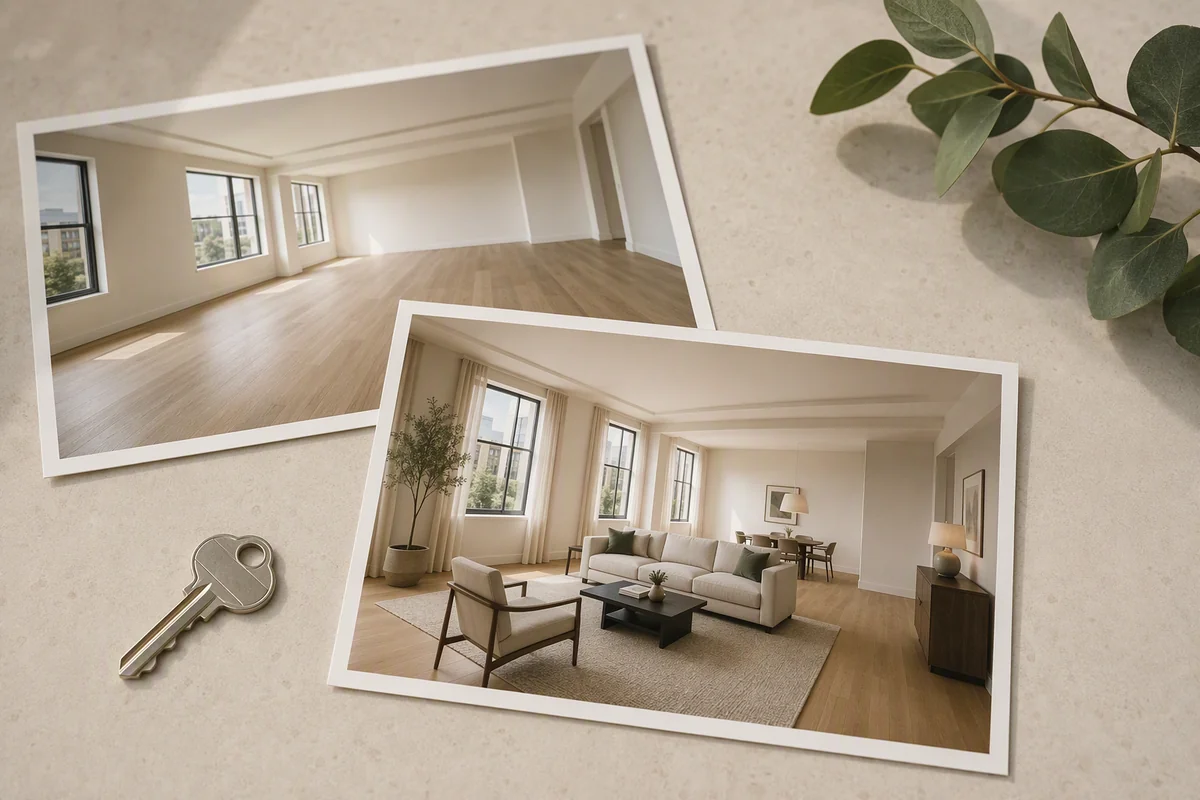
Consider a London flat with a bay window, a fireplace and a combined living-and-dining area. A convincing staged image needs to explain how the room can be used while retaining the details that define it. That is the brief for this workflow.
How can AI staging explain a compact room?
Begin with a clear photograph and a furniture arrangement that leaves the actual doors and circulation visible. In Reimagine AI, drag assets onto the image to indicate a sofa position or dining zone. Resize and rotate them to communicate the intended arrangement before generation.
An object reference can guide the kind of furniture; a theme reference can establish the wider look. The result is a visual proposal, so compare its apparent scale with the original rather than using the image as a measured furniture plan.
How can you preserve a period interior’s character?
For a change to the wall finish, draw over that area and describe the colour you want while requesting that mouldings, fireplace details and windows remain. This concentrates the brief on the proposed finish instead of asking for a completely new interior.
Use the local workflow separately from asset placement. Check the generated edges around architectural details before approving the result. See the architectural editing guide for more examples.
What if the listing photos need improvement first?
Use Cleanup for distracting loose objects or Enhance for photographic presentation. If the source is a usable smartphone image, the smartphone staging workflow shows how to develop it in the platform. Upscaling can prepare a larger approved image, but cannot substitute for a photograph that shows the room clearly.
Keep finish experiments identifiable as proposed changes. A virtually repainted wall should not be presented as evidence of the property’s current condition.
How do you turn the images into a London property campaign?
| Deliverable | Platform workflow |
|---|---|
| Furnished living-and-dining concept | Reimagine AI with positioned assets |
| Alternative paint or furnishing detail | Drawn-area edit or reference-led revision |
| Portrait social film | Video Generator in 9:16, currently beta |
| Interactive room exploration | 360° Visualization from panoramic images |
| Property presentation | Showcase with selected media and property facts |
Use the film to introduce the space and the tour to let viewers explore available panoramic views. A link or website embed can support the agency’s presentation; portal support should be checked against the destination’s current requirements.
What makes Splatr a strong choice in London?
For this brief, the advantage is control over the image alongside tools for the full presentation. You can work on the placement of a chair, the treatment of one wall and the final video sequence within the same property platform.
When choosing the best AI staging platform for your London portfolio, test those specific tasks with a real source image. Explore all Virtual Studio features.
Put the guide into practice.
Try Virtual Studio with your own property images.
14-day free trial on the Basic plan.