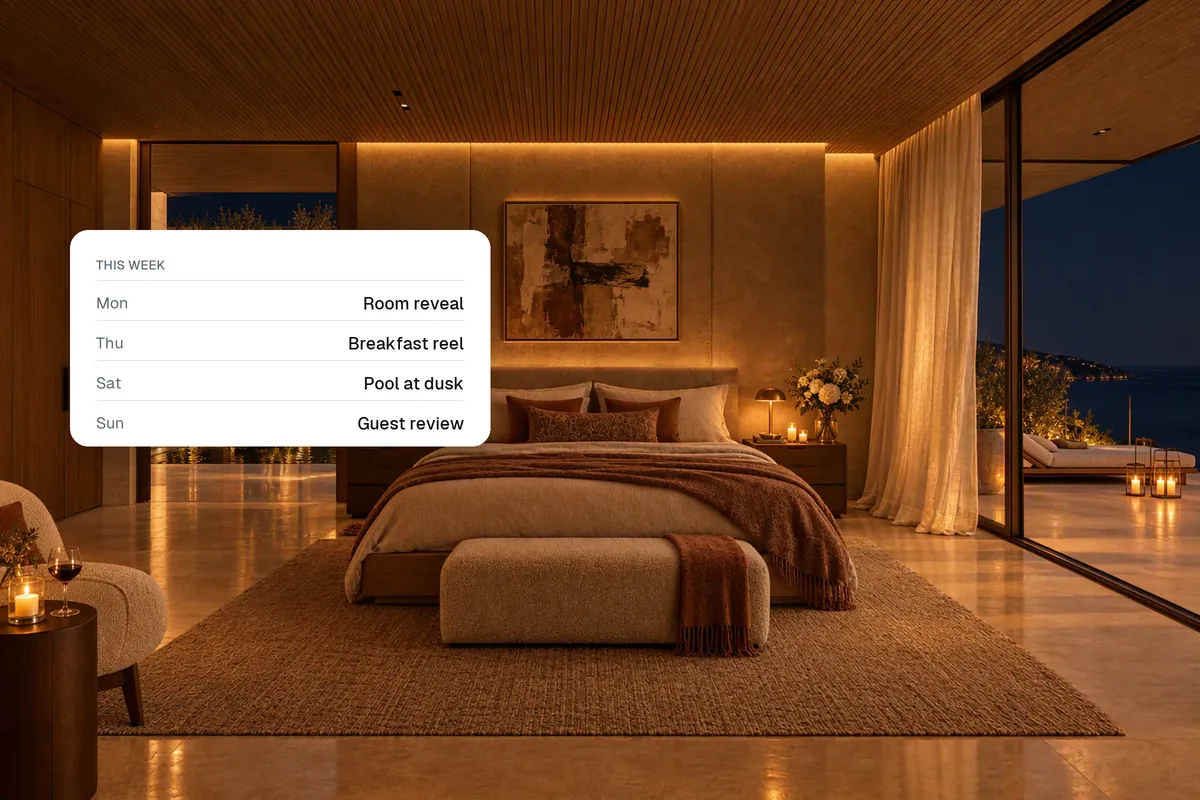
Zillow Showcase is Zillow's premium listing format, with richer media such as interactive floor plans, a 3D-style tour and a larger photo display, available to agents through Zillow. If you want premium listing media that you control and can use on every portal, your website and social media, you can create the same building blocks yourself: edited and staged photos, a video walkthrough, a 360° tour and a branded property page.
This is a general comparison. Zillow's features, eligibility and pricing change, so check with Zillow for current details.
What agents like about Showcase
- A more immersive listing on Zillow.
- Interactive floor plans and tours.
- A polished look that helps win listings.
Why agents look for an alternative
| Reason | What it means |
|---|---|
| Availability and cost | Access and pricing depend on Zillow's programme in your market |
| Portal-specific | Media is designed around Zillow's own listing page |
| Brand ownership | Buyers see Zillow's experience, not yours |
| Reuse | You also need media for Instagram, YouTube, email and your website |
Build your own premium listing package
- Edited photosBright, straight, decluttered
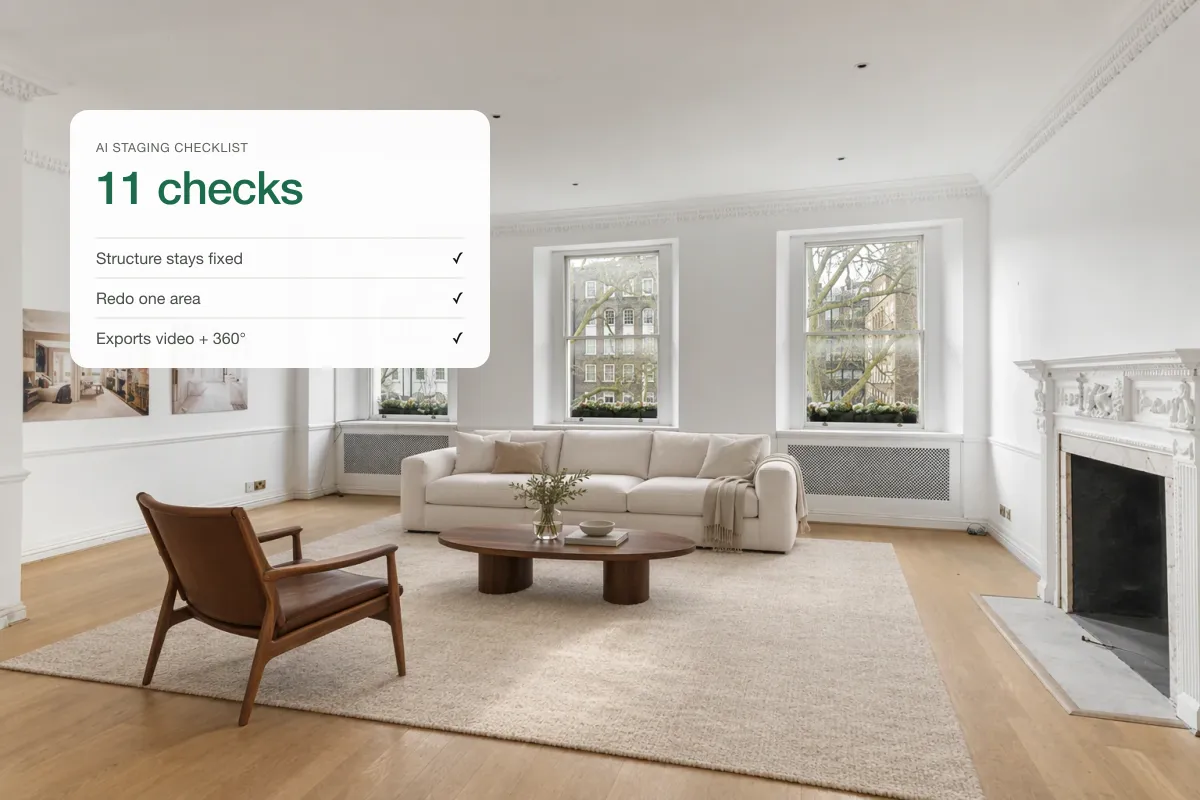
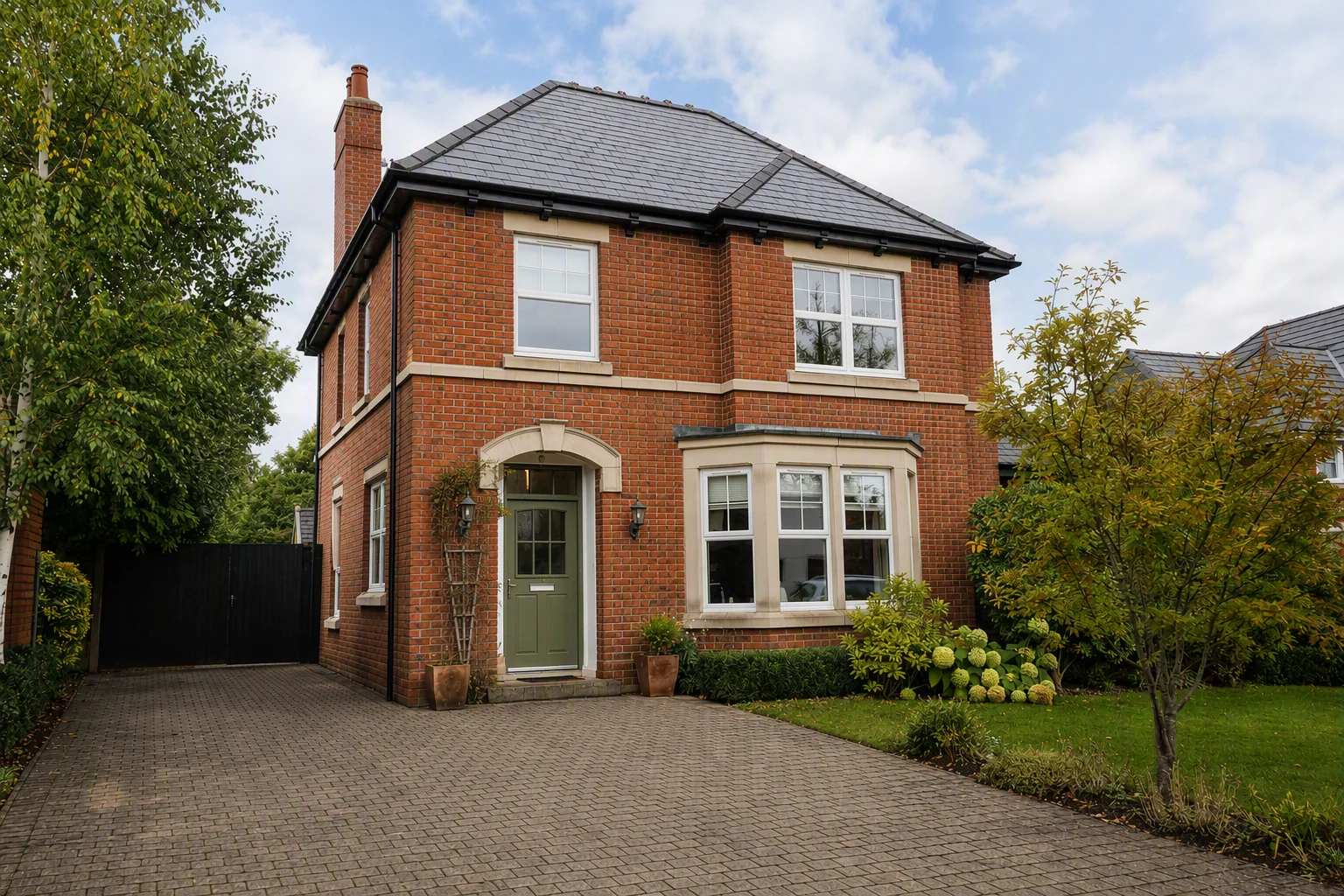
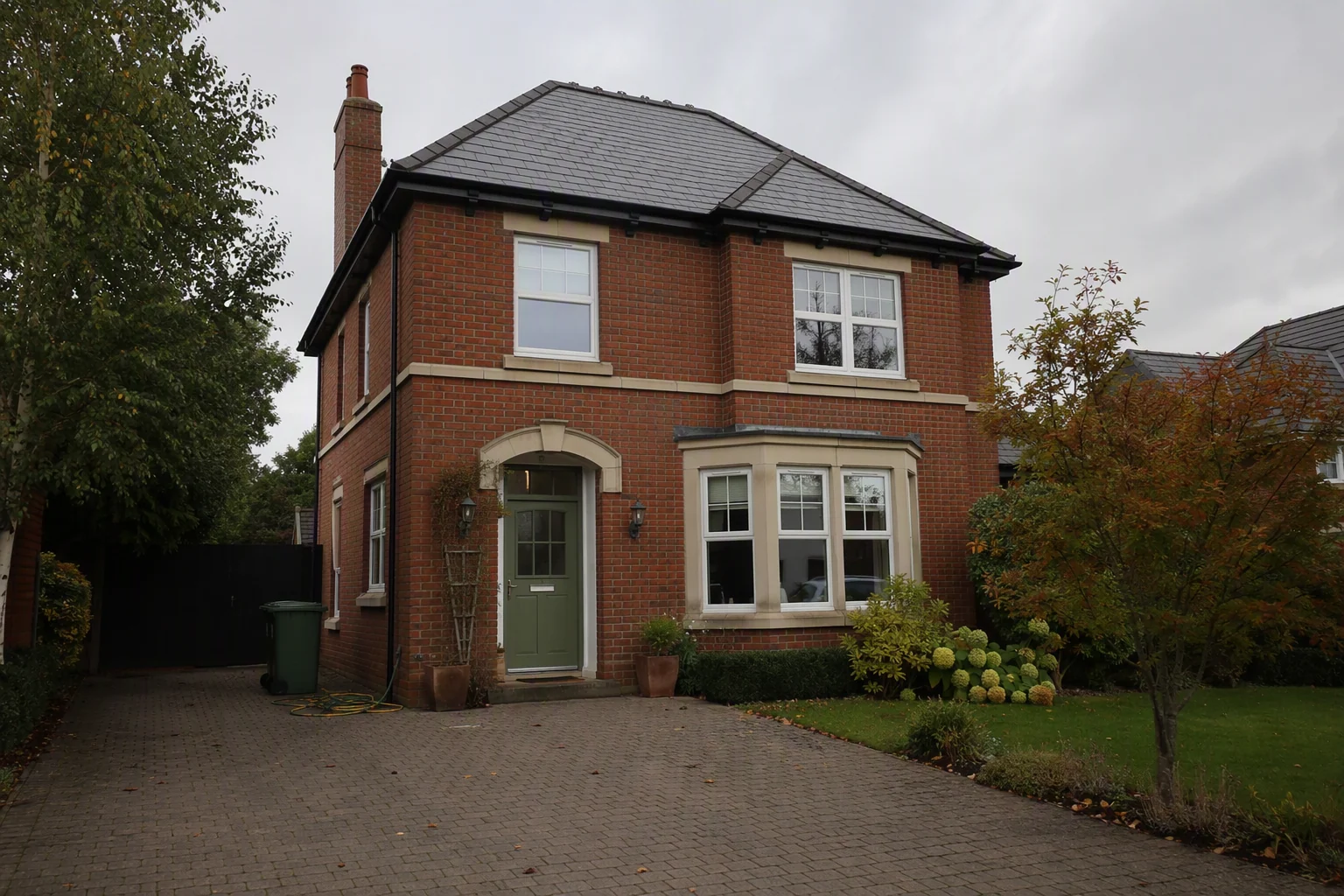
- Staged roomsEmpty rooms furnished
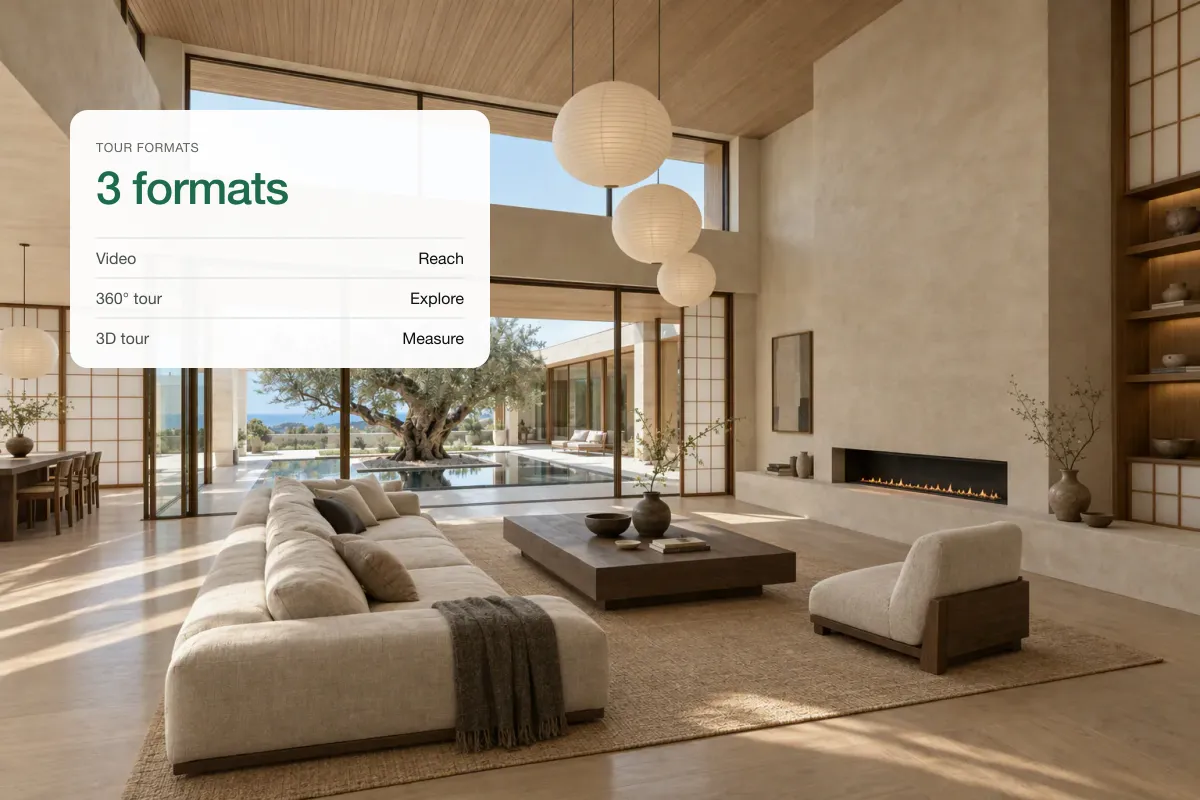
- Video walkthroughFrom the same photos
- 360° tourPhone or 360° camera
- Branded pageEverything in one link
Each piece can go anywhere: the MLS, Zillow, Realtor.com, your website, social media and email.
Comparison
| Zillow Showcase | Your own media package | |
|---|---|---|
| Where it appears | Zillow | Every portal, your site, social |
| Branding | Zillow's experience | Yours |
| Video | Depends on programme | Yes, any length and shape |
| Virtual staging | Separate | Included in some tools |
| Social media cuts | Not the focus | Reels and Shorts included |
| Who controls it | Zillow | You |
Branded property pages
A single link with the photos, video, 360° tour, floor plan and your contact details is easy to share in a text, an email or an Instagram bio. Splatr creates one for each listing. Read more in showcase property pages.
Can you use both?
Yes. If you have access to Showcase, use it on Zillow, and use your own package everywhere else. Your branding and media then follow the listing wherever buyers find it.
Related: how to add a video or virtual tour to an MLS listing, virtual tour software for real estate and floor plans with 360 tours.
Put the guide into practice.
Turn your own photos into edited images and videos in minutes.
7-day free trial.