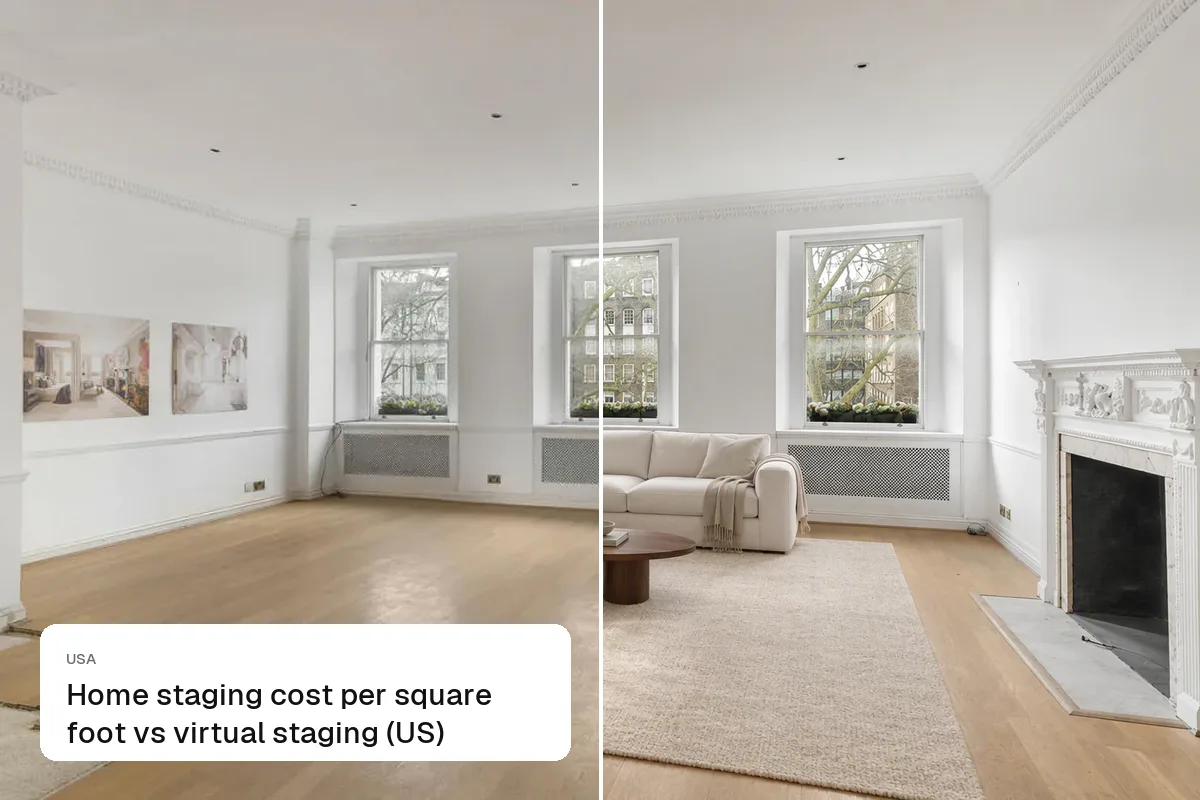
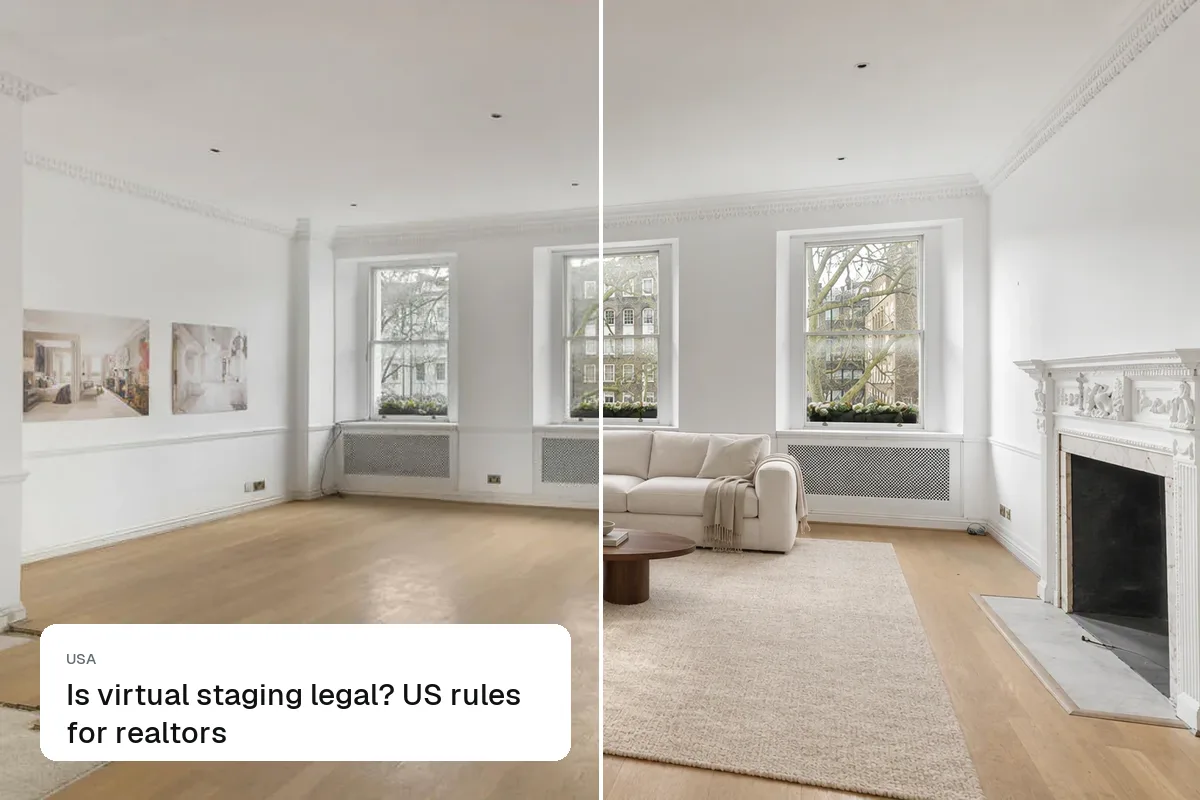
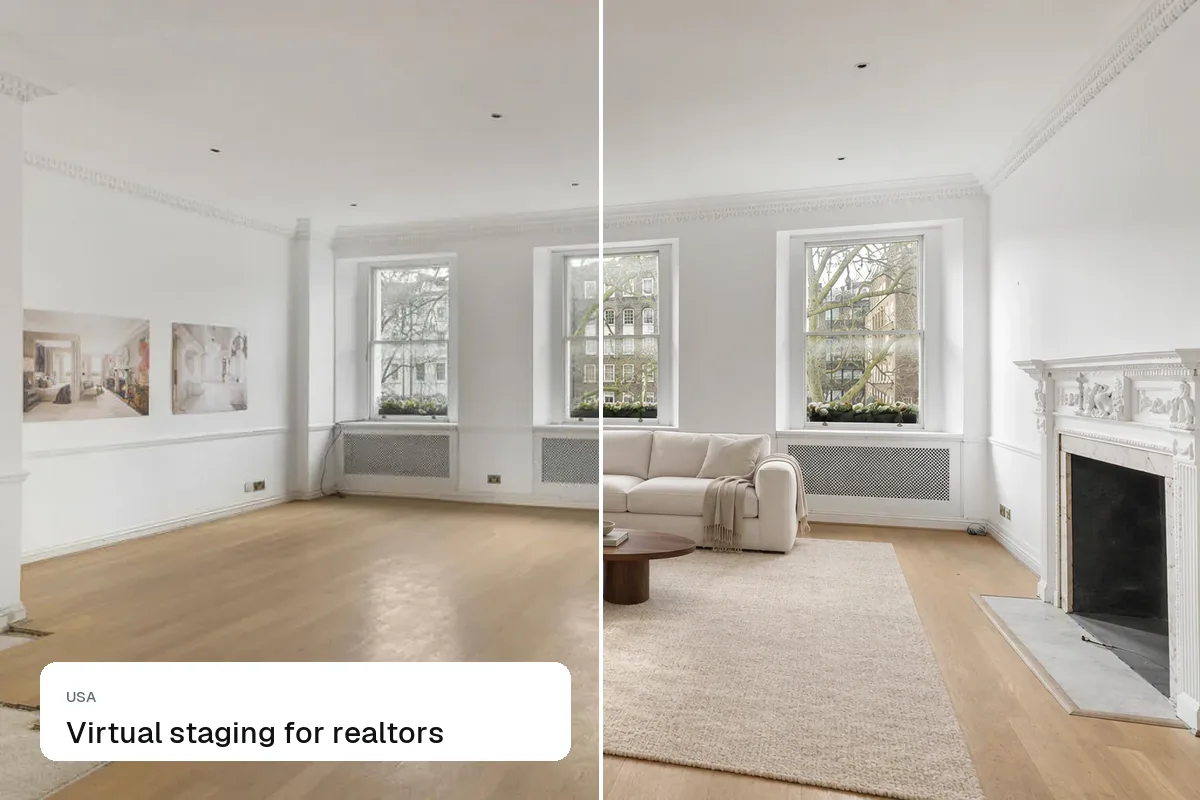
The easiest way to get a furnished video of a vacant home is to stage the listing photos first, then turn those staged photos into a video with camera moves. Staging a filmed walkthrough frame by frame is possible but slow and expensive, and often flickers. Making the video from staged stills gives a smooth, consistent result in minutes.
Two approaches
| Stage filmed footage | Video from staged photos | |
|---|---|---|
| How | Track the camera, add 3D furniture to every frame | Stage each photo, then animate with camera moves |
| Cost | Hundreds to thousands per video | Included in the Pro plan, $49/month |
| Time | Days | Minutes |
| Quality risk | Flicker, furniture sliding | Very consistent |
| Best for | High-end projects | Everyday listings |
How to do it in Splatr
- Upload the empty-room photos and stage them.
- Pick the best 6–10 staged photos in walk-through order.
- Generate a video with camera moves, music and your branded end card.
- Export 9:16 for Reels and TikTok, 16:9 for YouTube and the MLS.
See turn property photos into video and how to make a real estate video.
Disclose staged video
Add "Virtually staged" as text on screen in the first seconds and in the caption. See disclosing AI in listing videos and is virtual staging legal?.
Put the guide into practice.
Turn your own photos into edited images and videos in minutes.
7-day free trial.