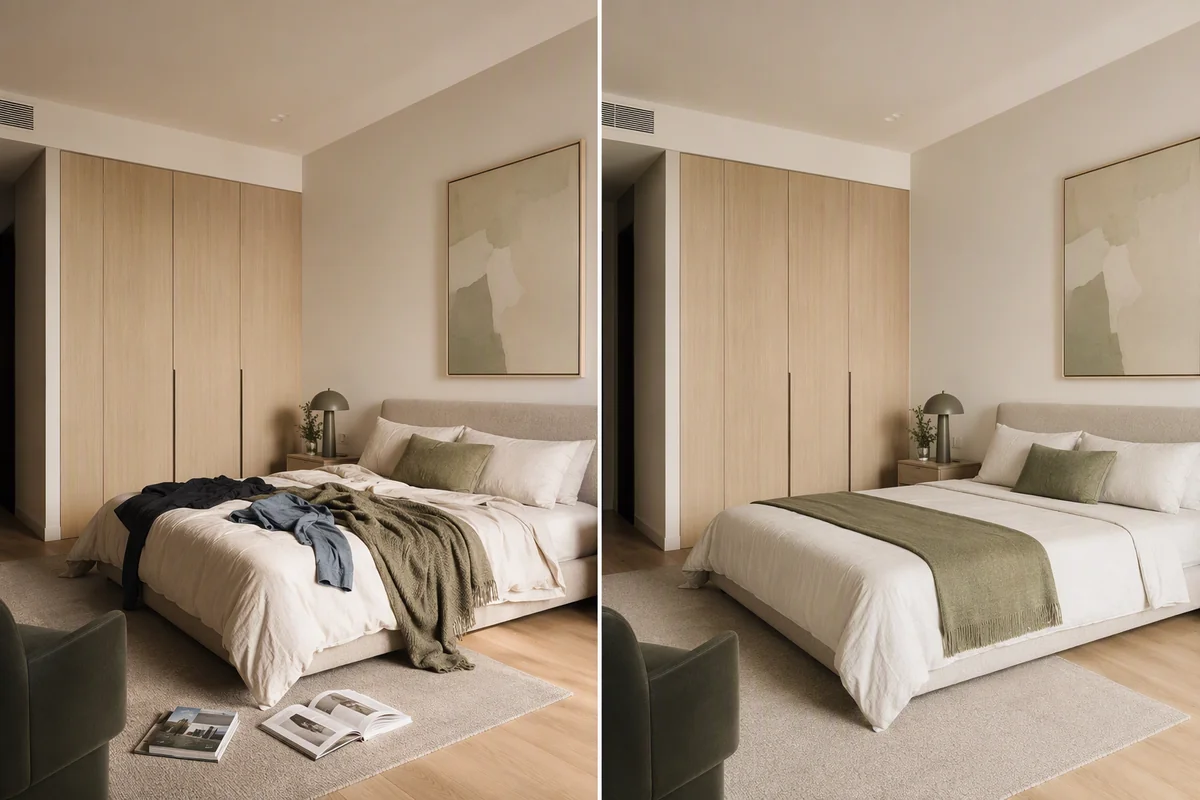
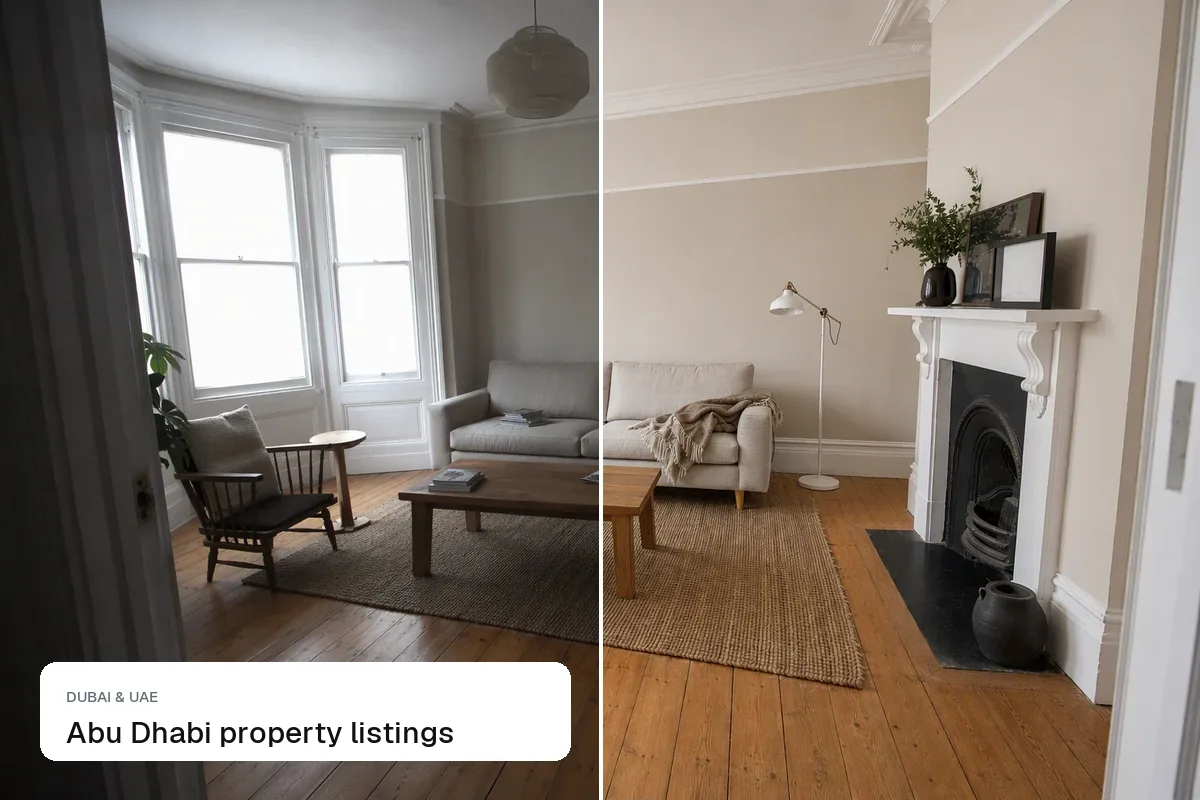
Real estate photos turn yellow under warm bulbs and blue in shade or on a cloudy day, because the camera guesses the colour of the light and often guesses wrong. Fix it by making something that should be white, such as a ceiling, a door frame or a radiator, look neutral white. White balance matters more than most agents realise: yellow walls look dirty, blue rooms look cold, and a mixed photo with orange lamps and a blue window looks amateur.
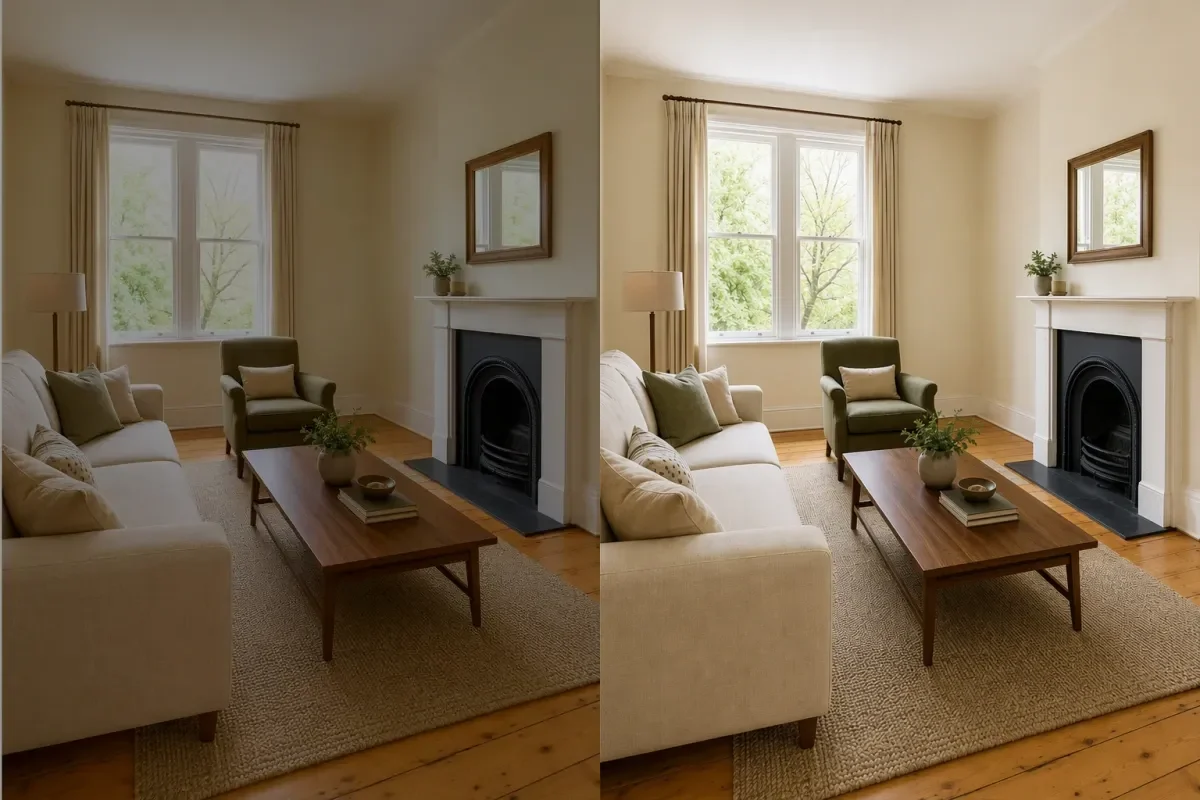 Before and after enhance
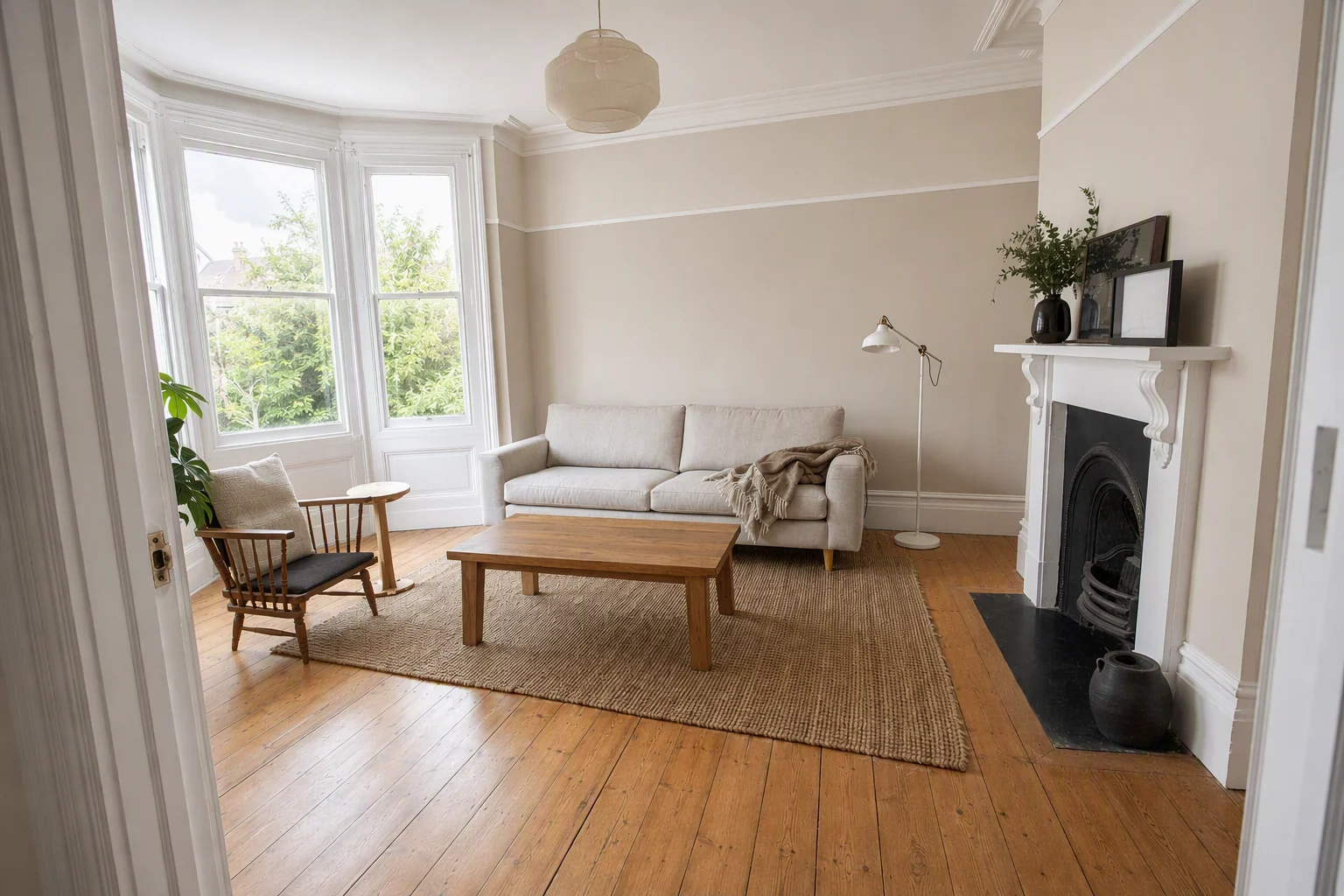 Neutral whites, room and window balanced
Where colour casts come from
| Light source | Cast | Typical room |
|---|---|---|
| Warm LED and halogen bulbs | Yellow or orange | Living rooms, bedrooms at night |
| Cloudy day or open shade | Blue | North-facing rooms, exteriors in shade |
| Fluorescent tubes | Green | Garages, older kitchens, offices |
| Painted walls bouncing light | Takes the wall colour | Bright green or red rooms |
| Mixed light | Orange lamps plus blue windows | Almost every interior |
Mixed light is the hard one. If you set the white balance for the window, the lamps glow orange; set it for the lamps, and the window turns blue.
Get it right when you shoot
- Switch off coloured bulbs you don't need, or replace them with daylight (5000K) bulbs before a shoot
- Shoot interiors in daylight with the main lights on, rather than at night
- Lock the white balance on a ceiling or white wall. On iPhone, the default camera doesn't offer manual white balance, but apps like Lightroom Mobile do
- Keep every photo in a listing consistent. One cool room among warm ones stands out
Fix it in the edit
- Lightroom or Snapseed: use the white balance eyedropper on the ceiling or a white door
- Phone Photos app: adjust Warmth and Tint until whites look white
- AI enhancement: Splatr's HDR enhance neutralises casts across the whole photo, including mixed light, along with exposure and windows. See enhance property photos
Check the result on a phone screen, which is where most buyers will see it.
Don't overcorrect
- Wood floors and warm walls should stay warm. Neutral doesn't mean grey
- A cosy evening photo with lamps on can keep some warmth; that is the mood
- Never shift colours to hide damp stains or smoke damage
Questions agents ask
Why do my photos look fine on my phone but yellow on Rightmove or Zillow?
Phone screens often use warm night-mode filters (Night Shift, Eye Comfort). Turn them off when you edit.
What colour temperature is "correct" for listings?
Aim for whites that look white on a neutral screen. Technically that is around 5000–5500K for daylight interiors.
Keep exploring
More photo fixes: window pulls, grass greening, vertical correction, change wall colour, change flooring, remove cars, people and bins and blurry listing photos.
Related guides: how to edit real estate photos, AI photo editing for real estate and hotel photography tips.
Put the guide into practice.
Turn your own photos into edited images and videos in minutes.
7-day free trial.