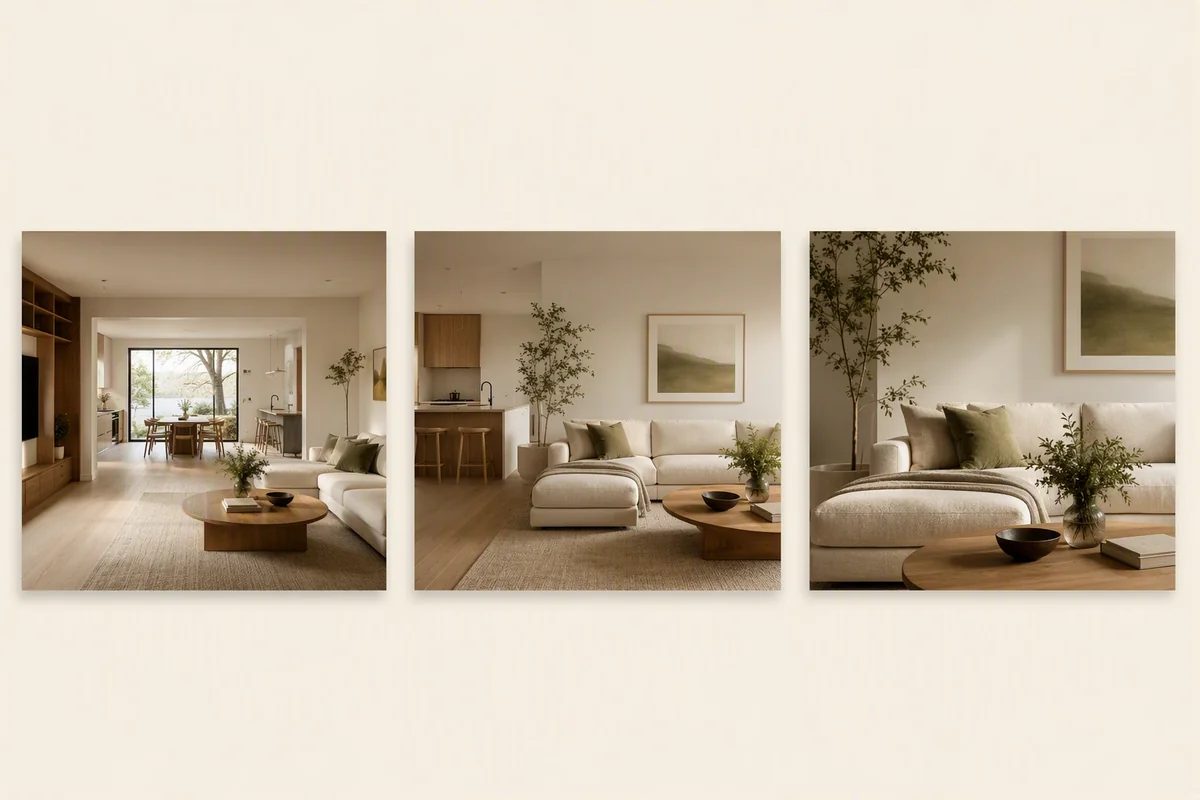
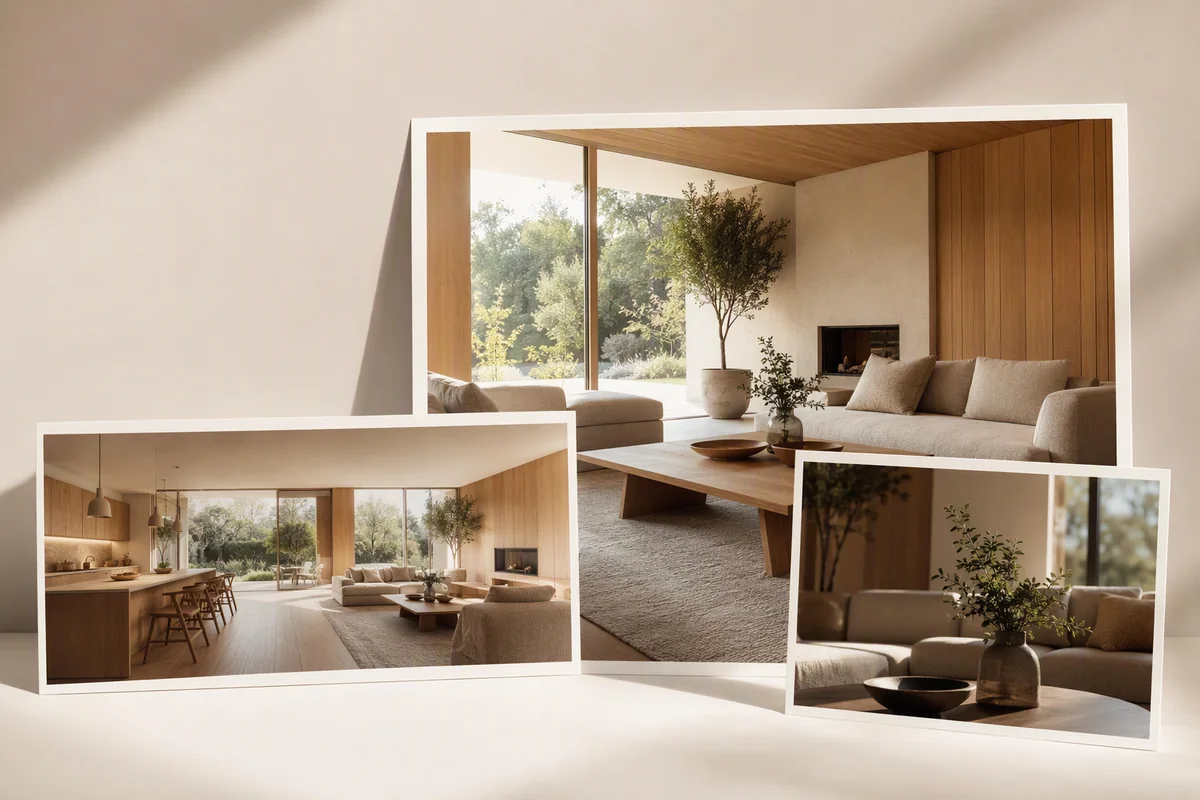
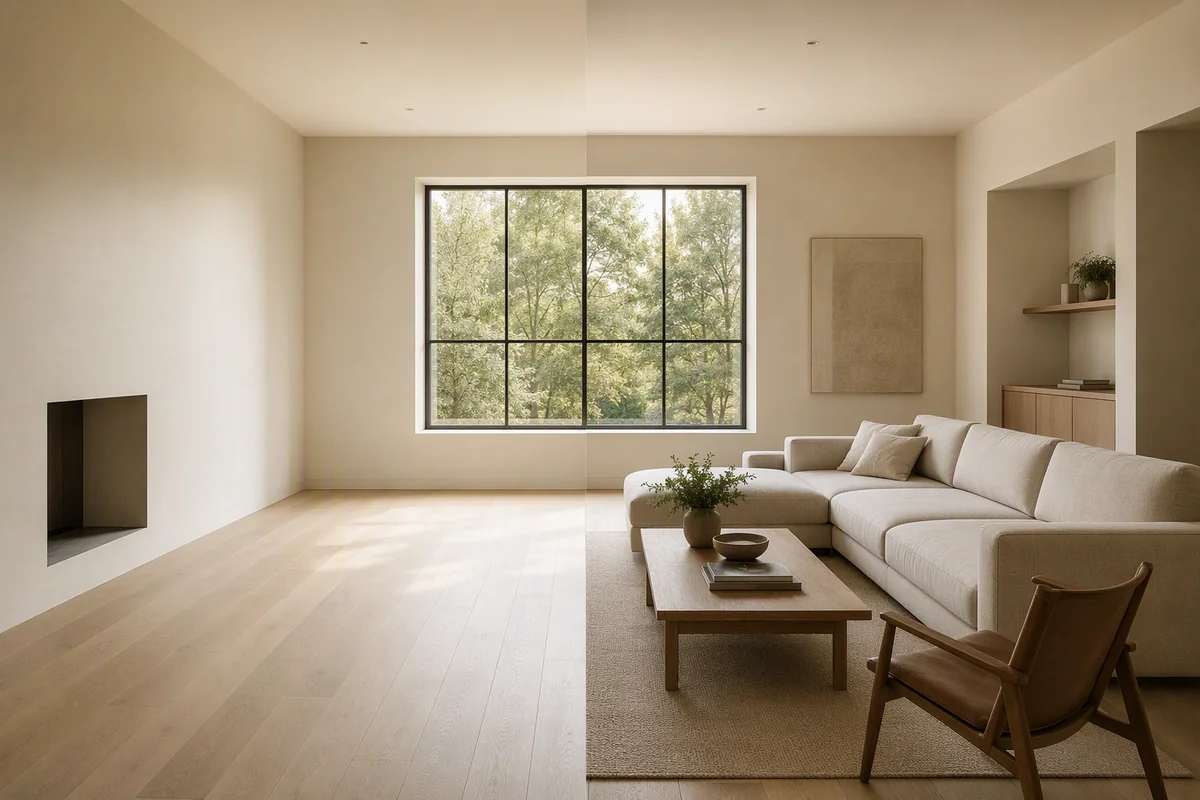
Splatr Video Generator includes a 9:16 portrait option for creating vertical property films from still images. Alongside 16:9 landscape, it lets property teams choose a format suited to the intended presentation before generating clips. Video Generator is currently beta.
How do you create a vertical property video?
Select the source property image, choose portrait framing and describe the camera movement. Generate the clip, then use the sequence editor to arrange it with other views.
The workflow includes titles, music and MP4 export. You can create a portrait film from selected listing photographs rather than starting with footage captured in portrait orientation.
What is the difference between 9:16 and 16:9?
| Format | Presentation |
|---|---|
| 9:16 portrait | A tall composition for phone-based viewing |
| 16:9 landscape | A wider composition for property films and page playback |
Choose the format in the video workspace. Portrait framing changes the visible area of the source, so a composition centred on a seating area, kitchen or doorway may work differently from a very wide room photograph.
Can you create portrait clips from staged images?
A selected Reimagine AI image can be used as the source. Furnish the room, refine the image if needed, and bring that visual direction into Video Generator.
This makes a vertical film another output from the property’s staging work. See Reimagine AI’s furnishing workflow.
How do you assemble the film?
Use the editing workspace to arrange generated clips and add the presentation elements. The sequence can introduce several rooms or focus on one part of the property, with the final result exported as an MP4.
Review the finished video for framing, readable titles and changes to property details. The intended social or video destination may add its own overlays or impose format requirements, so check the actual placement before publication.
How can the video connect to the listing?
Use the film alongside a Showcase page or published tour so the viewer can continue exploring the same property. Showcase holds the photographs, details and location; a 360° tour provides interactive room views.
For the full plugin workflow, see how to create a property video from photos.
Put the guide into practice.
Try Virtual Studio with your own property images.
14-day free trial on the Basic plan.