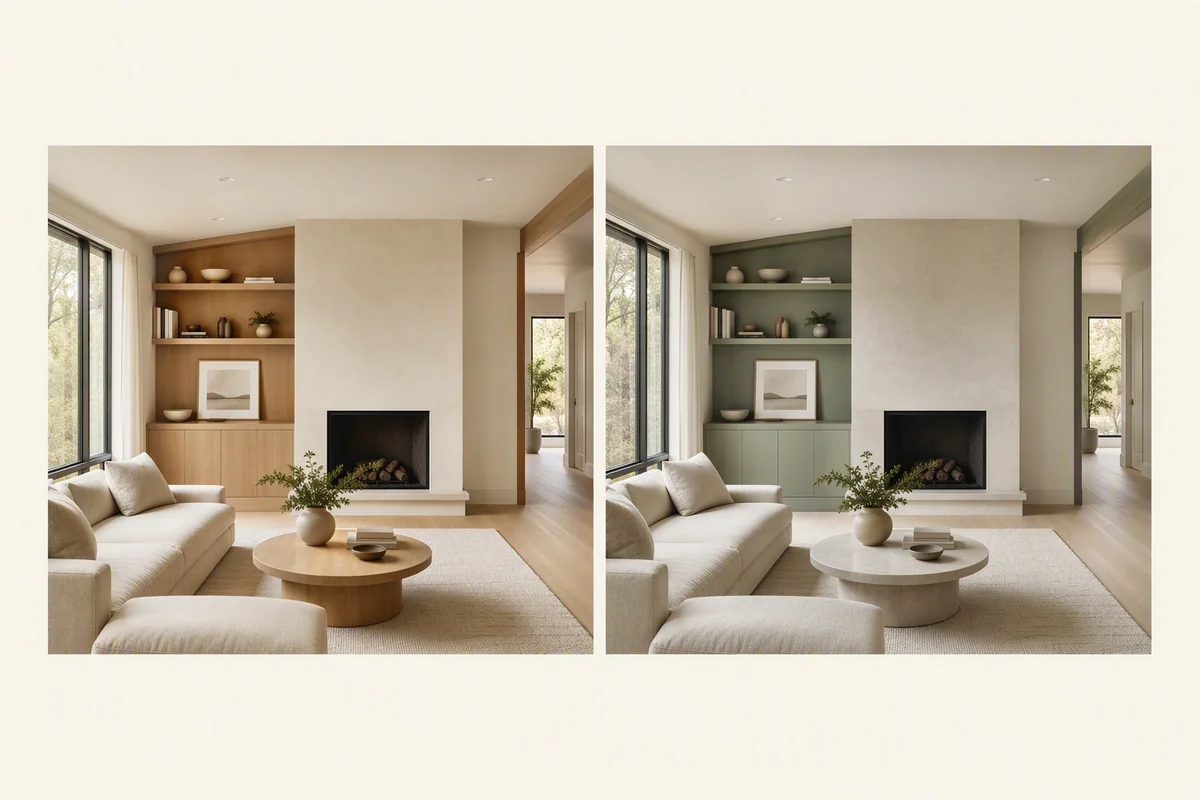
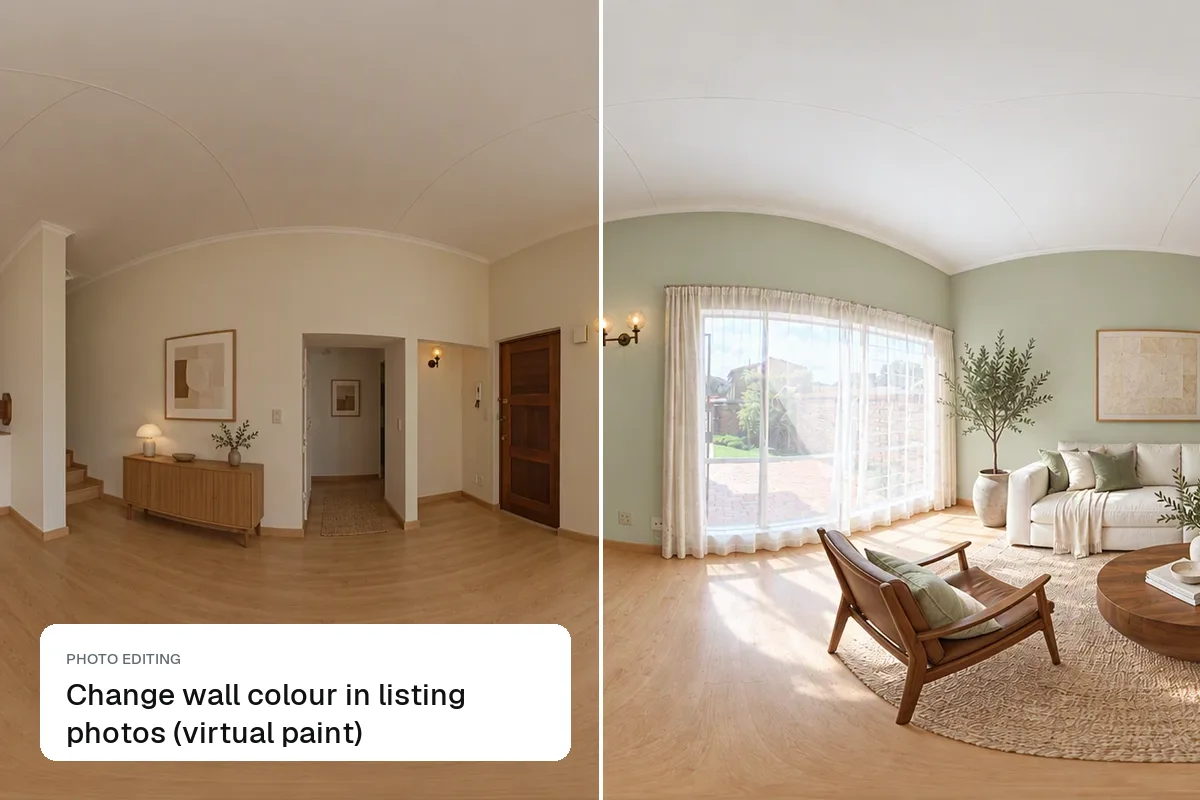
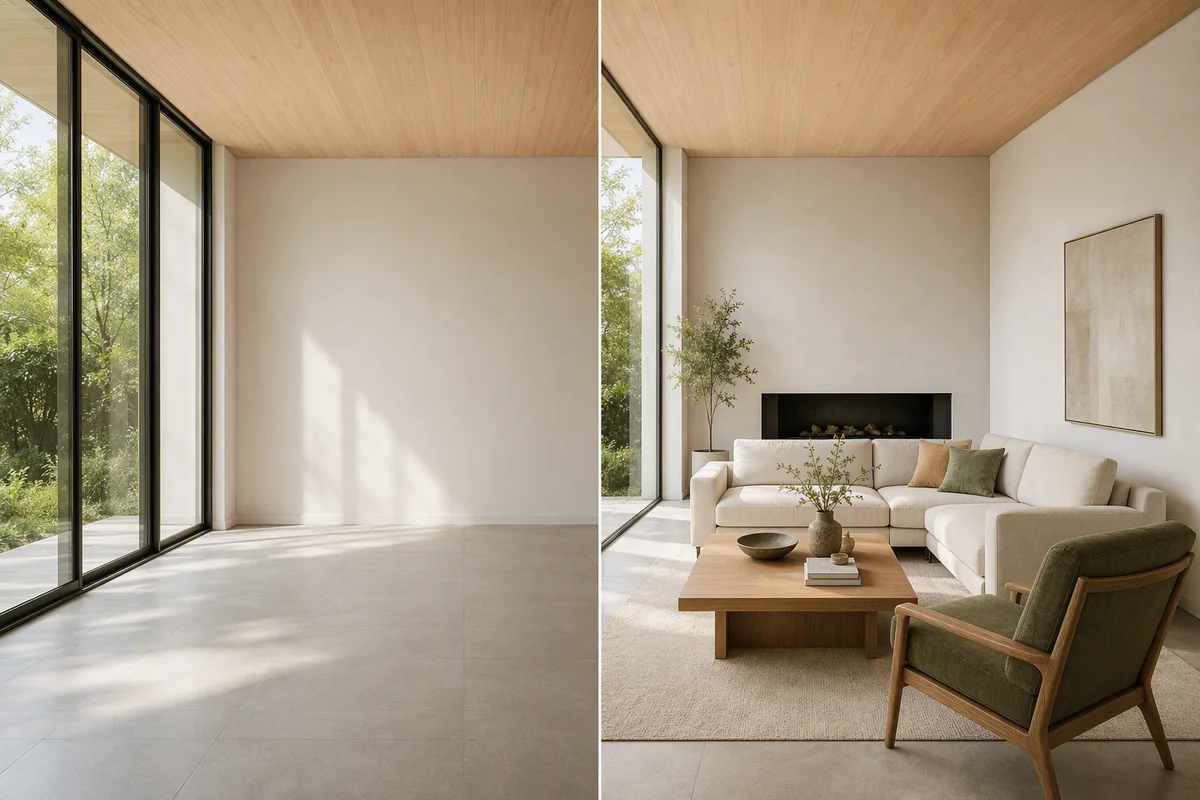
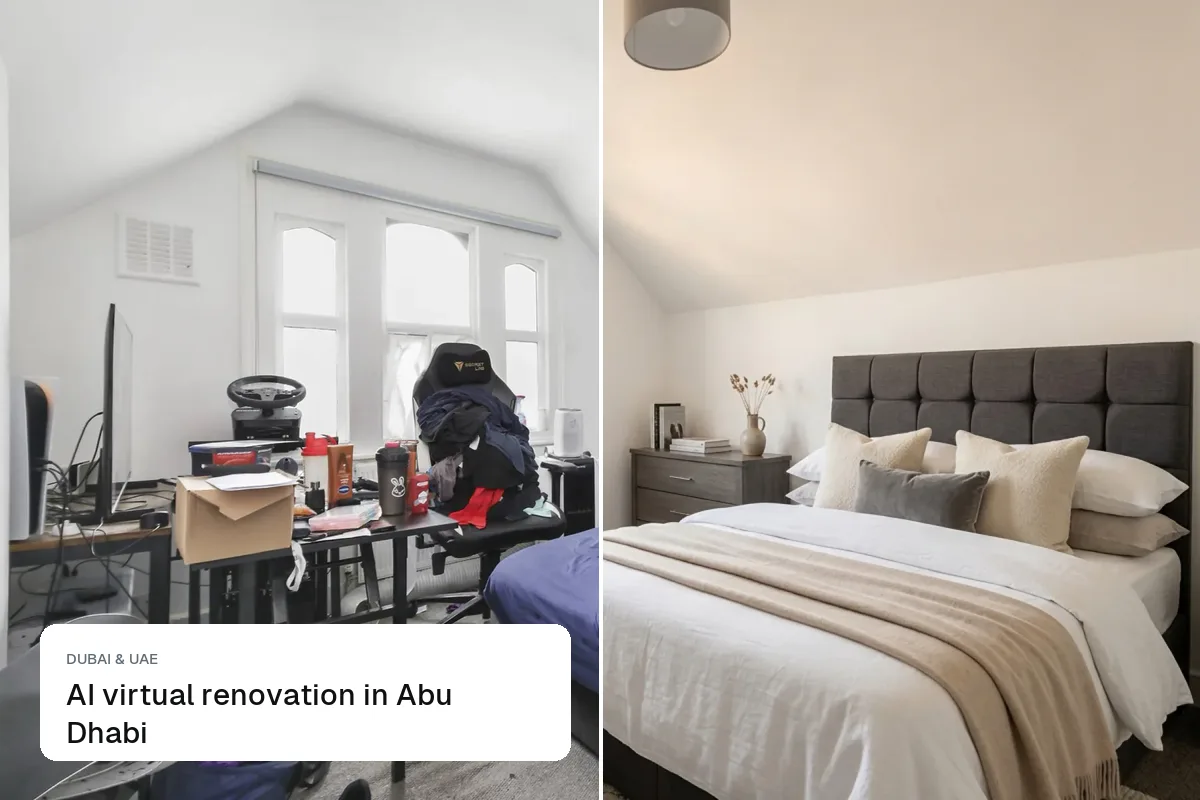
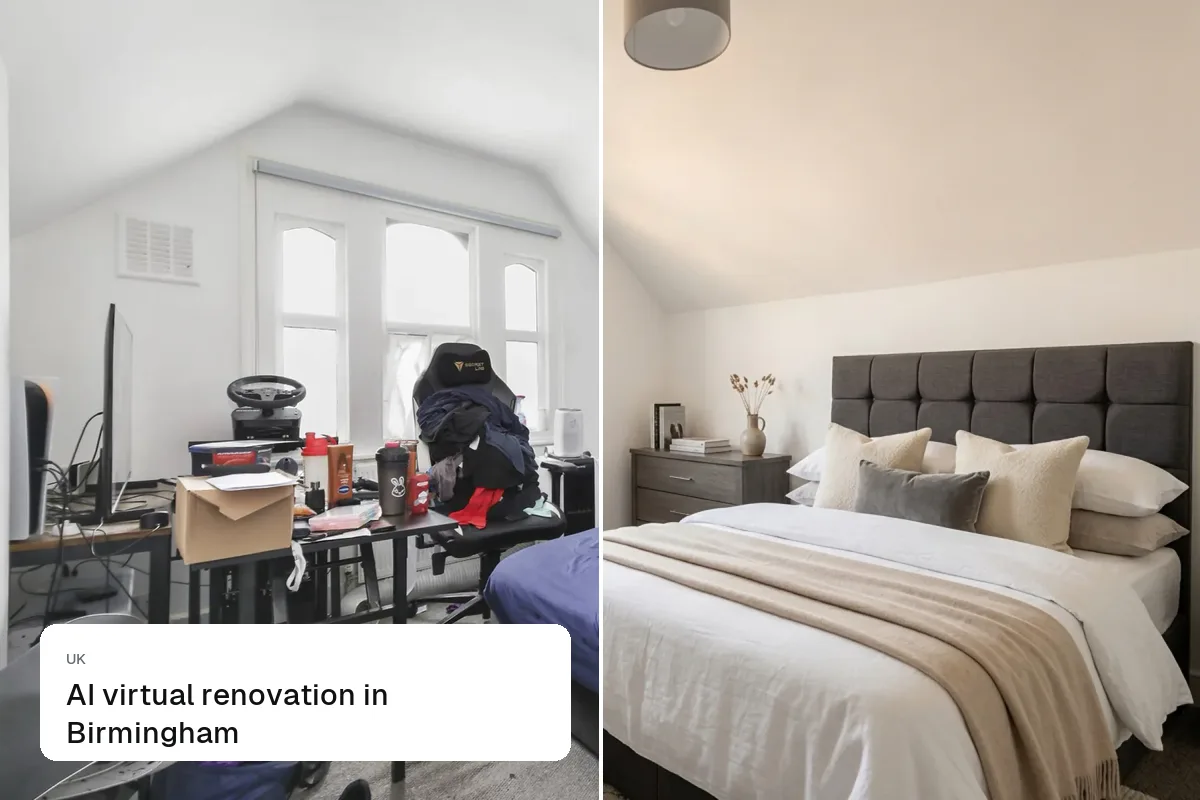
Virtual renovation is editing a listing photo to show what a room could look like after an update: new flooring, painted walls, a modern kitchen or a refreshed exterior. It helps buyers see past a dated room. Because it shows something that is not there yet, it should always appear next to the real photo and be clearly labelled as a renovation idea.
When does virtual renovation help a sale?
It works best for homes that are sound but tired:
- Probate and inherited homes with decades-old décor.
- "Needs updating" listings that put off buyers who cannot picture the work.
- Fixer-uppers aimed at buyers who want to know if the house has potential.
- Developers and flippers who want to pre-sell the finished look.
It is less useful for a home that is already modern; there, virtual staging or simple photo editing is enough.
What can you change?
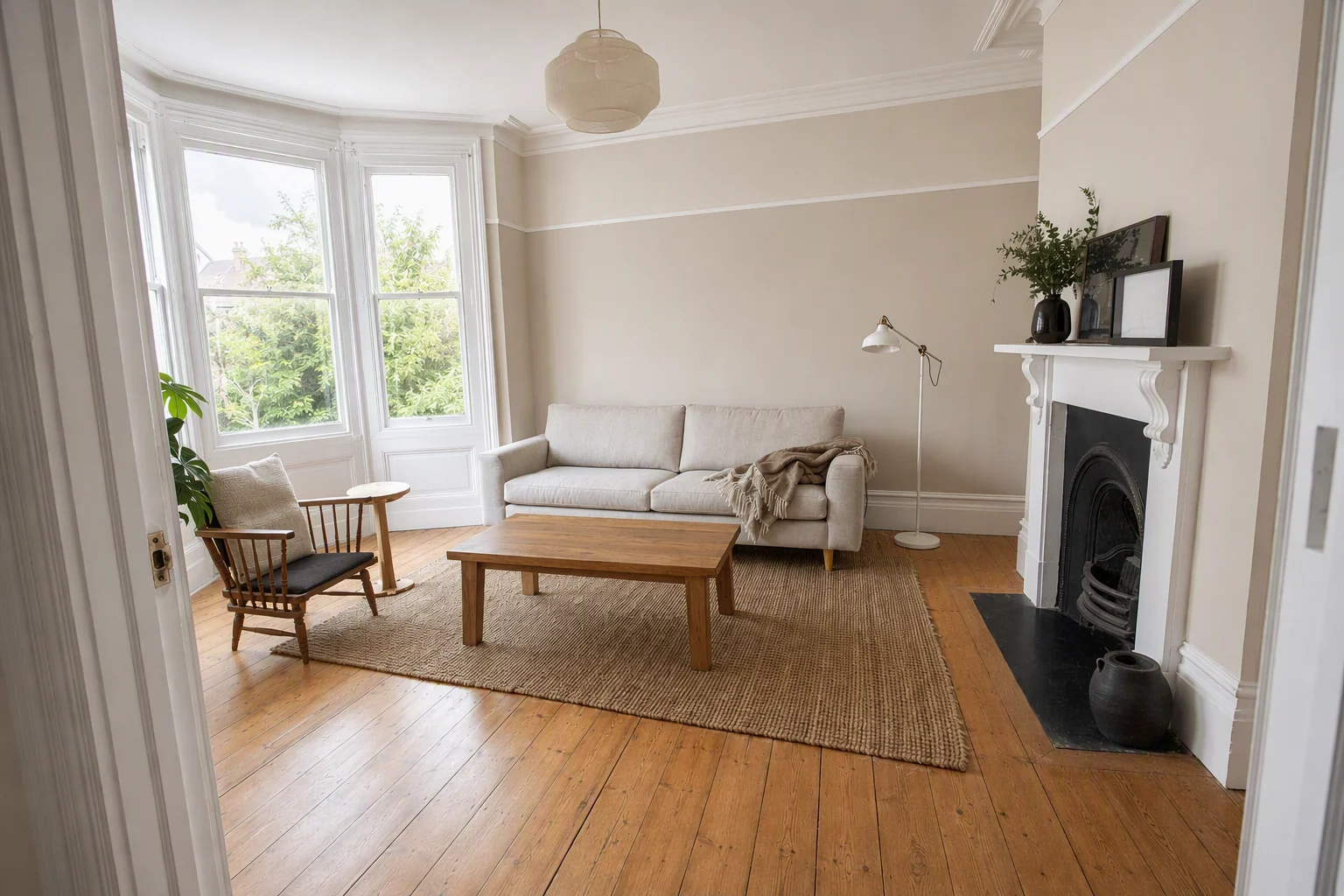
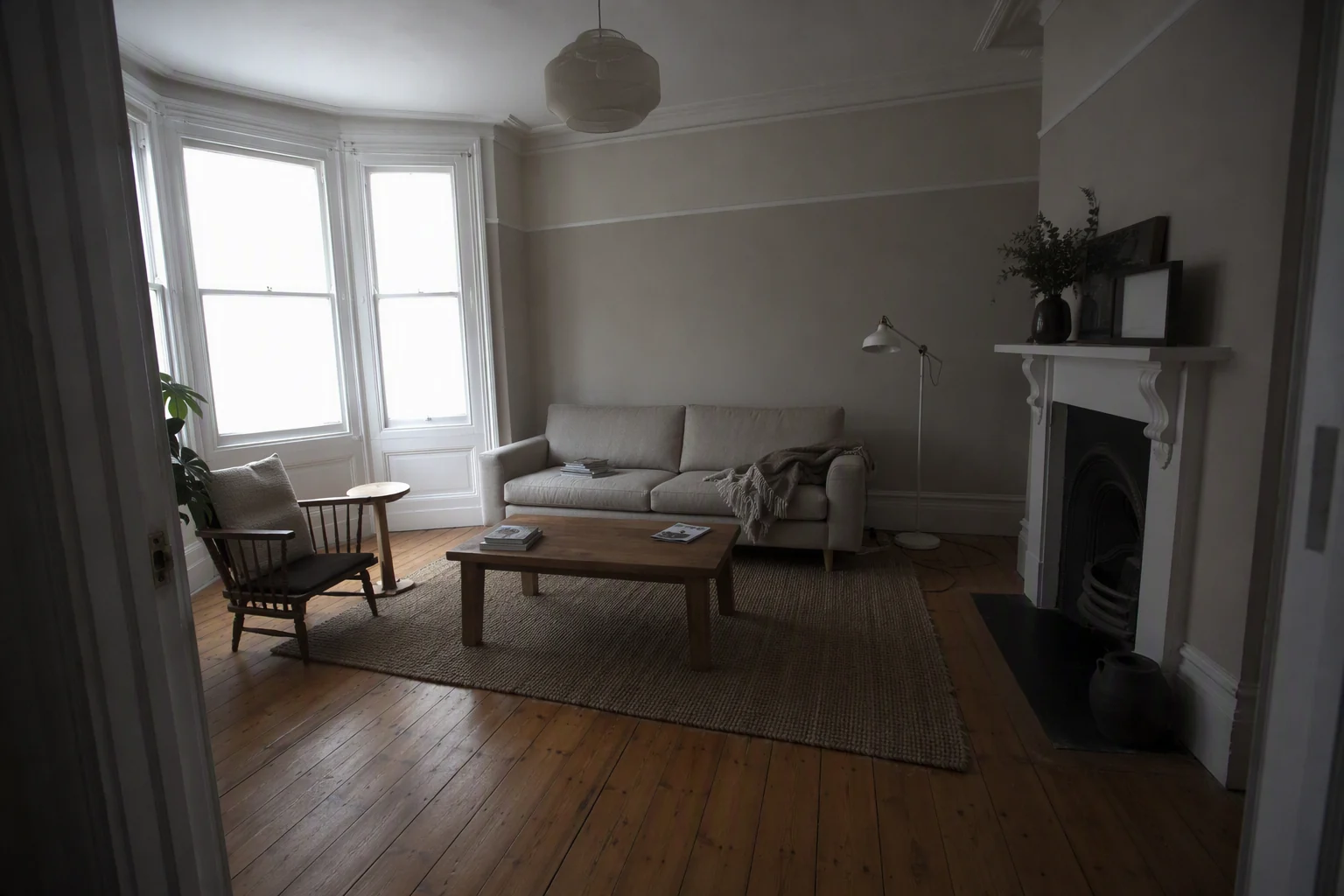
| Change | Good for virtual renovation? |
|---|---|
| Wall colour | Yes |
| Flooring | Yes |
| Kitchen cabinet fronts and worktops | Yes |
| Light fittings | Yes |
| Exterior paint, front door, garden tidy | Yes |
| Knocking through walls | Only as a clearly labelled concept, with a plan |
| Adding an extension or windows | Avoid in listing photos |
The rule is simple: change finishes, not structure. A buyer should be able to stand in the real room and see that the edit is realistic.
How do you present it honestly?
- Always show the real photo first. Then the renovated version beside it.
- Label it "Virtual renovation: suggested finishes" on the image.
- Add a rough cost if you can, such as a local quote for flooring and paint. It turns an idea into a plan.
- Never use a renovated image as the main listing photo. It sets the wrong expectation.
Our disclosure guide covers labelling in more detail.
How do you do it with AI?
In Splatr, upload the room, choose Restyle or Renovation, and describe the change, for example "light oak floor, white walls, matt black handles". To change only one part, select it with Magic Edit and leave the rest of the photo untouched. For more on finishes, read interior restyling and the guide to paint and flooring before selling.
- Upload the dated roomBright, level photo
- Describe the updateFloor, walls, kitchen
- Generate optionsTwo or three looks
- Show side by sideLabelled as an idea
Can you turn it into a video?
Yes. A before-and-after reel, with the real room fading into the renovated one, is one of the most watched post formats for "potential" homes. Make the clip from the two images, add the cost estimate as text, and post it as a reel. See before and after real estate photos for ideas.
Virtual renovation or real renovation?
If a quick paint job and new flooring would lift the price by more than they cost, do the real work and photograph it. If the seller cannot or will not spend, virtual renovation is the next best thing: it gives buyers the idea without the bill.
Related: virtual staging before and after and how to sell a house faster.
Put the guide into practice.
Turn your own photos into edited images and videos in minutes.
7-day free trial.