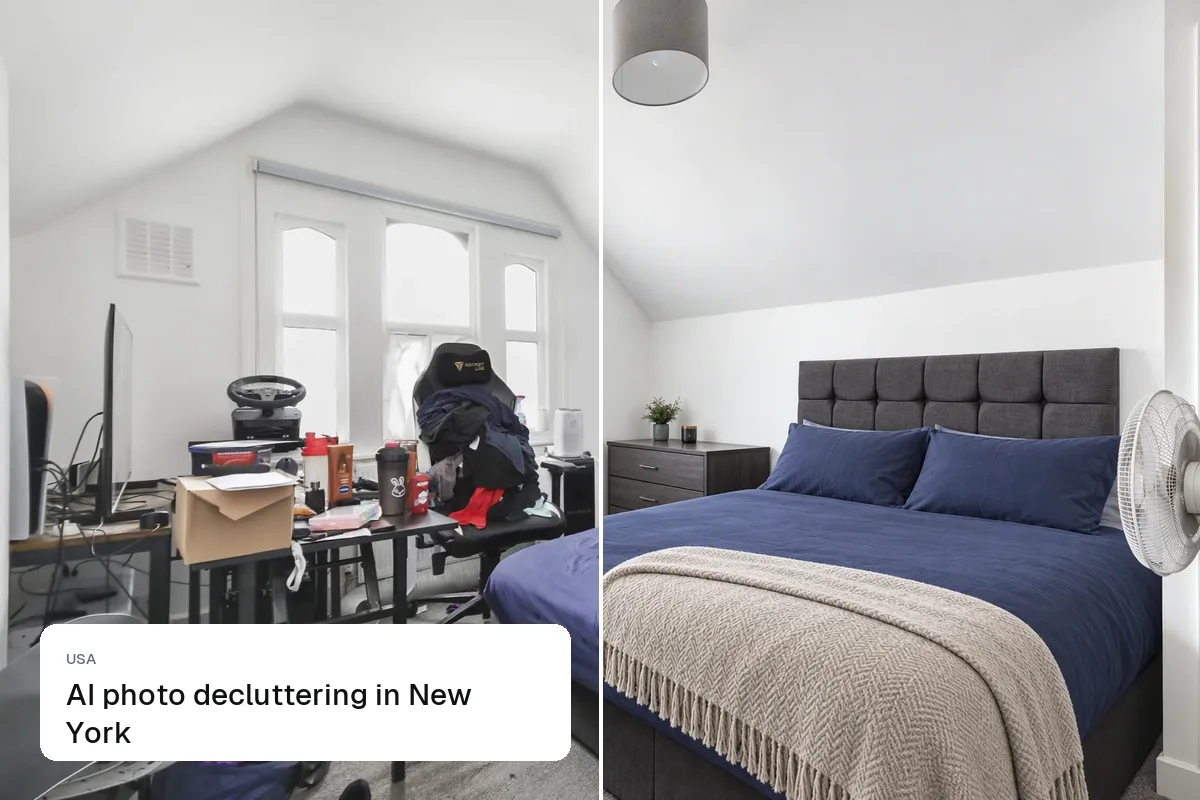
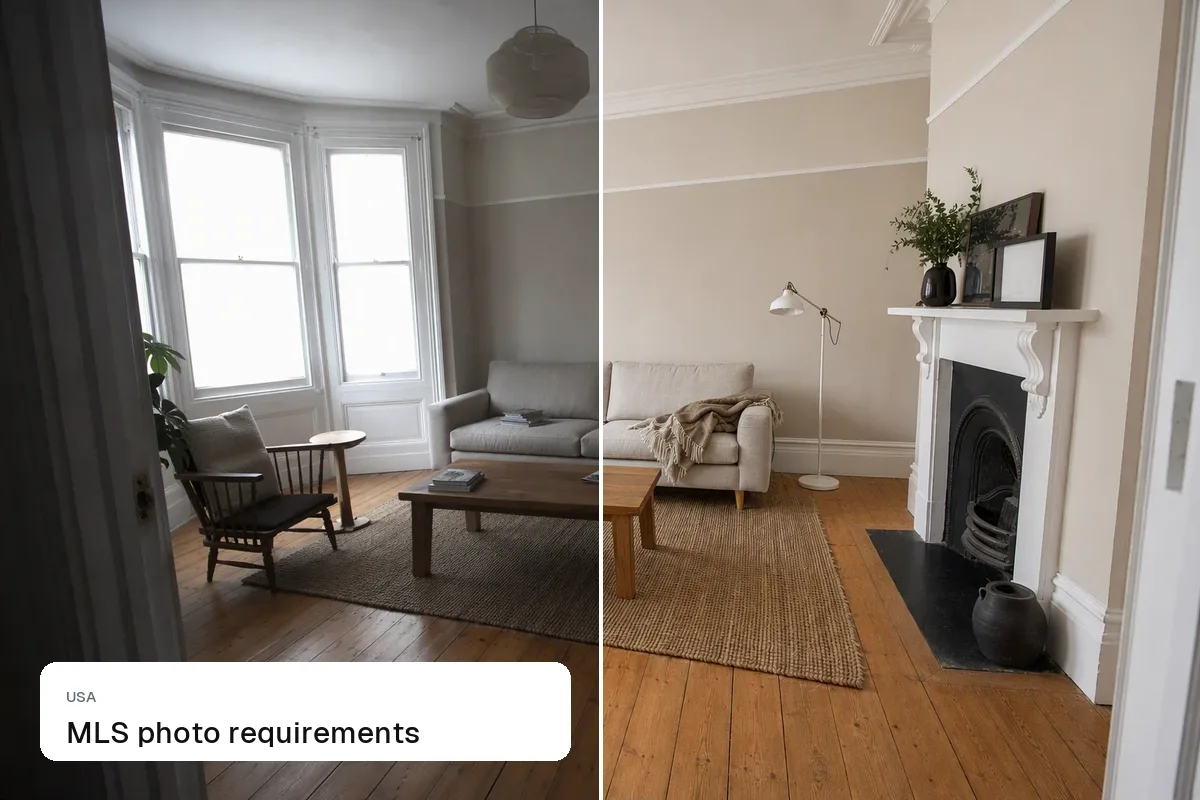
Most Zillow listing photos come from your MLS feed, so your MLS's rules apply first. For the best results on Zillow, upload large landscape JPGs (2048 px or wider), lead with a bright exterior or hero room, and include 25 or more photos plus a video or tour. Zillow displays photos large on desktop and in a swipeable gallery on the app, so small or dark photos stand out for the wrong reasons.
How photos reach Zillow
- MLS syndication: most agent listings flow from the MLS to Zillow, Trulia and other sites. Photos follow your MLS's limits.
- Direct uploads: "for sale by owner" and some rental listings are uploaded on Zillow itself.
Tips for photos that perform
- The first photo is the thumbnail. Bright exterior on a clear day, or the best room if the exterior is plain.
- Large and landscape. 2048 px or more on the long edge, 3:2 or 4:3.
- Every room, in walk-through order. Buyers swipe in sequence.
- No text or logos. MLSs ban them and Zillow shows them poorly.
- Consistent editing. Same brightness and colour across the gallery.
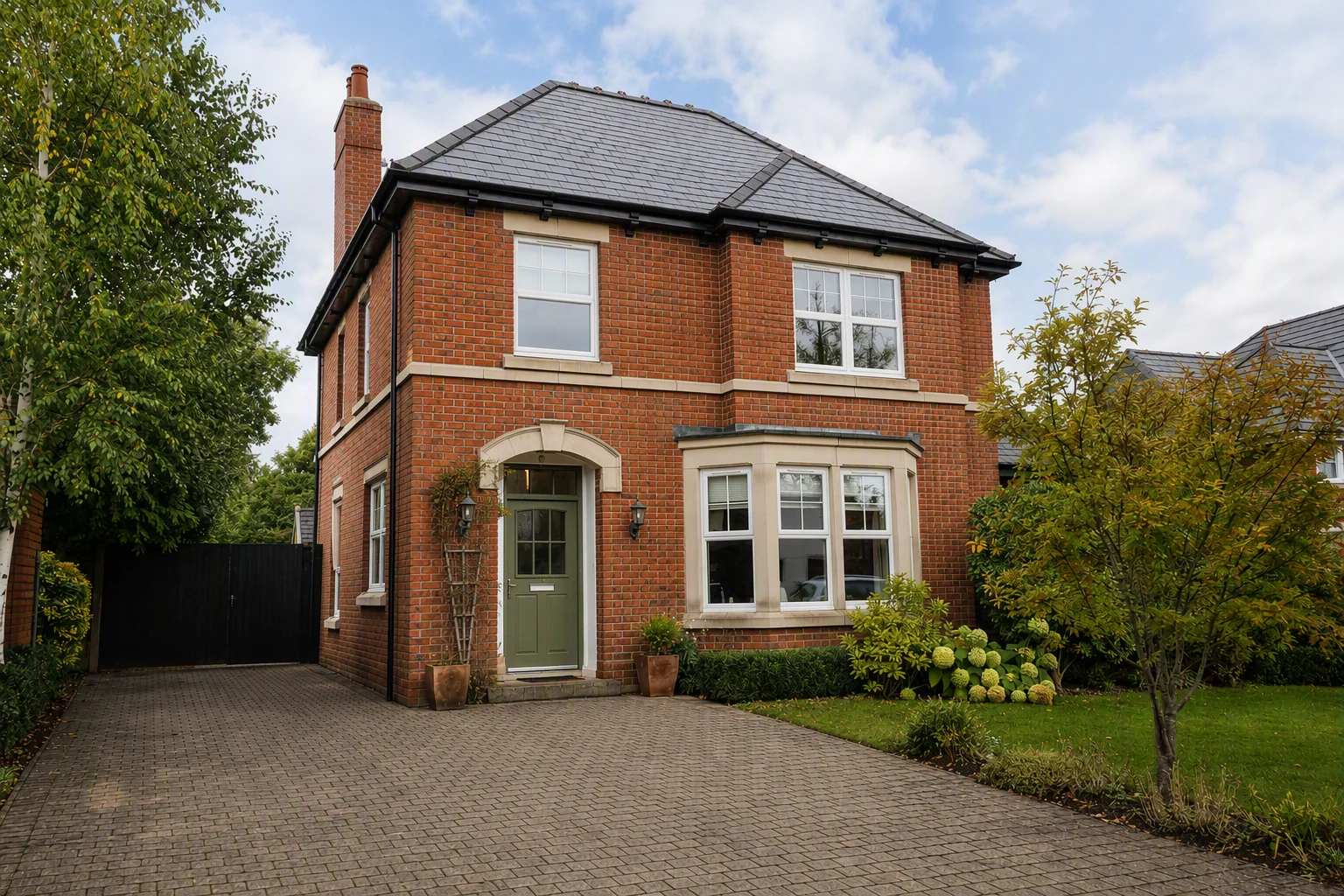
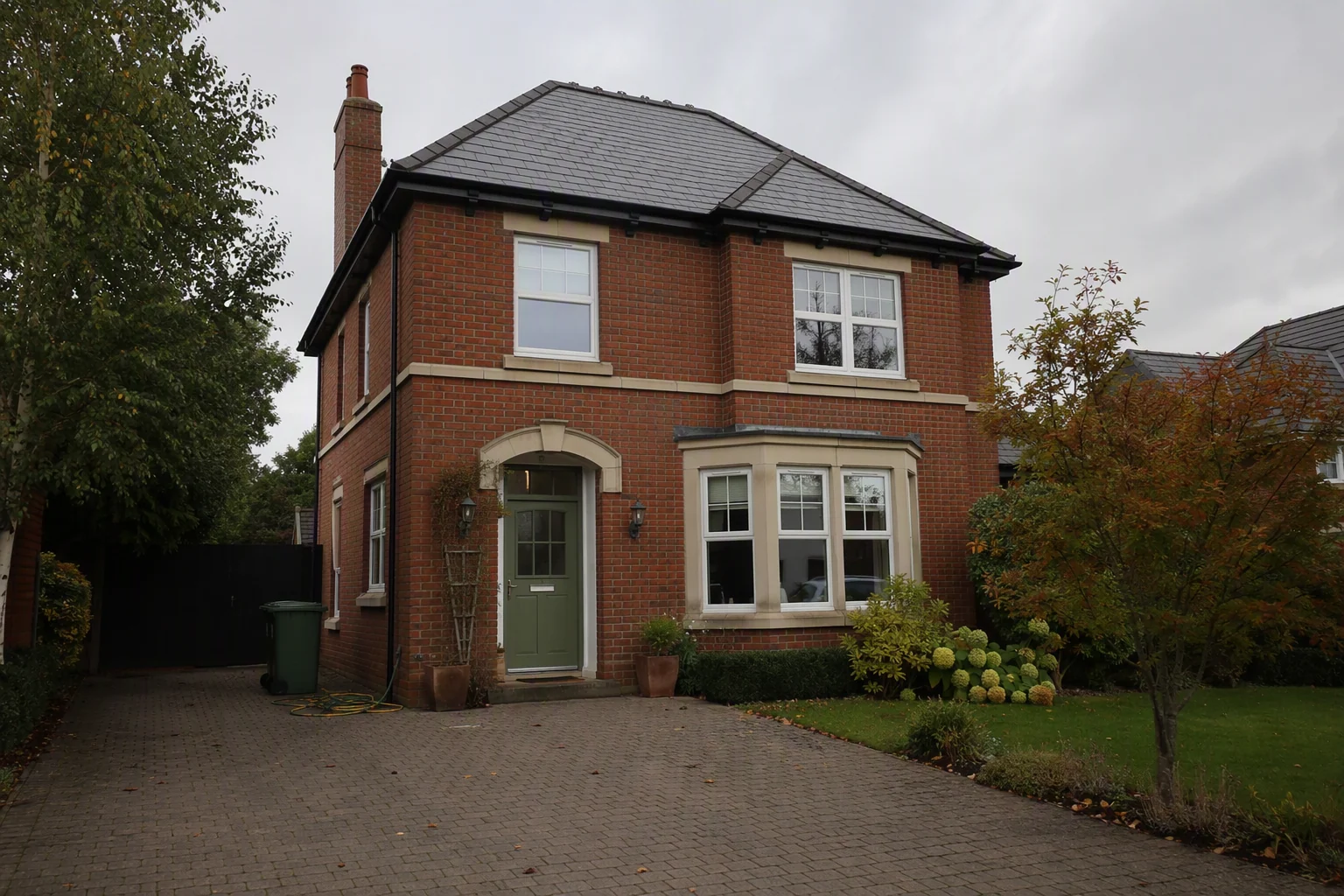
Staged photos on Zillow
Virtually staged photos are fine if they're disclosed in line with your MLS rules. Many agents put "virtually staged" on the image so the label survives syndication. See is virtual staging legal?.
Video and tours
Zillow supports video and 3D tours, including its own Showcase format. You don't need Showcase to add a video; see Zillow Showcase alternative and add a video or virtual tour to an MLS listing.
Also read MLS photo requirements and Redfin and Realtor.com listing photos.
Put the guide into practice.
Turn your own photos into edited images and videos in minutes.
7-day free trial.