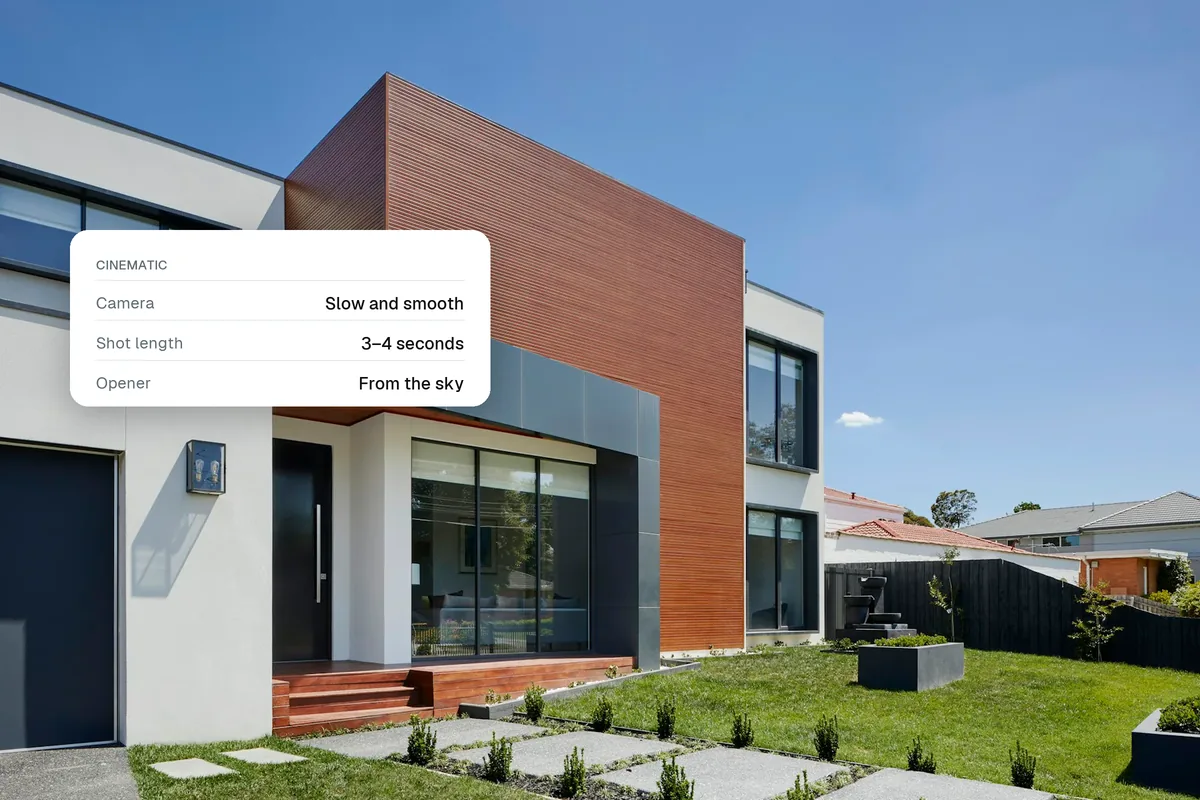
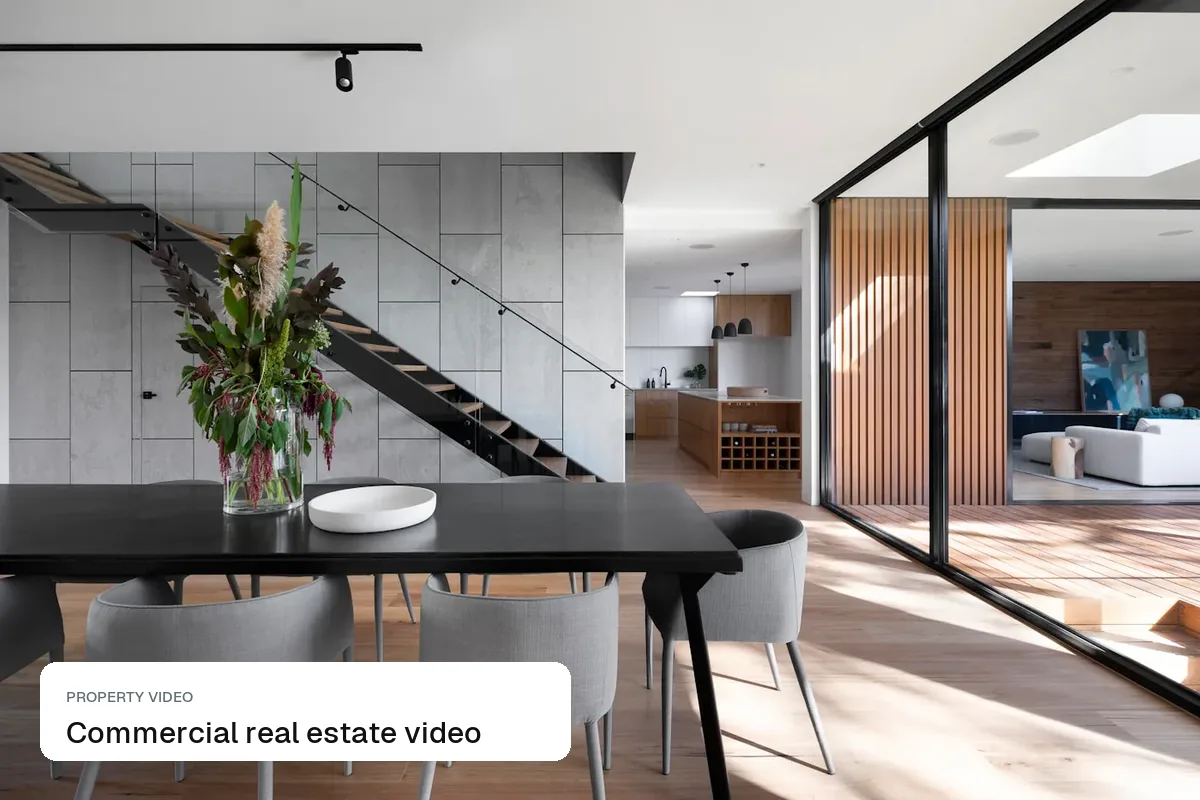
Home builders need four kinds of video: a walkthrough of the model or show home, a short reel for every spec or quick move-in home, a community video that sells the location, and progress updates during the build. Most builders only make the first, once a year, with a film crew. The rest can be made from the photos and renders you already have, which means every home on the site gets its own video instead of sharing one.
The four videos every builder needs
| Video | Length | Made from | Where it goes |
|---|---|---|---|
| Model or show home walkthrough | 60–120 s | Filmed or photo-based | Website, YouTube, sales office screens |
| Spec / quick move-in reel | 15–30 s | Listing photos | Instagram, TikTok, Facebook, Zillow, Rightmove |
| Community and location film | 60–90 s | Photos of amenities, schools, parks | Website, paid social |
| Build progress update | 15–30 s | Site photos and renders | Email to reservers, social |
Spec homes are where builders lose out
A model home gets a professional film. The quick move-in home on plot 47, which actually needs to sell this month, gets six photos on Zillow and nothing else. A 20-second reel per spec home, with the price, the move-in date and the incentive on screen, gives your sales team something to post and send every week.
Before the homes exist
For off-plan and pre-construction phases, use what you have:
- Renders and floor plans turned into short videos with camera moves
- Sketch-to-life and blueprint effects that turn a plan into a finished room, which work well as the hook of a launch reel
- Labelled concepts. Make it clear the video shows a visualisation and that finishes may vary
See new-build marketing in the UK, virtual staging for new builds and, for developers abroad, off-plan marketing in Dubai.
- Blueprint
- Build it
- Sketch to life
What it costs
A filmed model home walkthrough typically costs $1,500–$5,000 with a production company, and CGI walkthroughs for pre-construction often $6,000 or more. Photo-based reels on Splatr's Pro plan ($49 a month, 1,000 credits, 2 credits per second of video) cost a few dollars each, so you can make one per home. See real estate video cost.
A simple monthly rhythm
- Week 1: progress update for reservers and social.
- Week 2: a reel for each new quick move-in home.
- Week 3: a community or amenity video.
- Week 4: a testimonial or a "day in the life" in the model home.
Questions builders ask
Do we still need a professional film?
For the flagship model home and the launch, often yes. Use photo-based video for everything that changes weekly.
Can we show finishes that are upgrades?
Yes, if the video or caption says they are upgrades. Buyers compare the base spec at the sales centre.
Keep exploring
Related guides: commercial real estate video, vertical property videos, photo to video AI for property, developers and property managers and real estate video marketing.
Put the guide into practice.
Turn your own photos into edited images and videos in minutes.
7-day free trial.