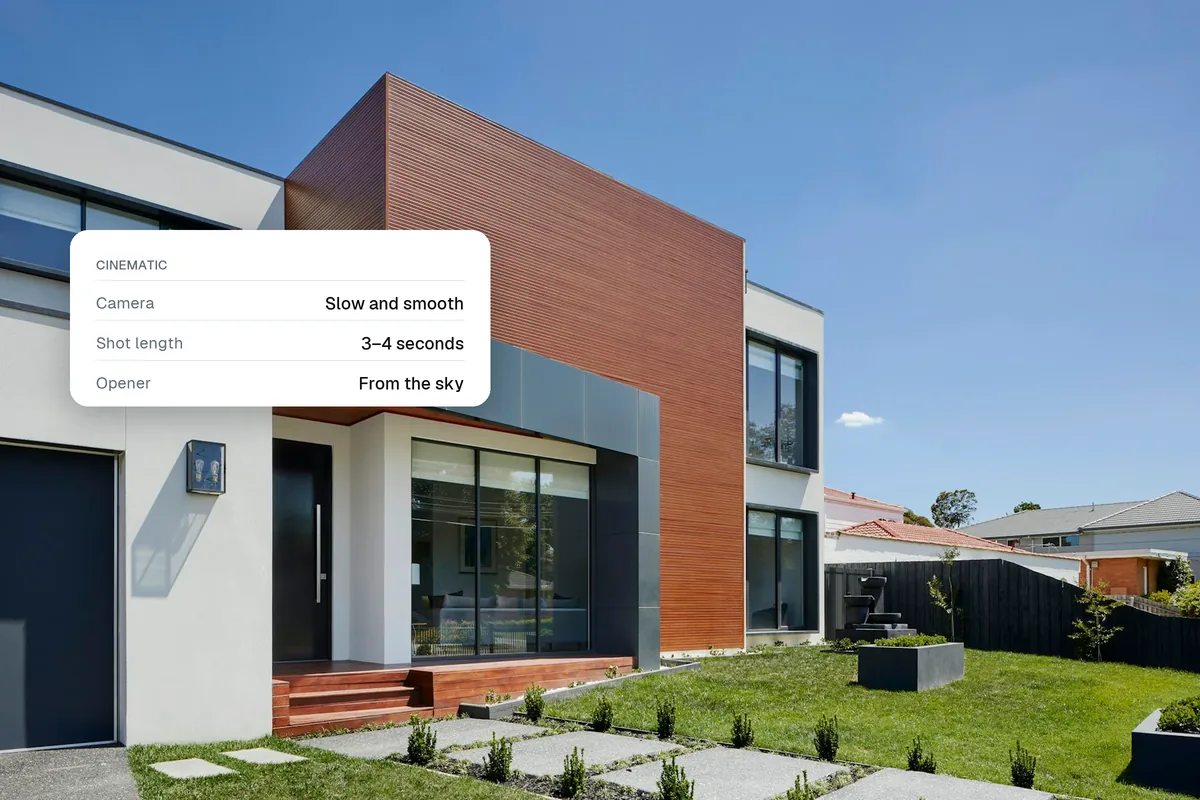
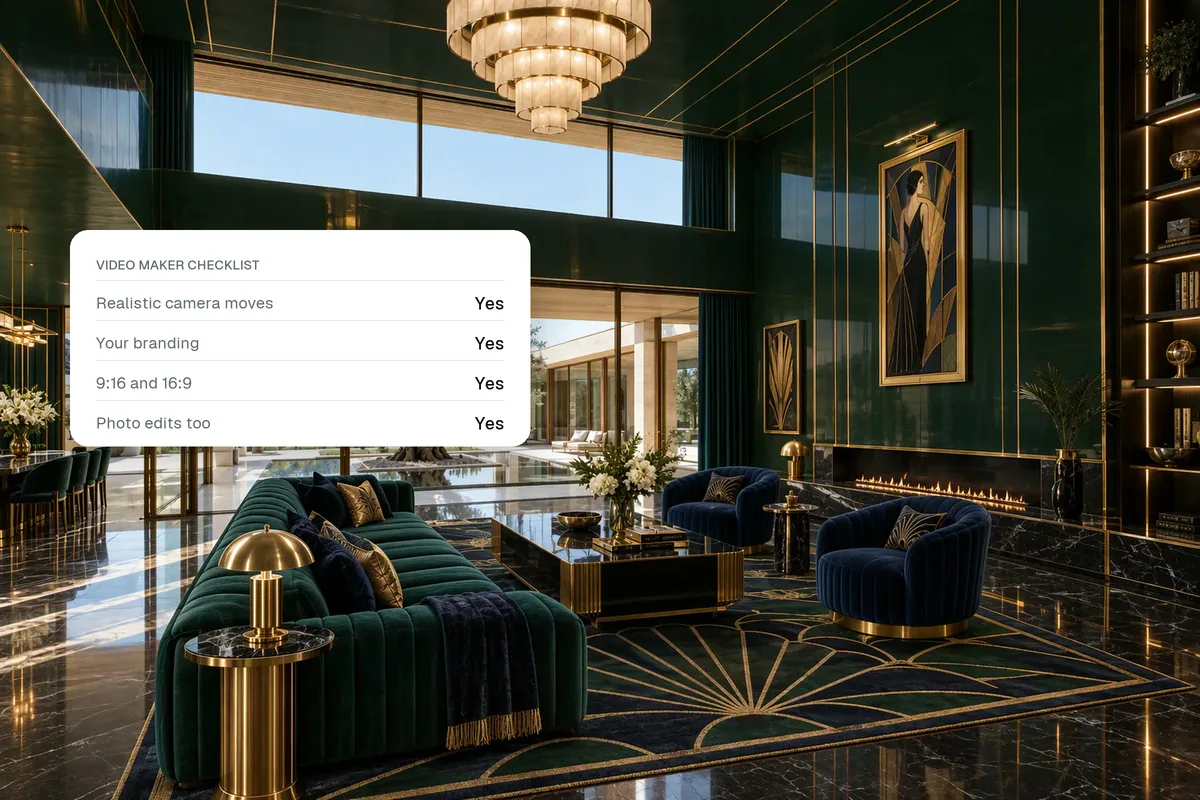
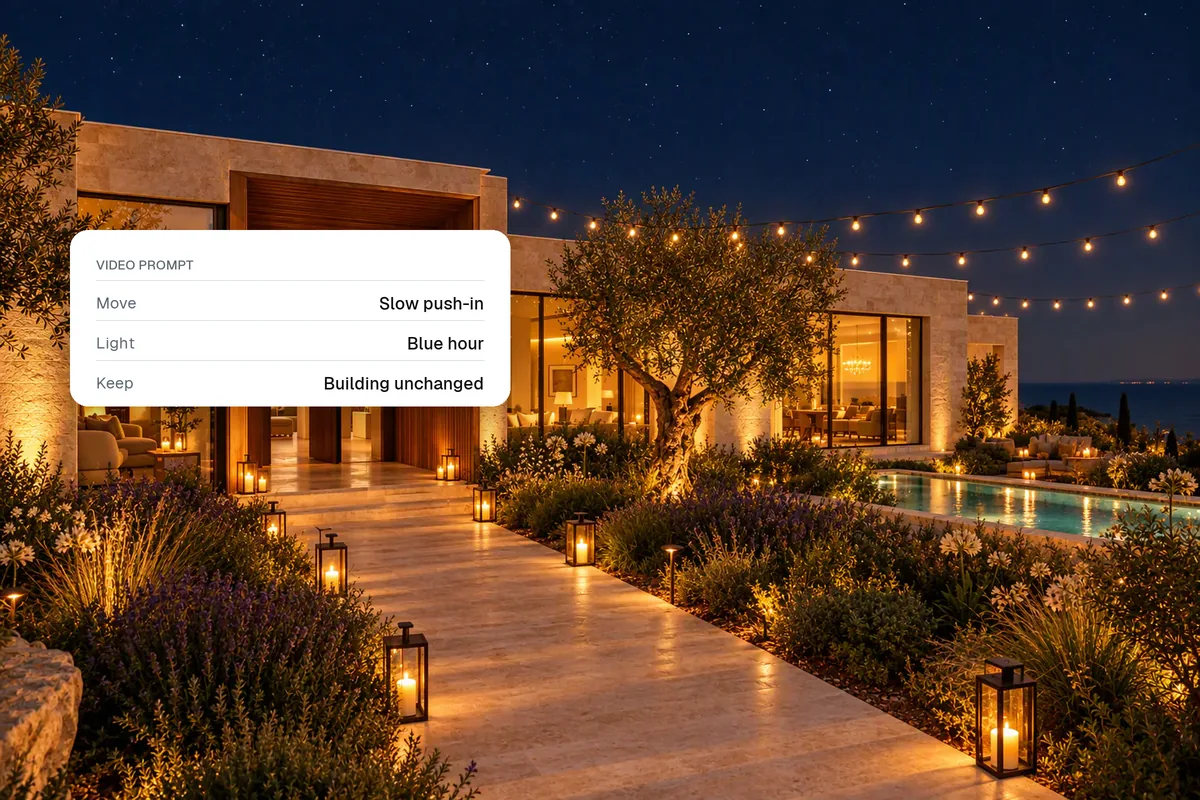
Photo to video AI takes a still photo and generates a few seconds of camera movement through it: a slow push into a living room, a rise over a pool, a slide past a kitchen island. For property, that means you can make a cinematic listing video from photos you already have, without filming. The best results come from sharp, wide, well-lit photos and calm camera moves.
How does photo to video AI work?
The model looks at your photo, works out depth (what is near, what is far) and then imagines how the scene would look as a camera moves through it. It fills in the small areas that become visible as the view shifts. Each photo becomes a clip of about five seconds.
A property video is then a sequence of those clips, with music, titles and your logo on top. That last part is what turns "a few AI clips" into something you can post.
Who is it for?
Anyone who sells or rents a space and needs more video than they can afford to film:
- Estate agents and realtors who want a reel for every listing, not only the expensive ones.
- Hotels and resorts that need fresh room, pool and restaurant clips for Instagram every week.
- Airbnb and holiday let hosts who want a video tour for social media and their direct booking site.
- Developers marketing new builds from renders before anything is finished.
All of them have the same problem. Photos are easy to get. Video is slow and expensive. Photo to video AI closes that gap.
Which photos give the best results?
The model can only move through what it can see. Pick photos that:
| Good for video | Avoid |
|---|---|
| Wide shots with clear depth (a room seen from a corner) | Close-ups of a tap or a cushion |
| Sharp, bright, level photos | Blurry, dark or tilted photos |
| Clean rooms with a few strong objects | Cluttered rooms with lots of small items |
| Landscape photos at 1920 px wide or more | Tiny or heavily compressed images |
| One clear subject per shot | Mirrors and big glass walls in the middle of the frame |
If your photos are dark or messy, fix them first. Brighten them, remove clutter and replace a grey sky, then make the video. Our guide to editing real estate photos covers the fast version.
Which camera moves look most natural?
Slow, simple moves look real. Fast spins and big zooms are where AI clips start to warp.
- Push in
- Pull out
- Slide left
- Rise
- Push in for the hero room. It pulls the viewer into the space.
- Pull out for the last shot. It feels like an ending.
- Slide left or right for kitchens and long rooms.
- Rise for gardens, pools and views.
Use one move per photo. Changing direction inside a five-second clip looks odd.
How do you turn the clips into a finished video?
This is where most free photo to video tools stop: you get one clip at a time and have to edit them yourself. In Splatr the whole video is one flow:
- Upload 6 to 10 photosFrom your phone or your photographer
- Pick a styleThe AI director films each photo
- Add an effectDay to dusk, from the sky, lights on
- Add your brandingTitle, logo, contact details
- Add musicCatalogue, upload or a YouTube link
- Export9:16 for reels, 16:9 for portals
If something is off, you can tell the AI editor in plain words ("make the bedroom shot shorter", "swap the music for something calmer") instead of opening an editing app.
Does it look real?
Done well, yes. Clips made from good photos with slow moves are hard to tell apart from gimbal footage on a phone screen. Watch every clip before you publish it and drop any that bend walls, change furniture or invent rooms. The AI is guessing what it cannot see, so keep the camera move small when the photo is tight.
Be honest in the caption if a room was virtually staged. Our note on virtual staging disclosure explains the rules in the UK, US and UAE.
Is photo to video AI free?
Many tools let you try a few clips for free, usually with a watermark or low resolution. For regular listing or social content you will want a paid plan that exports clean HD video and lets you add your own branding. Splatr plans start at $29 a month, and you can try the full workflow free for 7 days.
What can you make with it?
- A 20 to 30 second reel for every new listing.
- A "just booked" or "new season" video for a hotel or rental.
- Room-by-room clips for Stories.
- A landscape walkthrough for your website and property portals.
- Effects that a camera cannot do: day to dusk, a house building itself, a sketch that turns into the real room.
For shot order and length, see how to make real estate reels. For prompt ideas, see our AI video prompts for property.
Put the guide into practice.
Turn your own photos into edited images and videos in minutes.
7-day free trial.