You can make a 360° virtual tour with a normal phone by taking four overlapping photos from the middle of each room and letting software stitch them into one panorama. Link the rooms together, add a floor plan if you have one, and share the tour as a link or embed it on your website. No 360° camera, tripod or tour subscription is required.
What you need
- A phone with a wide (0.5×) lens, which most phones from the last few years have.
- The lights on and the rooms tidy.
- About two minutes per room.
- A tool that stitches phone photos into a 360° view. Splatr does this from four photos.
Step 1: prepare the room
Open the curtains, switch on every light, close cupboard doors and put away clutter. A 360° view shows everything, including the corner you would usually leave out of a photo.
- 4 phone photosFrom the middle of each room
- UploadStitched to 360°
- Pin to floor planRooms in place
- ShareLink, embed, portals
Step 2: stand in the middle
Stand in the centre of the room, or slightly back if a table is in the way. Hold the phone upright at chest height. Stay in exactly the same spot for all four photos: walking between shots is the main cause of stitching errors.
Step 3: take four overlapping photos
- Face one wall and take the first photo with the ultra-wide lens.
- Turn a quarter to the right, keeping the phone at the same height, and take the second.
- Repeat for the third and fourth.
Each photo should overlap the previous one by roughly a third. Turn your body around the phone rather than swinging the phone around your body. Switch off portrait and night modes, and lock exposure so all four photos match in brightness.
Step 4: stitch the photos
Upload the four photos. Splatr lines them up, blends the seams and corrects the brightness so the view looks like one continuous room. Check the result for doubled edges on door frames and furniture; if you see one, retake that room without moving your feet.
Step 5: link the rooms
Repeat for each room, then connect them: add a hotspot on the hallway door that leads to the hallway view, and so on. Buyers should be able to walk through the home in the same order as a viewing. If you have a floor plan, pin each 360° view to its room so visitors can jump straight to it. See floor plan navigation.
Step 6: share the tour
- Link: send the tour link to buyers or add it to your listing.
- Embed: put the tour on your website or property page. See how to embed a 360° tour.
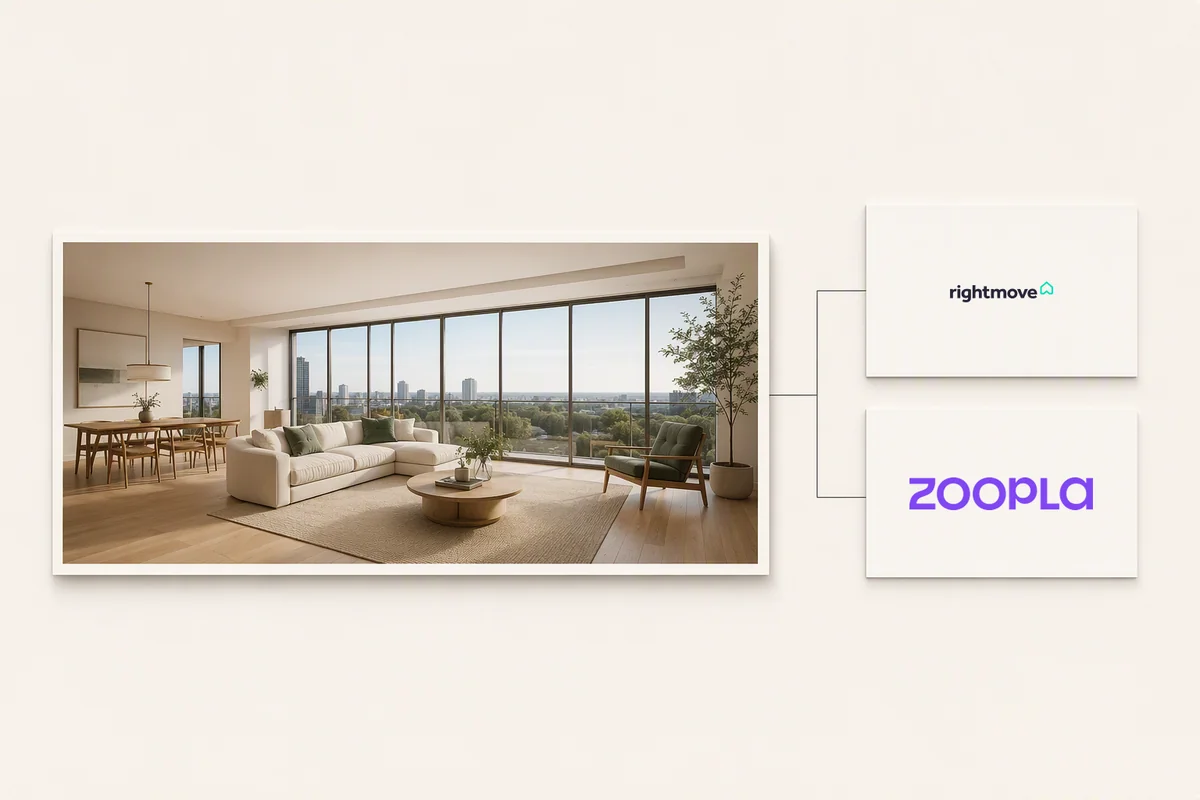
- Portals: Rightmove and Zoopla accept virtual tour links through their own processes. See sharing tours on Rightmove and Zoopla.
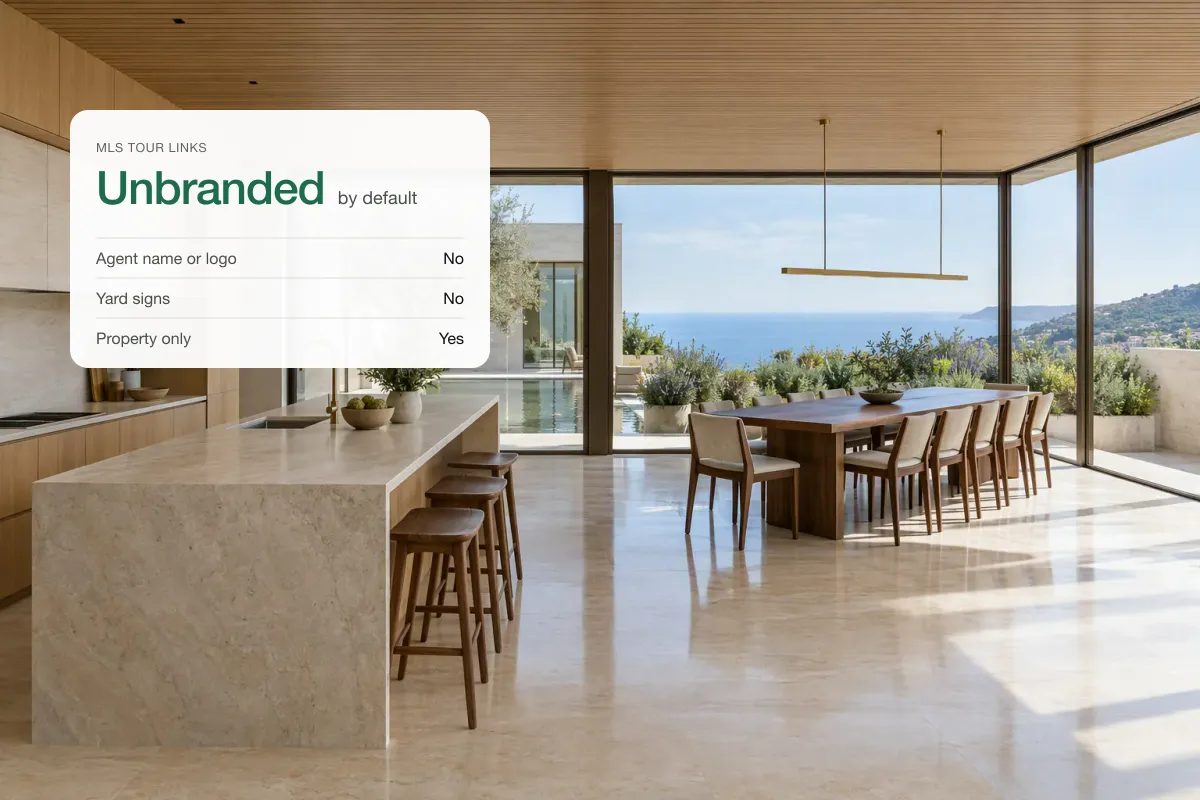
- MLS: use the unbranded tour link. See adding a tour to an MLS listing.
Phone tour or 360° camera?
| Phone (four photos) | 360° camera | |
|---|---|---|
| Equipment cost | Nothing extra | About $300–$1,000 for a consumer or prosumer camera |
| Time per room | About 2 minutes | About 1 minute |
| Quality | Good for listings and rentals | Higher resolution, fewer stitching seams |
| Floors and ceilings | Less coverage straight up and down | Full sphere |
For most listings, a phone tour is enough and costs nothing extra. If you shoot tours every day, a dedicated 360° camera saves time. Already have 360° photos? You can check them in the free 360° photo viewer.
Can buyers restyle the rooms?
In Splatr, yes. Visitors viewing a published tour can try their own ideas for furniture, finishes and lighting, which keeps them on the page longer. See reimagining 360° rooms.
Quick answers
Can you make a 360° tour with an iPhone?
Yes. Take four overlapping photos per room with the 0.5× lens and use a tool that stitches them into a 360° view.
How do I make a free virtual tour of my house?
Use your phone for the photos and a tool with a free tier to stitch and host the tour. Check the free plan’s limits on rooms and hosting time.
How long does a phone virtual tour take?
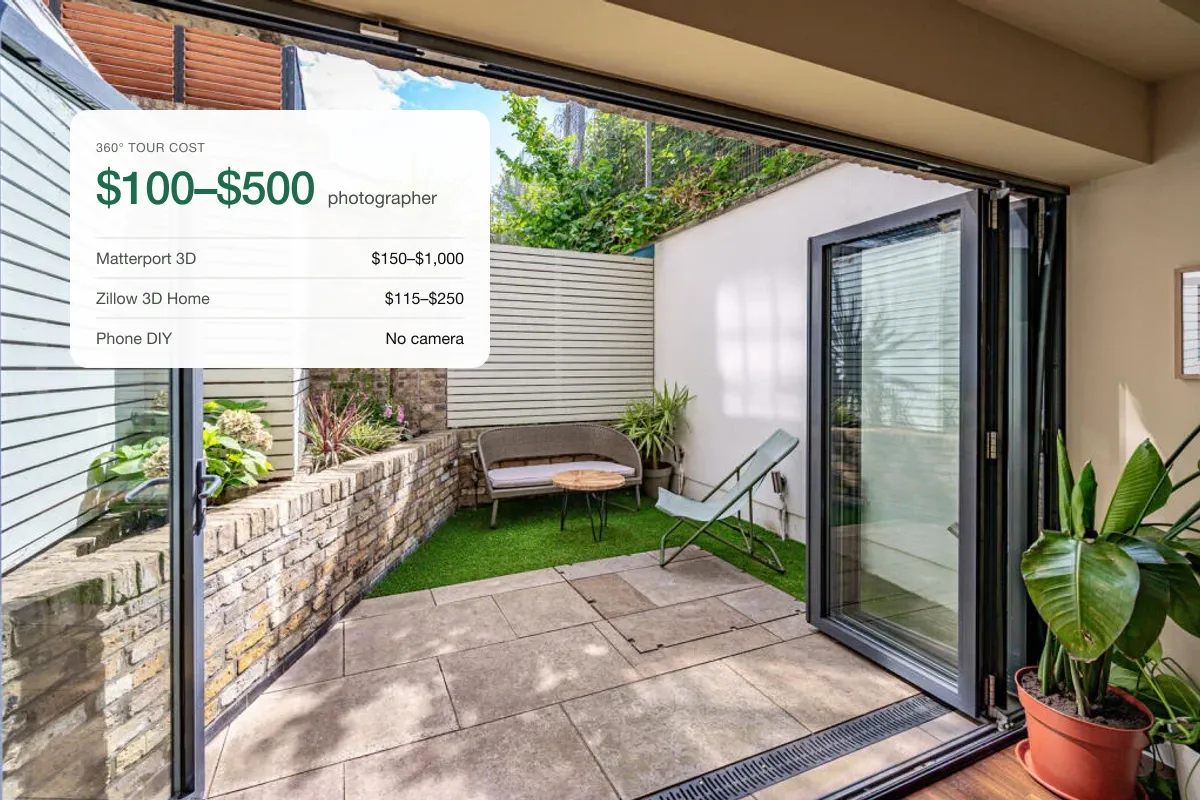
About two minutes per room to capture, so 15–20 minutes for a typical three-bedroom home. Stitching takes a few minutes more. See what a professional tour costs for comparison.
Put the guide into practice.
Turn your own photos into edited images and videos in minutes.
7-day free trial.