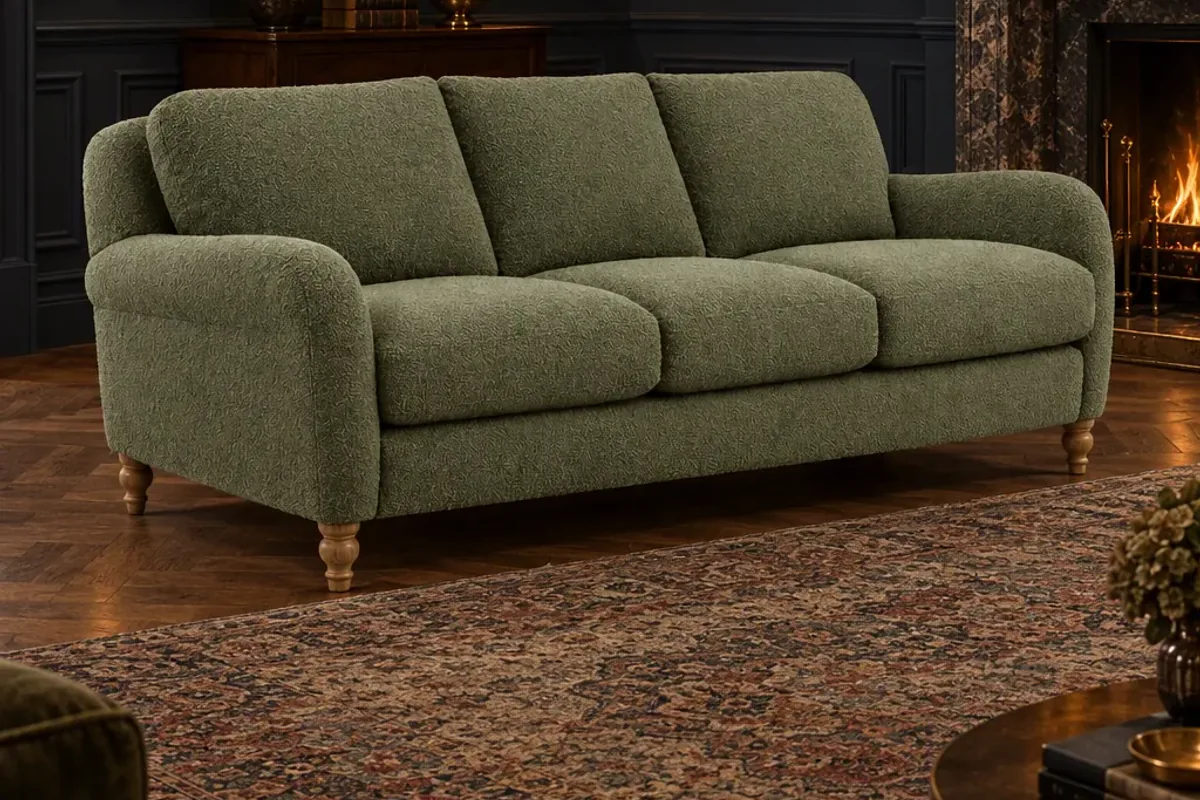
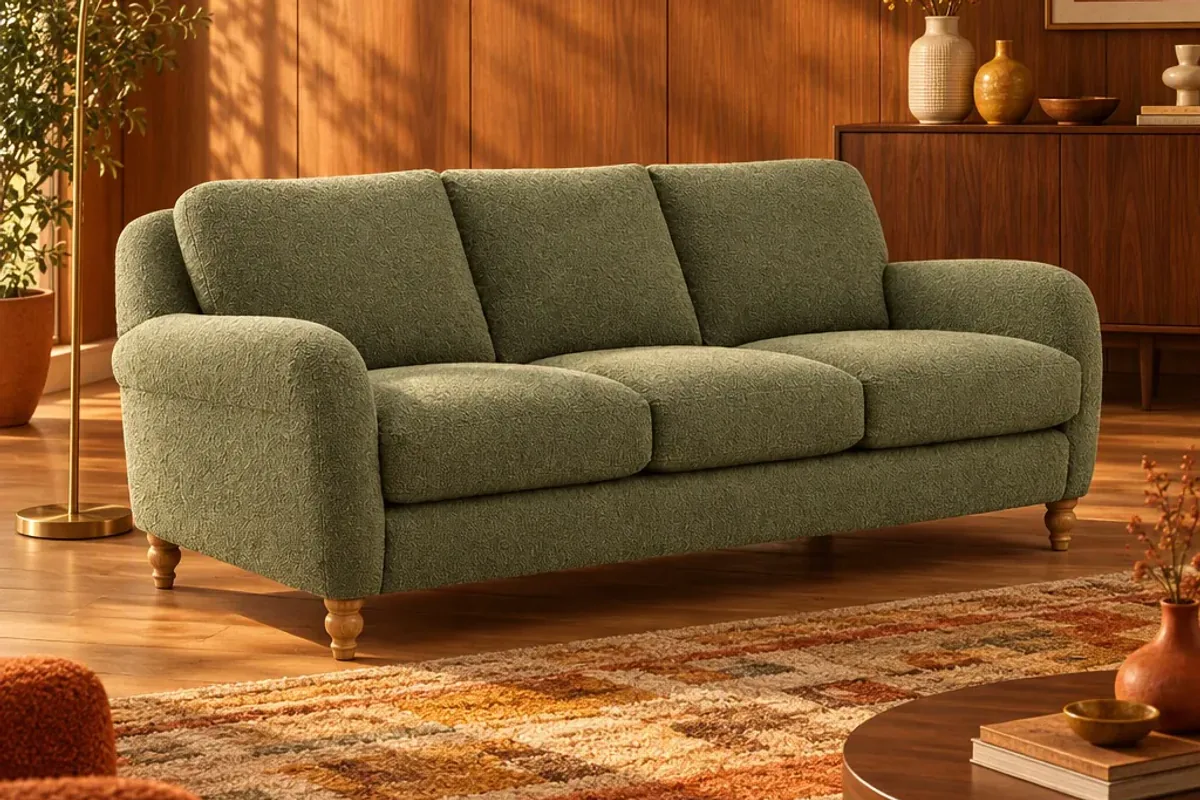
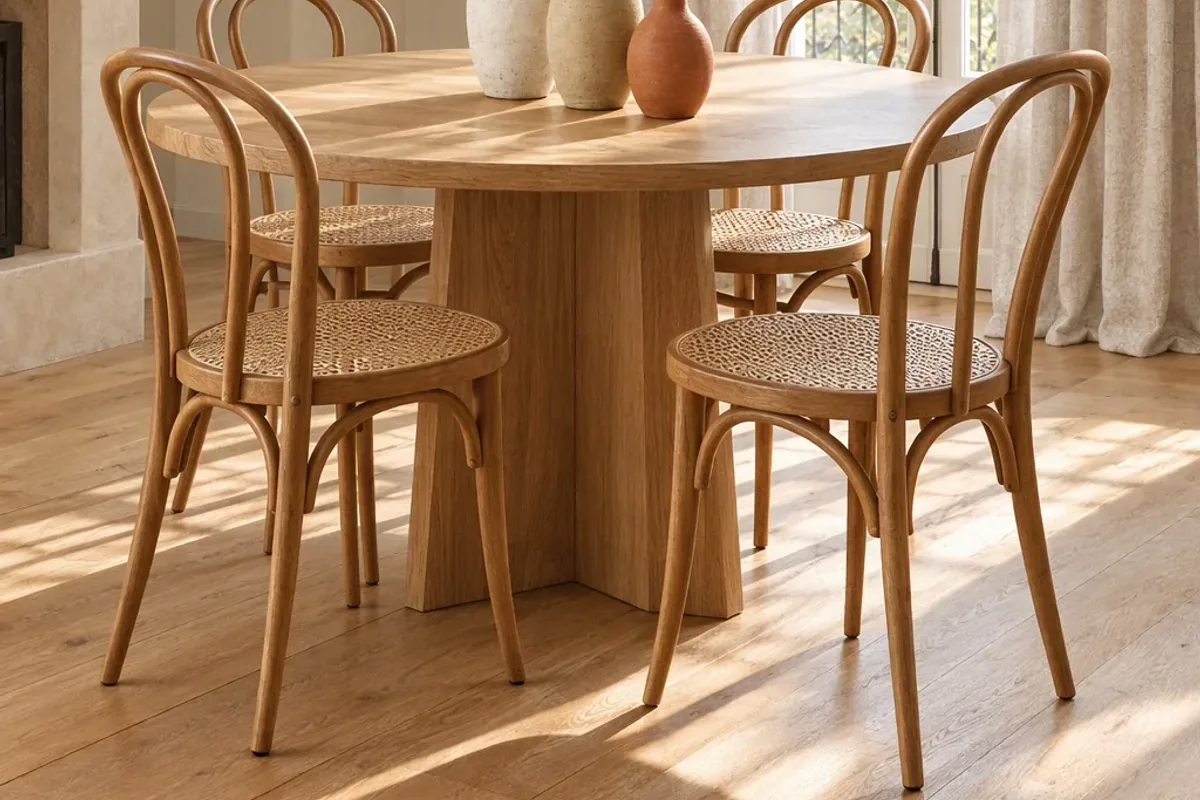
Most interiors brands need four image shapes: a 1:1 square for store thumbnails, a 4:5 portrait for social posts, a 9:16 vertical for stories, reels and ads, and a 16:9 landscape for website banners. Make each one on purpose. Cropping a single wide photo into all four is the usual reason a sofa ends up with its arms cut off.
Which sizes should you export?
| Use | Shape | Suggested size |
|---|---|---|
| Store thumbnail and product gallery | 1:1 | 2000 × 2000 px, so shoppers can zoom |
| Instagram or Facebook feed post | 4:5 | 1080 × 1350 px |
| Story, reel, TikTok or vertical ad | 9:16 | 1080 × 1920 px |
| Homepage or category banner | 16:9 | 1920 × 1080 px or larger |
The social sizes follow current guidance in Buffer’s Instagram size guide. Platforms change their layouts from time to time, so check before a big campaign. Your store theme may also set its own gallery ratio. Use the same ratio for every product so your grid lines up.
Why does furniture crop so badly?
Furniture is wide. A three-seat sofa photographed in landscape fills the frame from edge to edge. Turn that into a vertical story and you are left with a choice between half a sofa or a very small sofa with empty bands above and below.
Tall products have the opposite problem. A floor lamp or a full-length curtain fits a vertical frame and disappears in a banner.
The fix is to compose the room for each shape. In a vertical image the camera can sit further back, showing floor in front and wall above. In a banner the product can sit to one side, leaving space for a headline.
How do you keep text and buttons clear of the product?
Apps place their own controls over your image. On stories and reels, the top of the frame carries your profile name and the bottom carries captions and reply fields. Keep the product and any text you add in the middle of the frame, away from the top and bottom edges.
For banners, decide where the headline goes before you make the image, and leave that area calm: a plain wall or a stretch of floor.
Remember the grid too. Instagram shows a cropped preview of each post on your profile, so the centre of the image has to work by itself.
What about file format and weight?
Sharp images that load slowly lose sales. A few simple rules:
- Use WebP for your website where your platform supports it, with JPG as the alternative.
- Keep a product gallery image under a few hundred kilobytes.
- Upload at the suggested size, not straight from the camera at five times that.
- Use the same background and lighting style across a collection.
Most store platforms resize images for you, but they cannot fix a file that was the wrong shape to begin with.
Do you need a different image for ads?
Usually yes. An ad has a second or two to make sense. Use the vertical version, keep one product as the clear subject and leave room for a short line of text. Test two room styles against each other. A warm room and a dark room can perform very differently with the same product, and that is cheap to learn.
How can you produce all four without four times the work?
This is where staging from one photo saves real time. In Splatr, Reimagine stages your product in a room and gives you the result as a store thumbnail, a social post, a story or ad, and a website banner in one go. Each is composed for its shape, not cut from the same picture.
A simple routine for every new product:
- Take one clean photo.
- Stage it in the room style that suits the collection.
- Download the four sizes.
- Name the files by product and shape, so the right one goes to the right place.
For the staging step, read how to make lifestyle images without a photoshoot. To see the four formats side by side, visit the Splatr e-commerce page.
Put the guide into practice.
Stage your own products and make your first reel in Splatr.
7-day free trial.