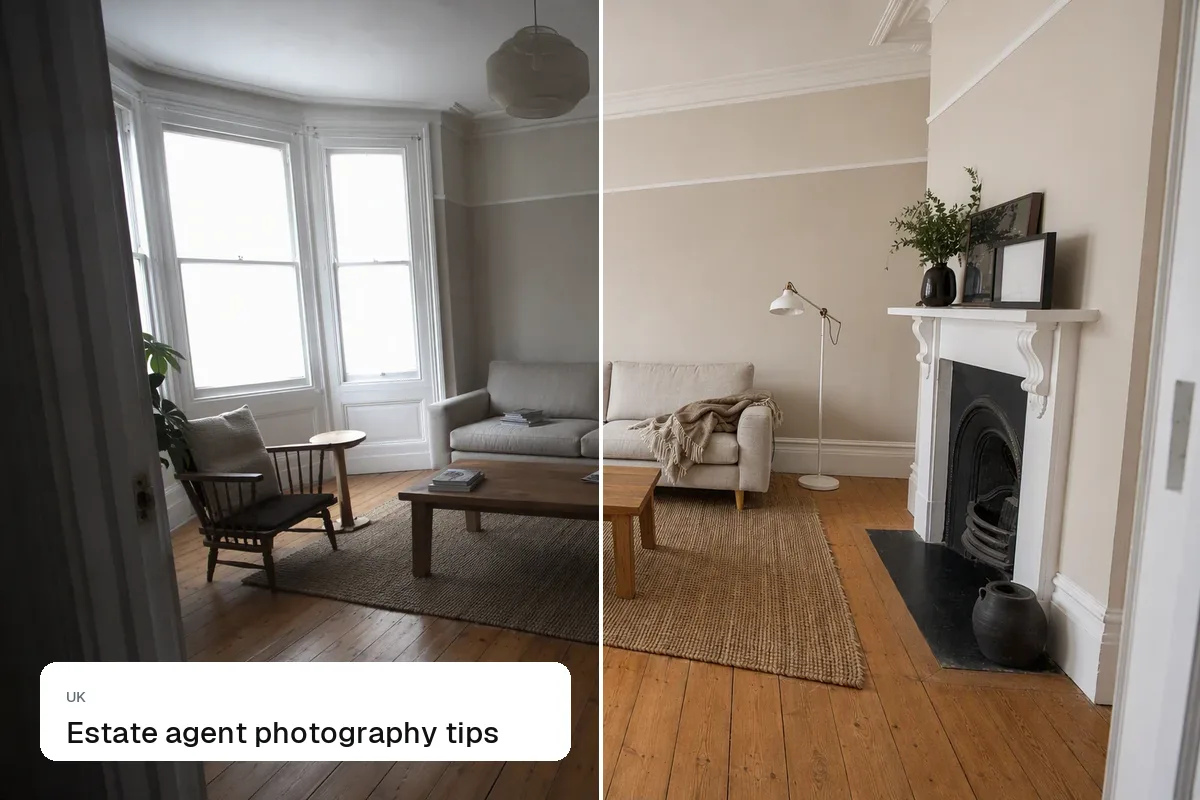
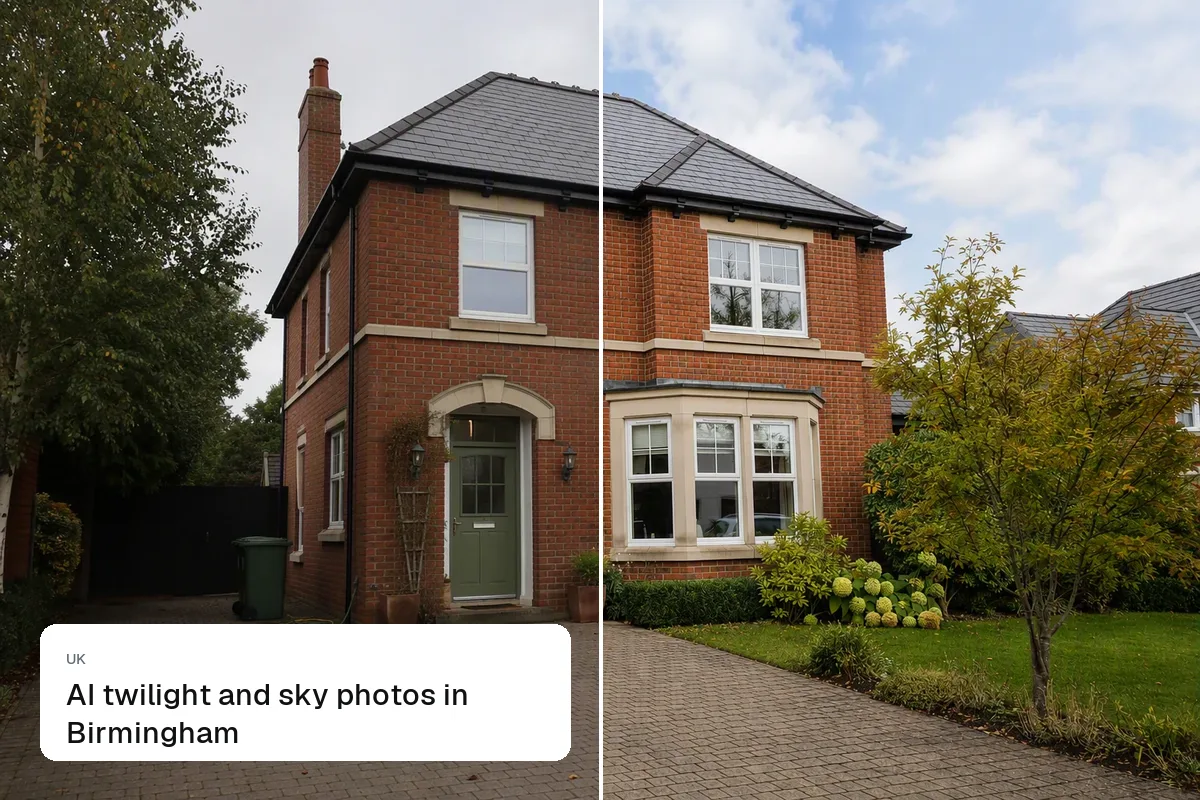
A strong Rightmove listing has 15–25 bright landscape photos, a main image that shows the property's best feature, a floor plan, and a video or virtual tour. The main photo is what buyers see in the search results, so choose it carefully. Your agency's Rightmove upload tool or CRM sets the technical limits, so check those for exact sizes.
Choosing the main image
For houses, the front exterior on a sunny day is usually best. For flats, a bright reception room often beats a photo of the building. If the garden is the selling point, lead with it. Test what works: Rightmove's own data in your agent dashboard shows views per listing.
The order buyers expect
- Main image
- Reception rooms
- Kitchen
- Bedrooms, main first
- Bathrooms
- Garden and outside space
- Exterior and street
- Floor plan
Size and format
- Landscape, 4:3 or 3:2
- At least 1600–2000 px on the long side, JPG
- No text, logos or watermarks over the photo
Resize a whole shoot with our free listing photo resizer. Other portals are in real estate listing photo sizes.
Video and virtual tours
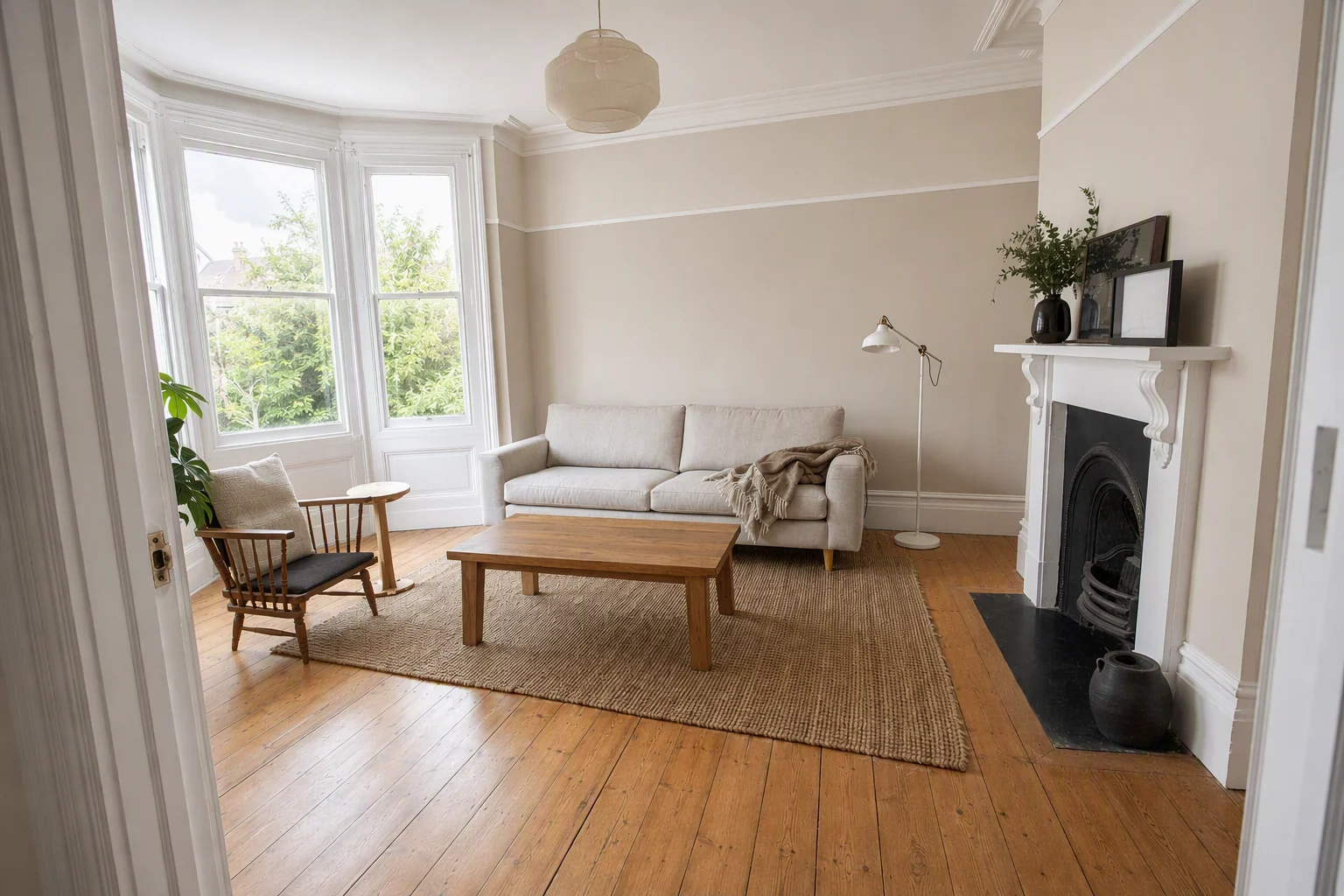
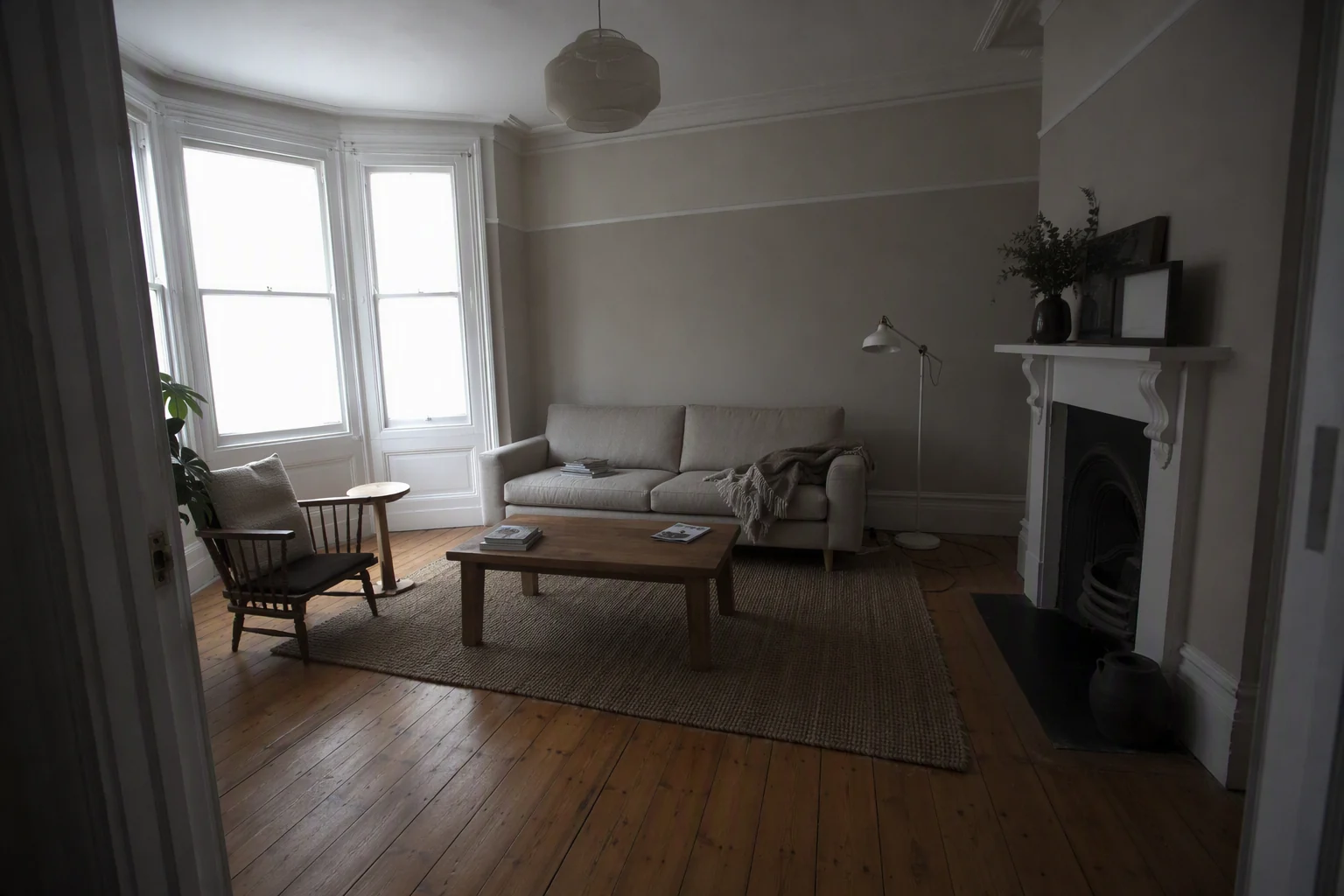
Rightmove listings can link a video and a virtual tour. A short walkthrough video helps buyers who can't easily visit. Splatr turns listing photos into a video, and makes a 360° tour from phone photos. See share tours on Rightmove and Zoopla.
Accuracy
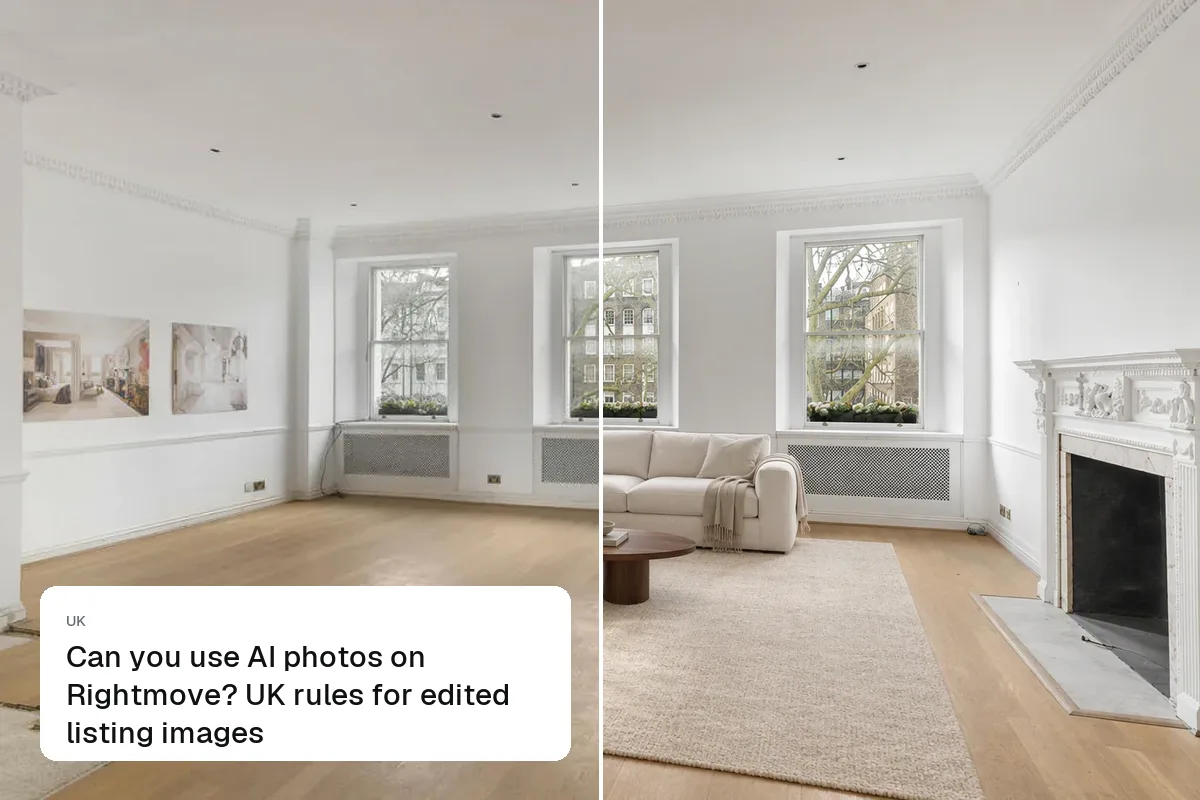
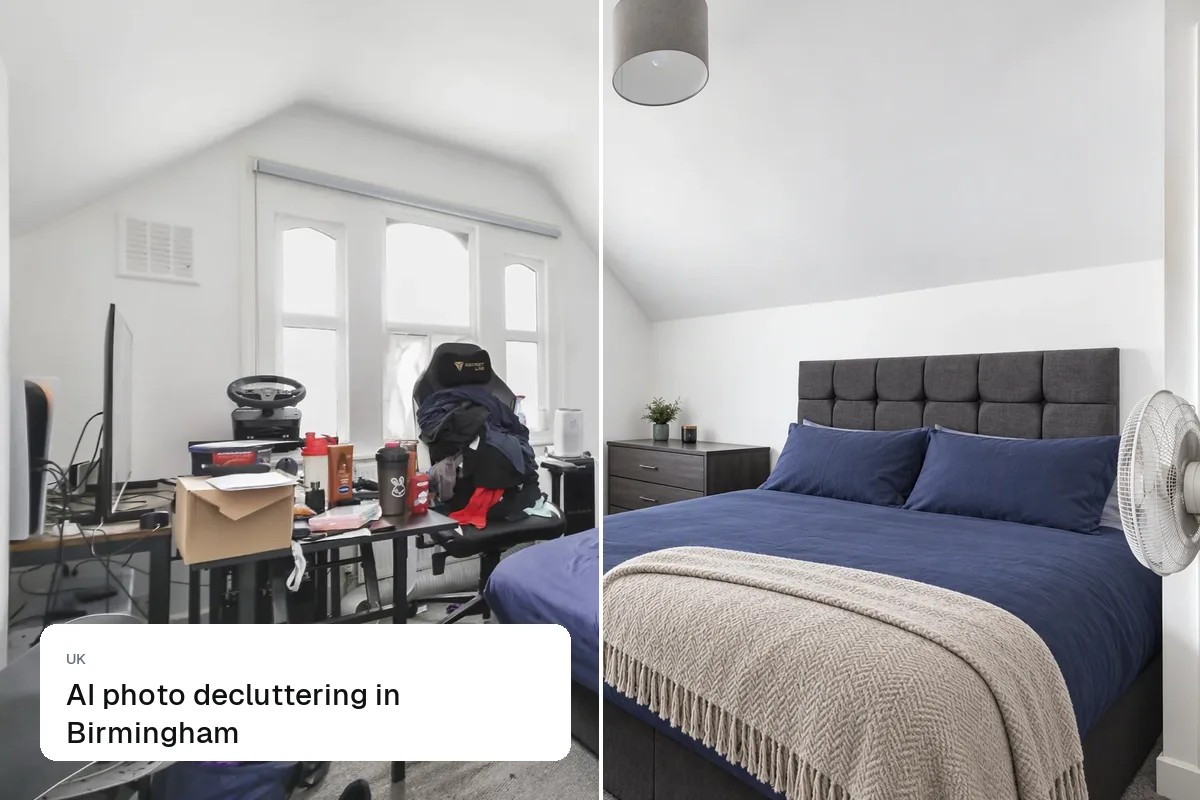
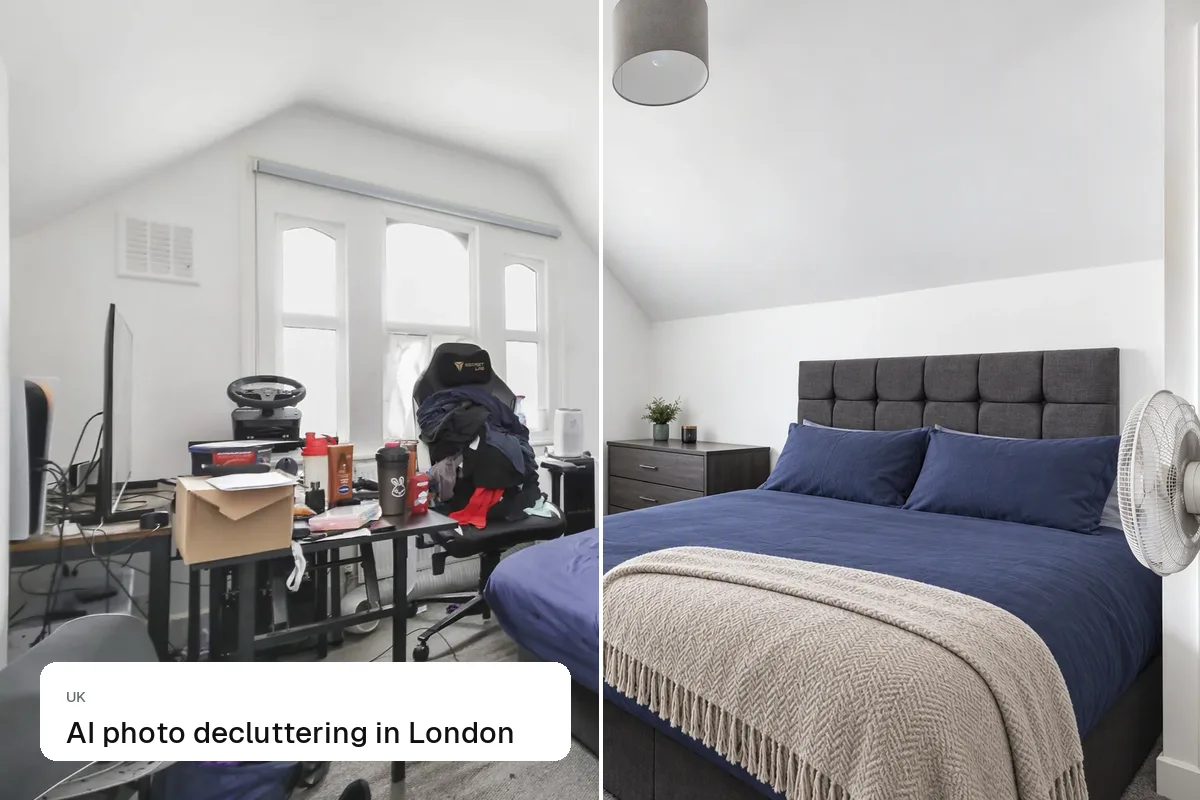
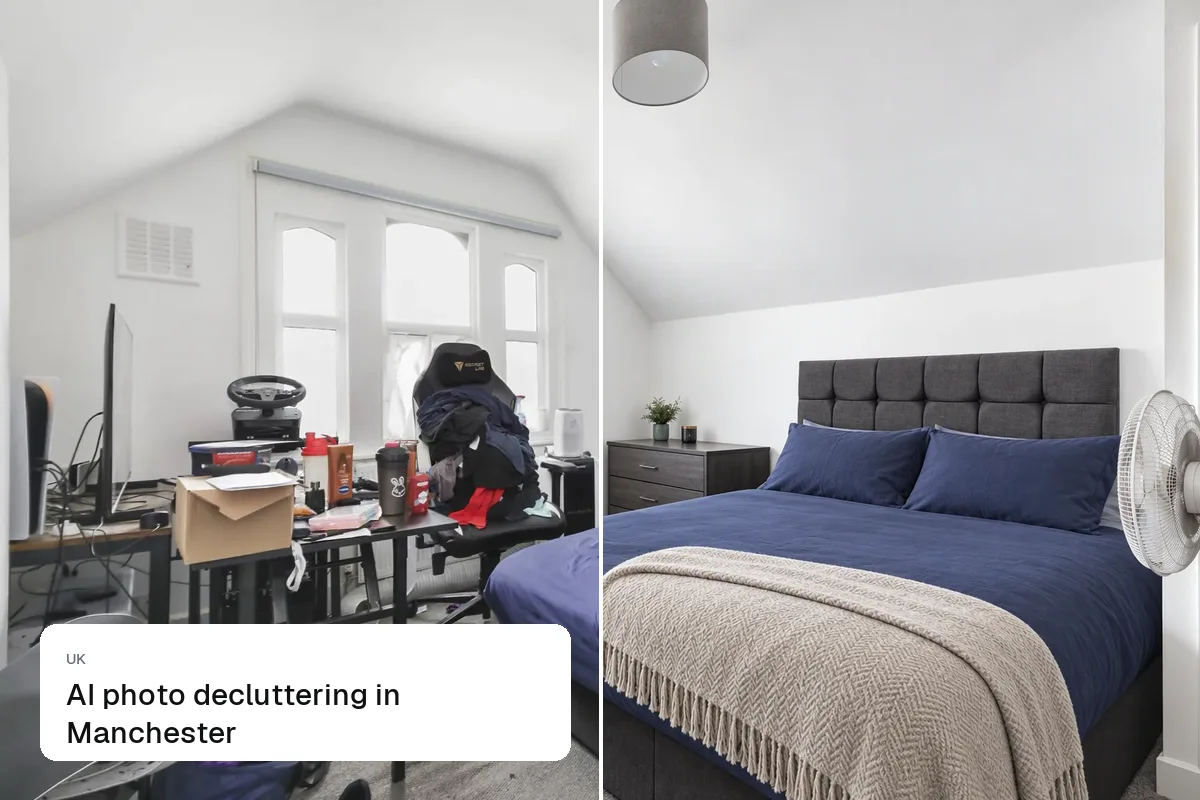
Photos must reflect the property's current condition. If you stage or edit, label it. See can you use AI photos on Rightmove?.
Also read Zoopla listing photos and estate agent photography tips.
Put the guide into practice.
Turn your own photos into edited images and videos in minutes.
7-day free trial.