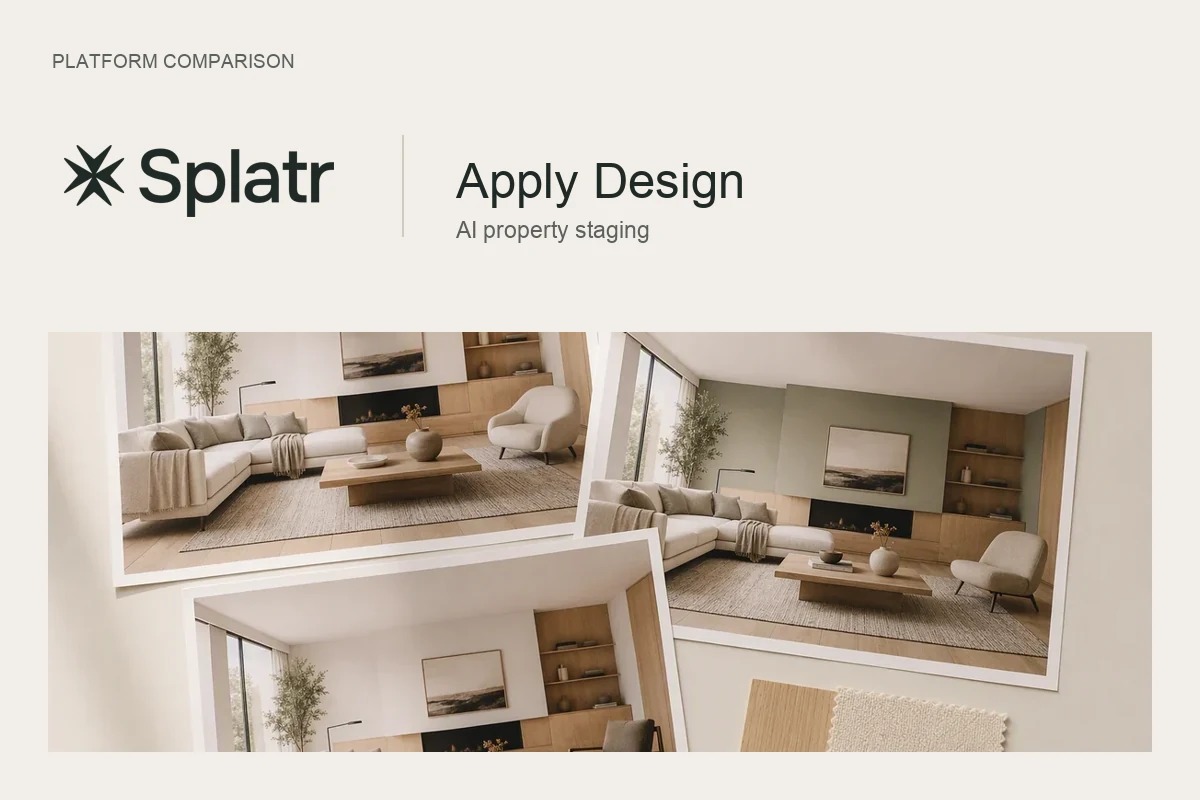
The best virtual staging app is the one that keeps the real room intact, places furniture at a believable scale, lets you fix one item without restaging everything, exports at full resolution without a watermark, and fits how often you list. For most agents that means an AI app with a free trial you can test on your own photos, not a demo image.
What should a virtual staging app do well?
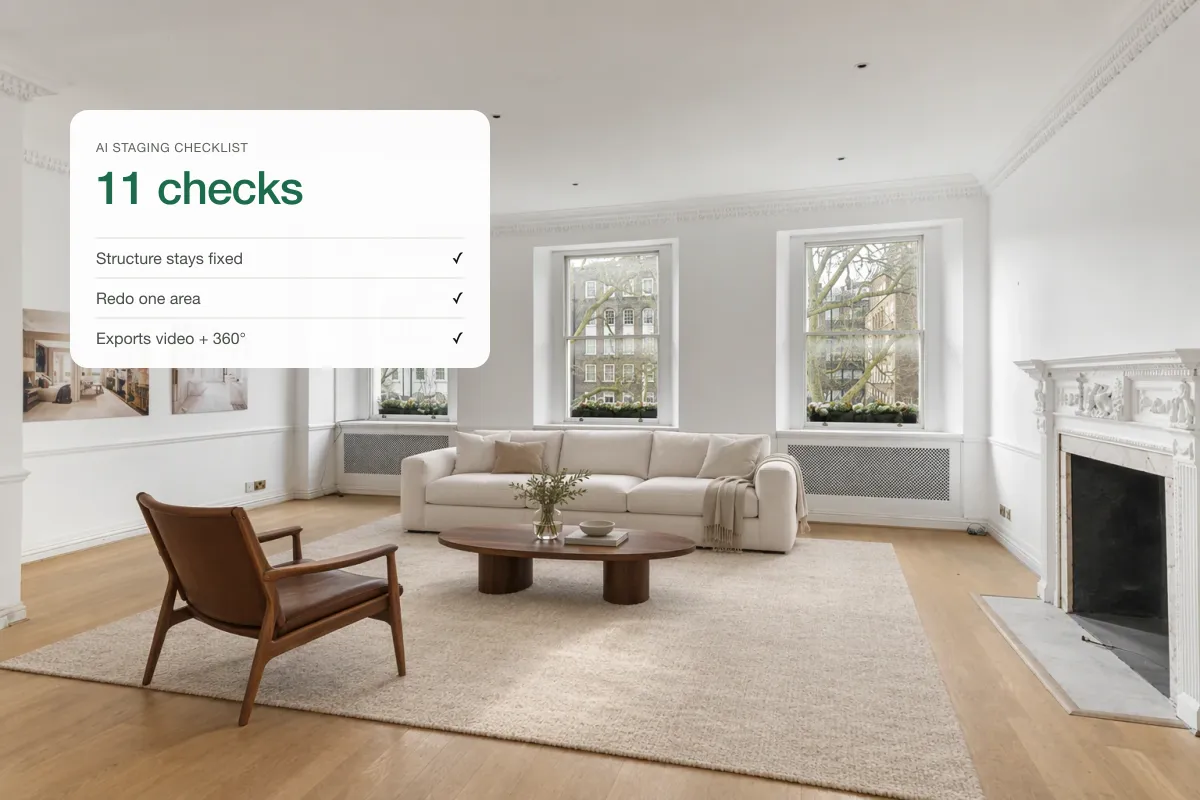
Use this checklist when you try any app:
| Test | Why it matters |
|---|---|
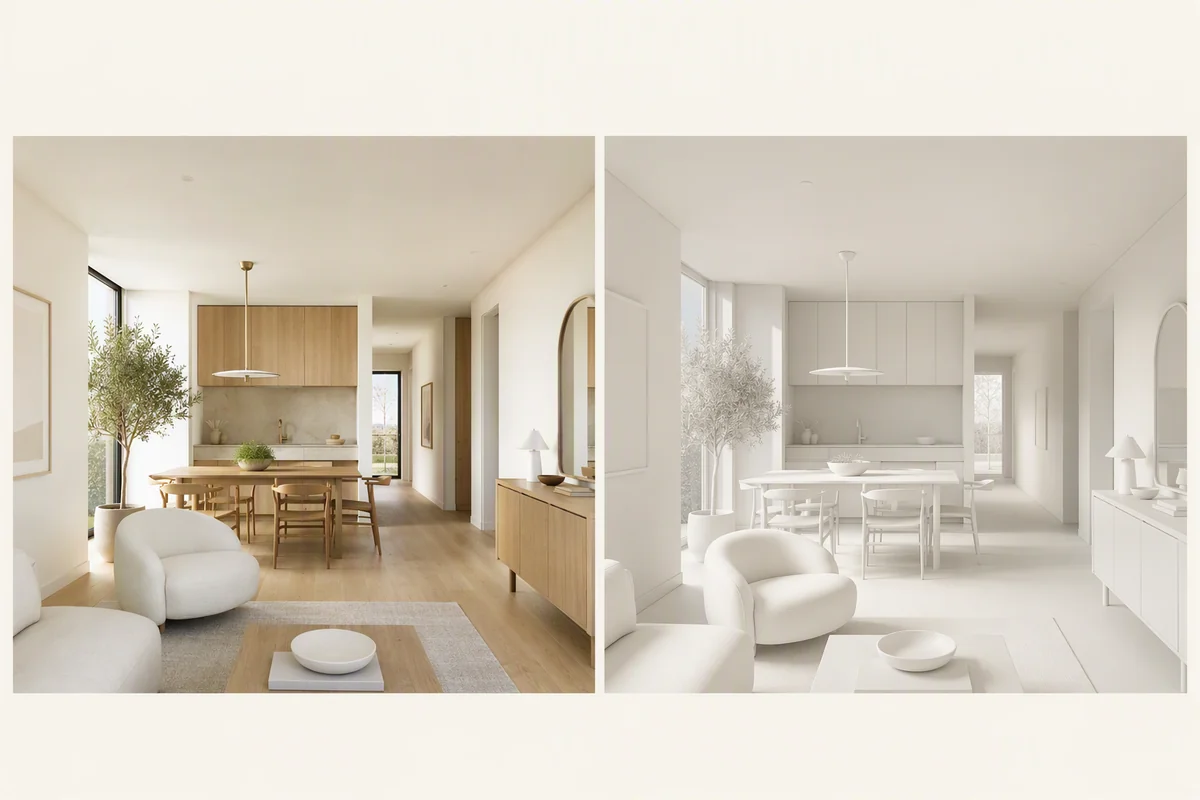
| Walls, windows and floor stay the same | Changing the room itself misleads buyers |
| Furniture looks the right size | Oversized sofas make rooms look smaller |
| You can edit one area | Saves restaging when only the rug is wrong |
| Styles match real buyers | Modern, Scandinavian, transitional, coastal |
| Full resolution export | Portals and print need sharp images |
| No watermark on paid images | Watermarks look unprofessional |
| A "Virtually staged" label option | Helps you follow disclosure rules |
| Works on a phone and a laptop | You stage where you are |
Free virtual staging apps: are they enough?
Free apps are fine for trying the idea or for a social post. They usually limit you with watermarks, low resolution, a few images a month or slower queues. For a listing that goes on a portal, test the paid output. Our guide to free virtual staging explains the limits in detail.
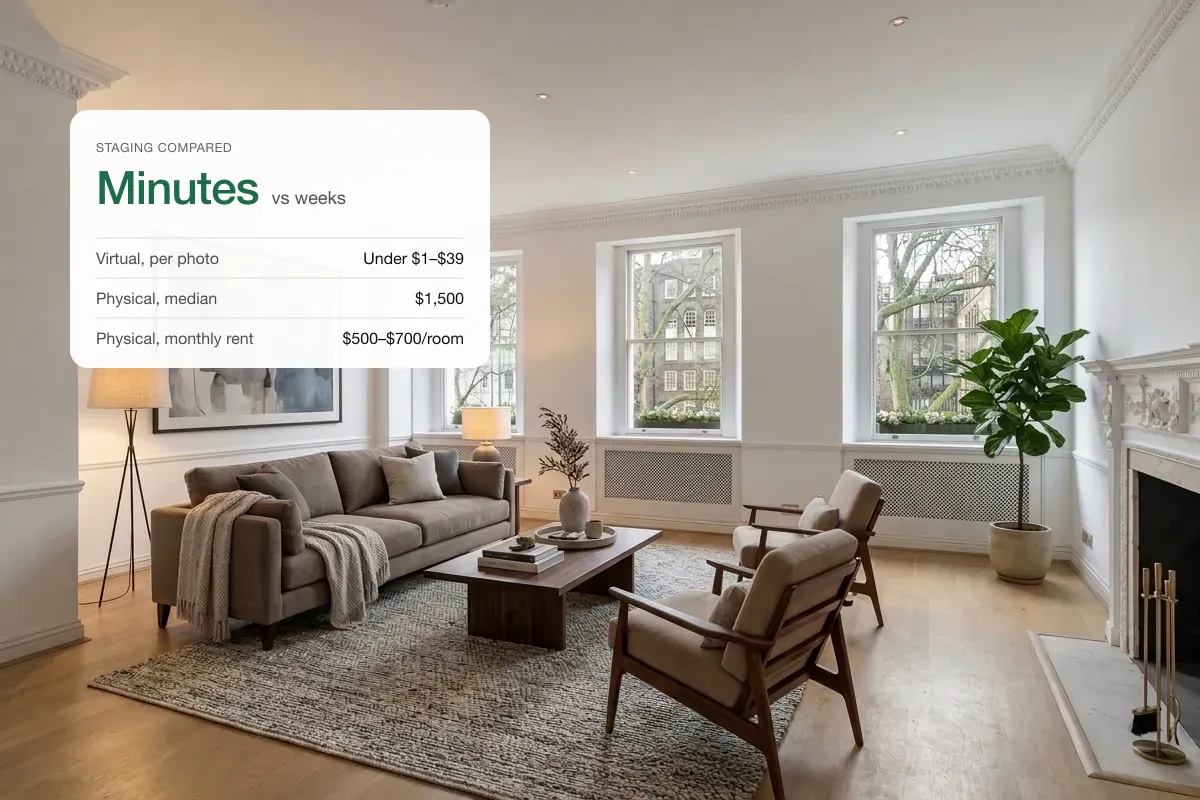
Staging app or staging service?
For a deeper comparison, see virtual staging services vs AI.
Why it helps when the app also makes video
Staged photos are only half the job. Buyers scroll Instagram, TikTok and YouTube, and portals increasingly show video. An app that turns the same staged rooms into a listing video saves you exporting, uploading and paying for a second tool. In Splatr, a staged living room can go straight into a property film with camera moves, music and your branding.
How to test an app in 15 minutes
- Pick three photos from a real listing: an empty living room, a bedroom and a kitchen.
- Stage each one in the same style.
- Zoom in on edges, legs and shadows.
- Try to change one item only.
- Export and look at the file size and resolution.
- Try to make a short video from the results.
The app that passes all six on your own photos is your best option, whatever the reviews say.
Which features are nice to have?
- Staging with your own furniture from a product photo.
- Day to dusk and sky fixes in the same app.
- Decluttering for occupied homes.
- 360° tours and a branded property page.
Related: choosing AI virtual staging software, how much virtual staging costs and best AI tools for real estate agents.
Put the guide into practice.
Turn your own photos into edited images and videos in minutes.
7-day free trial.