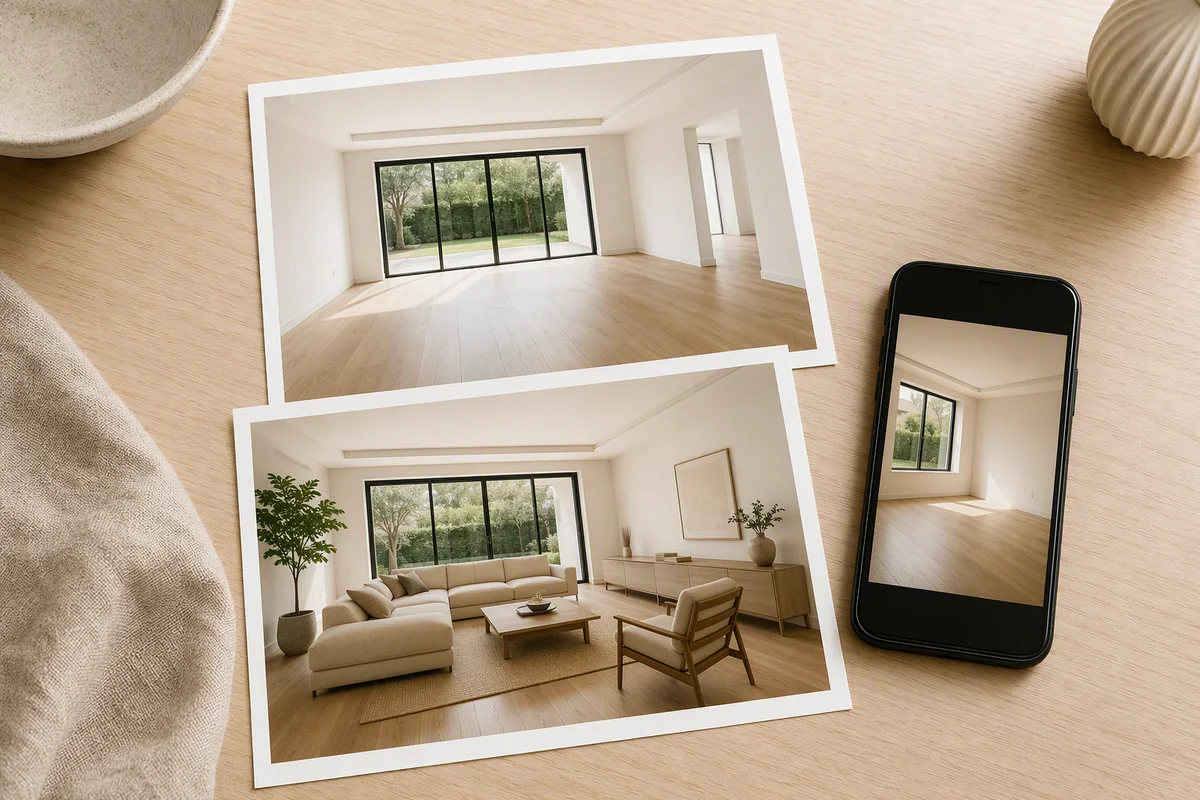
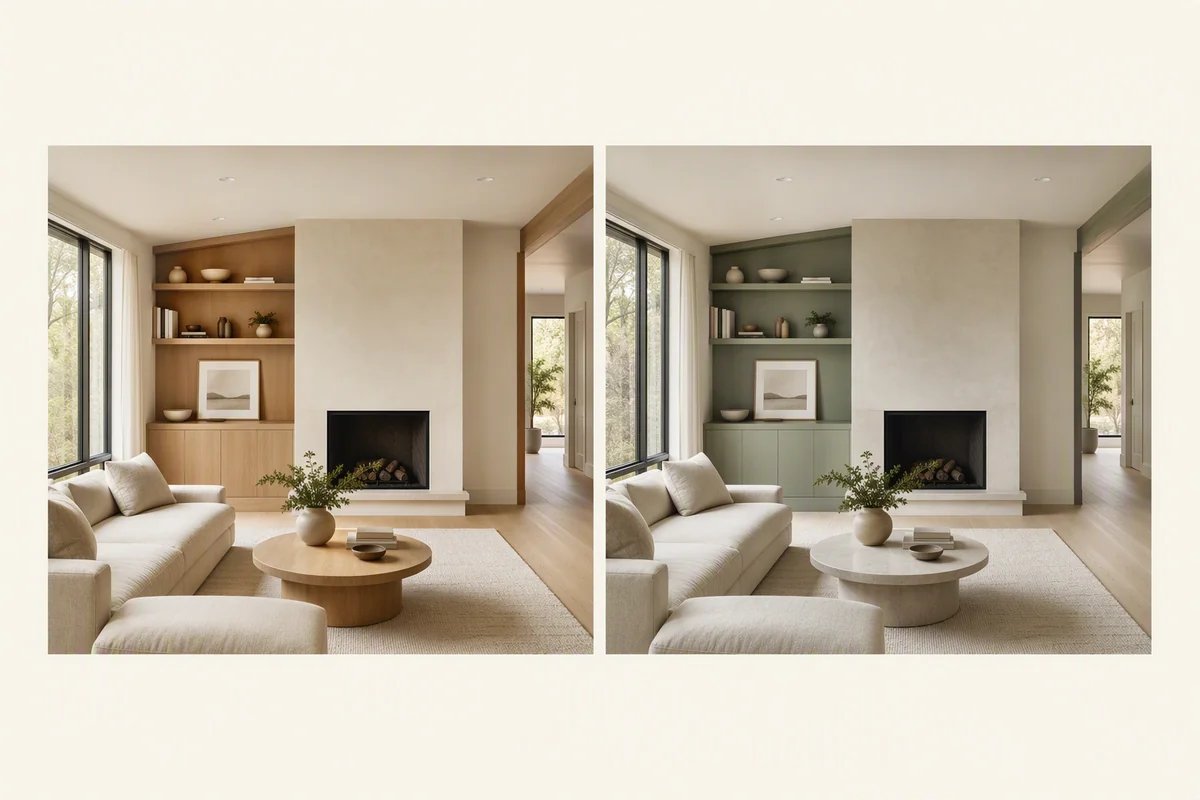
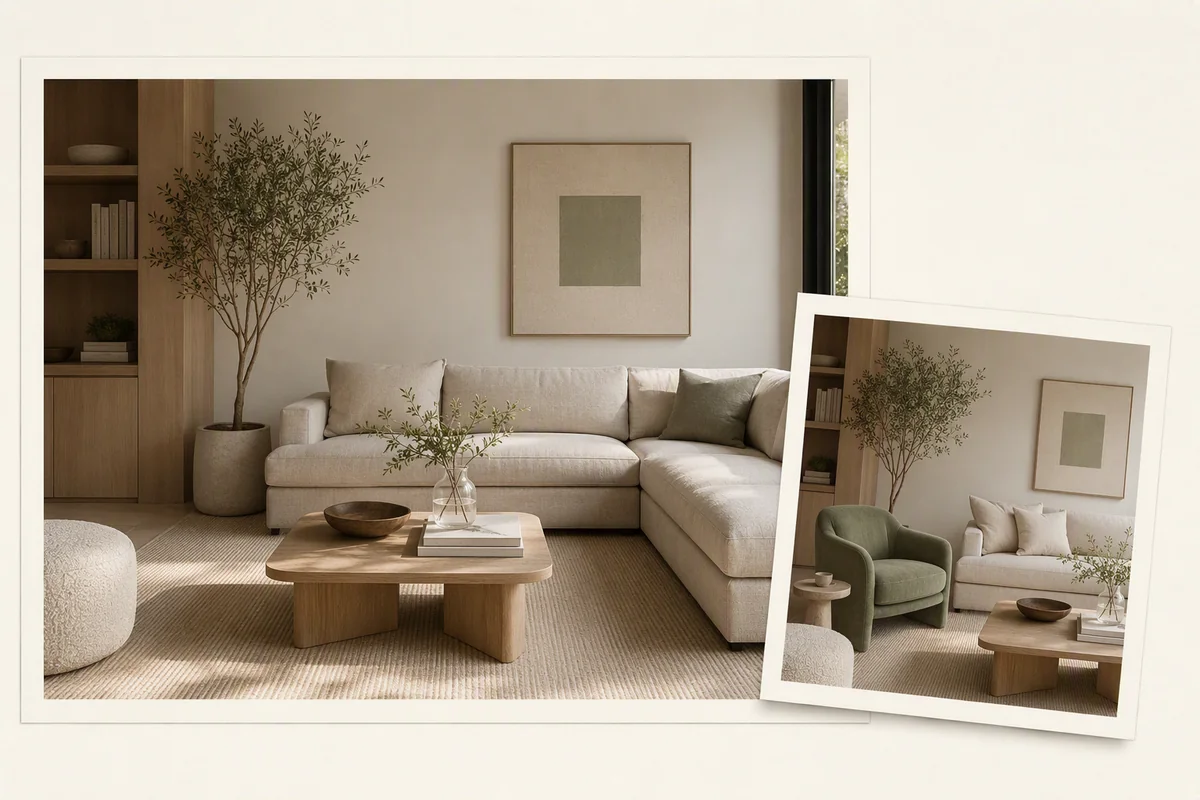
Reimagine AI supports reference images to guide the appearance of a generated property image. Its reference workflow distinguishes between applying a theme and staging objects, giving you different ways to direct the result beyond a written prompt.
What does a theme reference do?
A theme reference communicates the overall visual direction: colours, materials, lighting and atmosphere. It is useful when you want a room to reflect a particular interior aesthetic while using the property photograph as the source view.
For agency campaigns, the same visual reference can guide complementary room treatments. For a design concept, it can communicate a palette that is difficult to describe precisely in words.
What does an object reference do?
An object reference focuses the direction on furnishings rather than the full mood of the room. Use it when the furniture or object character is central to the request.
The generated interpretation should not be treated as an exact catalogue reproduction or proof that an item fits. Dimensions, materials and product specifications need separate verification.
How do references work with prompts?
Use the prompt to explain what you want from the reference. A theme image might supply warm timber and neutral fabrics, while the instruction defines the room function and the furniture to add.
This combines visual and written direction: the source supplies the property, the reference supplies a target appearance, and the prompt describes the intended change. See example staging prompts.
Can you refine the generated image?
Reimagine AI includes region editing, version history and comparison with the original. If the broad visual direction works but one area needs attention, a local request can focus on that detail.
These controls support iteration within the same workspace. Region editing is particularly relevant when you want to refine a furnishing or finish without requesting a completely new concept.
How are attached references different from placed assets?
A reference guides the appearance. A placed asset also communicates a position: drag it onto the room image, then resize and rotate it to show the arrangement you want. Reimagine AI uses that layout as direction for the generated image.
This is useful when a client wants to explore a chair or furnishing in a particular part of the room. The visual placement is not a measurement or a guarantee of exact product reproduction.
Which property tasks benefit from references?
References can support furnishing an empty room, exploring an interior restyle or developing an image-based rendering concept. Theme guidance helps establish a consistent aesthetic; object guidance helps direct the furnishings.
Use reference images you are entitled to use, and review generated details against the source property. For listing images, distinguish virtual staging from changes that are only proposed.
Put the guide into practice.
Try Virtual Studio with your own property images.
14-day free trial on the Basic plan.