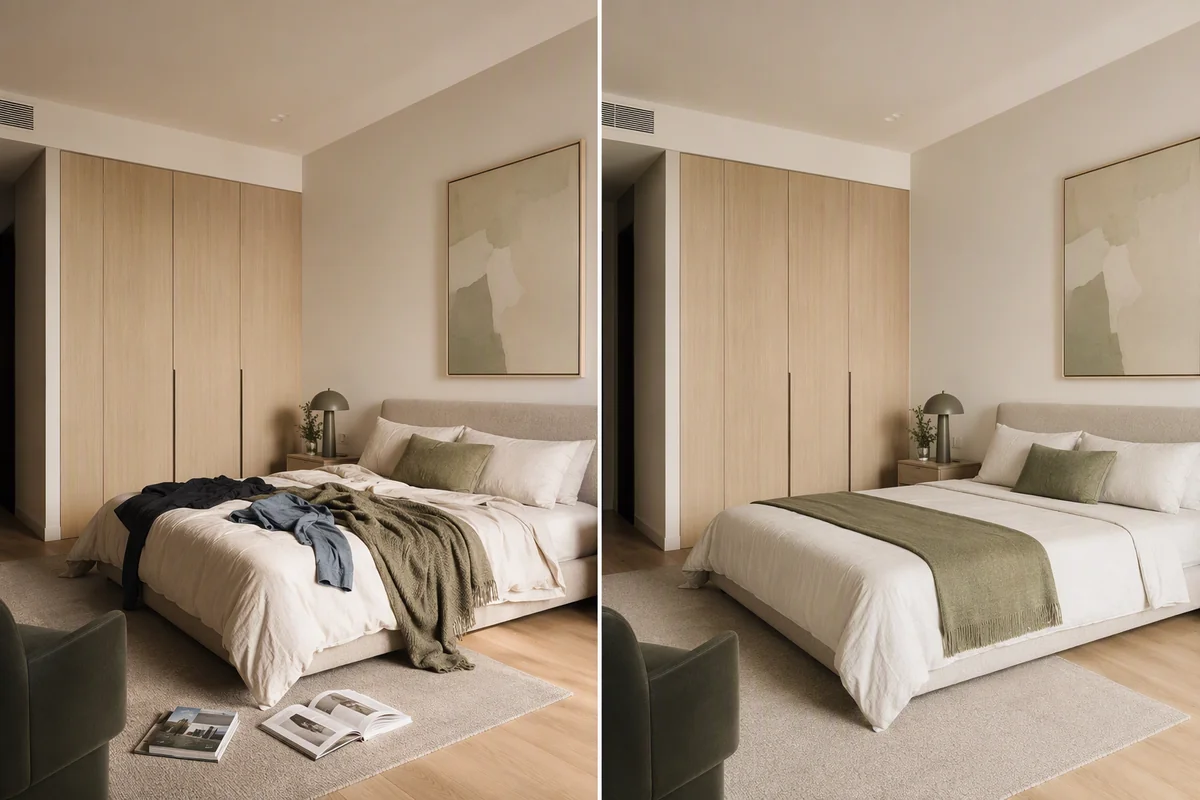
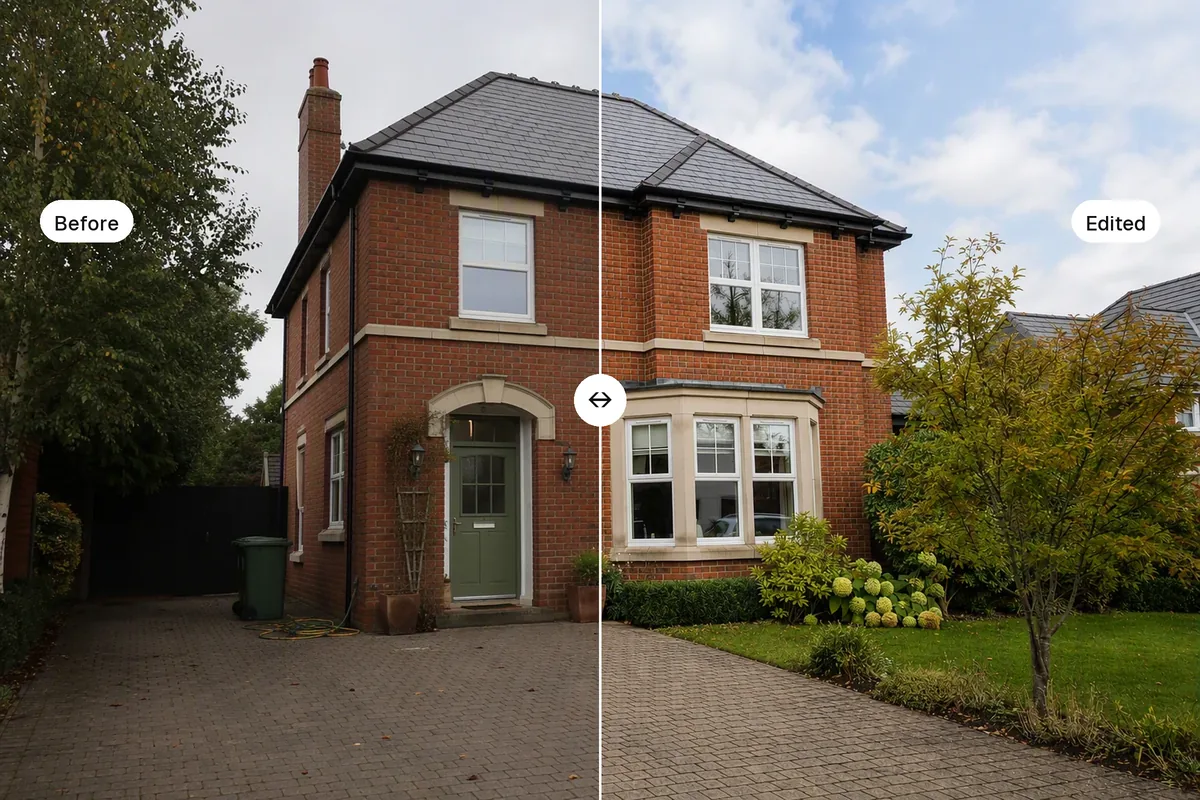
Walls lean in real estate photos when the camera is tilted up or down. Fix it in the shot by holding the phone level at chest height, or in the edit with a perspective or "upright" tool that makes vertical lines parallel. Leaning walls are the most common sign of an amateur listing photo. Buyers may not know why a photo looks off, but they notice, and straight lines make rooms look calm and well-built.
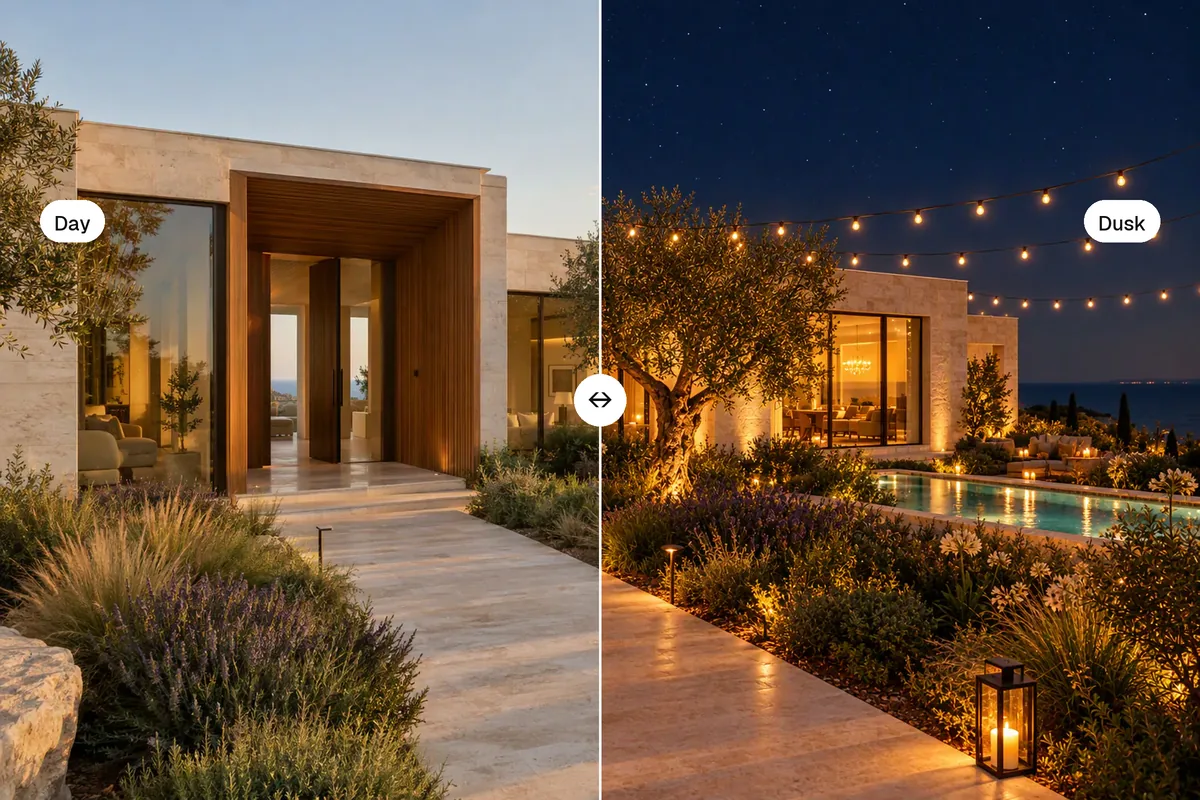
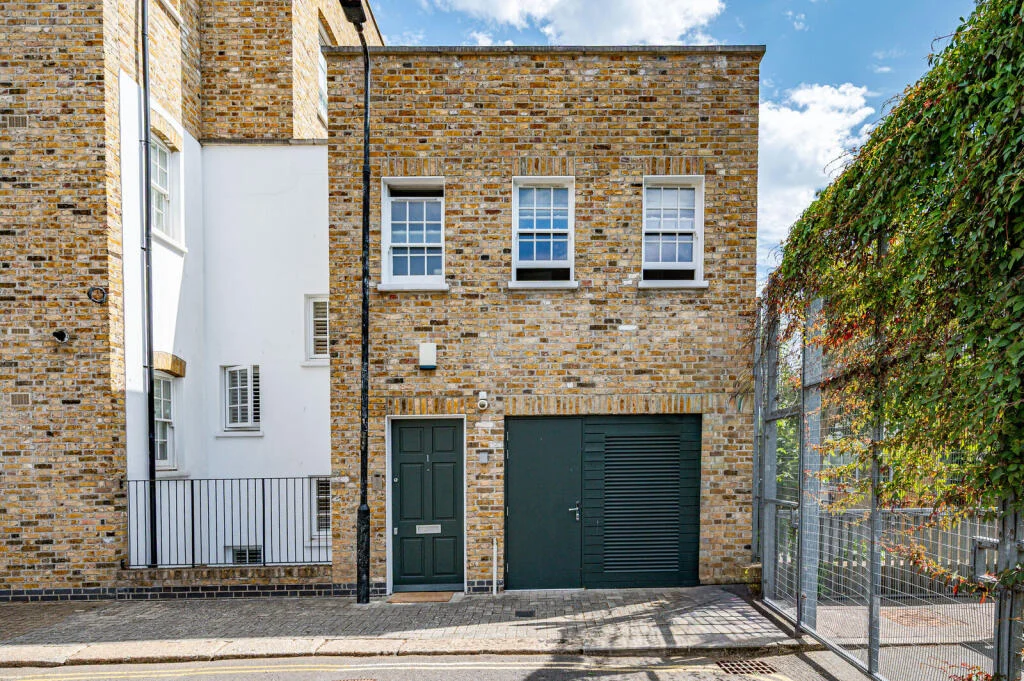 Exterior shot level
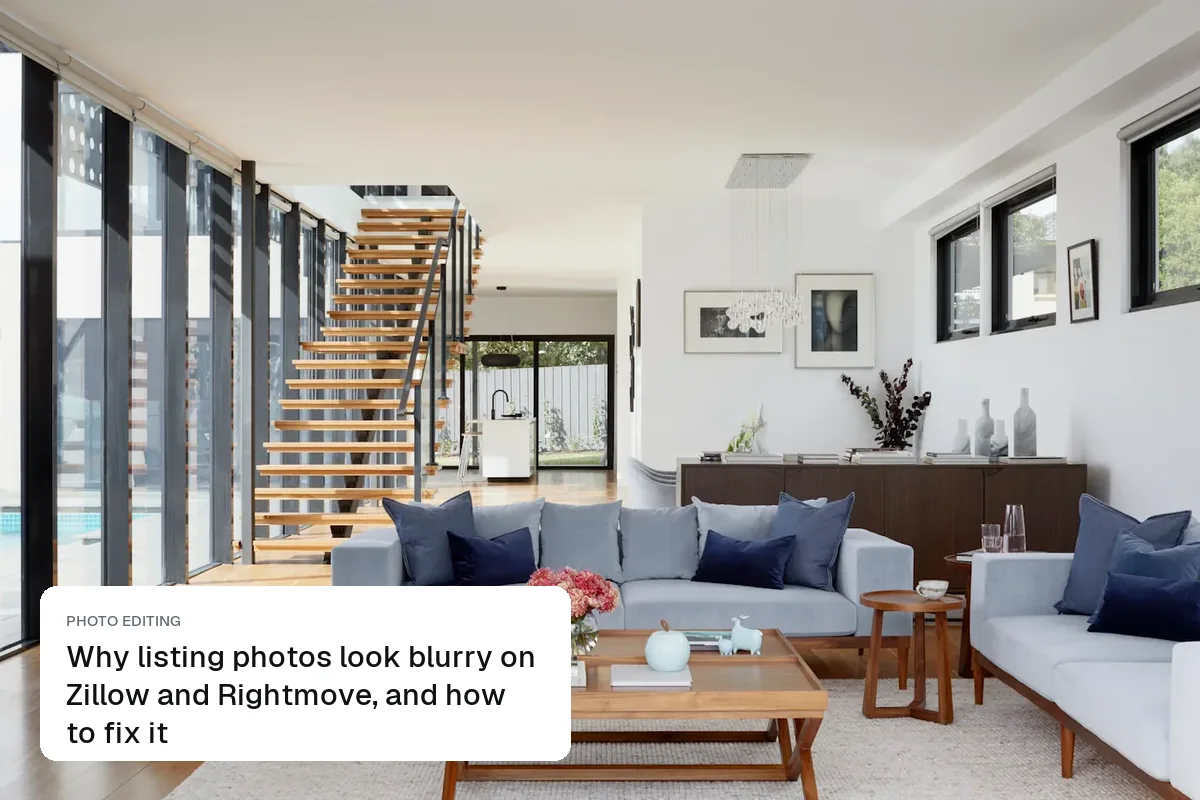
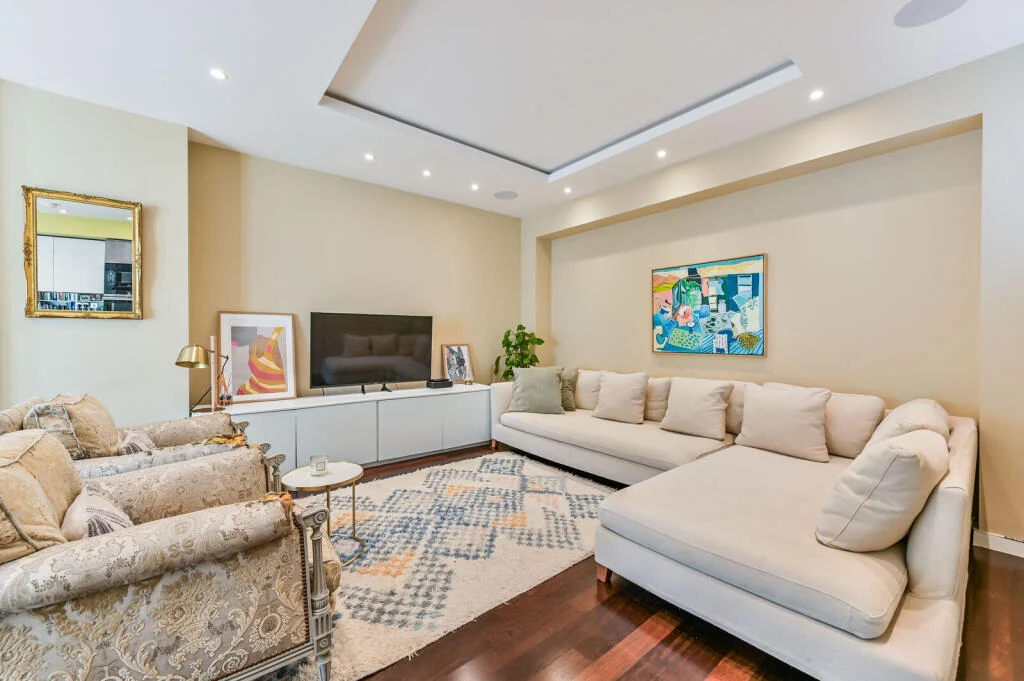 Interior shot at chest height
Why it happens
When you tilt a camera upwards to fit in a tall house or a ceiling, vertical lines converge towards the top, so the building looks like it is falling backwards. Tilt down and they spread out, so the room looks like a funnel. Wide-angle lenses, including the 0.5× lens on phones, make the effect stronger.
Get it right in the shot
- Hold the phone at chest height, about 1.2–1.5 m (4–5 ft) from the floor, and keep it vertical
- Turn on the grid (iPhone: Settings → Camera → Grid; Android: camera settings) and line it up with a door frame
- Use the level indicator. On iPhone, the crosshair turns yellow when the phone is flat
- Step back rather than tilting to fit the ceiling in. If you can't, crop the ceiling, not the floor
- For exteriors, cross the road so you can shoot the house straight on
More in how to take real estate photos with an iPhone.
Fix it in the edit
| Tool | Where | How |
|---|---|---|
| iPhone Photos | Edit → Crop | Use the vertical perspective slider |
| Google Photos / Snapseed | Tools → Perspective | Drag until door frames are upright |
| Lightroom (mobile and desktop) | Geometry → Upright | Choose Vertical or Auto, then check door frames |
| Photoshop | Filter → Lens Correction | Vertical perspective and distortion sliders |
Correcting verticals crops the edges, so leave some space around the room when you shoot. A professional editor charges about $0.60–$3 per photo for a full edit including verticals.
Where AI editing fits
Splatr's HDR enhance fixes light, colour, windows and sky, but it keeps the photo's geometry as you shot it. Straighten the verticals first in your phone's editor, then upload. If you run staging on a tilted photo, the furniture is drawn with the same tilt, and it looks worse.
Questions agents ask
Should horizontal lines be straight too?
Only when you shoot a wall head-on. In a corner shot, horizontals naturally angle towards the corner. Verticals should always be straight.
Why do my photos look stretched at the edges after correction?
Wide lenses stretch the corners. Use the 1× lens in small rooms where you can, or correct less and crop a little.
Keep exploring
More photo fixes: window pulls, grass greening, white balance, change wall colour, change flooring, remove cars, people and bins and blurry listing photos.
Related guides: how to edit real estate photos, estate agent photography tips and listing photo order.
Put the guide into practice.
Turn your own photos into edited images and videos in minutes.
7-day free trial.