Upload Airbnb photos in landscape at a 3:2 ratio, at least 1024 × 683 pixels, and ideally 2400 px wide or more so they stay sharp on large screens. Use JPEG. Put your single best feature first as the cover photo, then follow the route a guest would walk through the home. Most strong listings have 20 to 30 photos, enough to show every room without repeating.
What size should Airbnb photos be?
| Setting | Recommendation |
|---|---|
| Shape | Landscape, 3:2 (for example 3000 × 2000 px) |
| Minimum size | 1024 × 683 px |
| Best size | 2400 px wide or more |
| File type | JPEG |
| Colour | sRGB, no heavy filters |
Airbnb resizes photos for each screen, so a large, sharp original keeps them crisp on laptops and tablets. Check Airbnb's help centre for its current limits, as they change from time to time.
Should Airbnb photos be portrait or landscape?
Landscape. The cover photo and the first gallery view are wide on desktop, and portrait photos get cropped or shown with empty bars. Use portrait only for details (a reading nook, a shower) further down the gallery.
If you want vertical images for Instagram Stories or Reels, export a separate 9:16 version. Our listing photo sizes guide lists every platform's size.
How many photos should an Airbnb have?
Enough to show every room and space at least once, plus the best features twice. For most homes that is 20 to 30. A studio may need 12 to 15; a large villa may need 40.
More is not better if photos repeat. Each one should answer a guest's question: where will I sleep, where will I cook, what will I see from the window?
What order should Airbnb photos be in?
- 1Photo
Cover: your best feature (view, pool, living room, hot tub)
- 2Photo
Living area, wide
- 3Photo
Main bedroom, wide
- 4Photo
Kitchen
- 5Photo
Main bathroom
- 6–10Photo
Other bedrooms and bathrooms
- 11–14Photo
Outdoor space, exterior, entrance
- 15+Photo
Details, amenities and the neighbourhood
The first five photos show in the search preview and the top of the listing, so they do most of the work. Airbnb's photo tour also groups photos by room, so add a caption and room tag to each.
How do you choose a cover photo?
Your cover photo is the only one most people see in search. Pick the image that:
- Shows the reason someone would book (the view, the pool, the design).
- Is bright, sharp and wide.
- Looks good small, on a phone.
- Is different from the neighbours' listings.
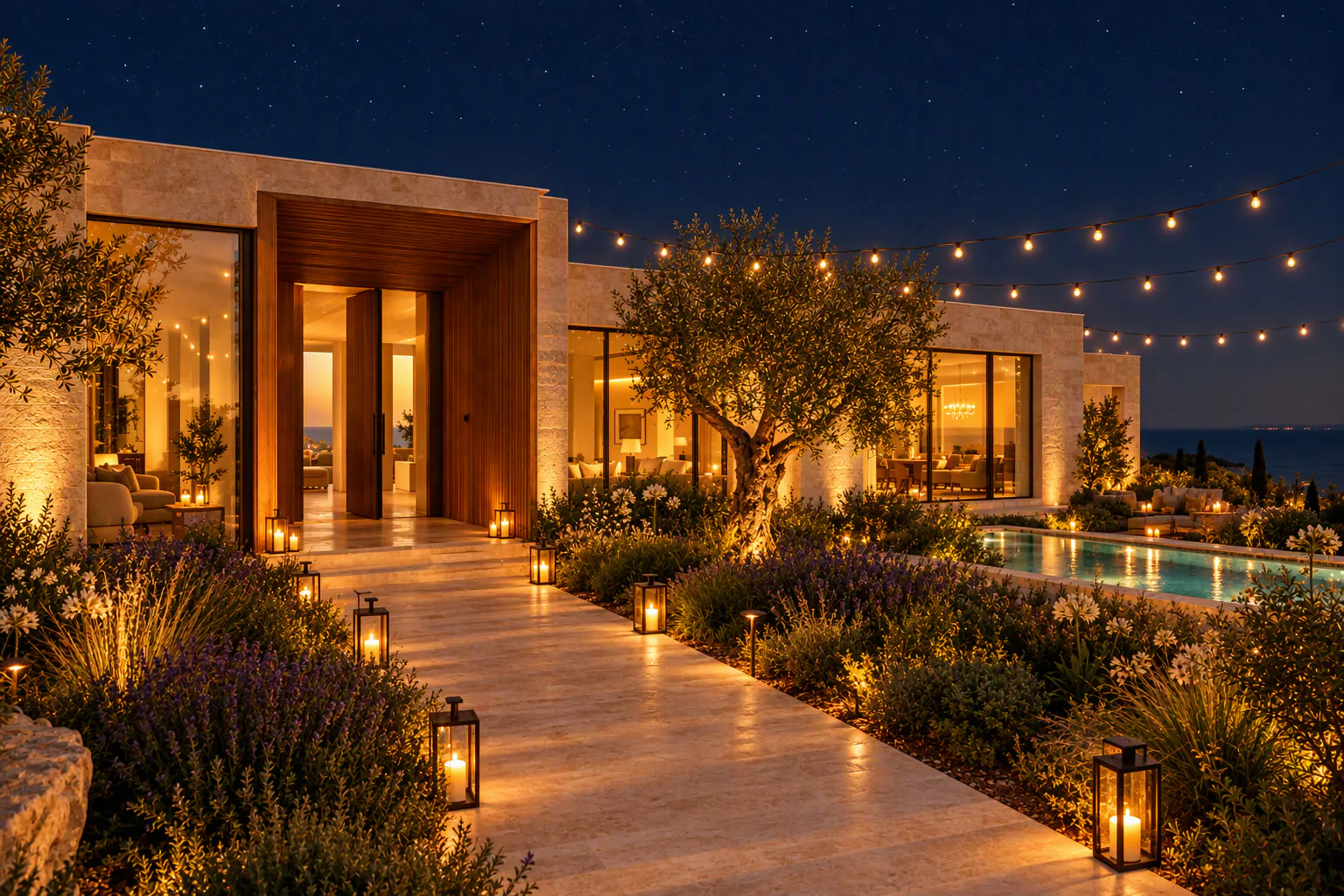
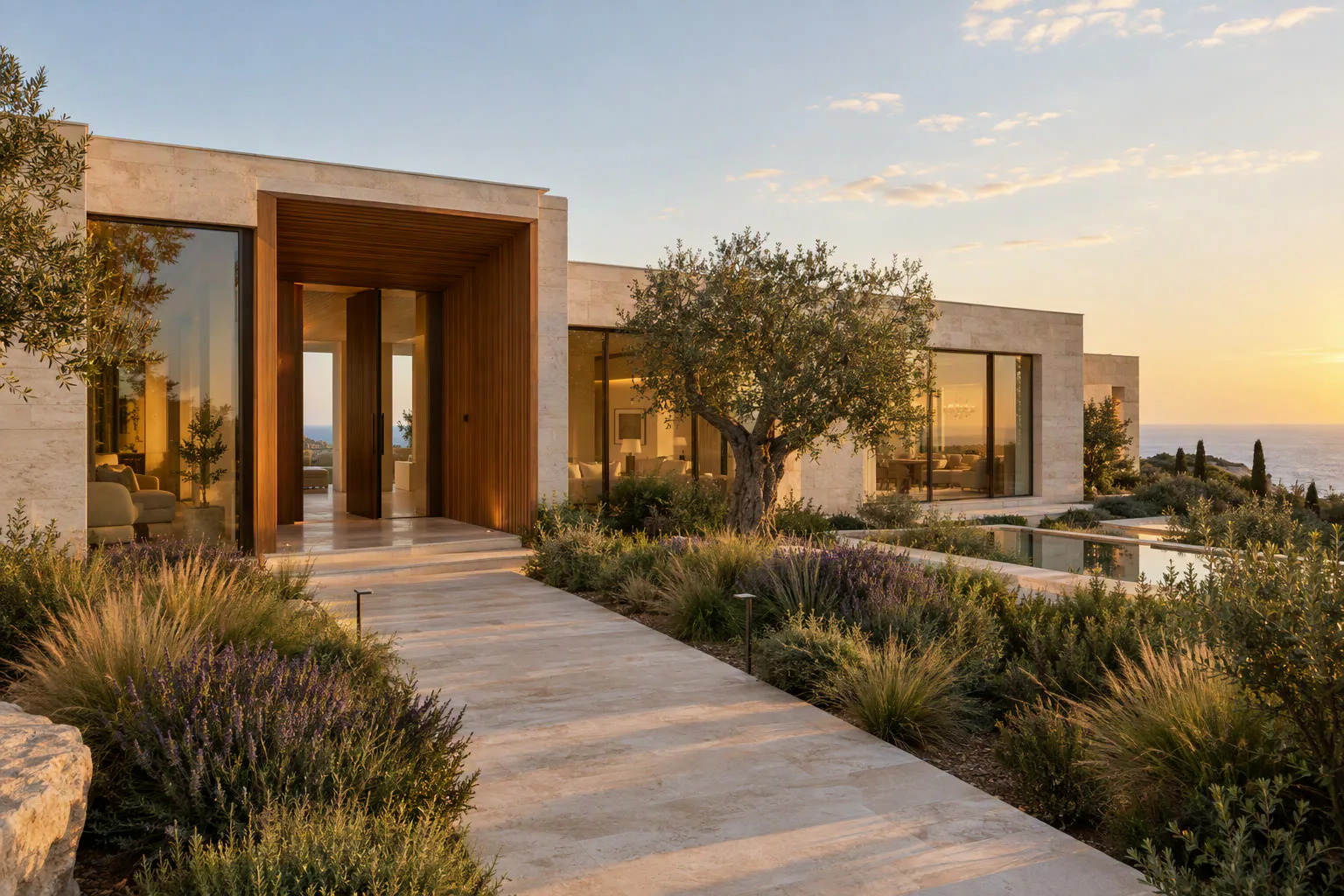
A warm dusk shot of the exterior or the living room with lamps on often stands out in a page of daytime photos.
How do you change the photo order on Airbnb?
In the Airbnb app or website, open your listing, go to the photo tour, and drag photos into a new order. To change the cover, drag the photo you want into the first position. Changes go live after you save.
Can you add a video to Airbnb?
Airbnb listings are built around photos. Use video where it gets seen: Instagram, TikTok, Facebook, your direct booking site and in messages to guests. See how to make an Airbnb video tour from photos.
Related: how to take Airbnb photos on your iPhone and how to edit Airbnb photos.
Put the guide into practice.
Turn your own photos into edited images and videos in minutes.
7-day free trial.