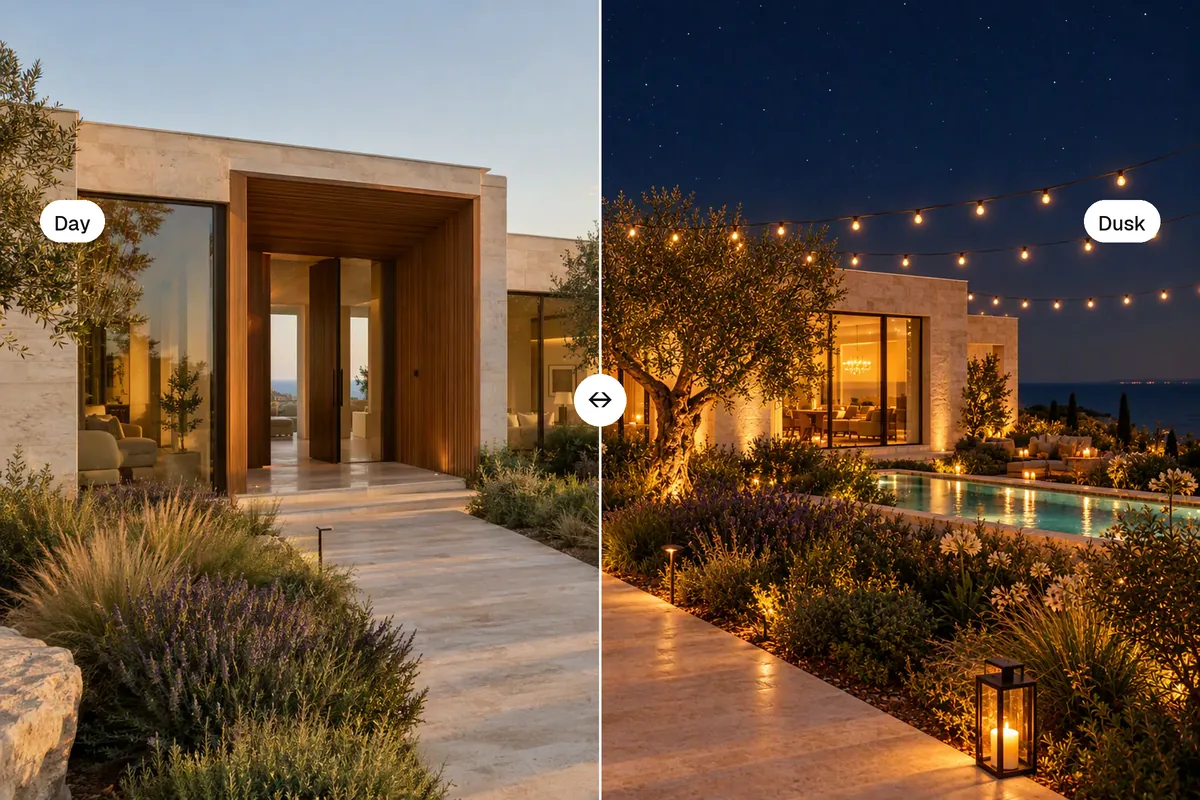
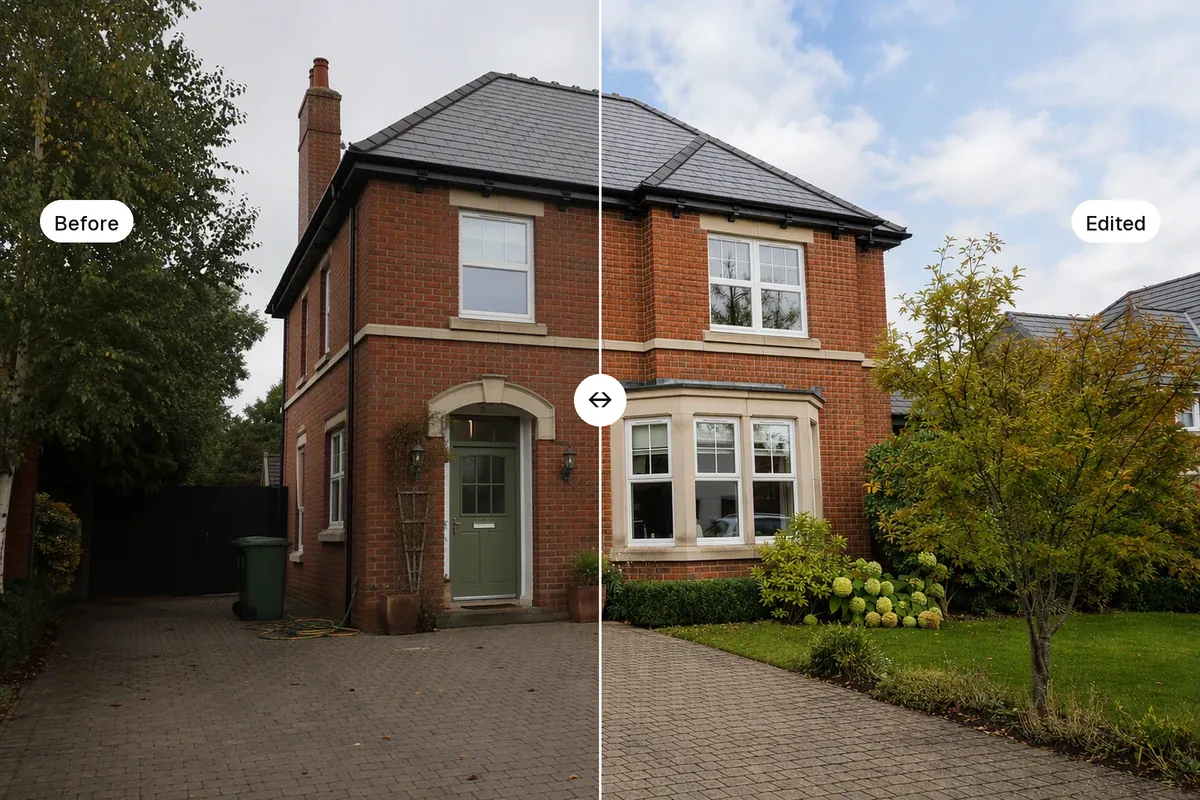
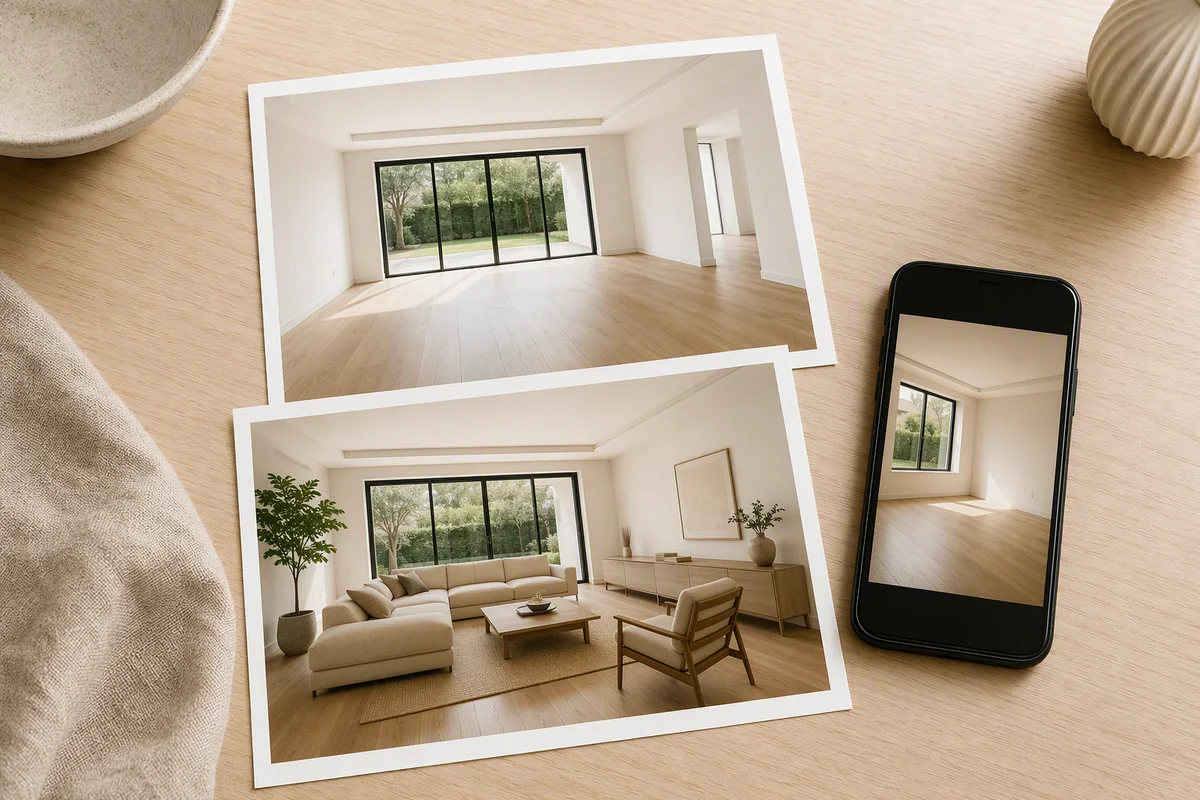
AI photo editing for real estate fixes the slow parts of editing in seconds: light and HDR, sky replacement, day to dusk, decluttering, virtual staging and restyling. It should not change anything a buyer would rely on, such as room size, views, damage or permanent features. When choosing an AI editor, look for results that keep walls and windows exactly in place, one-click presets, and video from the same photos.
What can AI fix in a listing photo?
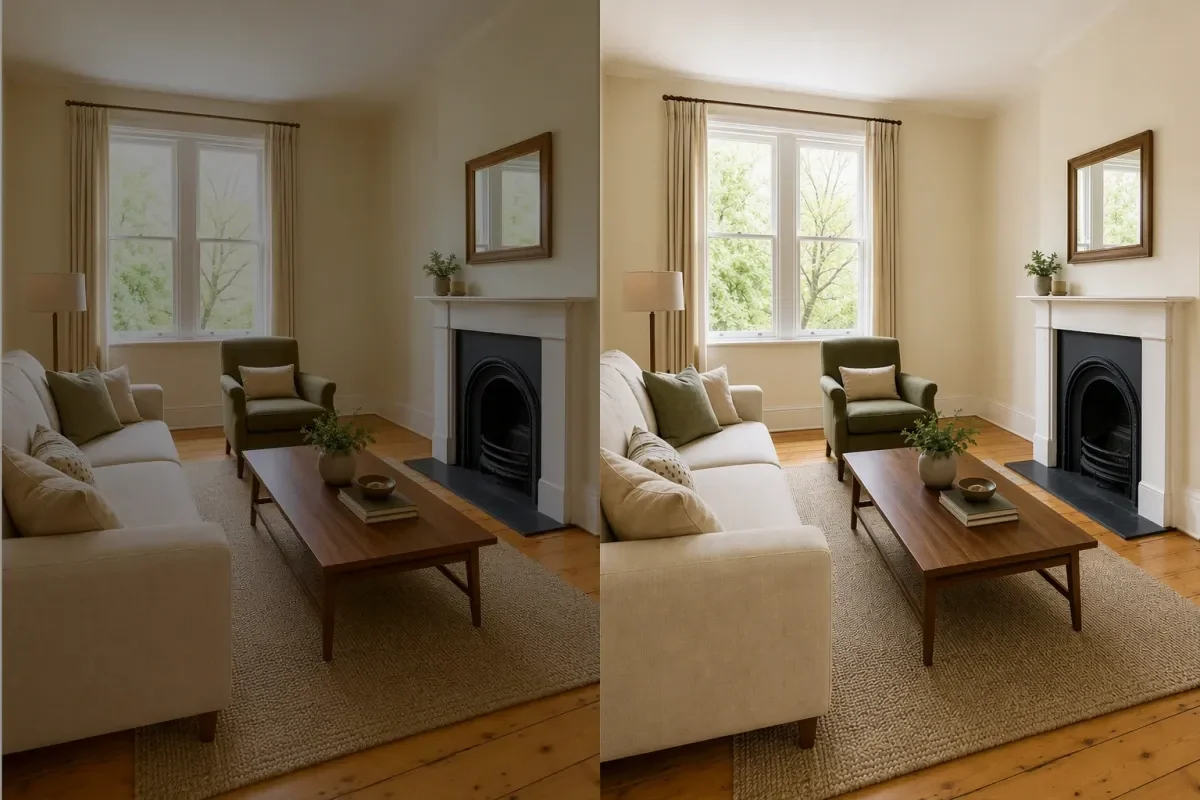 HDR enhance
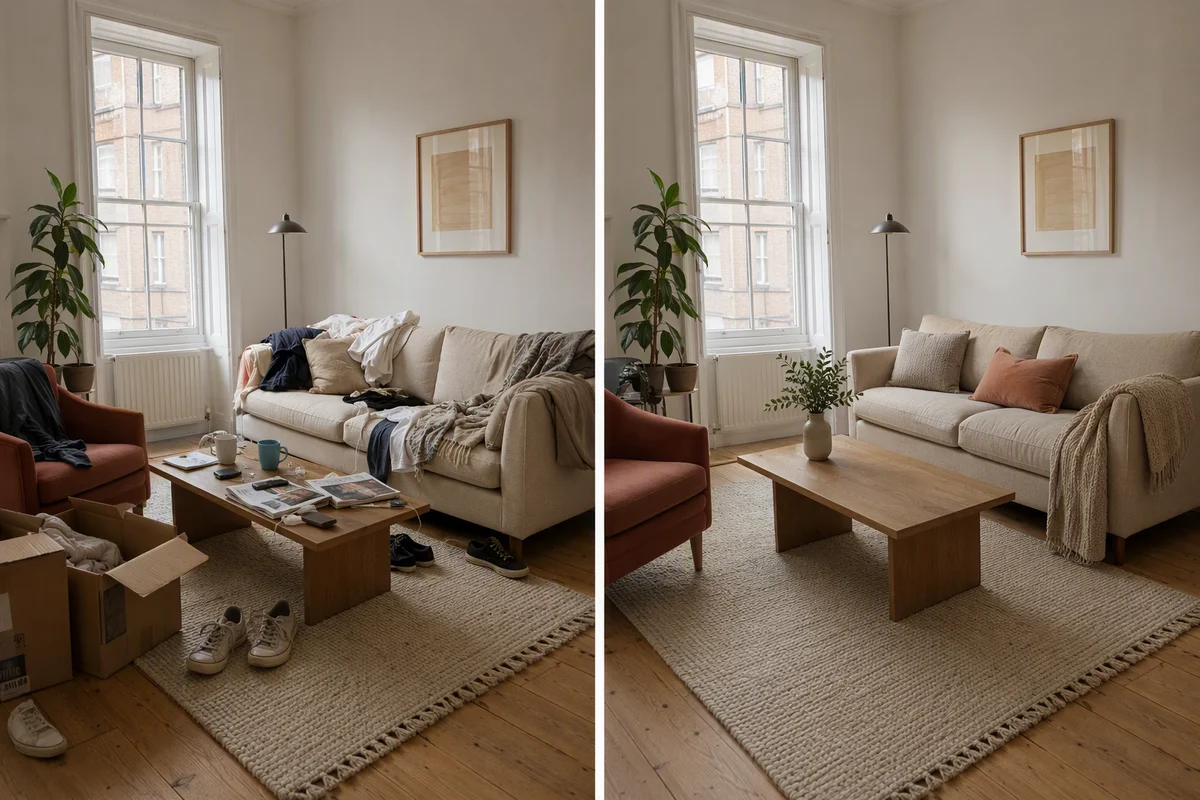 Declutter
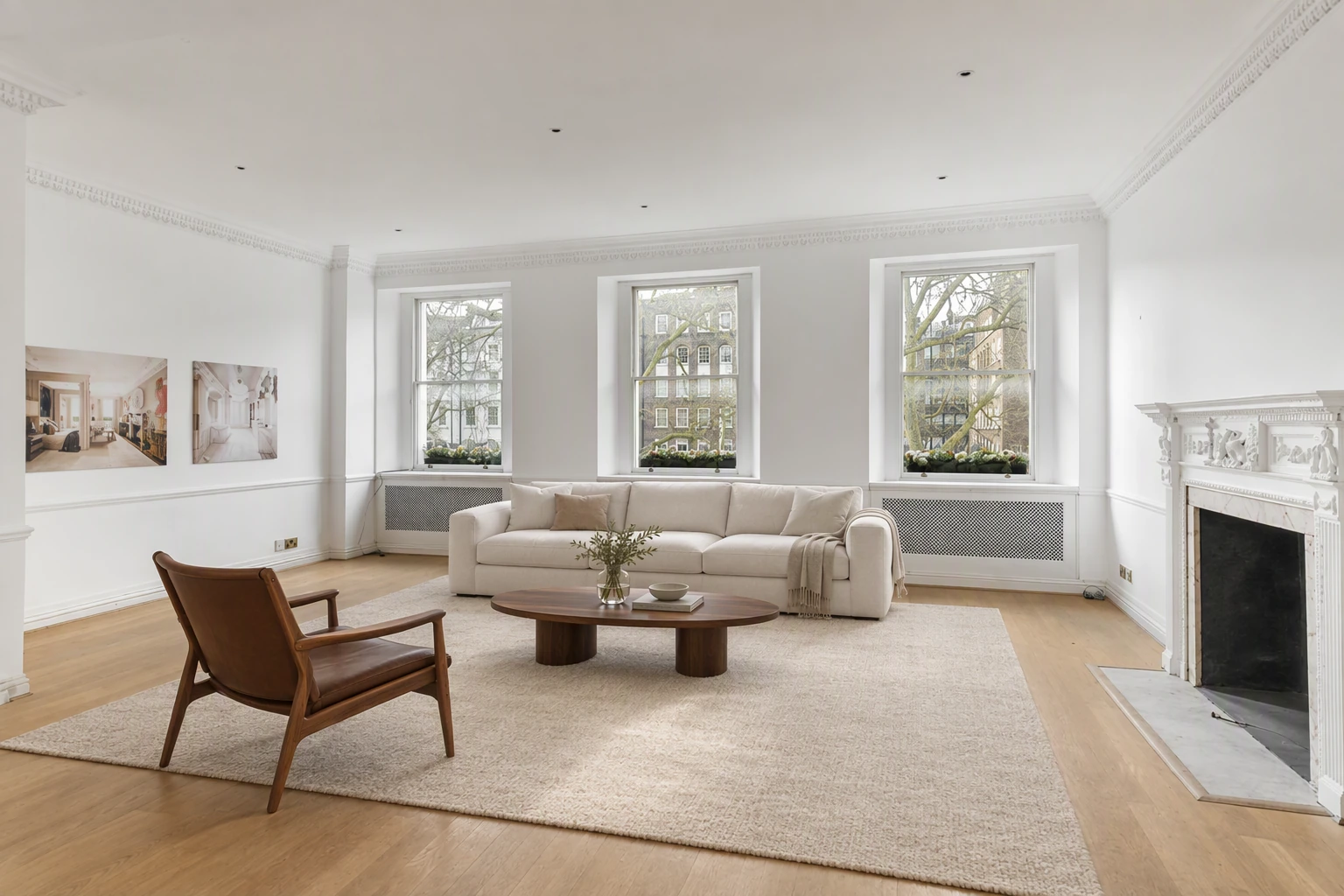
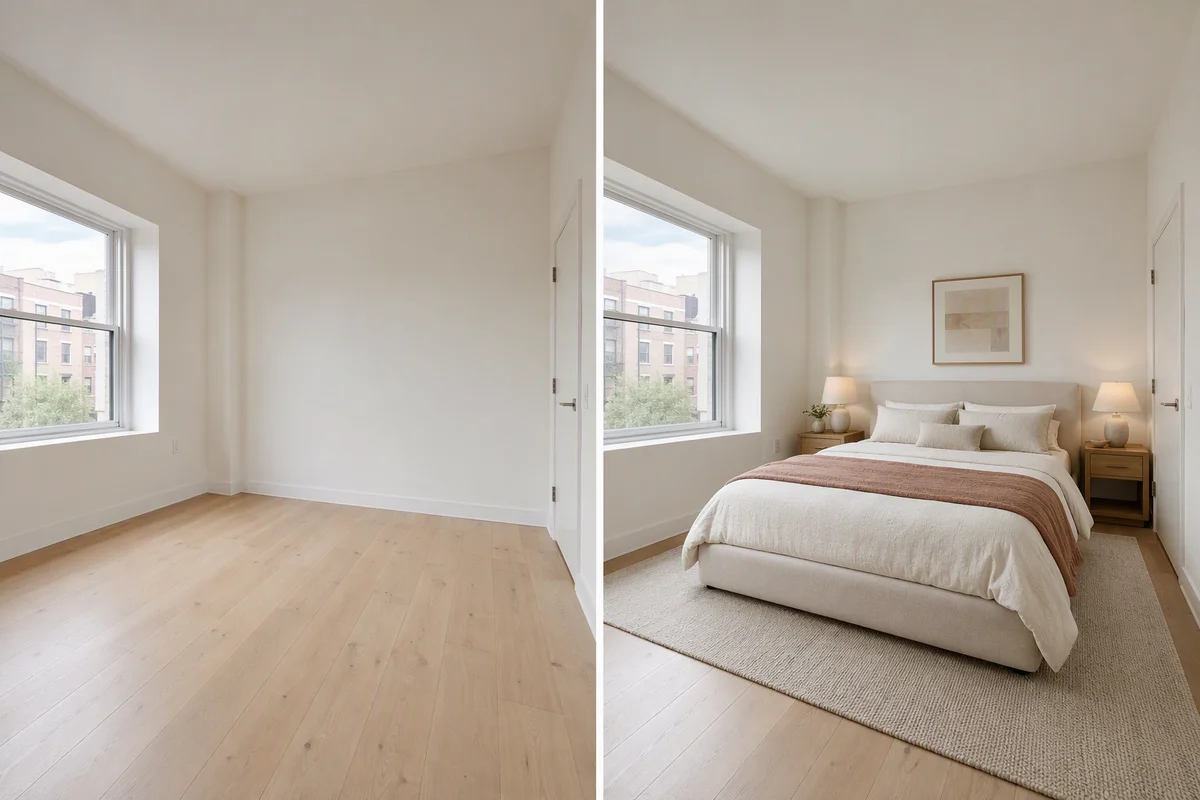 Virtual staging
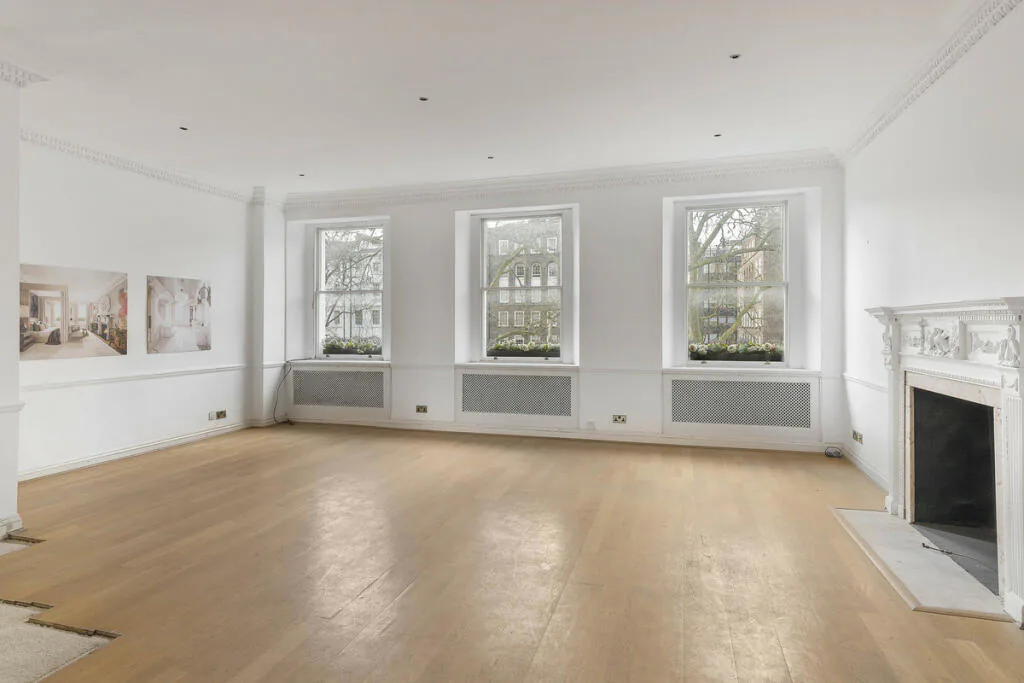
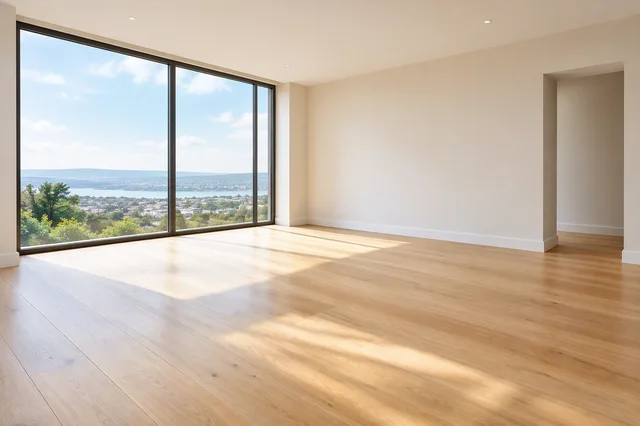 Empty the room
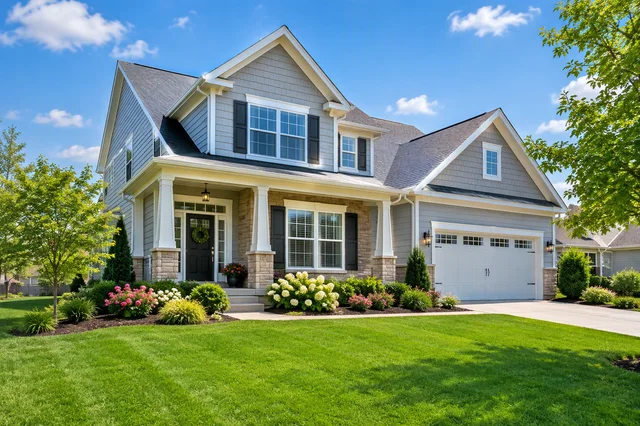 Curb appeal
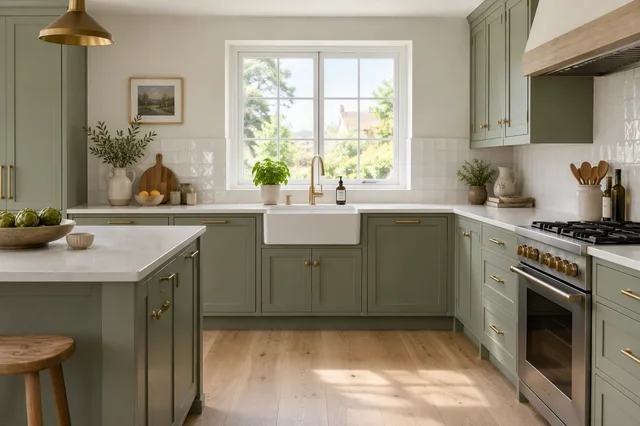 Renovation idea
| Edit | What it does | When to use it |
|---|---|---|
| HDR enhance | Balances light and colour, clears the sky | Every photo |
| Sky replacement | Grey to blue | Exteriors on cloudy days |
| Day to dusk | Daytime shot to twilight | Lead photo, social posts |
| Declutter | Removes everyday mess | Lived-in homes |
| Empty the room | Removes all furniture | Before staging, or to show space |
| Virtual staging | Furnishes empty rooms | Vacant homes, new builds |
| Restyle | Shows a new style | Dated interiors, refurb ideas |
| Magic Edit | Circle anything, describe the change | Single fixes |
What should AI never change?
- Room size, ceiling height or layout
- Views, neighbouring buildings, roads
- Damage, damp, cracks or stains
- Permanent fixtures like kitchens, bathrooms, fireplaces
- Anything the buyer would expect to find on a viewing
Keep the original photo. Label virtually staged or restyled images. Most portals and advertising rules require it. See our disclosure guide.
How good is AI virtual staging now?
Good enough for listings when the tool keeps the walls, windows and floors exactly where they are. Watch for furniture that blocks doors, wrong scale, or new windows appearing.
How do you choose an AI real estate photo editor?
Check these before you subscribe:
- Structure stays put. Walls, windows and floors must not move.
- One-click presets. You should not have to write prompts for basic edits.
- Fine control. A way to change one object without redoing the whole image.
- Batch speed. A whole listing in minutes, not one photo at a time.
- High-resolution export for portals and print.
- Video from the same photos. Otherwise you need a second tool for reels.
- Fair pricing. A monthly plan beats paying per photo if you list often.
Is there a free AI photo editor for real estate?
Several tools offer a few free edits, often watermarked or low resolution. They are fine to test. For regular listings you need clean, full-size exports. Splatr starts at $29 a month and you can try it free for 7 days. Our free virtual staging guide covers the free options.
Does AI editing replace a photographer?
Not for every listing. A photographer still gives you better light and angles on a high-value home. AI makes their photos go further and makes phone photos good enough for everyday listings and social posts. See agency, DIY or AI compared.
Related: how to edit real estate photos and day to dusk with AI.
Put the guide into practice.
Turn your own photos into edited images and videos in minutes.
7-day free trial.