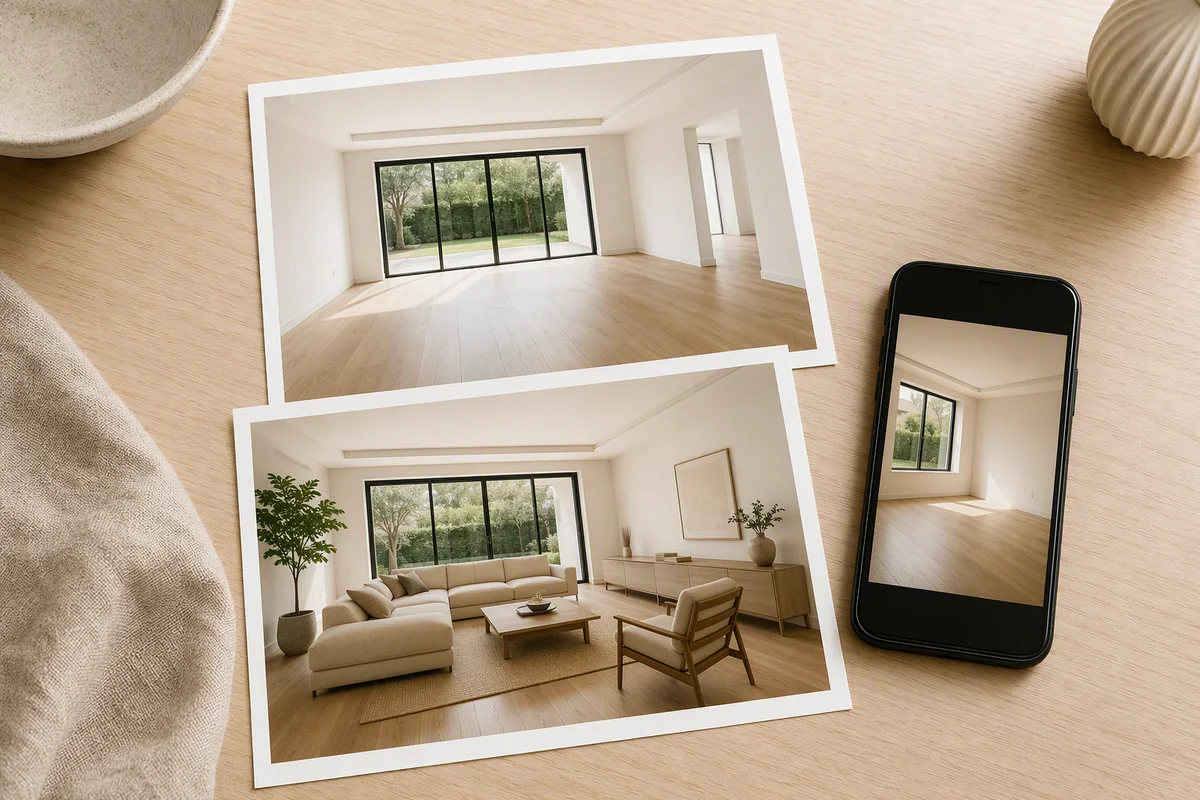
Reimagine AI is Splatr’s Virtual Studio plugin for AI property-image editing. It combines virtual furnishing, photo cleanup, enhancement, reference-guided styling and region editing in one workspace. You can create a new version of a property photograph, compare it with the source and download the selected result.
What do the three property presets do?
| Preset | Editing task | Typical source |
|---|---|---|
| Furnish | Generate a furniture arrangement | An empty or mostly empty room |
| Cleanup | Tidy loose clutter and light styling | An occupied interior |
| Enhance | Improve light, colour and detail | An existing property photograph |
These presets give the generation a property-specific direction. Add your own instructions to describe the room, furniture or finish you want to change.
How much control do you have over the style?
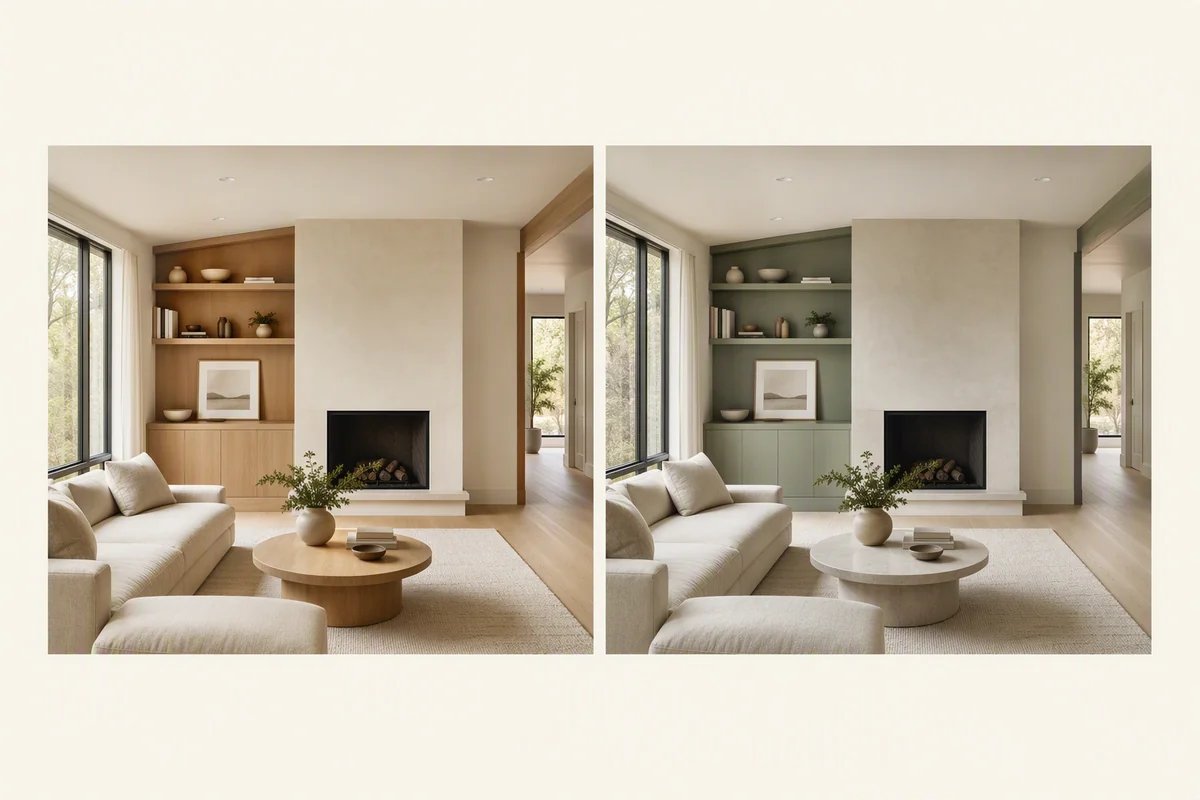
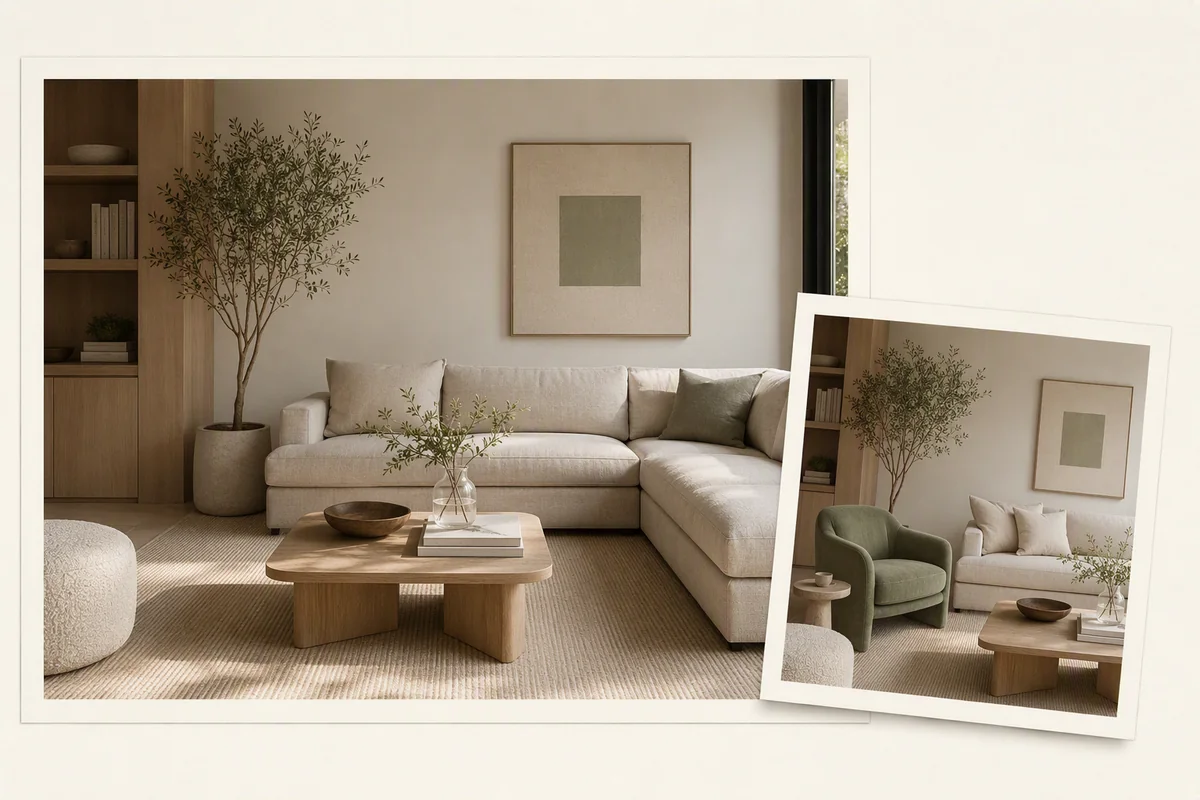
Use a written prompt to describe the intended edit, or add reference images. Reimagine AI distinguishes between applying a theme and staging objects: one guides the overall look, while the other focuses on furnishings.
That means a reference can communicate a muted palette and material character, or provide direction for the objects in the room. See theme and object references.
Can you refine just part of an image?
Region editing focuses the request on a selected area. Use it to refine a furnishing or finish when the wider image already suits the brief. The comparison and history tools help you assess versions before downloading the result.
Selection guides generation; it does not guarantee that every pixel outside the region is unchanged. Review the full image after a local edit. Explore region editing.
Does Reimagine AI also support visual concepts?
Yes. Beyond listing-photo edits, the presets include room restyling and image-based rendering directions. A model screenshot can become a rendered concept, and an existing interior can be explored with different finishes or furnishings.
These are image outputs rather than measured 3D models. For a controlled architectural deliverable, see virtual staging versus 3D rendering.
Can you place assets and draw a local edit?
Upload an asset, drag it onto the image, then adjust its position, size and rotation. This gives Reimagine AI a visual layout alongside your written direction and references.
For a local change, draw over the area and describe what to add, remove or modify. Image upscale is also available when you need a larger-resolution output. These controls support specific tasks such as placing a chair or exploring a wall colour. See architectural use cases.
How do the images connect to the rest of Virtual Studio?
Selected images can be used as source material for Video Generator or included in a Showcase property presentation. Reimagine AI also has a related workflow inside panoramic tours.
For listing use, compare fixed features and visible condition with the original, and identify edited imagery clearly. NAR’s guidance on enhanced listing photos explains why the distinction between presentation and misrepresentation matters.
Put the guide into practice.
Try Virtual Studio with your own property images.
14-day free trial on the Basic plan.