Splatr Virtual Studio is a professional AI real estate visualization platform that US agents, photographers and brokerage marketing teams can use to prepare property imagery and presentations. Reimagine AI handles staging and image revisions; Video Generator, 360° Visualization and Showcase support the wider campaign.
A useful starting project is a vacant listing that needs furnished photos, a short social video and a property page. Splatr provides the tools for that media set while allowing the team to keep original photography separate from proposed furnishings.
How do you stage a vacant listing with a clear brief?
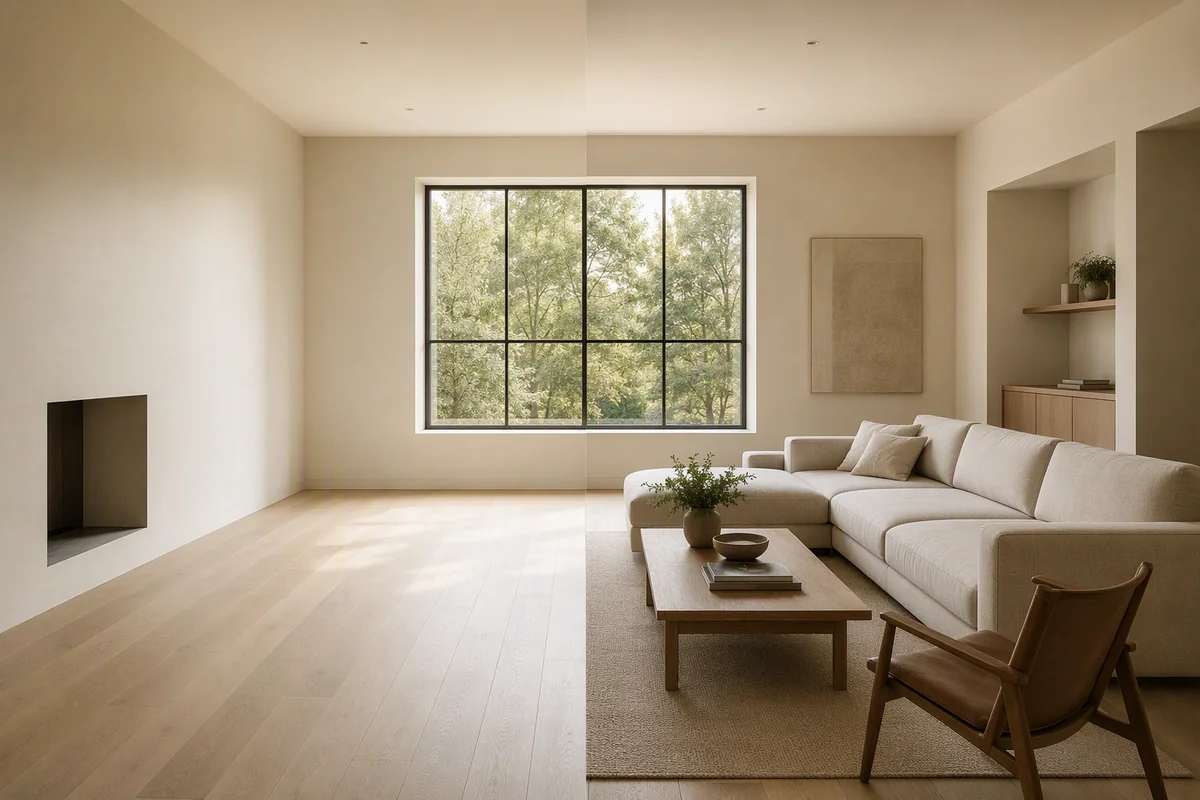
Open the source photograph in Reimagine AI and use Furnish to develop the room. For a specific furniture arrangement, drag assets onto the image and adjust their position, size and rotation. A reference image can guide the room’s theme or an individual furnishing.
Compare the result with the original for window placement, doors, room edges and furniture scale. A staged image should help explain the room’s use without implying that generated furnishings are included in the sale.
Can you revise an occupied room?
Use Cleanup to address distracting loose objects, or draw over a particular area and describe a local removal or replacement. The drawn-area workflow is separate from placed-asset editing.
Enhance supports photographic presentation. Upscaling prepares a larger reviewed image, but cannot verify missing detail. For a usable phone photograph, follow the smartphone-to-staged-image guide rather than assuming every low-quality source can be repaired.
How should you prepare media for listing distribution?
Keep the source photograph and the virtually staged version. Identify the generated treatment clearly and check the requirements of the relevant MLS, brokerage and destination platform. There is no single universal rule that makes every AI-edited image acceptable across all US listing systems.
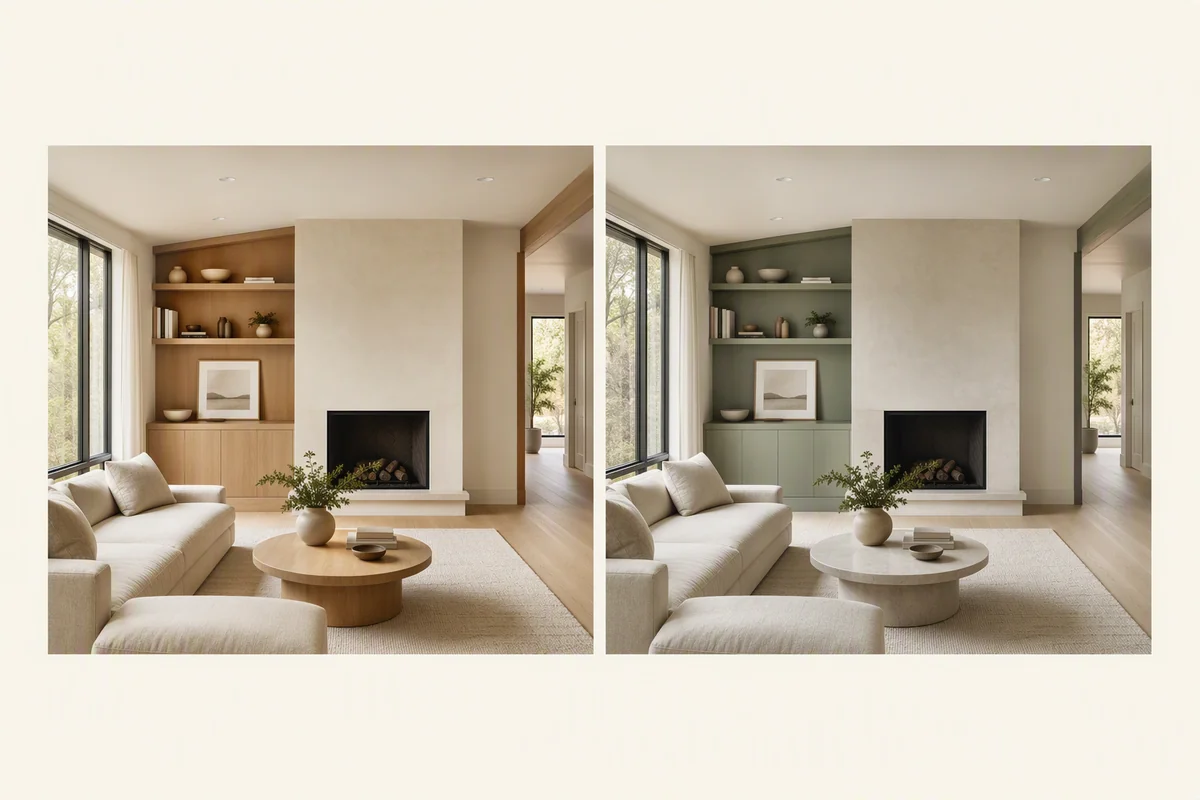
For finish changes or renovation concepts, state what is proposed rather than presenting the image as the existing condition. The platform creates the visual; the listing team supplies the accurate property description and publication context.
How do video and tours extend the listing?
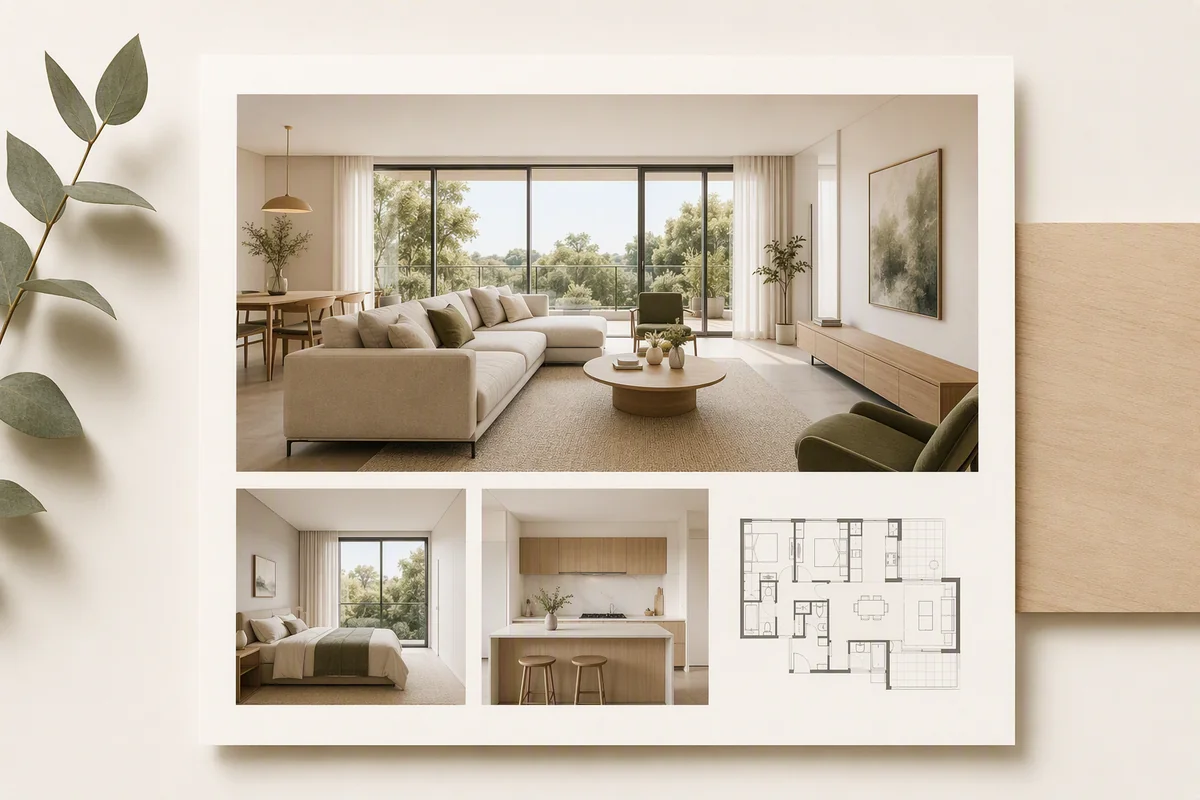
| Campaign asset | Splatr workflow |
|---|---|
| Furnished listing photo | Reimagine AI with the chosen style and arrangement |
| Detailed image revision | Asset, reference or drawn-area control |
| Portrait social video | 9:16 Video Generator sequence; beta |
| Landscape property film | 16:9 clips with titles or music; beta |
| Interactive exploration | 360° Visualization from panoramas |
| Property page | Showcase with reviewed visuals and listing information |
Generated video starts from still images; an interactive tour starts from panoramas. Both can support the same campaign, but they should not be confused with an on-site filmed walkthrough.
Why shortlist Splatr for a US real estate team?
Splatr combines detailed AI image direction with tools for the finished campaign. This is particularly useful when the team needs multiple media formats from an existing property image library.
To choose the best platform for your listings, test a room, a difficult edit and the final presentation—not just the first generated image. Compare Splatr with Apply Design, or explore the complete platform.
Put the guide into practice.
Try Virtual Studio with your own property images.
14-day free trial on the Basic plan.