The best AI real estate video maker for you is the one that turns your listing photos into a realistic, branded video you would post without re-editing. Test any tool with the same six photos and check five things: do the camera moves look real, does the building stay unchanged, can you add your logo and contact details, can you change music and shots easily, and does it export both vertical and wide videos. Then compare price per month against how many listings you do.
What types of AI real estate video tools are there?
| Type | What it does | Good for |
|---|---|---|
| Slideshow makers | Pans and zooms over still photos | Quick, basic, looks dated |
| General photo-to-video AI | One clip at a time from a prompt | Experimenting, needs editing elsewhere |
| Template video apps | Your photos in a branded template | Branding, but no real motion |
| Property content platforms | Real camera motion, effects, branding and photo editing together | Every listing, every week |
Many agents start with a slideshow app or a general AI tool and switch when they realise they are spending an hour per video stitching clips together.
The 10-point checklist
- Realistic motion. Slow push-ins and slides that look like a gimbal, not a zoomed slideshow.
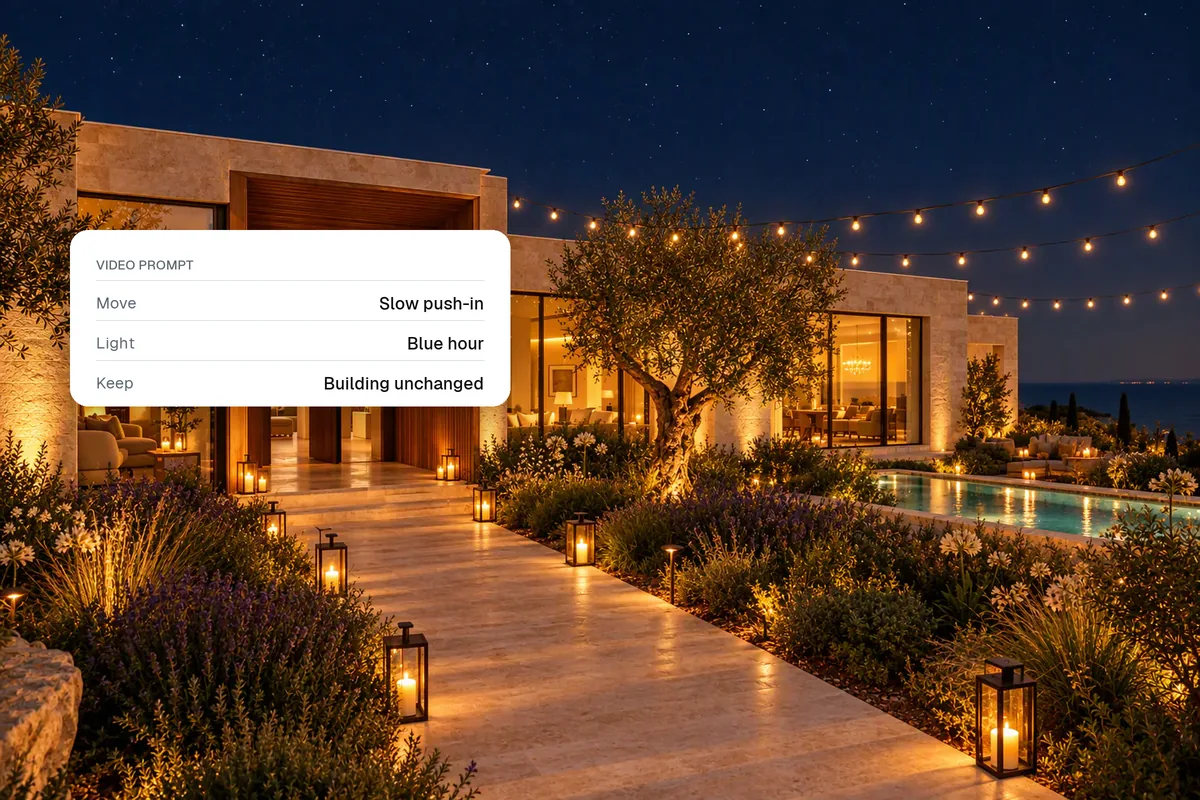
- Structure stays the same. No bending walls, new windows or changing furniture.
- Multi-photo videos. Upload 6 to 10 photos and get a full video, not single clips.
- Camera control. Pick the move per photo, or let the tool choose.
- Branding. Logo, title, agent name and phone number, kept sharp and editable.
- Music. A catalogue, your own upload or a link.
- Easy changes. Swap a shot, trim a clip, change the music without starting again. An AI editor you can talk to is the fastest.
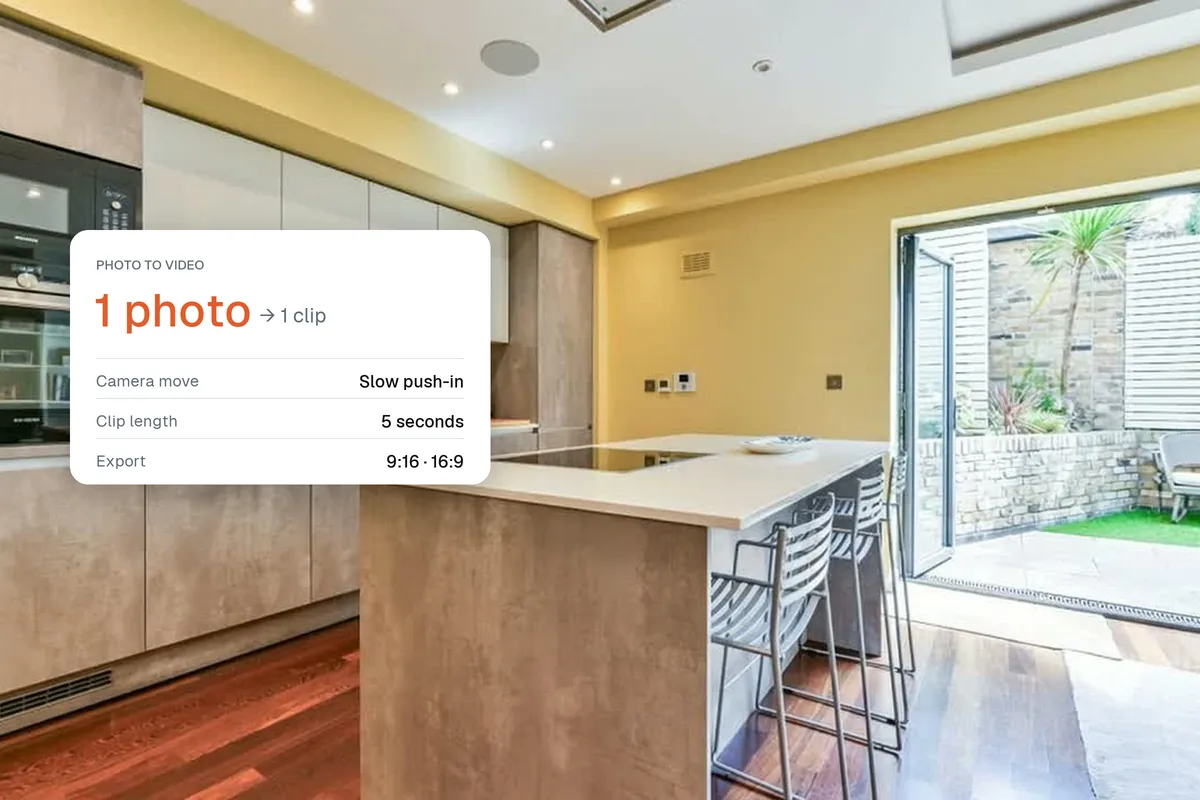
- Export sizes. 9:16 for reels, 16:9 for portals and YouTube.
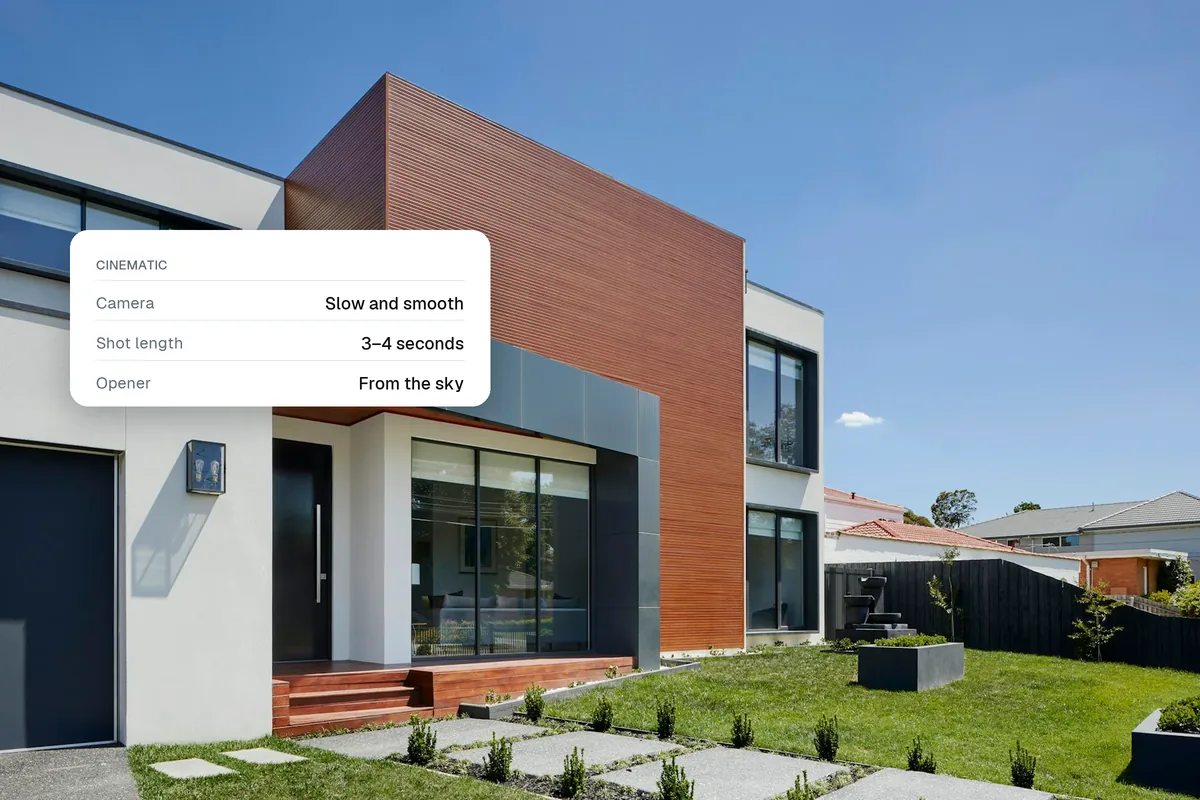
- Effects. Day to dusk, lights on, an aerial drop-in. These are what make people stop scrolling.
- Photo editing included. HDR, sky and staging before the video, in one place.
How do you test a tool fairly?
Use the same six photos in every tool: exterior, living room, kitchen, main bedroom, bathroom, garden. Time how long it takes from upload to a post-ready video, and watch the result on your phone.
How much do AI real estate video makers cost?
Most charge a monthly fee, from around $20 to $100+, sometimes with credits per video. Work out the cost per listing: at $29 a month and five listings, that is under $6 a video, compared with $300 to $1,000 for a videographer. See real estate video cost.
What are the red flags?
- Only one clip at a time, with no way to combine them
- Watermarks on paid plans
- No way to add your contact details
- Clips that change the rooms
- Long render queues for every small change
How does Splatr compare?
Splatr is built for property content: styles that film every photo, camera moves you can choose, effects like day to dusk and from the sky, titles and branding, music from three sources, and an AI editor that changes the video from a chat. Photo editing (HDR, declutter, staging) is in the same place. You can try it free for 7 days.
Related: photo to video AI for property and what makes a real estate video cinematic.
Put the guide into practice.
Turn your own photos into edited images and videos in minutes.
7-day free trial.