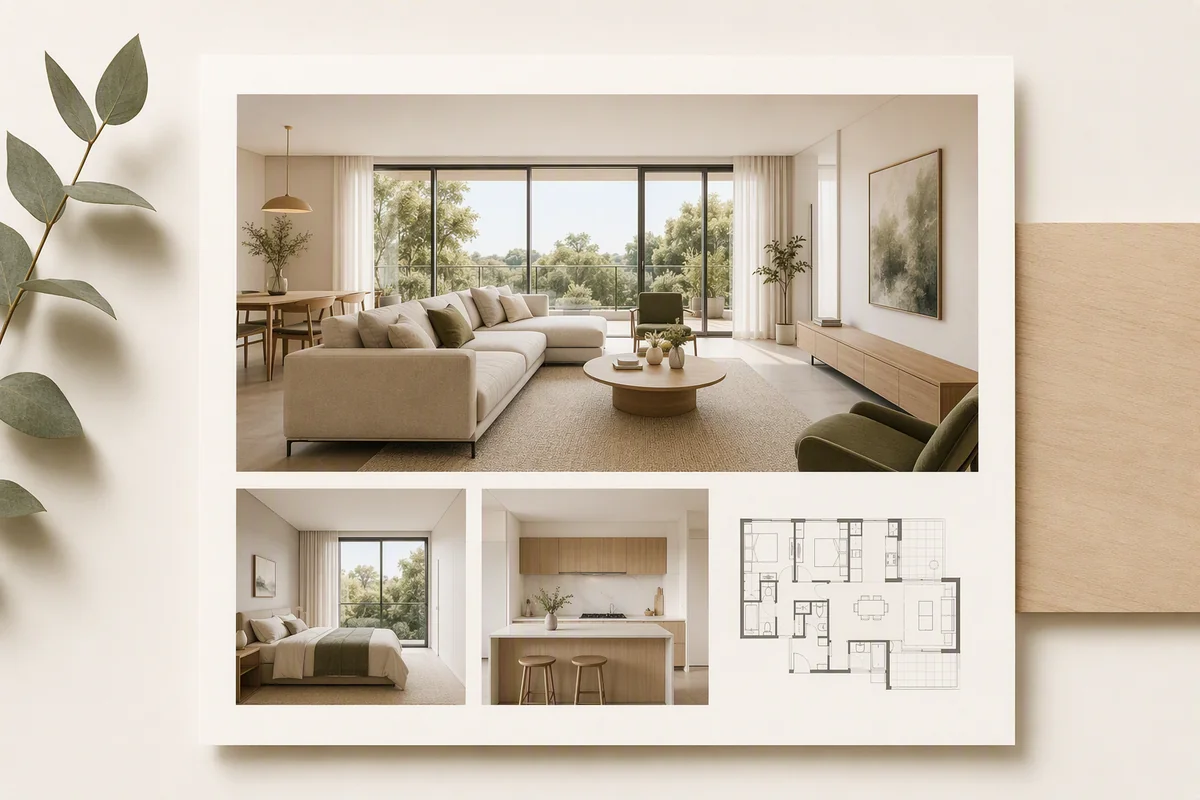
Splatr Virtual Studio gives agency marketing teams one platform for staged images, property films, panoramic tours and branded presentations. A campaign can begin with photographs and expand into the media formats needed for the listing, website and social channels.
How does Reimagine AI support a consistent visual style?
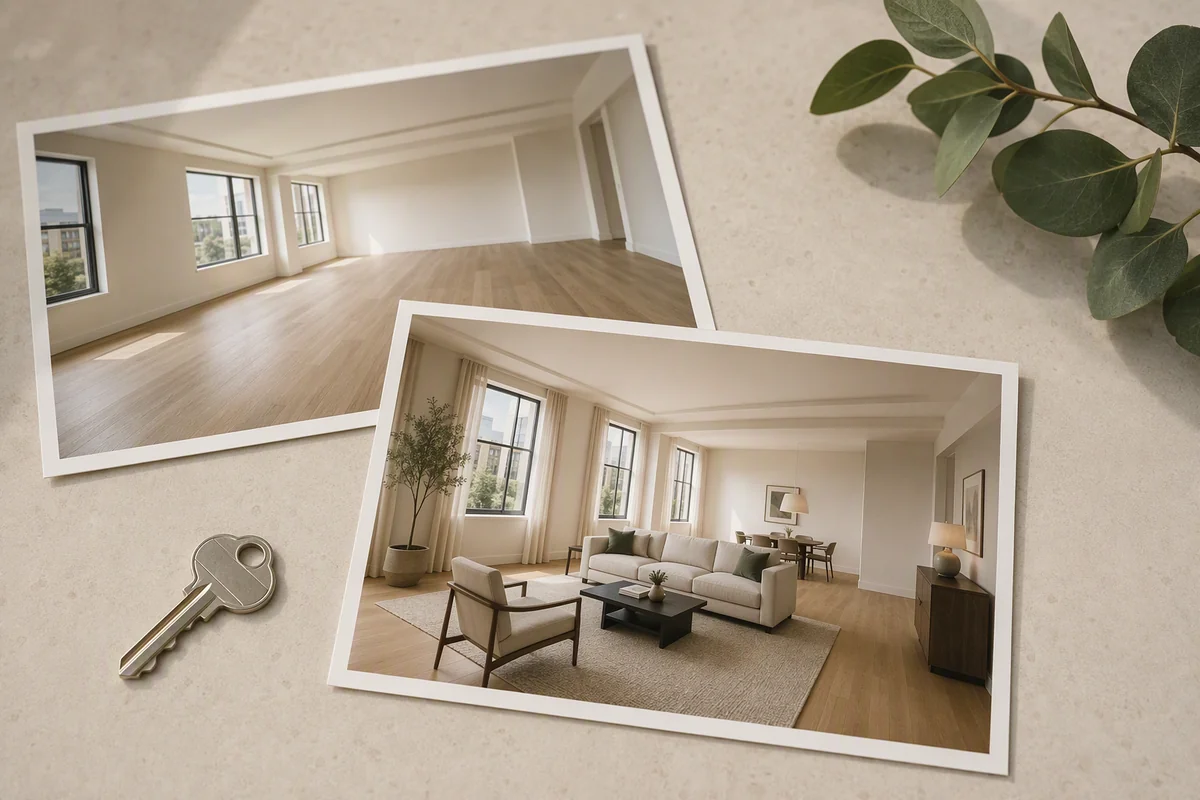
Reimagine AI combines task-specific presets with visual references. Furnish adds furniture to empty rooms, Cleanup tidies occupied interiors, and Enhance improves light, colour and detail.
Theme references guide the palette and atmosphere across a property’s images. Object references provide a different kind of direction, focusing on furnishings. Region editing lets you refine part of an image when the overall composition already works.
These controls give a marketing team more specific direction than a single generic staging instruction. See how references work.
Which campaign formats can you create?
| Campaign asset | Studio tool |
|---|---|
| Furnished room images | Reimagine AI Furnish |
| Refined listing photography | Reimagine AI Cleanup and Enhance |
| Landscape or portrait film | Video Generator, currently beta |
| Room-by-room exploration | 360° Visualization |
| Branded property page | Showcase |
Video Generator creates clips from selected images, with camera direction and sequence editing. Its 16:9 and 9:16 options support different presentation formats without requiring you to start with filmed footage.
How does Showcase present the campaign?
Showcase brings the photographs, property information, location and optional film together in a shareable page. The publishing workflow includes company-logo branding. Add a panoramic tour when the project includes 360° imagery.
The benefit is a single property destination for direct sharing, rather than a collection of separate media files. Your agency website can also link to the published tour or embed the supported viewer.
How does this fit the agency’s existing distribution?
Use the generated images and film for the relevant channels, and add the public tour link through the agency’s normal portal or feed process. Splatr publishing does not automatically synchronise portal listings.
The platform supplies the creation and presentation tools; your team retains control of asset selection and publication. Check generated images against the originals and label staged or proposed interiors before release. Explore the four Studio plugins.
Put the guide into practice.
Try Virtual Studio with your own property images.
14-day free trial on the Basic plan.