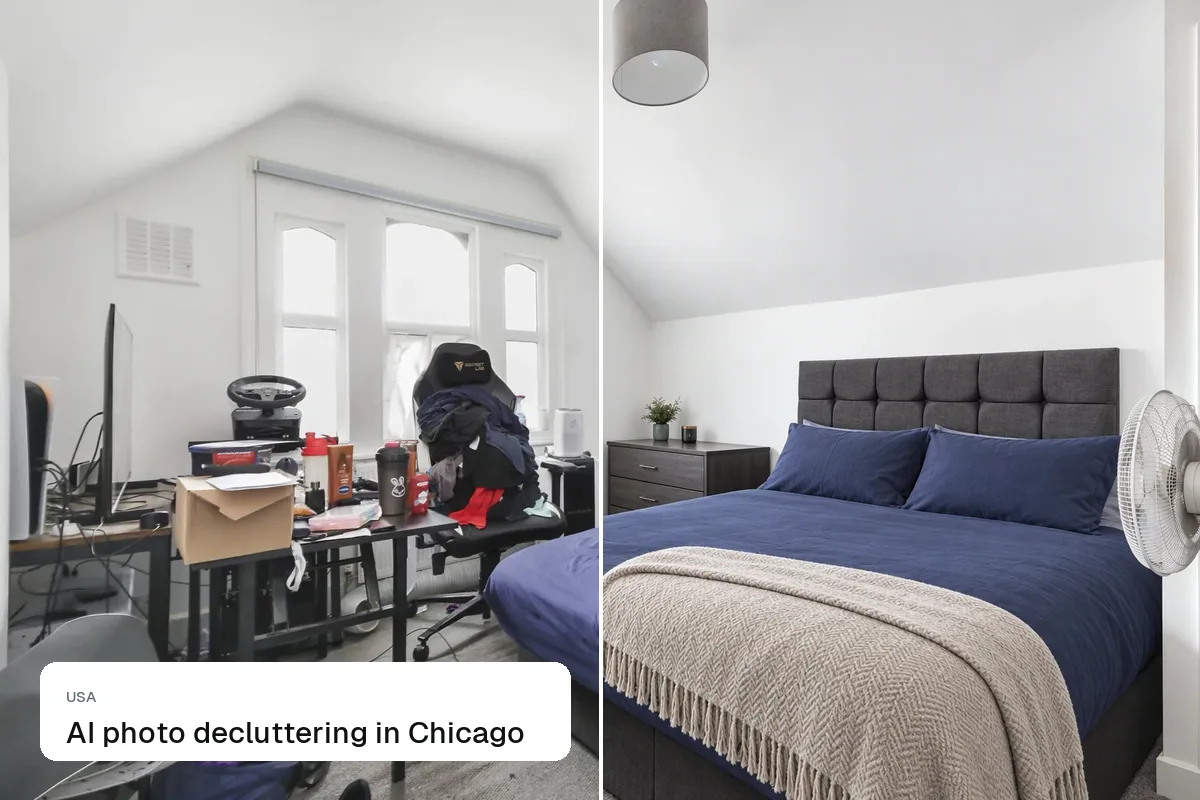
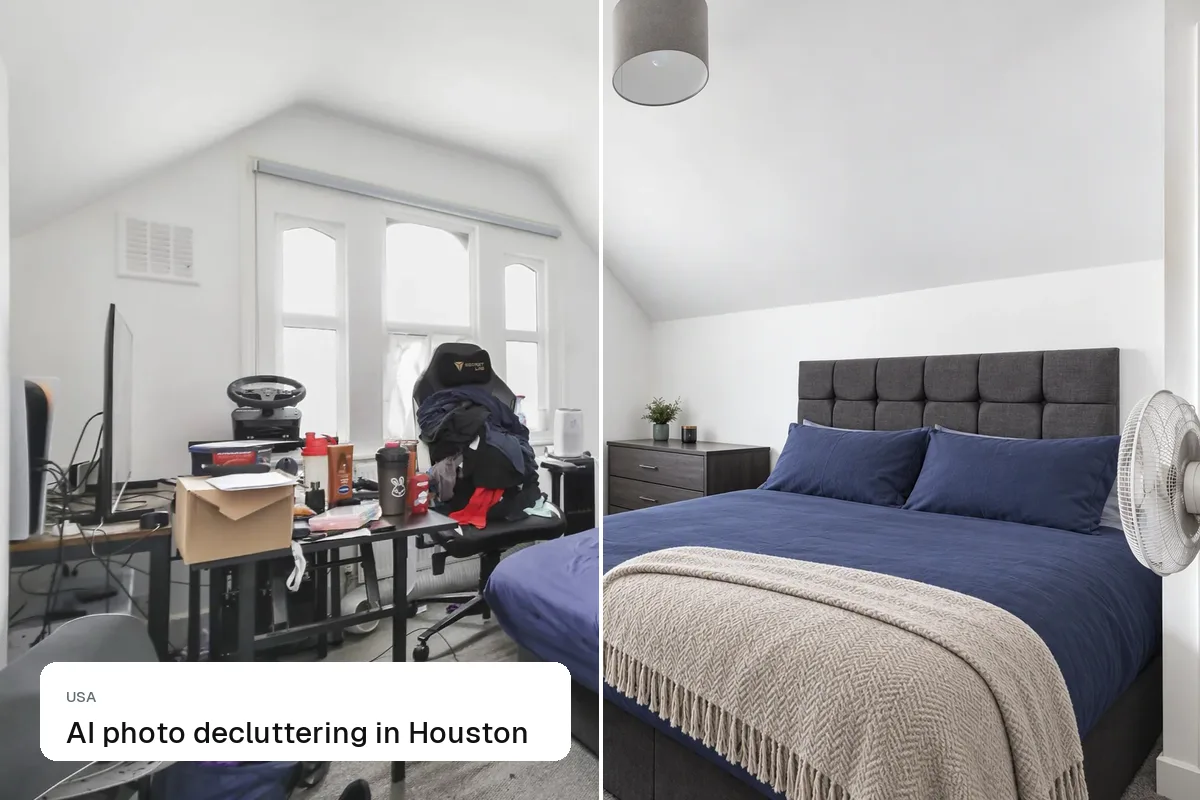
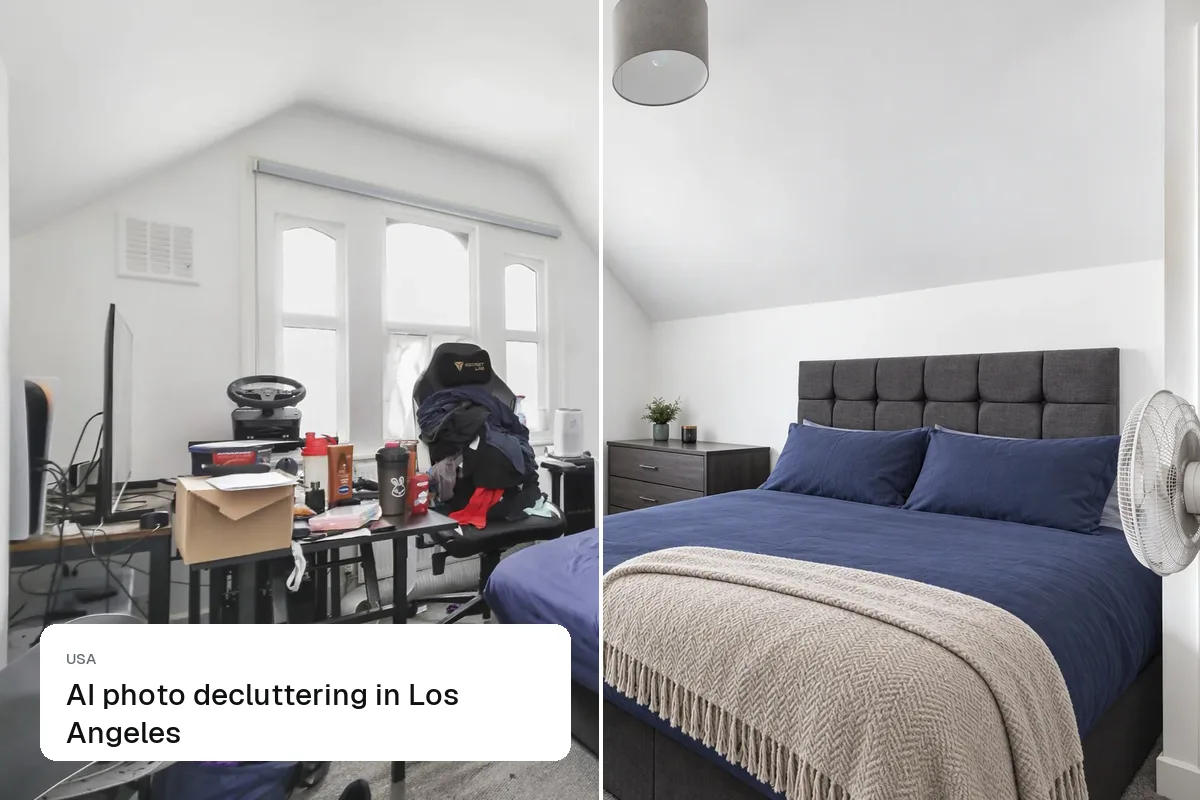
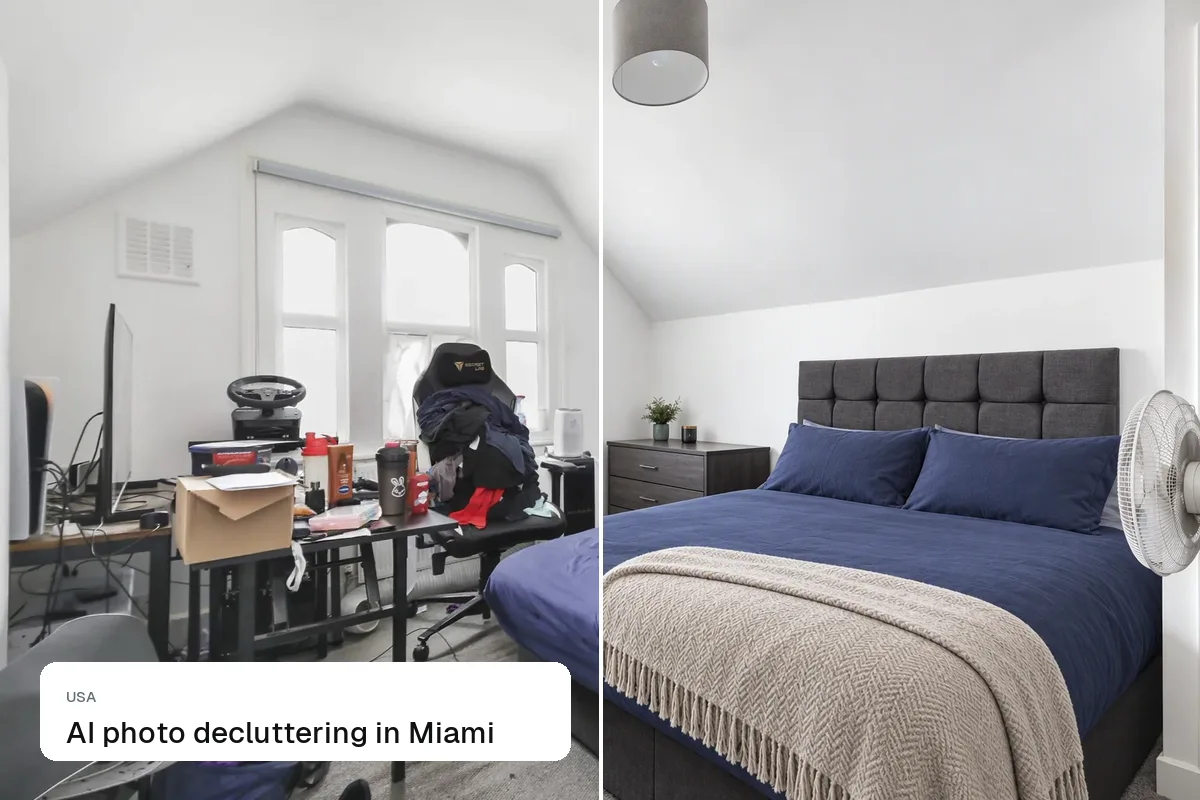
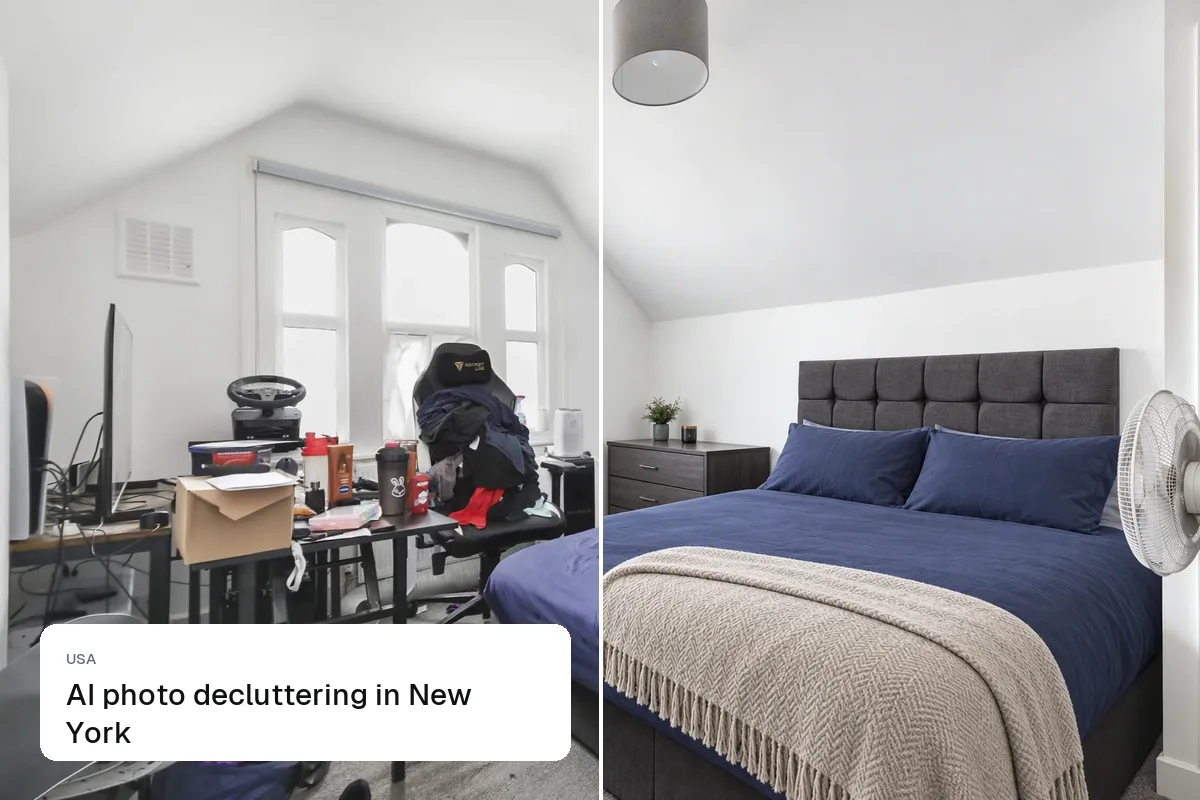
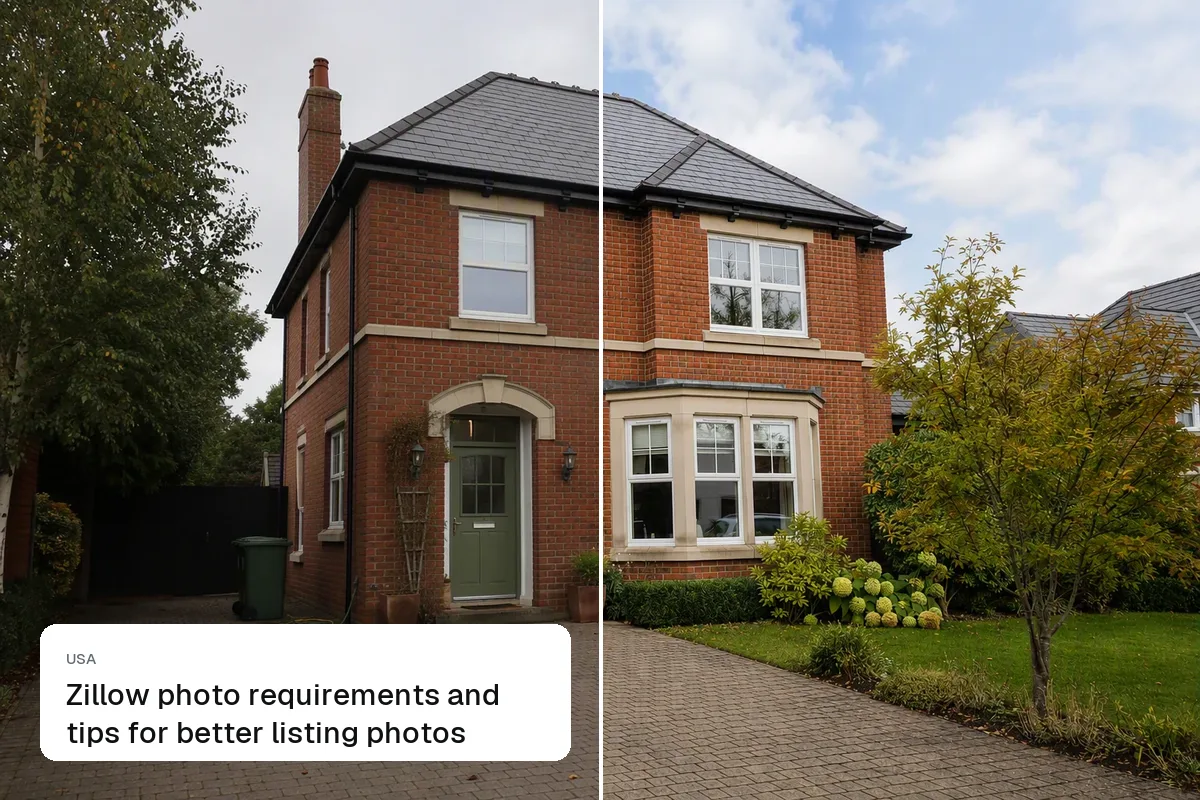
AI decluttering removes the seller's or tenant's belongings from a listing photo, such as piles on the counter, toys, cables, bins or even all the furniture, while keeping the room itself exactly as it is. It's fine to remove movable items. It's not fine to remove permanent features or defects. Use it when you can't declutter the home before the shoot.
When to use it
- Occupied homes where the seller can't clear up before photos
- Tenant-occupied rentals
- Homes with dated furniture you want to replace with staging
- Last-minute fixes: a bin in the yard, a car in the driveway, cables on the floor
What you can and can't remove
| Remove | Keep |
|---|---|
| Personal items, toys, clutter | Walls, windows, floors |
| Movable furniture | Built-in cabinets and fixtures |
| Cars, bins, hoses | Power lines, poles, neighboring buildings |
| Cables, chargers, fridge magnets | Stains, cracks, damage |
Declutter, then stage
The best results often come from two steps: remove the existing furniture, then add new staging. See clean up property photos and furnish an empty room.

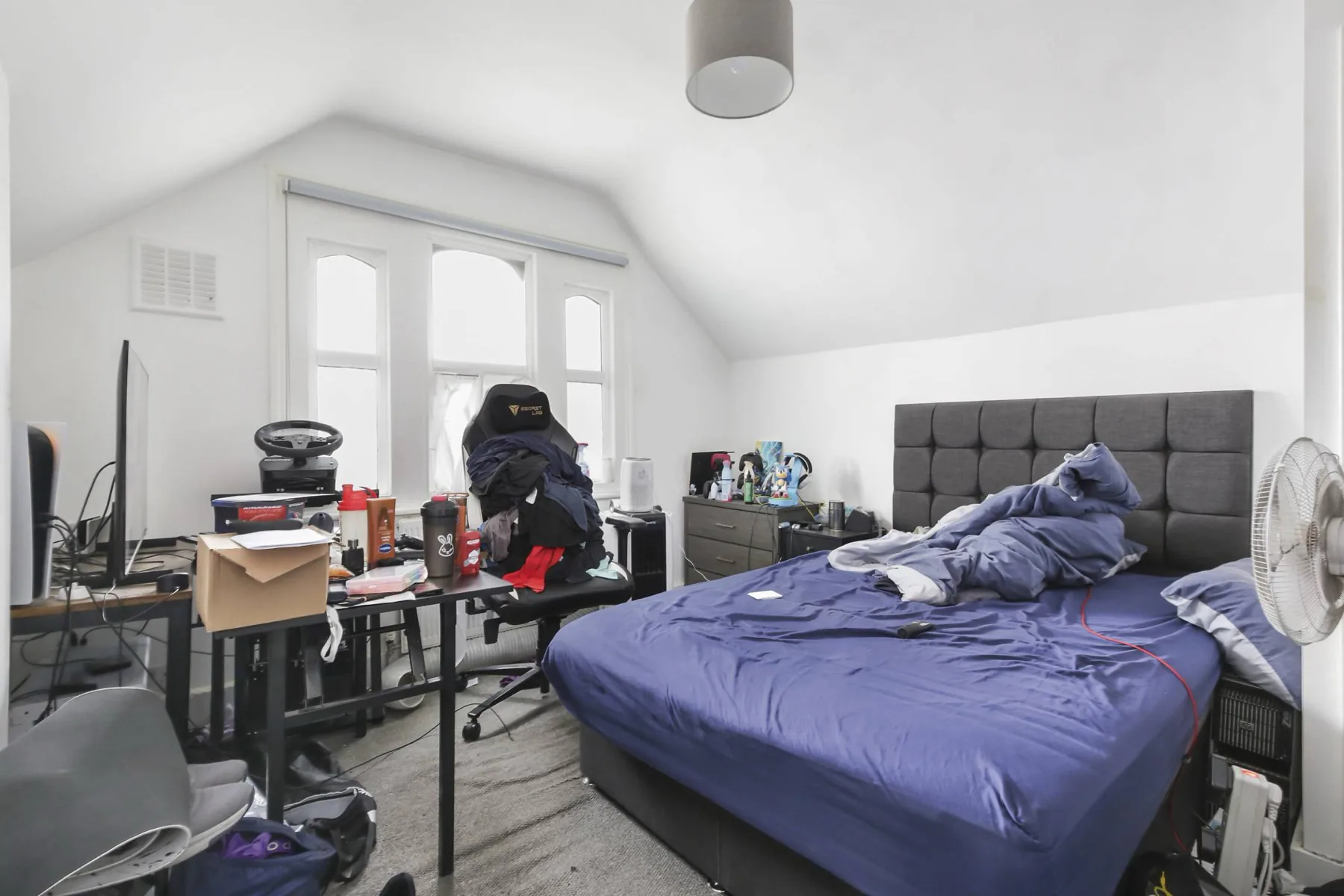
Still declutter in person when you can
Buyers will tour the home. Photos that look nothing like the showing lead to disappointed buyers. Use AI for what you can't fix on the day. See is virtual staging legal?.
Put the guide into practice.
Turn your own photos into edited images and videos in minutes.
7-day free trial.