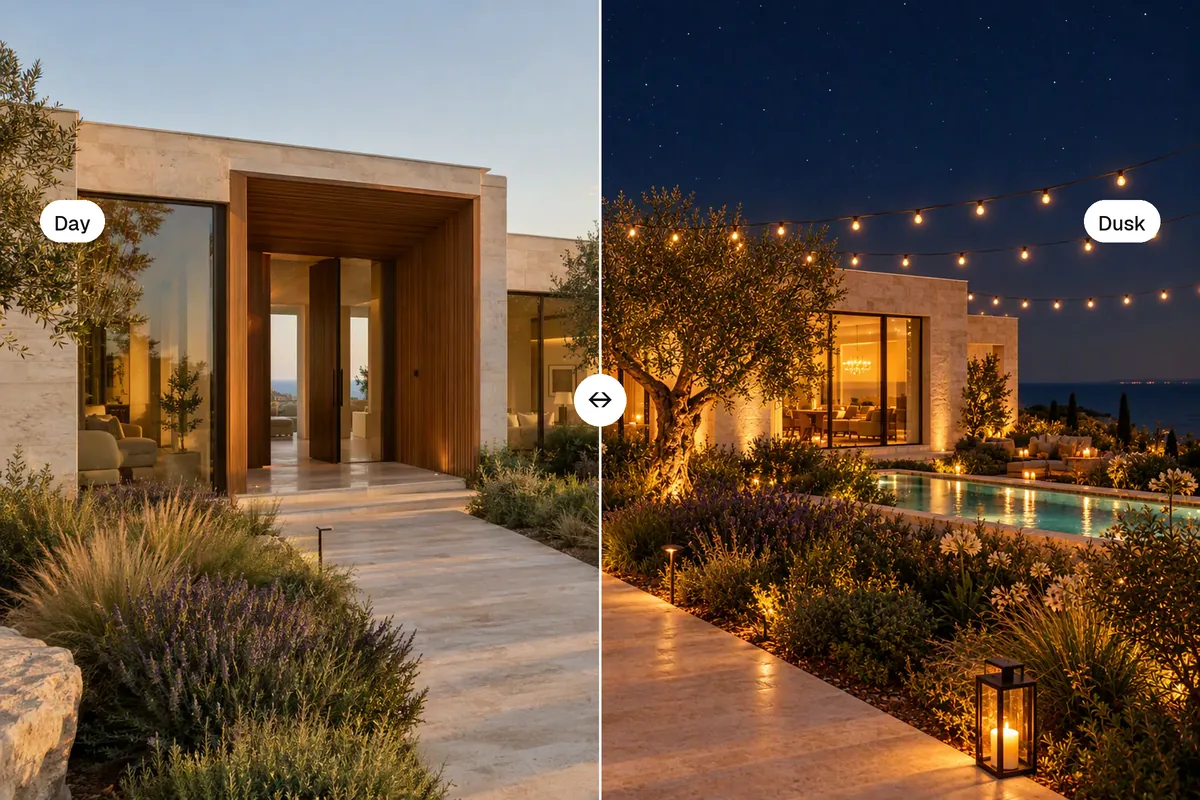
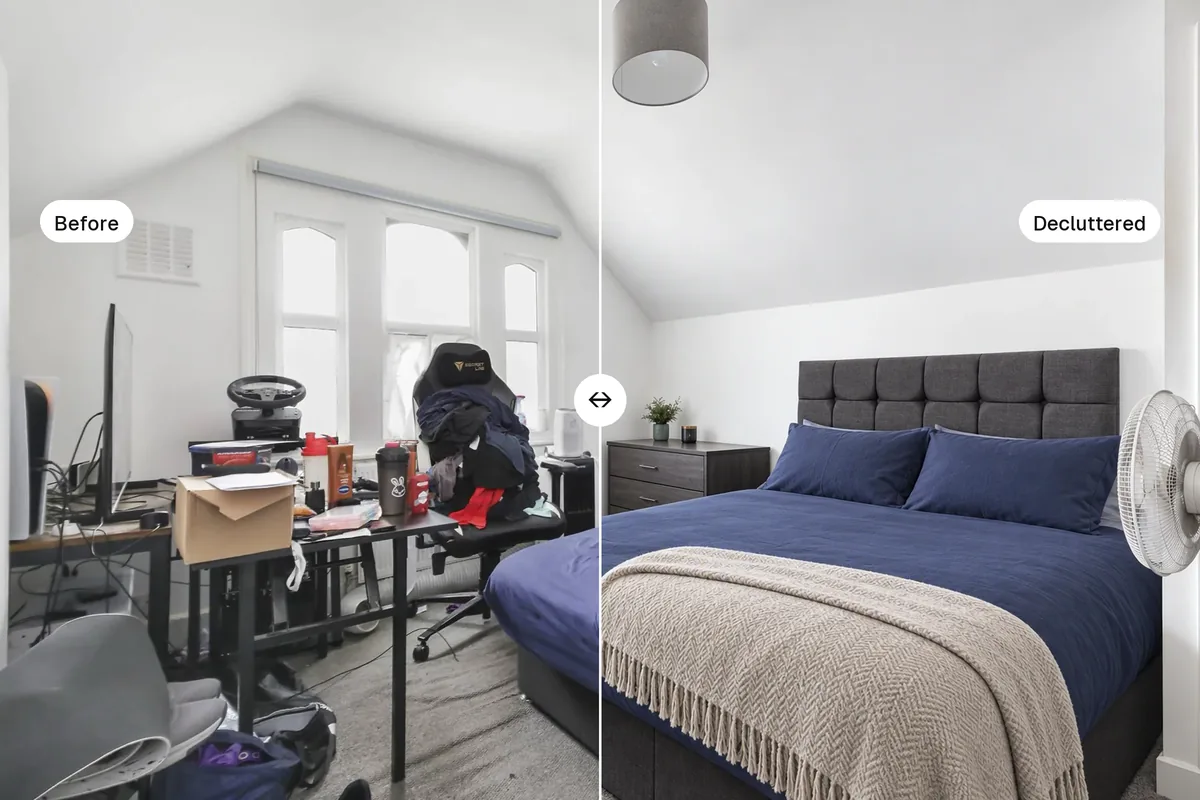
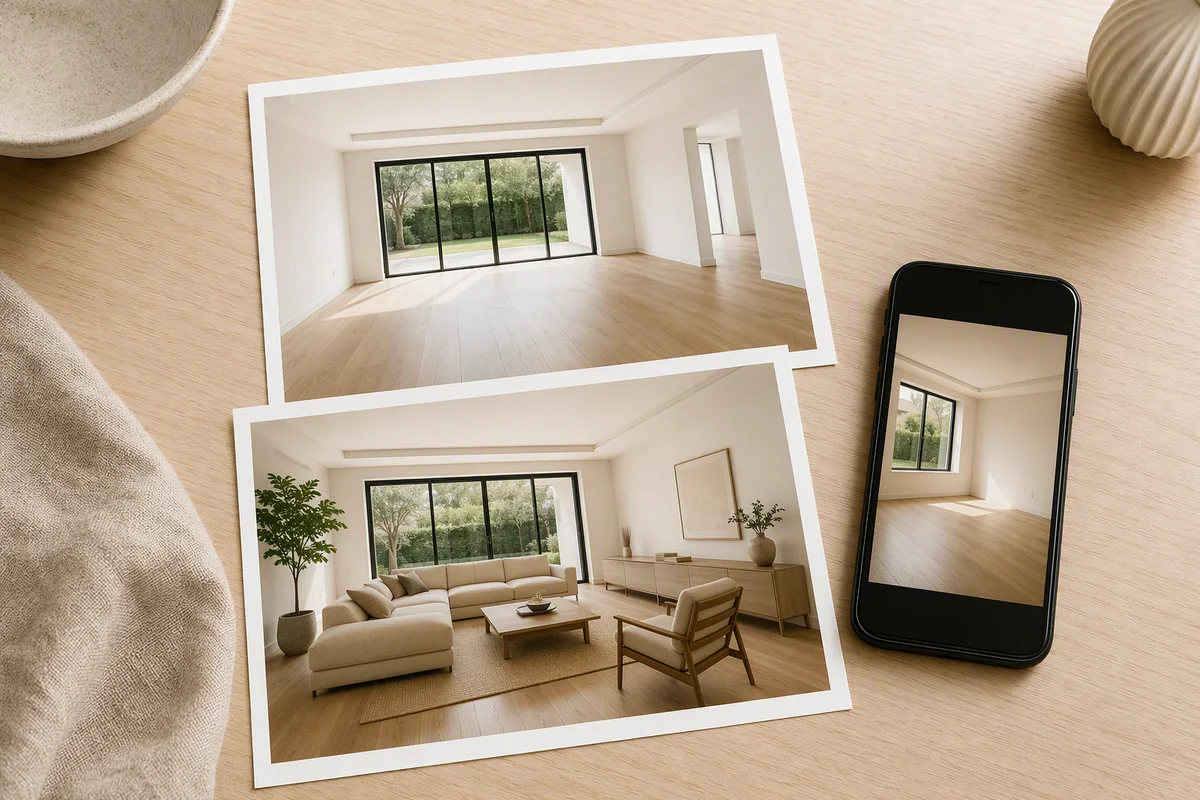
To edit real estate photos, work in this order: balance the light (HDR), straighten vertical lines, correct the colour, replace a grey sky, remove clutter, and only then add virtual staging or a dusk version. By hand in Lightroom and Photoshop this takes 10 to 20 minutes a photo. With an AI editor it takes seconds, and you can do it on your phone. Never remove permanent features or defects.
What edits do real estate photos need?
- LightHDR: windows and shadows
- LinesStraight verticals
- ColourNeutral whites
- SkyBlue sky or dusk
- ClutterRemove the mess
- ExportPortal and social sizes
1. Balance the light
Interiors have bright windows and dark corners. HDR editing brings both into range: windows you can see through, rooms that feel bright. Raise shadows more than exposure.
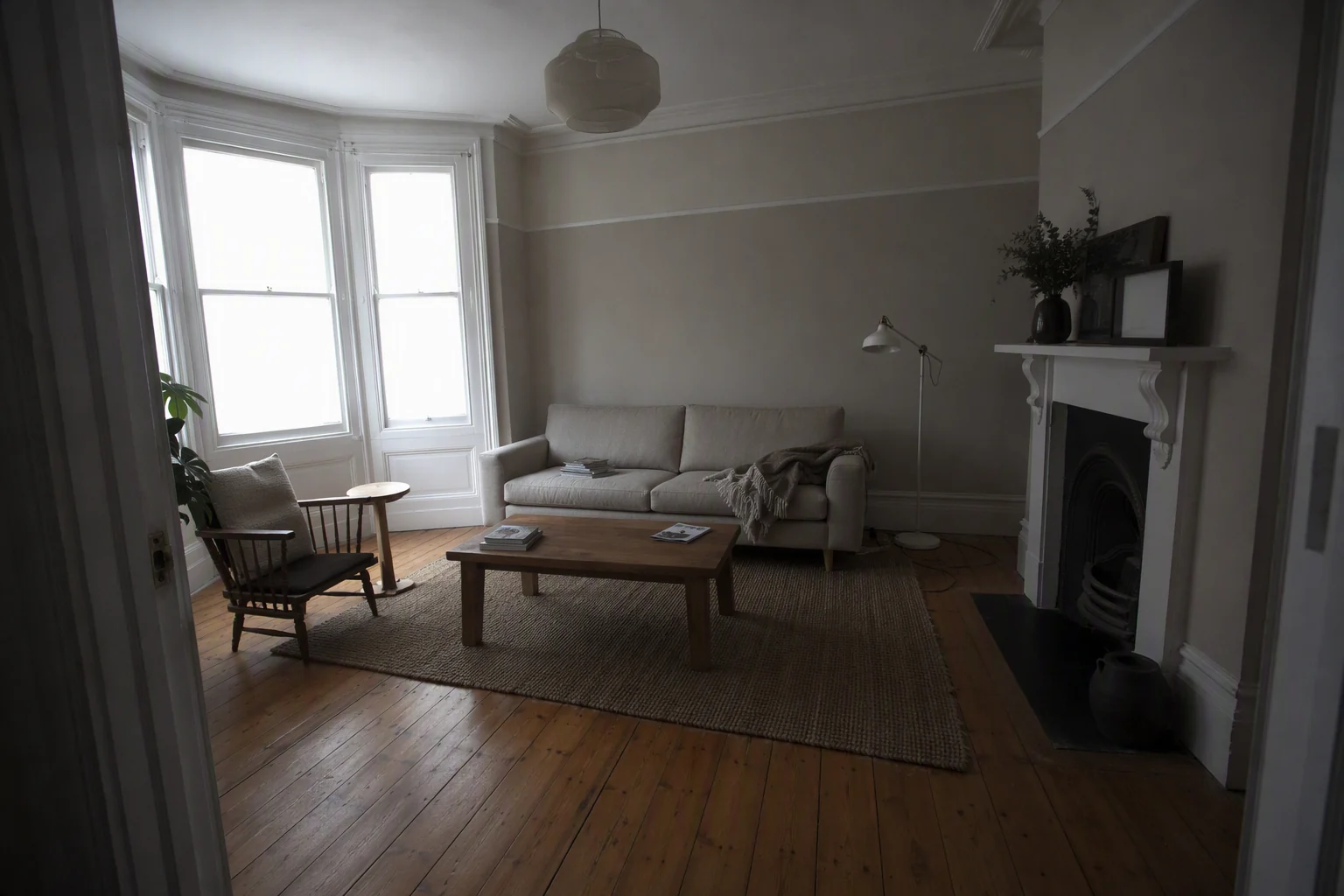
2. Straighten vertical lines
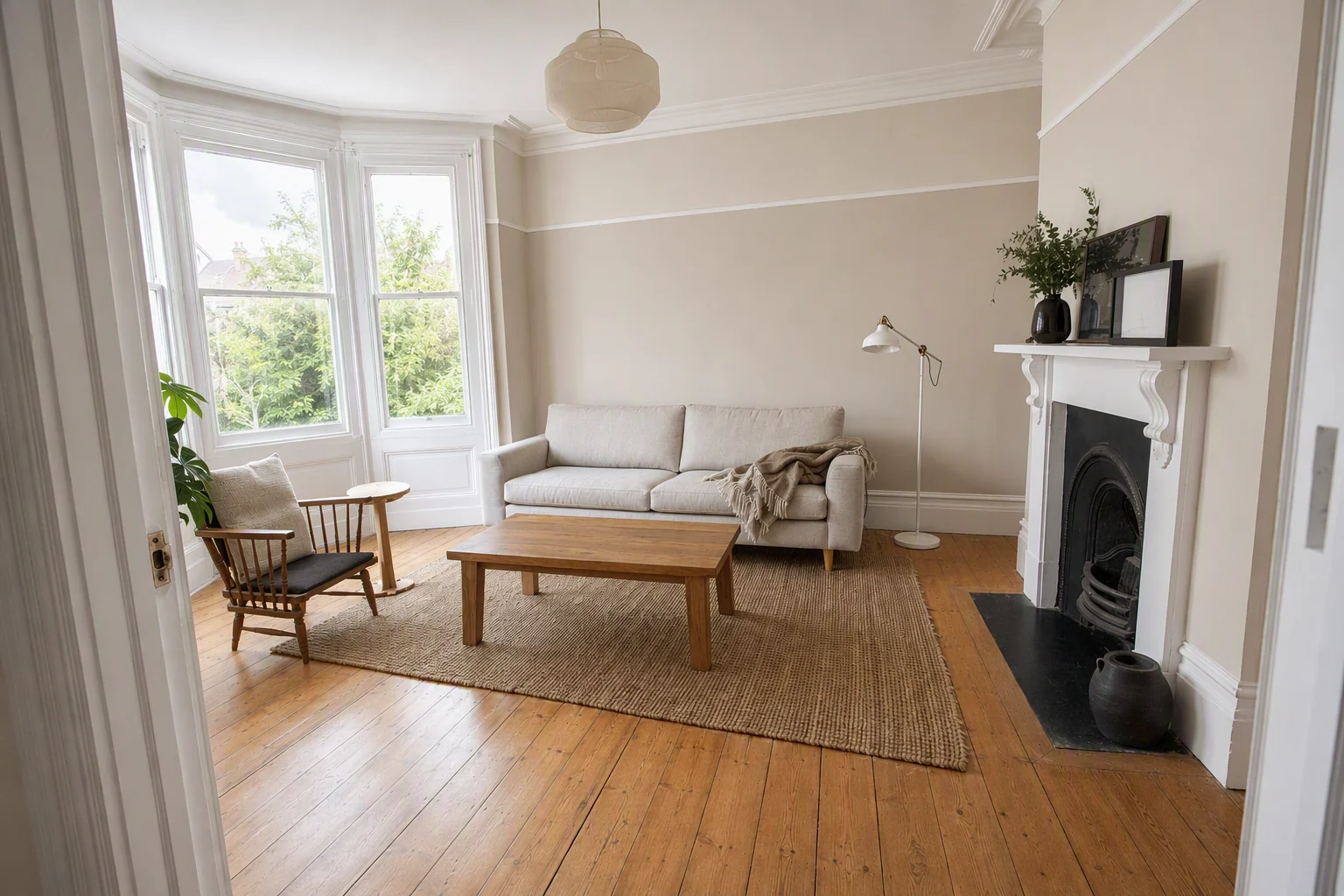
Walls, door frames and windows should be straight up and down. Leaning lines are the clearest sign of an amateur photo.
3. Correct the colour
Remove yellow from tungsten lights and blue from shade. White walls should look white.
4. Replace the sky
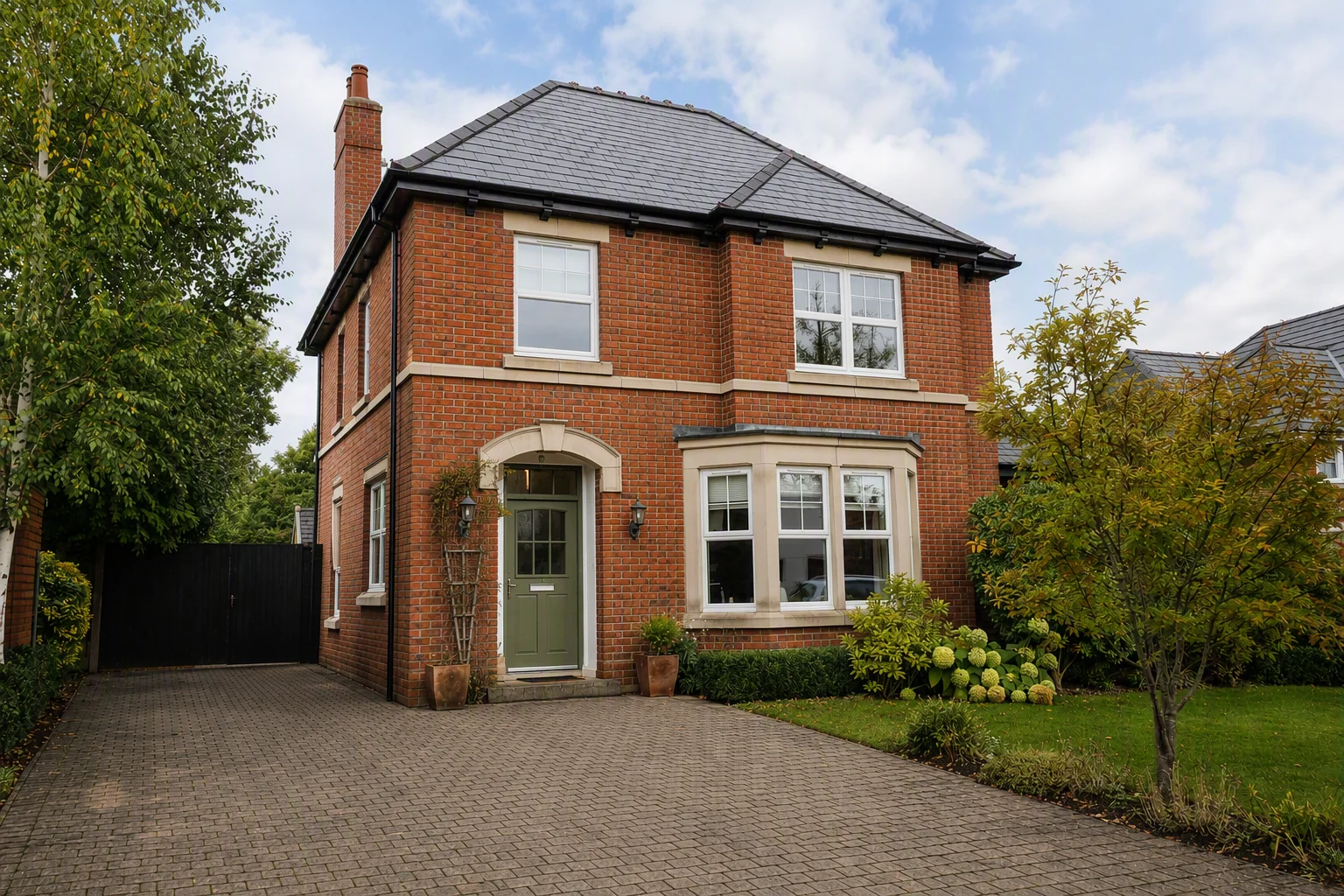
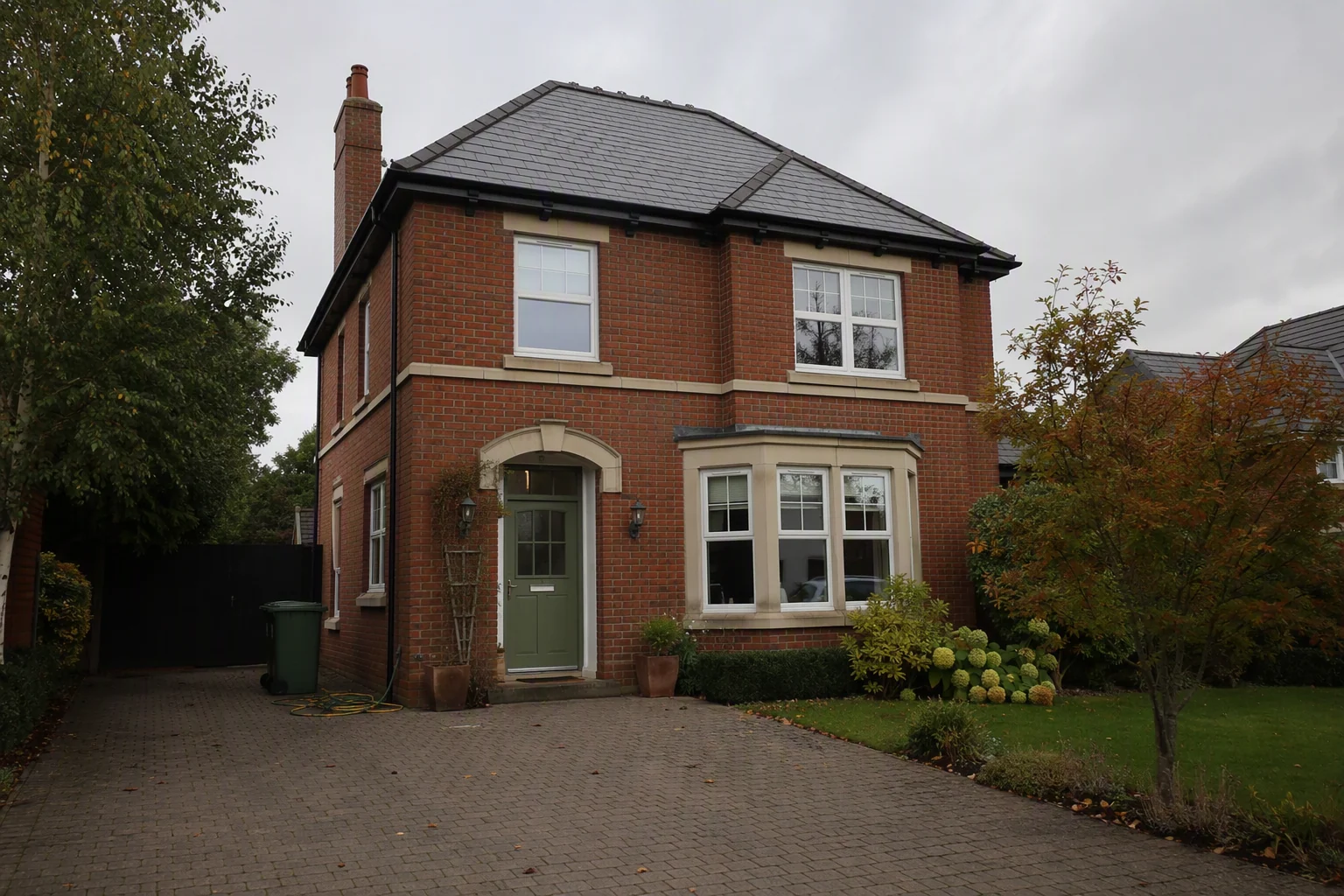
Exteriors on grey days look gloomy. Replace the sky with a clear blue one that suits the season, or make a dusk version for the lead photo.
5. Remove clutter
Bins, cars, cables, personal photos and toiletries. Use declutter for a whole room, or Magic Edit to circle one object and remove it.
6. Stage or restyle (optional)
Furnish empty rooms with virtual staging, or show a dated room in a modern style. Label these clearly as virtually staged.
How long does real estate photo editing take?
| Method | Time per photo | Skill needed |
|---|---|---|
| Lightroom + Photoshop | 10–20 minutes | High |
| Outsourced editing service | 24–48 hour turnaround | None, but you wait |
| Free phone apps | 5–10 minutes | Medium, limited results |
| AI editor (Splatr) | Seconds | None |
Our real estate photo editing cost guide compares outsourcing prices.
How do you edit real estate photos on an iPhone?
You can upload straight from your phone to Splatr in the browser, apply HDR, sky and declutter, and download. For manual edits, Lightroom Mobile and Snapseed handle light and straightening.
What must you never edit?
- Cracks, damp, stains or damage
- Power lines, roads, neighbouring buildings or a phone mast
- Room size (no stretching)
- Permanent fixtures
Changing these can mislead buyers and break advertising rules. Virtual staging and restyling are fine when they are clearly labelled. See virtual staging disclosure rules.
What sizes should you export?
Export portal photos in landscape at 1920 px wide or more, and make 4:5 and 9:16 versions for Instagram. See the full listing photo sizes guide.
What next?
Once the photos are edited, turn the best 6 to 10 into a listing video in the same place. See photo to video AI for property.
Put the guide into practice.
Turn your own photos into edited images and videos in minutes.
7-day free trial.