
Property photos in,staged photos & videos out.
Upload your listing photos. Get them virtually staged, edited and turned into videos, instantly.
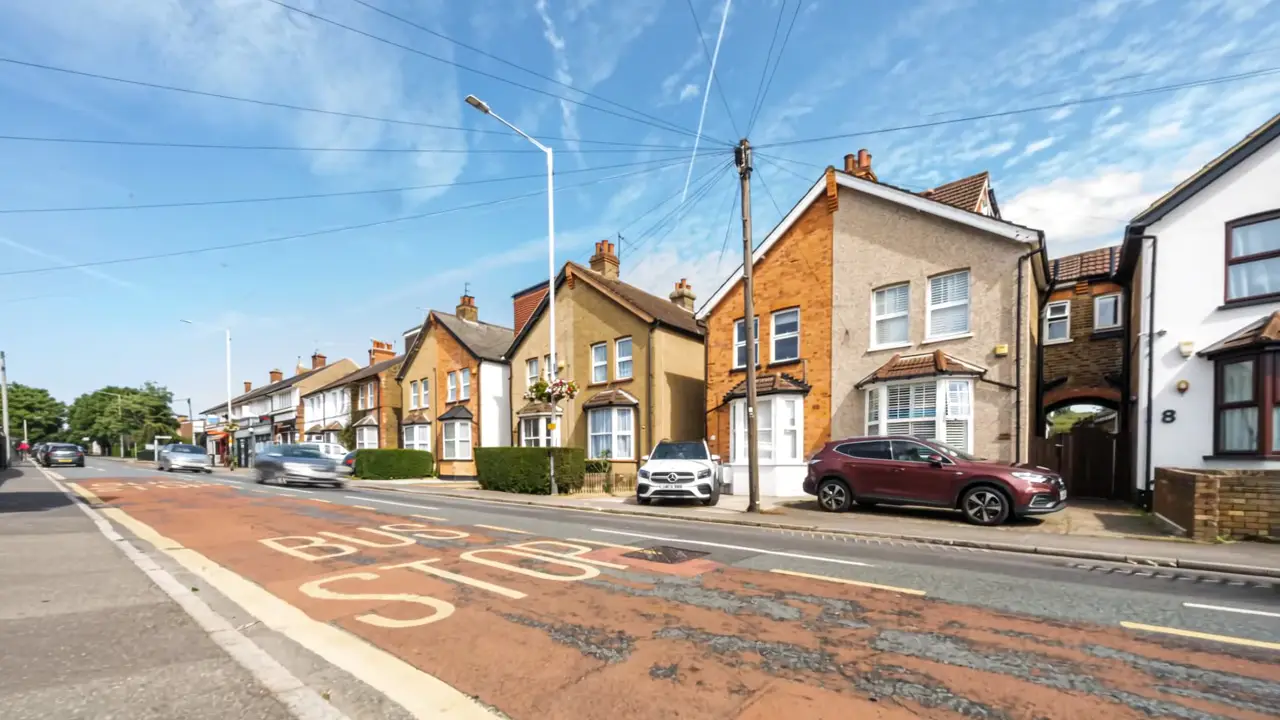
Three steps.
That’s it.
Start with the photos you already have.
1Upload
Drop in your listing photos.
2Click
Pick a preset. We do the editing.
3Share
Post it, send it or put it on your listing.
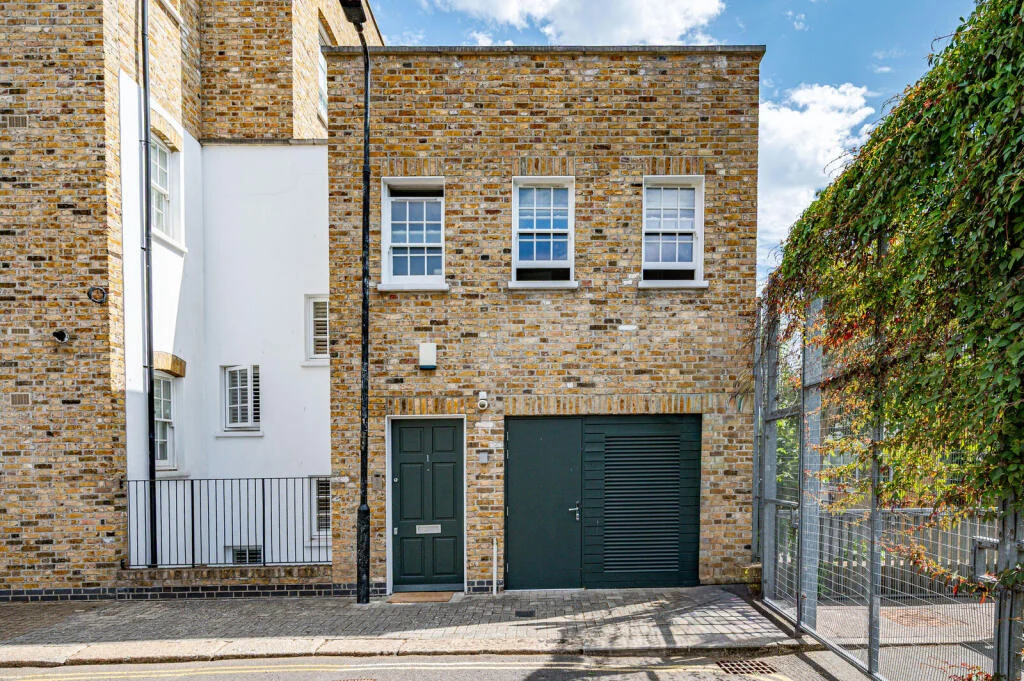
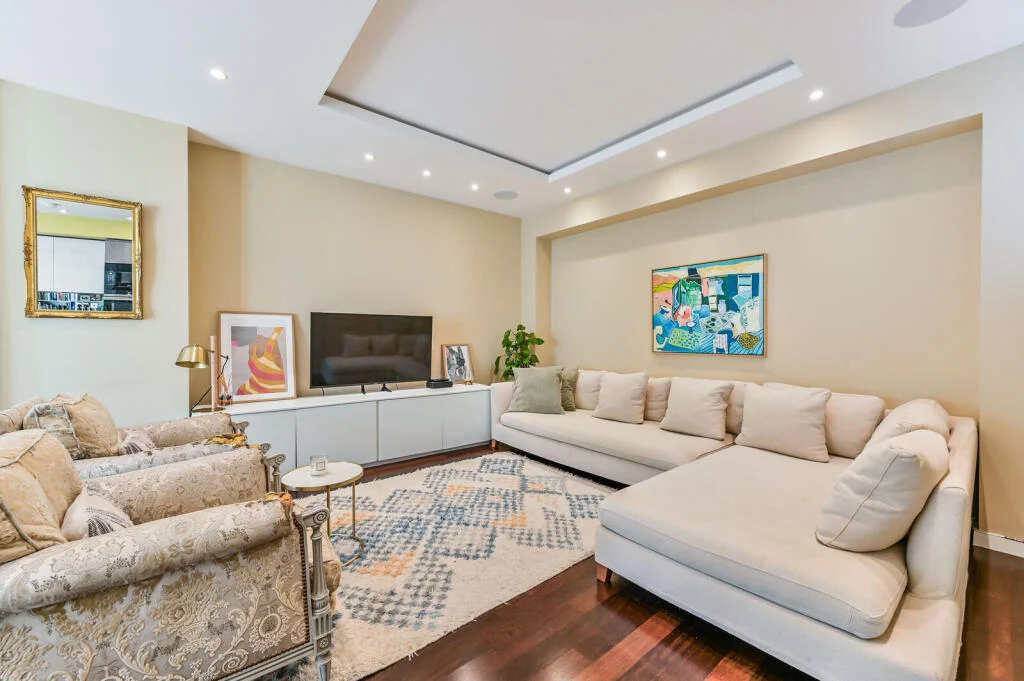
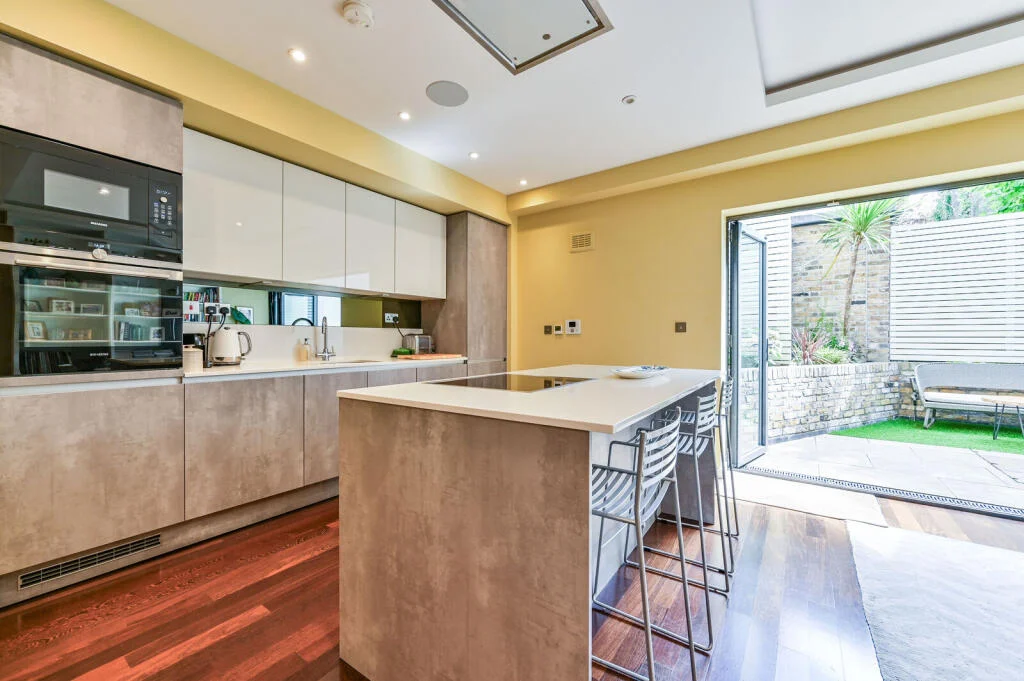
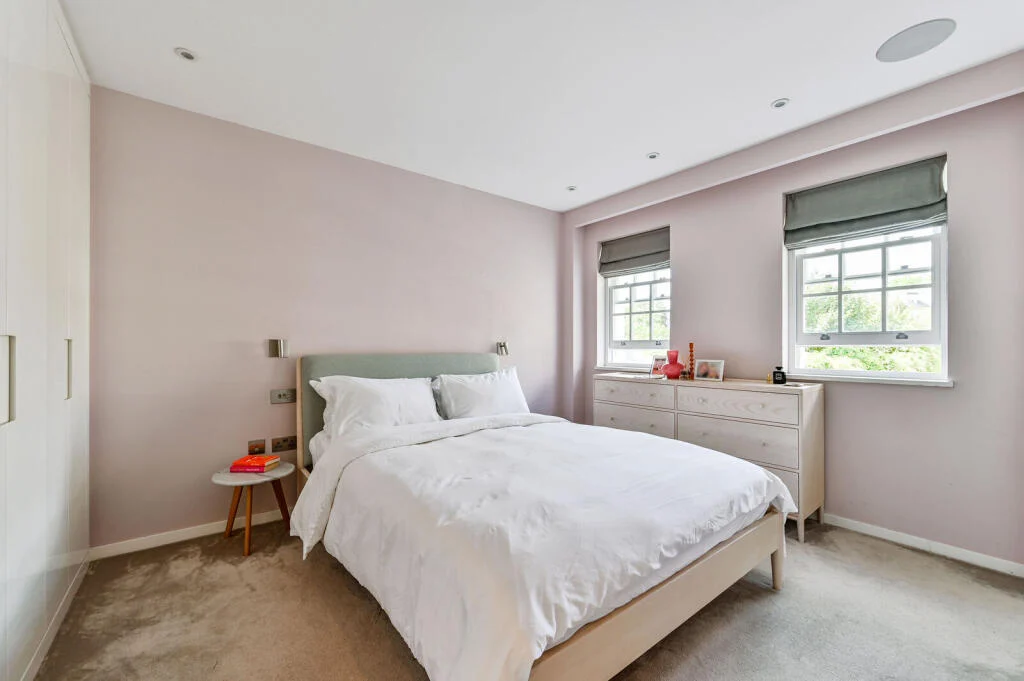
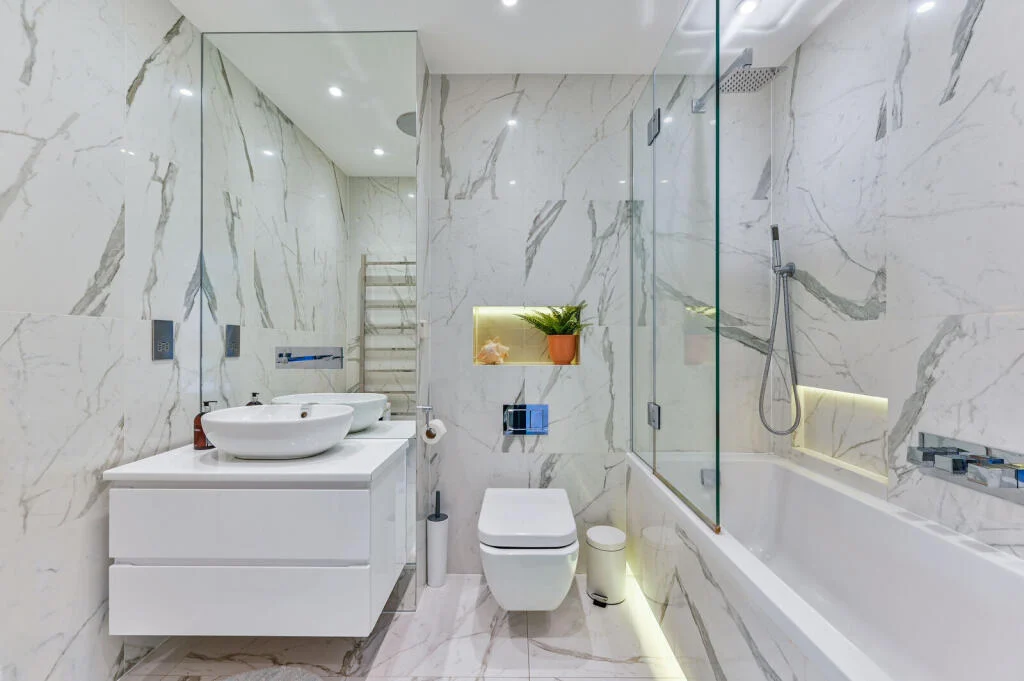
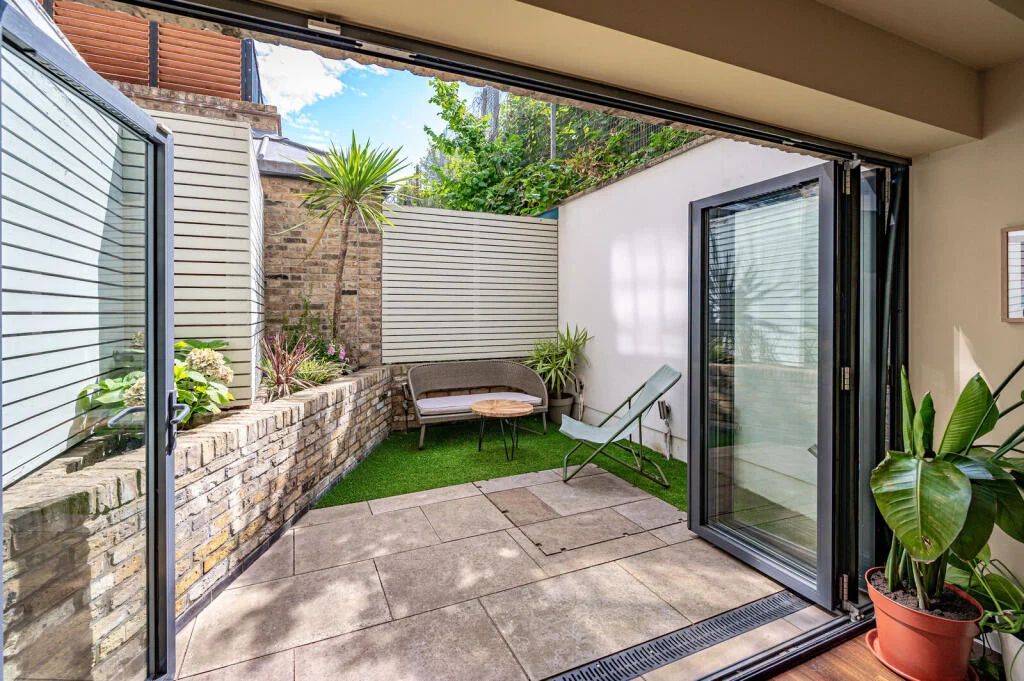
Photos in.
Cinematic videos out.
Upload your photos. Get a finished, branded video in minutes.
Pick the feel of the whole video. The AI director films every photo in that style.
Drop out of the sky, turn day to dusk or sketch a room to life. One click on any photo.
Add a title, your logo and your contact details. Sharp, editable text on every frame.
Choose the move for each photo, or let the AI director choose.
Paste a YouTube link, pick from our catalogue or upload your own track.
Just say what to change. The AI edits the video for you, then export.
Effects that stop the scroll.
One click on any photo. Made from a single still.
- From the skyDrops out of the clouds onto your home.
- Day to duskA glowing blue-hour twilight shot.
- FireworksNight falls and fireworks burst above.
- Build itYour home builds itself from an empty plot.
Every photo,
at its best.
Stage, restyle and fix any photo in one click.
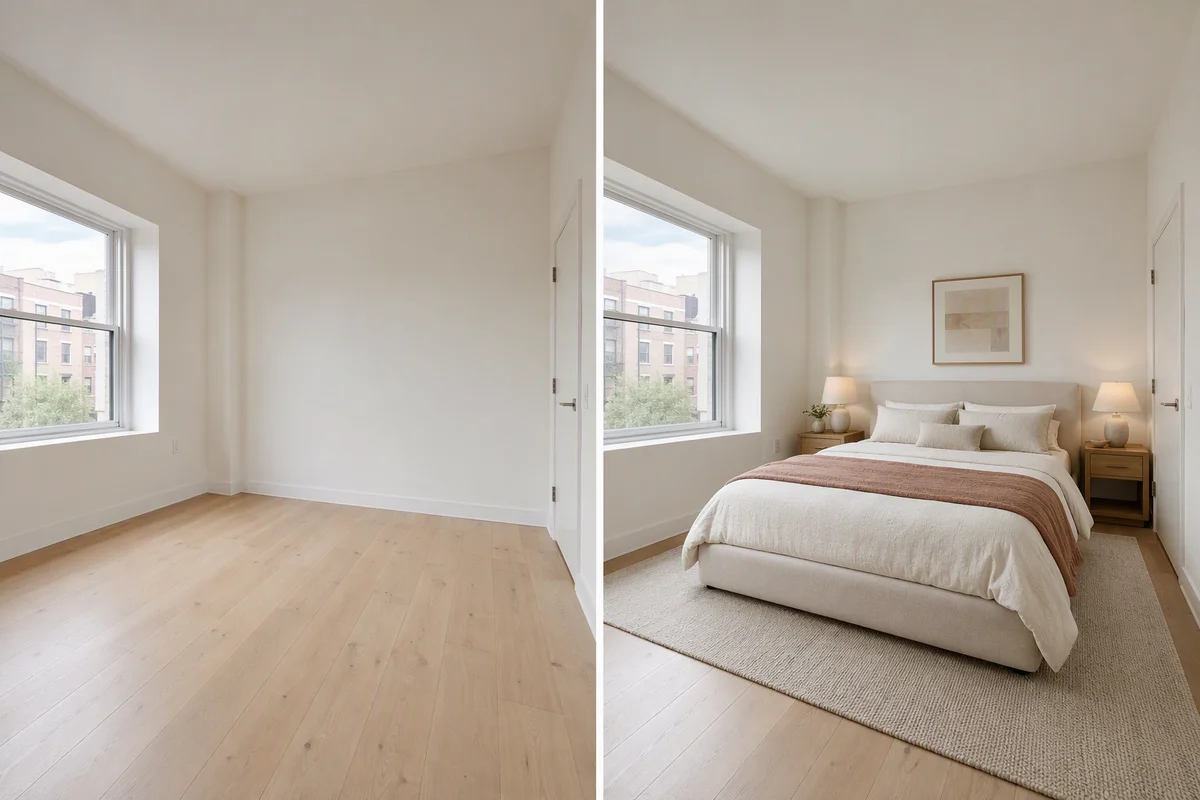
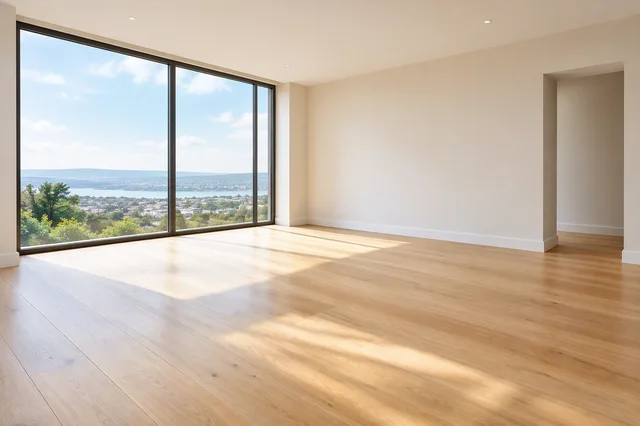
Furnish an empty room in seconds. Walls and windows stay exactly as they are.
Pick a style and see the whole room designed in it.
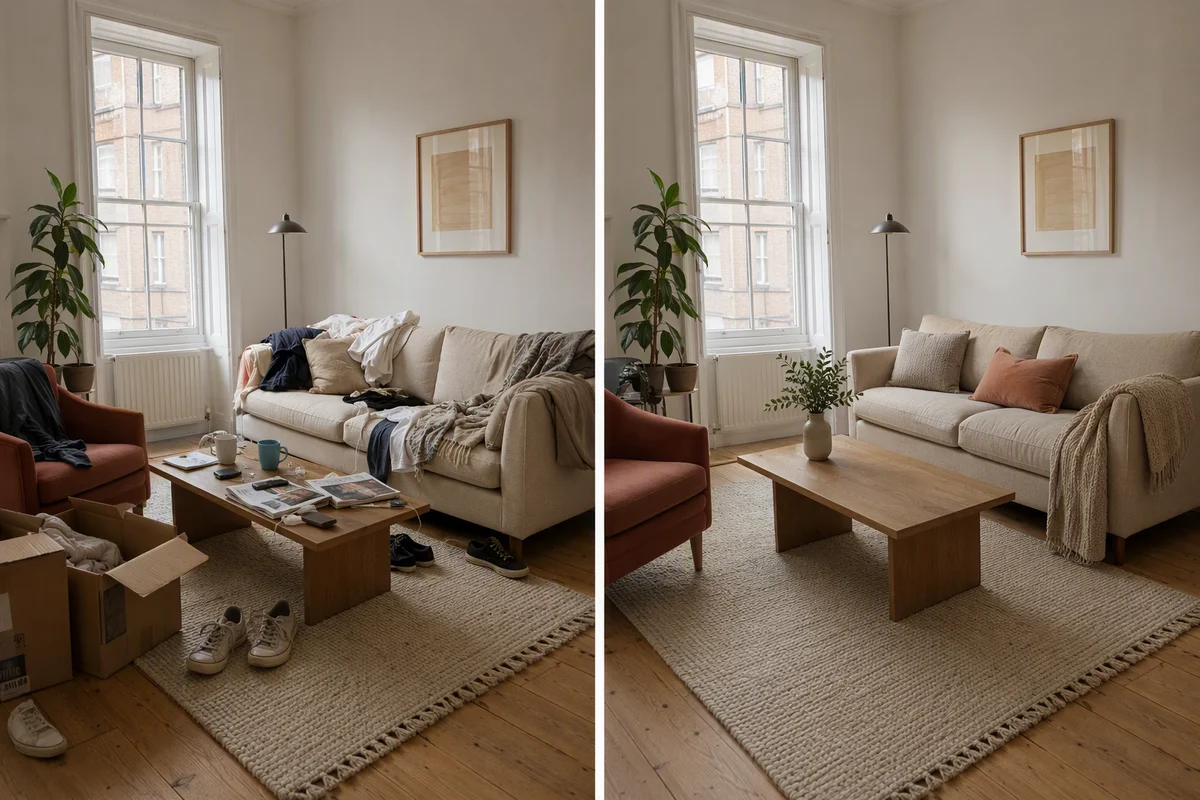
Clear the mess from a lived-in room.
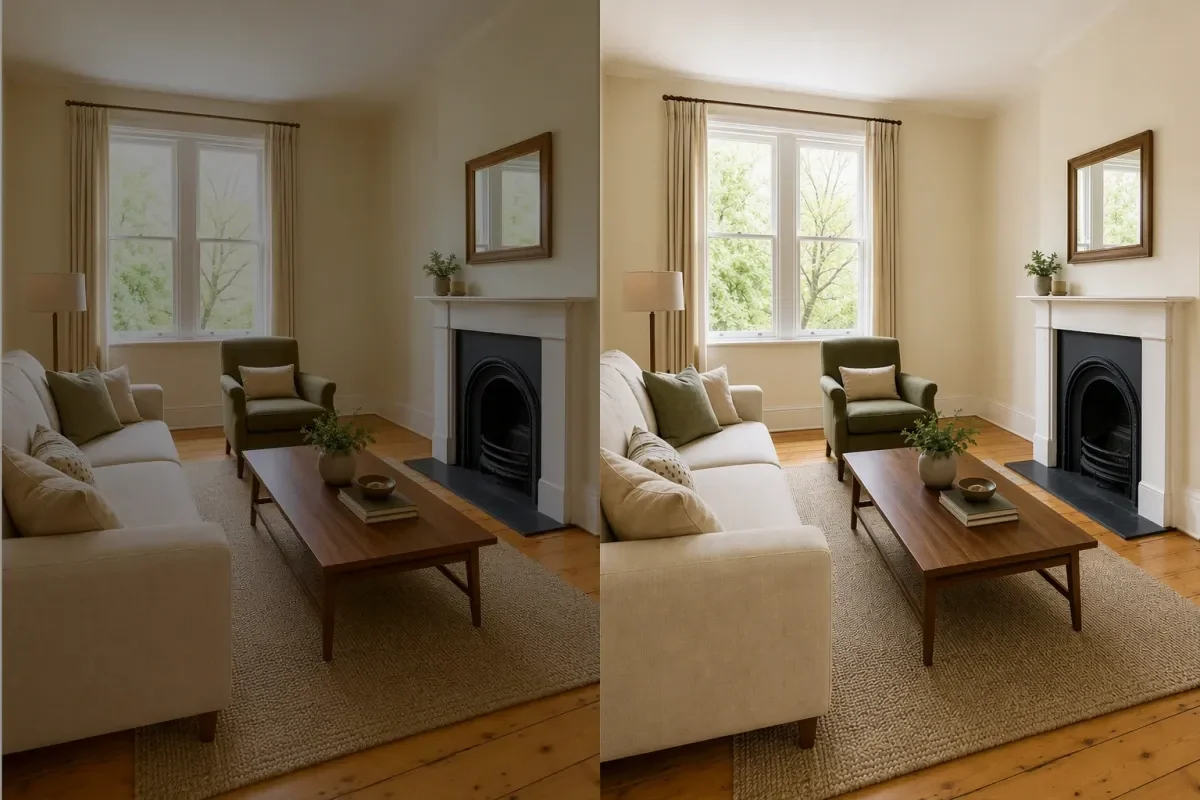
Balanced light, true colour and a clear sky in one click.
Circle anything and describe the change.
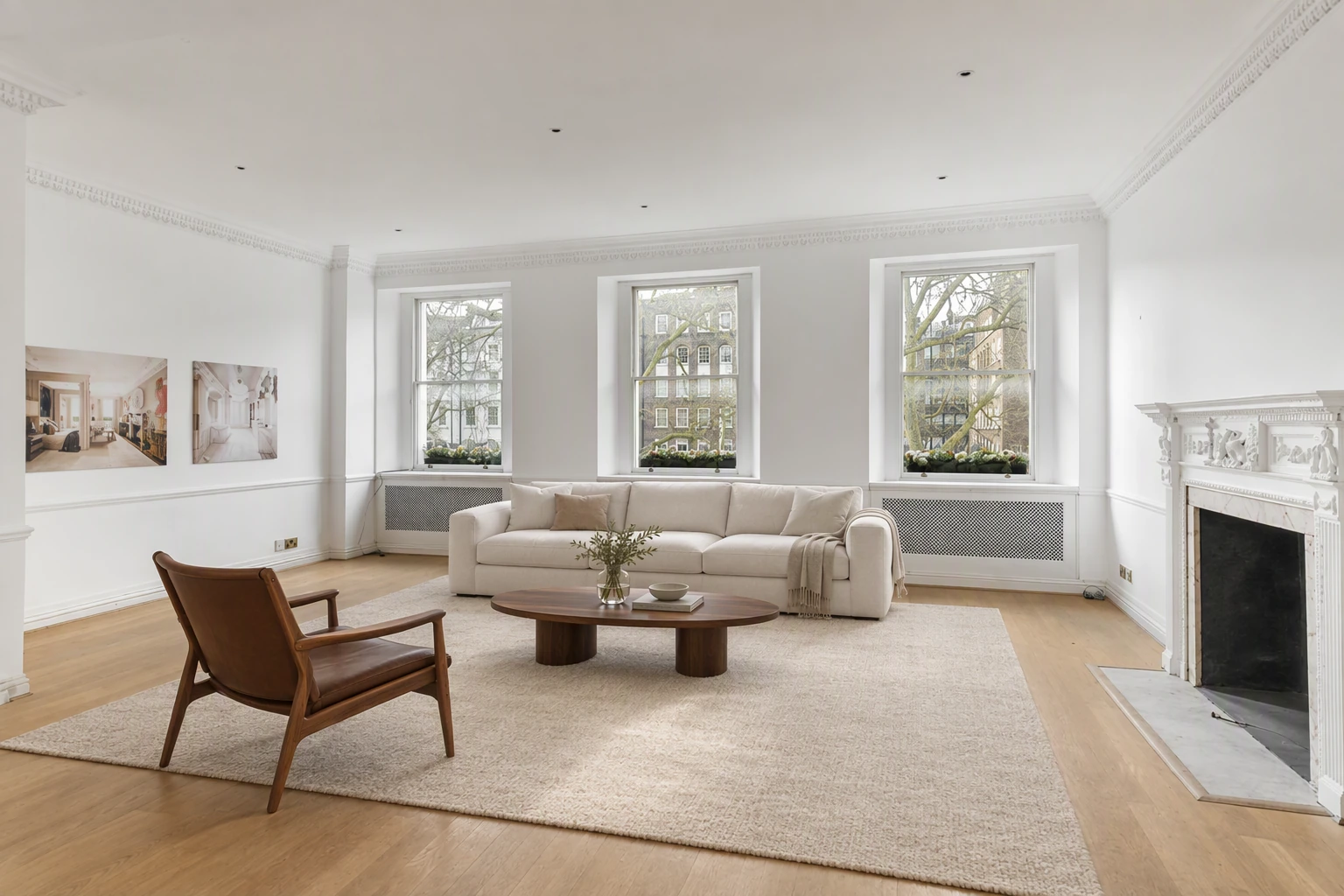
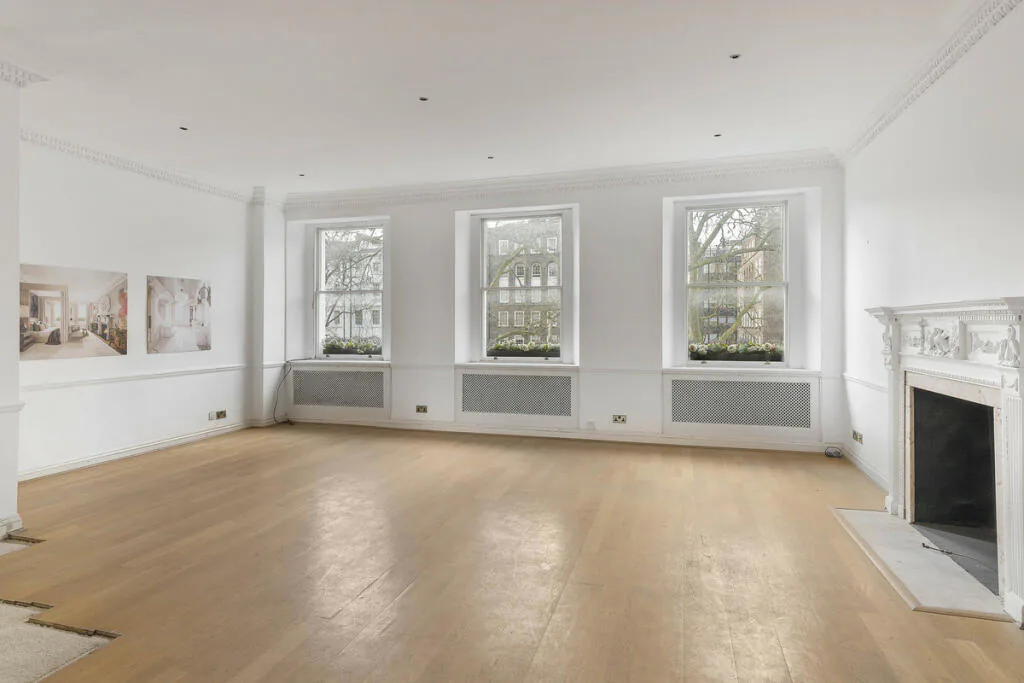
Start with a preset.
Pick one and it’s done. Or describe your own.
- FurnishAn inviting layout for an empty room.
- CleanupClear the clutter, keep the room.
- HDR enhanceBright, balanced and true to life.
- Empty roomEvery piece of furniture, cleared out.
A 360° tour
from your phone.
Take photos on your phone. We stitch, host and share the tour.
Take a few overlapping photos from the middle of each room. We stitch them into a 360° view. No special camera needed.
Pin every 360° view to its room, so buyers always know where they are.
Change the mood of the whole room, not just one photo.
Send a link or embed the tour on your website, under your logo.
 Premiere Pro
 Canva
Canva Photoshop
 CapCut
 After Effects
 Lightroom
 Matterport
 Higgsfield
 Insta360

One software for all.
No specialised hardware required. Replaces all your existing tools.
Your questions, answered.
What do I need to get started?
Just your listing photos. Upload them in the browser. There is nothing to install and it is free to get started.
How does the video work?
Pick your photos and a style. Splatr adds camera moves, text hooks, effects, music and your logo, ready for reels, portals and your website.
What photo edits can I make?
Virtual staging, decluttering, restyling, enhancing light and sky, day to dusk, and Magic Edit for any single detail.
Do I need a 360° camera?
No. Take four overlapping photos of each room on your phone and Splatr stitches them into a 360° tour.
Can I put the tour on my website?
Yes. Share the tour by link or embed it on your website.
Your next listing,
ready to market in minutes.
Upload your photos and see for yourself.