To add a video or virtual tour to an MLS listing, host the video or tour online, copy its public link, and paste it into the listing’s virtual tour field in your MLS’s add/edit screen. Most MLSs have an unbranded tour field that must show only the property, with no agent names, logos, phone numbers or yard signs, and some also have a branded field that is sent to syndication sites. Check your own MLS’s rules, as they differ.
Step by step
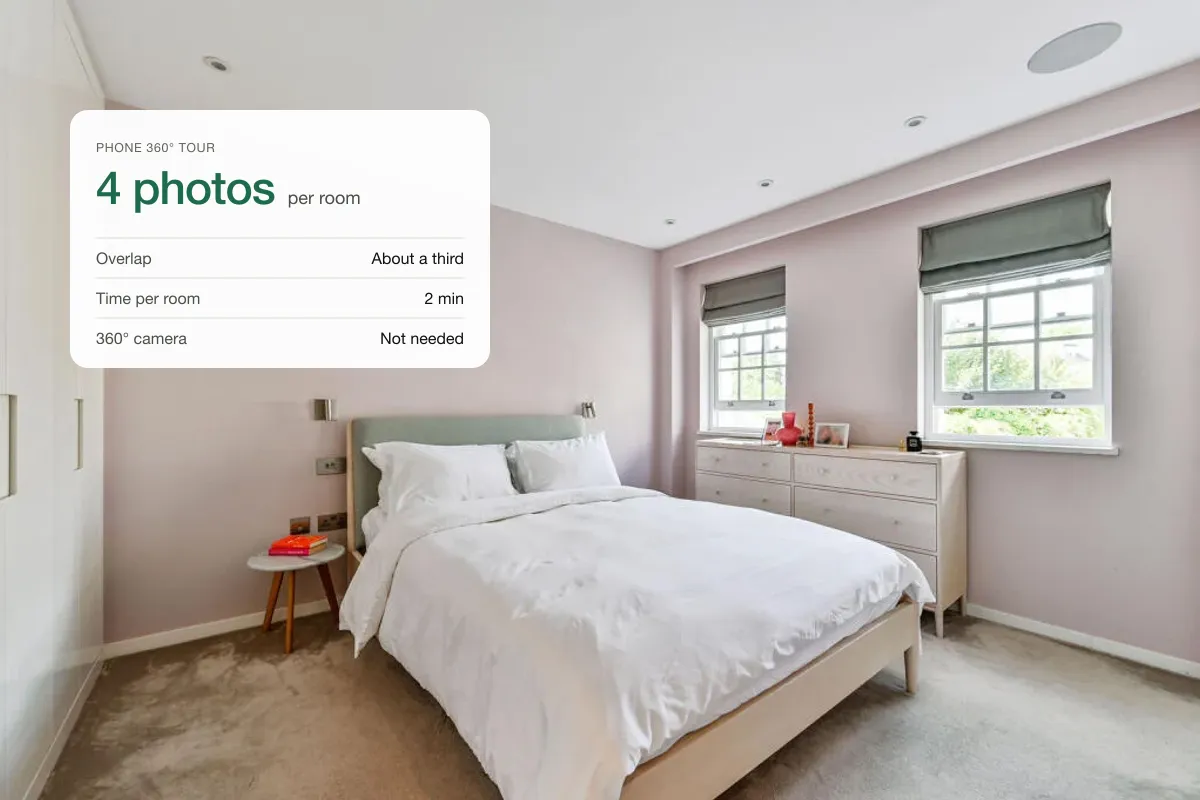
- Make the video or tour. A listing video from your photos or a 360° tour from phone photos both work. See how to make a real estate video and a phone virtual tour.
- Create an unbranded version. Remove the end card with your name and contact details, any voiceover introducing you, and any shot showing a sign or flyer.
- Host it. Upload the video to a host that gives a public link (for example YouTube set to public or unlisted, or your tour platform). The MLS stores the link, not the file.
- Open the listing in your MLS and go to the virtual tour or media section.
- Paste the link into the unbranded virtual tour field. If your MLS has a branded field, paste the branded version there.
- Save and preview the public view of the listing to check the link opens and shows no branding.
What does “unbranded” mean?
MLS rules typically say an unbranded tour or video may contain only the property. One association’s rules, for example, state that it may not contain a readable yard sign or any visual indication of the agent or office name, and fine mislabelled branded tours. Other MLSs list the ways contact details creep in:
- Voiceovers that introduce the agent.
- For-sale signs or flyers in shots.
- Intro and end cards with agent or brokerage details.
- Contact details in the video description.
- Open house details in the video.
- Branding on the tour’s landing page, or links to other branded videos.
Some MLSs also ban QR codes inside virtual tours. When unsure, remove anything that is not the property.
- Upload photosPhone or photographer
- Pick a styleCamera moves added
- Add brandingLogo, title, contact
- Add musicCatalogue, upload or link
- Export9:16 and 16:9
Branded vs unbranded links
| Unbranded link | Branded link | |
|---|---|---|
| Where it shows | MLS public view, many IDX sites | Syndication feeds and sites that choose to display it |
| What it may contain | Property only | Agent and brokerage details |
| Typical use | Required tour field | Your marketing version |
Keep both versions of every video and tour: export one film with your branded end card for marketing, and one without it for the MLS.
How the tour reaches Zillow and other sites
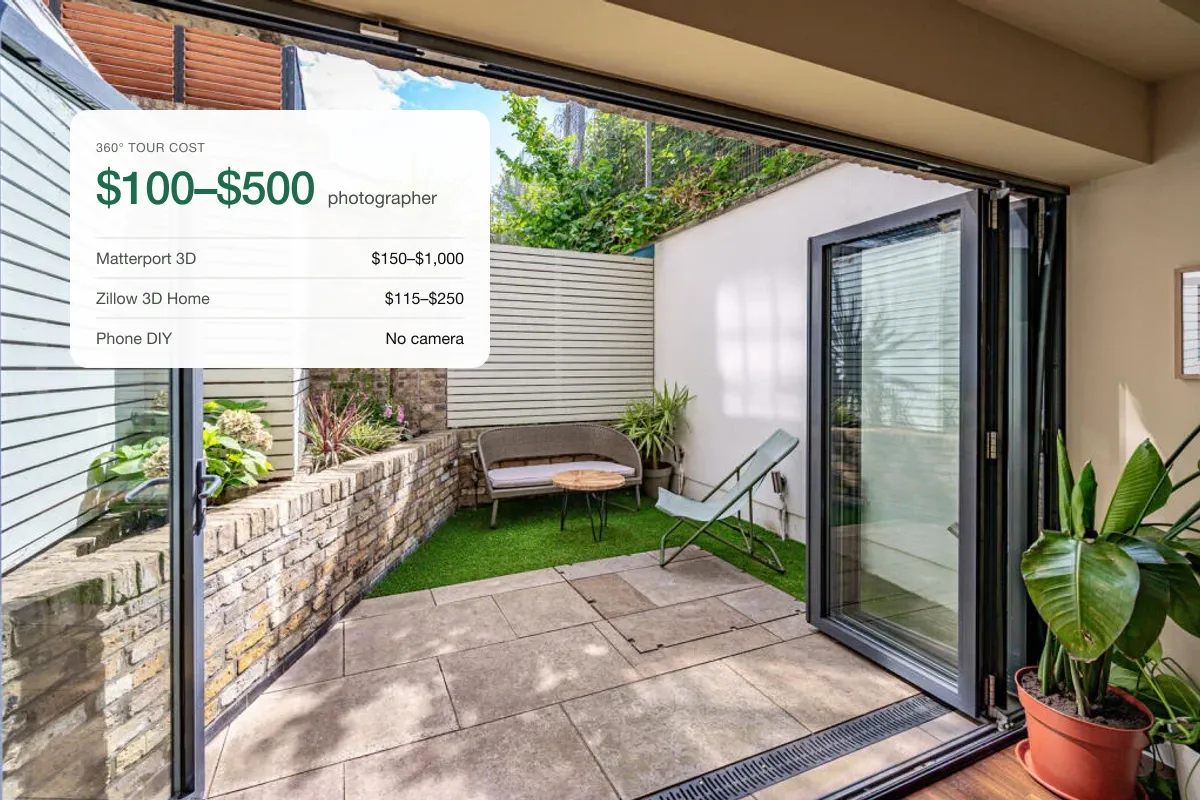
Most MLSs send listing data, including virtual tour links, to syndication partners such as Zillow and Realtor.com, either directly or through a syndication service. Whether a site displays the link, and which field it uses, is up to that site. Zillow also offers its own Zillow 3D Home tours that appear on the Zillow listing. If a tour does not show up, check the field you used and the site’s help pages.
Virtually staged photos and video
If the video uses virtually staged photos, label it. California’s AB 723, in force since 1 January 2026, requires a disclosure and access to the unaltered images for digitally altered listing photos, and California’s largest MLS now requires the original photo to be shown next to the altered one. Add “Includes virtually staged images” to the video and keep the originals in the listing. See disclosure rules.
For a wider view of US listing marketing with AI visuals, see AI property visualisation in the USA.
UK portals
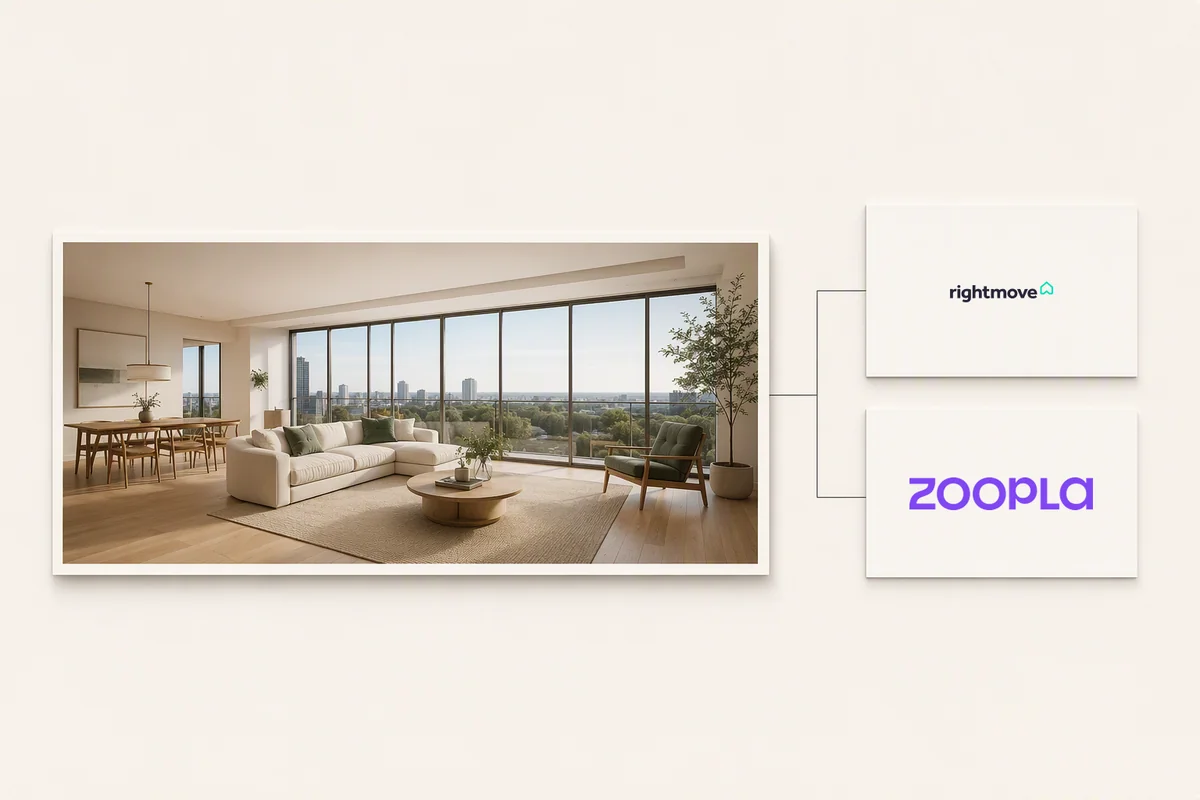
Rightmove and Zoopla have their own processes for video and tour links, and feed-managed listings are updated through the feed. See sharing tours on Rightmove and Zoopla.
Quick answers
Can I upload a video file directly to the MLS?
Most MLSs take a link to a hosted video or tour rather than a file. Some newer systems accept uploads; check your MLS.
Why was my virtual tour rejected by the MLS?
Usually because it showed branding or contact details in the unbranded field: an end card, a voiceover, a sign or branding on the tour page.
Does a virtual tour on the MLS show on Zillow?
Often, through syndication, but each site decides what to display. Zillow 3D Home tours show on Zillow directly.
Put the guide into practice.
Turn your own photos into edited images and videos in minutes.
7-day free trial.