A published Splatr 360° tour can be linked from an agency website or embedded where the site supports the viewer. Linking opens the hosted tour; embedding places interactive exploration within the property page.
What does an embedded tour provide?
Visitors can look around panoramic rooms and use the tour’s navigation while staying within the agency’s page. The website can retain its own photographs, property facts and enquiry controls around the viewer.
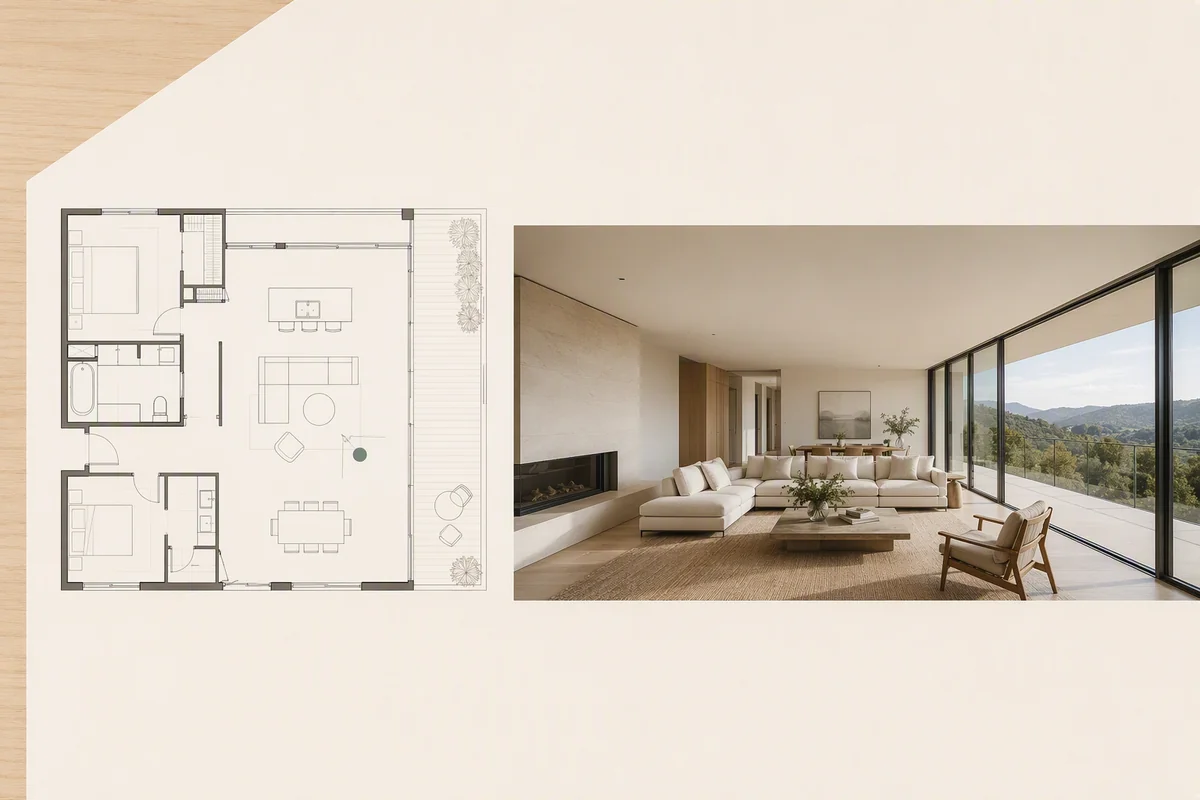
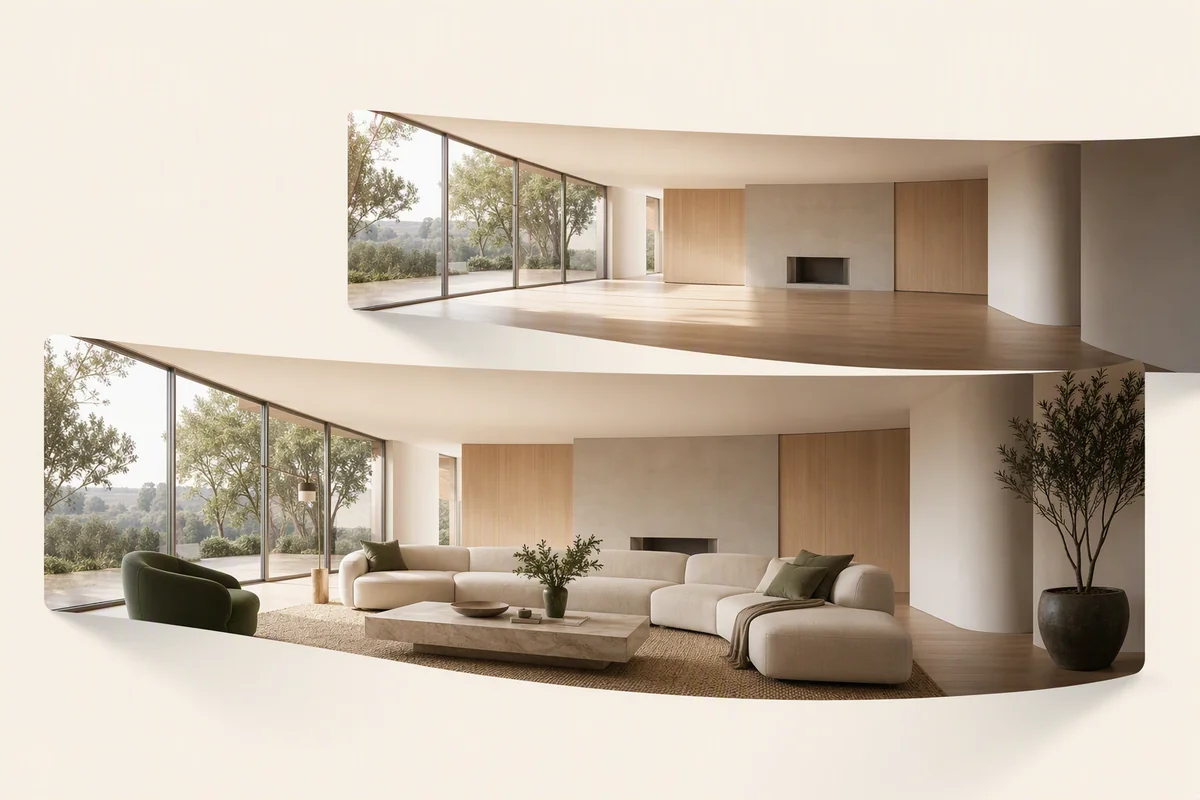
The tour is created with 360° Visualization, using suitable panoramic photography or rendered room views. A floor plan can provide navigation context across rooms and levels.
How do you add the tour?
Publish the intended tour view in Splatr and use its supported public sharing destination. Add the link to the website or place the viewer through the site’s supported embed method.
The website’s CMS and security settings must permit the iframe or embed. Use the published destination rather than a private editing or preview URL, and confirm that visitors can open it without your account session.
When is a direct link useful?
A link provides access to the full hosted experience when an embedded viewer is unsuitable for the page layout or restricted by the website builder. It also gives mobile visitors an alternative to a smaller inline frame.
The link can sit alongside the property’s other media. Splatr hosts the tour experience, while the agency chooses where it appears within its website.
How does Showcase differ from an embed?
Showcase is a hosted property presentation with photographs, details, location and an optional film. An embed places the tour in a page your agency already operates.
You can therefore choose between building the context on your own website and using Showcase as a shareable property destination. Both approaches can introduce the same panoramic content.
Does this also publish the tour to portals?
No. Agency websites and listing portals have different controls. Rightmove and Zoopla accept tour links through their own supported listing workflows, rather than through your website’s embed settings.
See the portal-sharing instructions. After adding a link or embed, check the actual public page and the mobile viewer to confirm access and navigation.
Put the guide into practice.
Try Virtual Studio with your own property images.
14-day free trial on the Basic plan.