Photoroom, Pebblely, Flair and Claid are general AI product photo tools. They are quick and affordable, and they work across every category from skincare to trainers. Splatr is built for interiors only. It stages furniture, lighting, curtains and decor in rooms, turns the images into reels, and lists products where shoppers can try them in their own home. The right choice depends on what you sell and what you need besides the image.
What do the general tools do well?
Each has a clear strength, going by its own published description.
- Photoroom is known for fast background removal, AI backgrounds and batch editing, with a strong mobile app.
- Pebblely keeps things simple: upload a product, pick a theme and get a lifestyle scene.
- Flair gives you a canvas where you arrange the product and props before generating, which suits art-directed shots.
- Claid focuses on enhancing and generating images at catalogue scale, with an API for automation.
If you sell small items, or you mainly need clean cut-outs and consistent backgrounds for hundreds of listings, any of these is a sensible, low-cost choice.
Why is furniture a harder case?
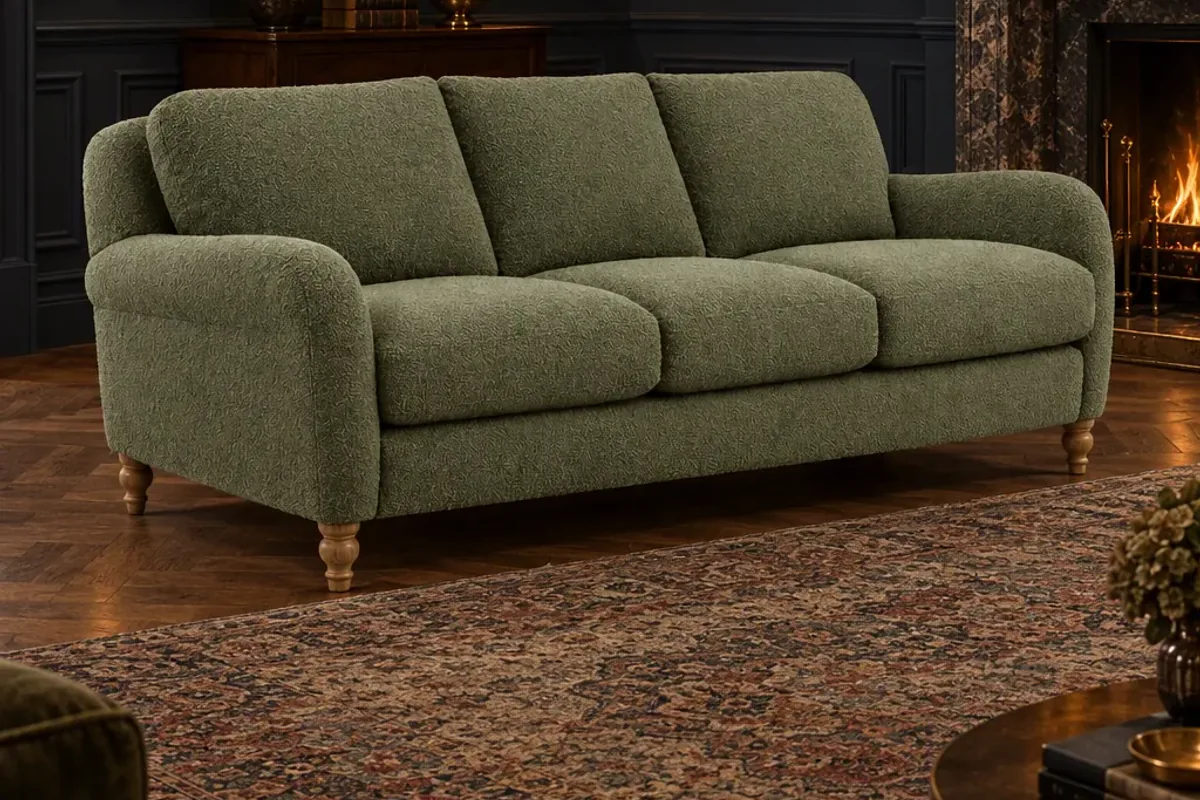
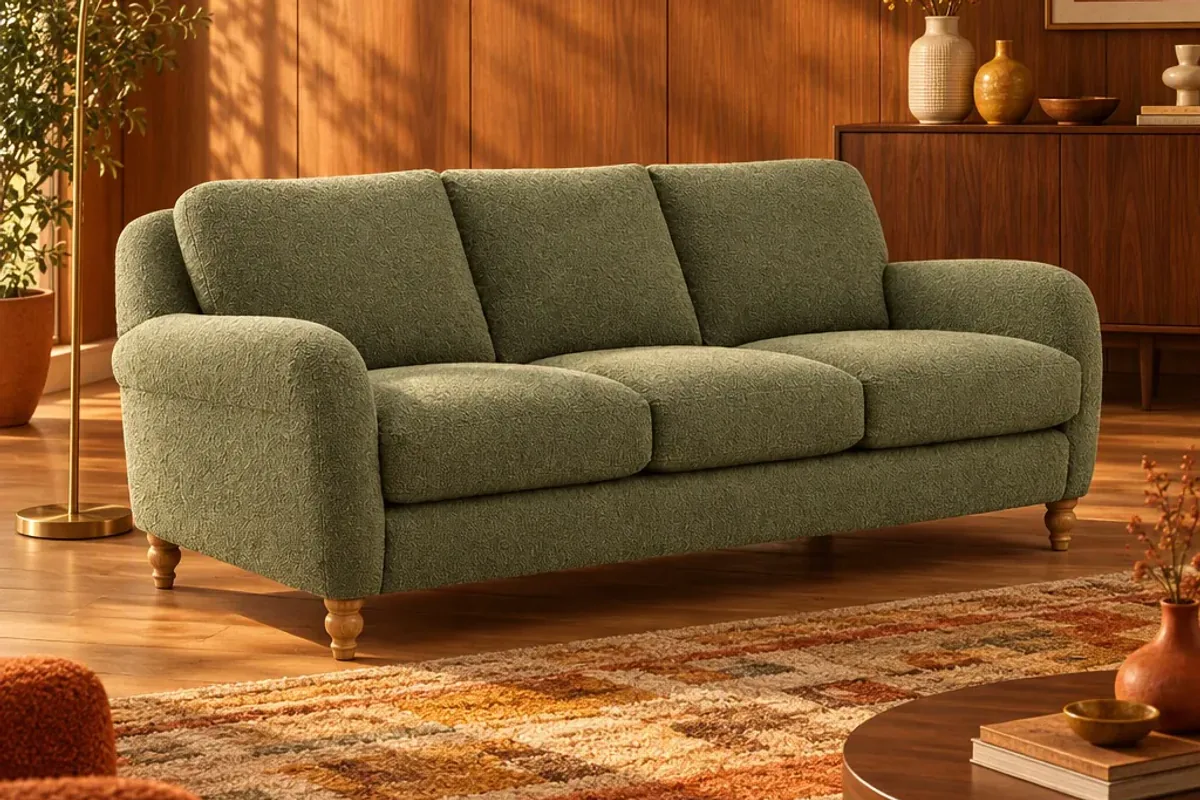
A candle looks fine on almost any surface. A three-seat sofa has to sit in a believable room, at the right size next to a door, a window and a rug, with shadows that match the light. Scale and perspective mistakes are obvious at that size.
Interior brands also need more than a background. Customers want to see the product in a whole room, in a style that looks like their home. That is a room-building problem, and it is what Splatr’s Reimagine is designed for.
How do they compare?
| What you need | Splatr | General AI photo tools |
|---|---|---|
| Focus | Interiors: furniture, lighting, curtains and decor | Any product category |
| Room scenes for large furniture | Stages the product in Scandi, warm modern or moody rooms | Scene and background generation, with results varying by tool and product size |
| Channel sizes | Store thumbnail, social post, story or ad and website banner together | Resizing and templates, depending on the tool |
| Video | Reels from your images, with music and your logo; beta | Varies by tool, so check what is included |
| Shopper room preview | Products on the Splatr marketplace can be tried in a shopper’s own room photo | Not their purpose |
| Finding new customers | Marketplace listings that link to your own product page | Not their purpose |
| Bulk cut-outs and catalogue clean-up | Not the focus | A core strength |
This table reflects each company’s documented focus. It is not a claim that a feature missing from the list is unavailable. Check current features and pricing on each site.
When is a general tool the better choice?
Be honest about your needs. Choose a general tool when:
- You sell small products that do not need a full room.
- Your main job is background removal for marketplace listings.
- You need to process thousands of images through an API.
- You sell across several categories, not only home.
Many brands use one of these for catalogue clean-up and a separate tool for room images. That is a perfectly good setup.
When is Splatr the better choice?
Choose Splatr when the room is what sells the product. That applies to most furniture, lighting, curtains, rugs and decor. It also fits when you want the next steps in the same place: the staged image in four channel sizes, a reel made from those images, and a marketplace listing where shoppers place your product in their own room and then buy on your site.
How should you run a fair test?
Do not judge on the examples on anyone’s website, including ours. Use your own product.
- Pick your hardest product, such as a large sofa or a glass-topped table.
- Use the same source photo in each tool.
- Ask for the same kind of room.
- Compare scale, shadows, colour accuracy and how the product meets the floor.
- Count the minutes from upload to an image you would publish.
- Check whether you can get the sizes and the video you need without extra tools.
The winner is the tool that gives you publishable images of your real product with the least effort. For background on the method, read AI product photography for furniture, or try it on the Splatr e-commerce page.
Put the guide into practice.
Stage your own products and make your first reel in Splatr.
7-day free trial.