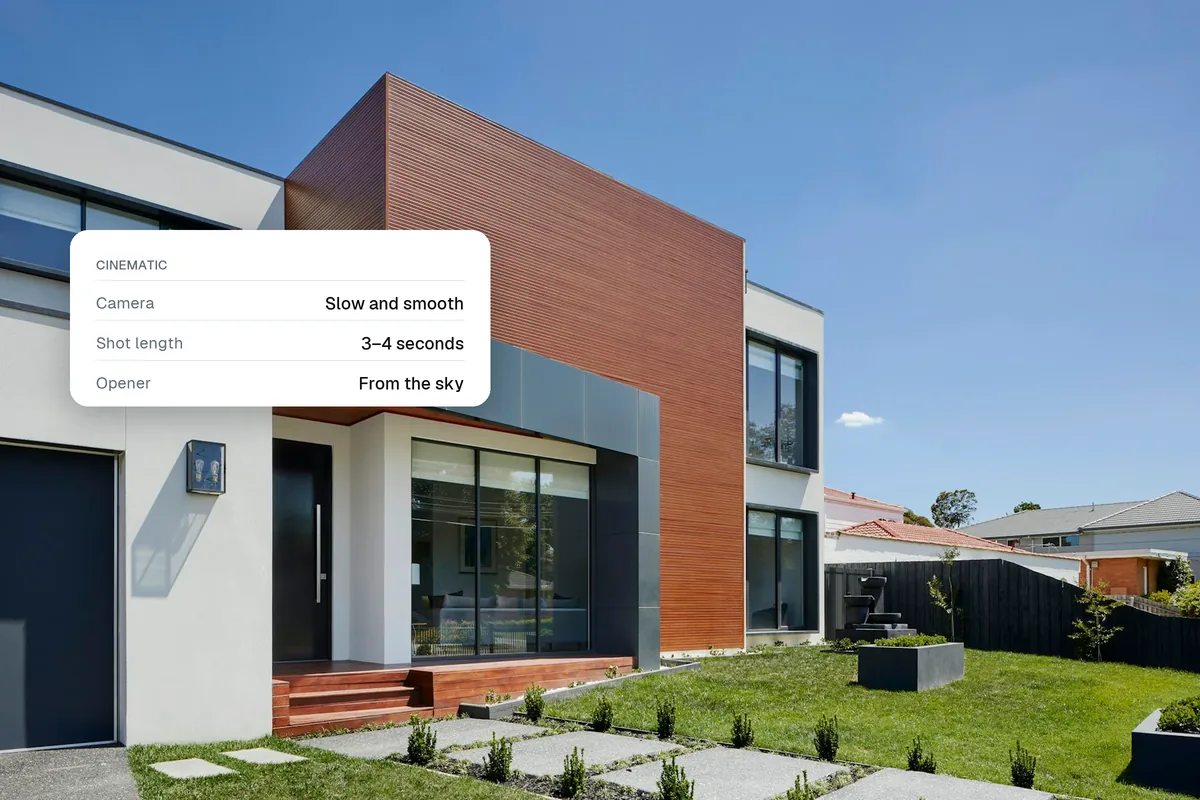
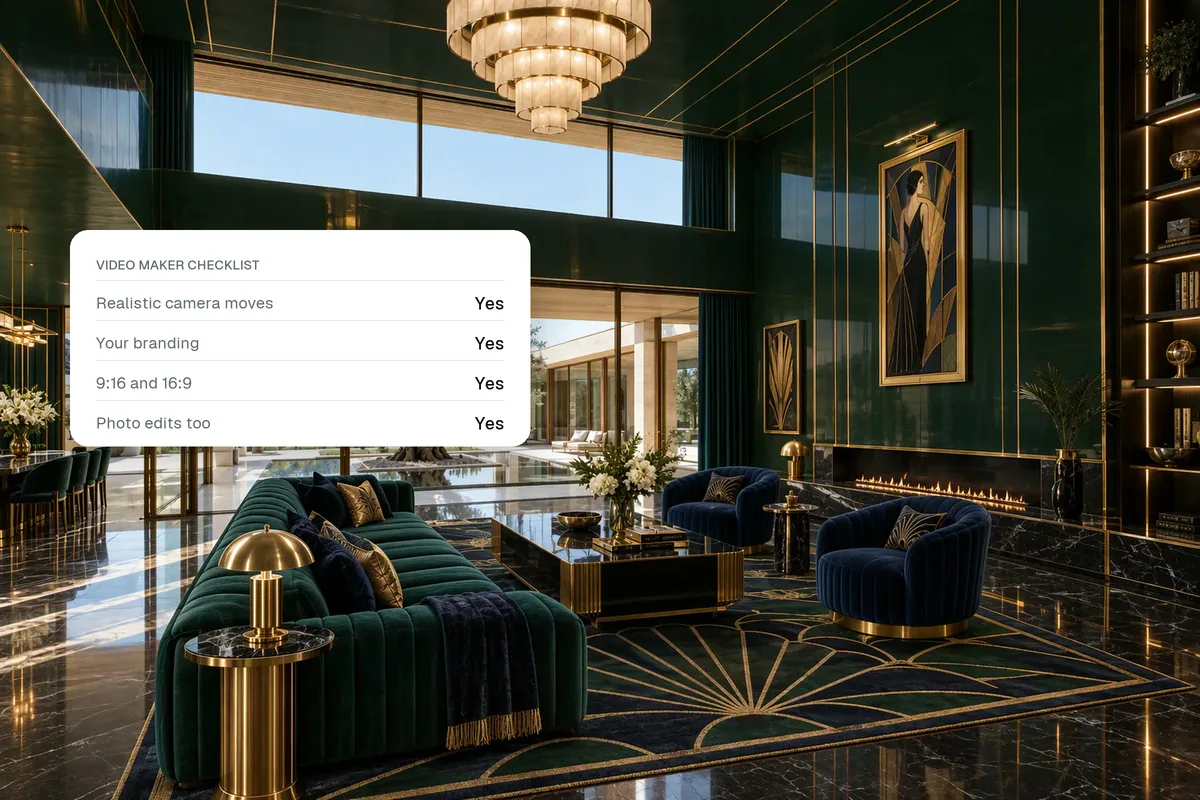
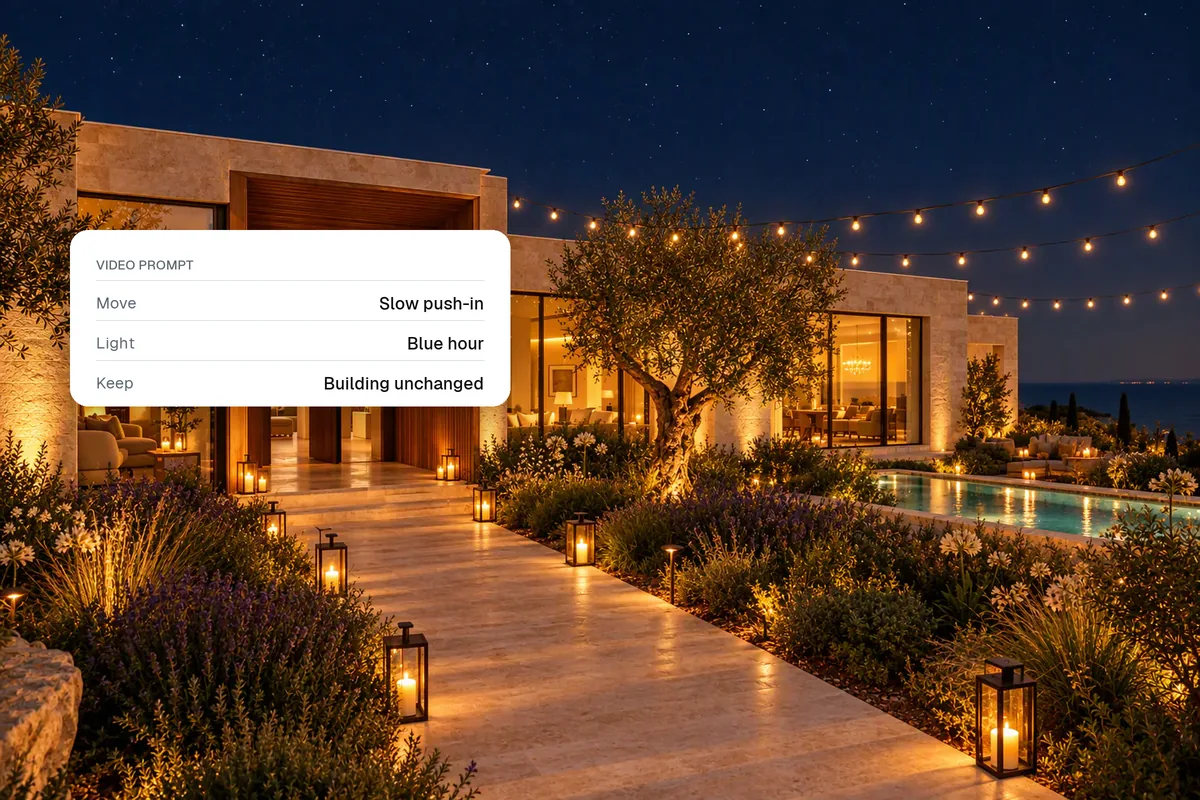
There are three ways to make a real estate video: film a walkthrough yourself on a phone, hire a videographer, or turn your listing photos into a video with AI. Filming yourself is free but takes practice. A videographer gives the best footage at $300–$600 a listing. AI video from photos takes minutes and needs no shoot, which is why many agents now use it on every listing.
Which method should you use?
| Method | Cost | Time | Best for |
|---|---|---|---|
| Film on your phone | Free plus a gimbal (about $100) | 1–2 hours shooting and editing | Agents comfortable on camera, quick social clips |
| Hire a videographer | $300–$600 typical, more for luxury | 3–7 days | Luxury listings, agent brand films |
| AI video from photos | A few dollars per listing | Minutes | Every other listing, reels, portals |
See what a listing video costs for detailed prices.
Method 1: film a walkthrough on your iPhone
Settings
- Resolution and frame rate: 4K at 30 fps, or 24 fps for a more cinematic look.
- Lens: the 0.5× ultra-wide makes rooms readable, but keep the phone level to avoid bent walls.
- Stabilisation: turn on Action mode or use a gimbal. Shaky footage is the most common reason a walkthrough looks amateur.
- Exposure: tap and hold to lock exposure on the room, not the window.
How to shoot
- Turn on every light and open the blinds.
- Walk slowly, at about half your normal pace.
- Hold each shot for 5–8 seconds and move in one direction only: forward, back or a slow pan.
- Shoot at chest height, and lower for kitchens and bathrooms to show worktops.
- Film each room twice: one wide establishing shot and one detail.
- Shoot vertical (9:16) for reels and horizontal (16:9) for portals, or shoot 4K horizontal and crop.
Editing
Cut each clip to two to four seconds, put the rooms in walking order, add music you are licensed to use, add a title with price and area, and finish with your end card. Keep the whole video under 60 seconds for social media.
- Upload photosPhone or photographer
- Pick a styleCamera moves added
- Add brandingLogo, title, contact
- Add musicCatalogue, upload or link
- Export9:16 and 16:9
Method 2: hire a videographer
Write a short brief: the property’s best features, the formats you need (landscape, vertical, a 15-second teaser), whether you want drone or an agent intro, and the date the listing goes live. Ask what is included: music licensing, revisions, raw footage, and whether you can keep using the video after the sale.
Method 3: make a video from listing photos with AI
This is the fastest route and needs nothing more than the photos you already have.
- Pick six to ten photos in walking order, best shot first.
- Stage empty rooms if needed, so the video shows furnished spaces.
- Generate the clips. AI adds camera motion to each still: push-ins, pans and reveals.
- Add music and branding. A track that suits the property, your logo and contact details at the end.
- Export both shapes. 9:16 (1080×1920) for reels and 16:9 (1920×1080) for portals and YouTube.
In Splatr, the auto-edit picks the right motion for each clip and adds motion graphics, and you can choose a trending track or upload your own. Here is a real example made from six photos, and the full step-by-step.
Limits to know
AI motion is built from a still image, so it cannot show a continuous walk between rooms. It can also invent detail at the edges of a frame. Watch every clip before you publish and drop any that change the property.
Where to post the video
- Instagram, Facebook, TikTok, YouTube Shorts: the vertical cut. See how to make real estate reels.
- Portals and MLS: follow each portal’s video process. Most MLSs require an unbranded version. See adding video to an MLS listing.
- Your website and property page: the landscape cut, with the 360° tour beside it.
Quick answers
How do you make a real estate video with AI?
Upload listing photos to an AI video tool, let it add camera motion to each photo, add music and branding, and export. It takes a few minutes.
What is the best length for a real estate video?
15–30 seconds for social reels, 60–90 seconds for a portal or website walkthrough.
Do I need a drone for a listing video?
No. Drone shots help for large plots, waterfront homes and showing location, but most listings do well without one.
Put the guide into practice.
Turn your own photos into edited images and videos in minutes.
7-day free trial.