Splatr Virtual Studio brings virtual staging, photo editing, image-to-video generation and 360° property presentations into one browser-based platform. Four plugins—Reimagine AI, Video Generator, 360° Visualization and Showcase—let you create different marketing assets from your existing property imagery.
What can you create with Virtual Studio?
| Plugin | Features | Output |
|---|---|---|
| Reimagine AI | Furnish, Cleanup, Enhance, references and region editing | Staged photographs and interior concepts |
| Video Generator | Image-to-video generation, camera direction and sequence editing | Property films in landscape or portrait format |
| 360° Visualization | Panoramic rooms, floor plans and navigation | Interactive property tours |
| Showcase | Photographs, film, property information and location | A shareable property presentation |
Create a Studio project and select the plugins you need. You can add further available plugins as the project develops.
How does Reimagine AI improve property images?
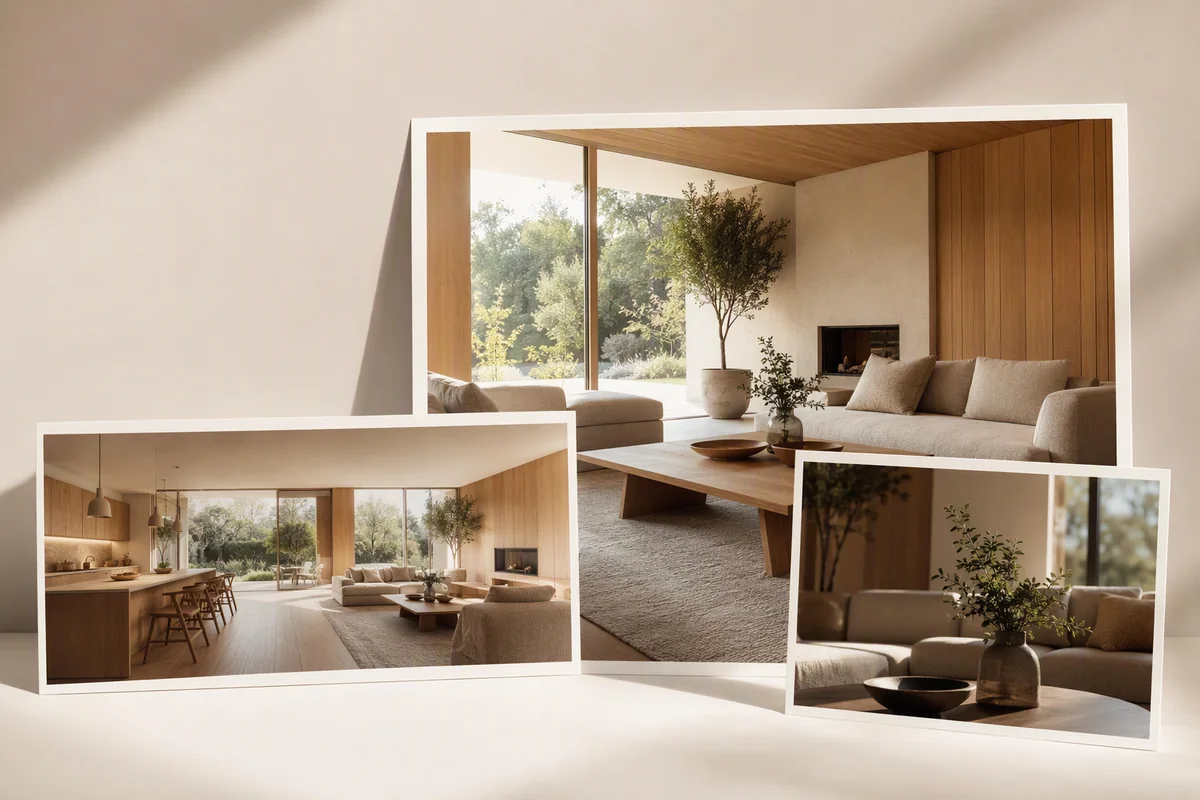
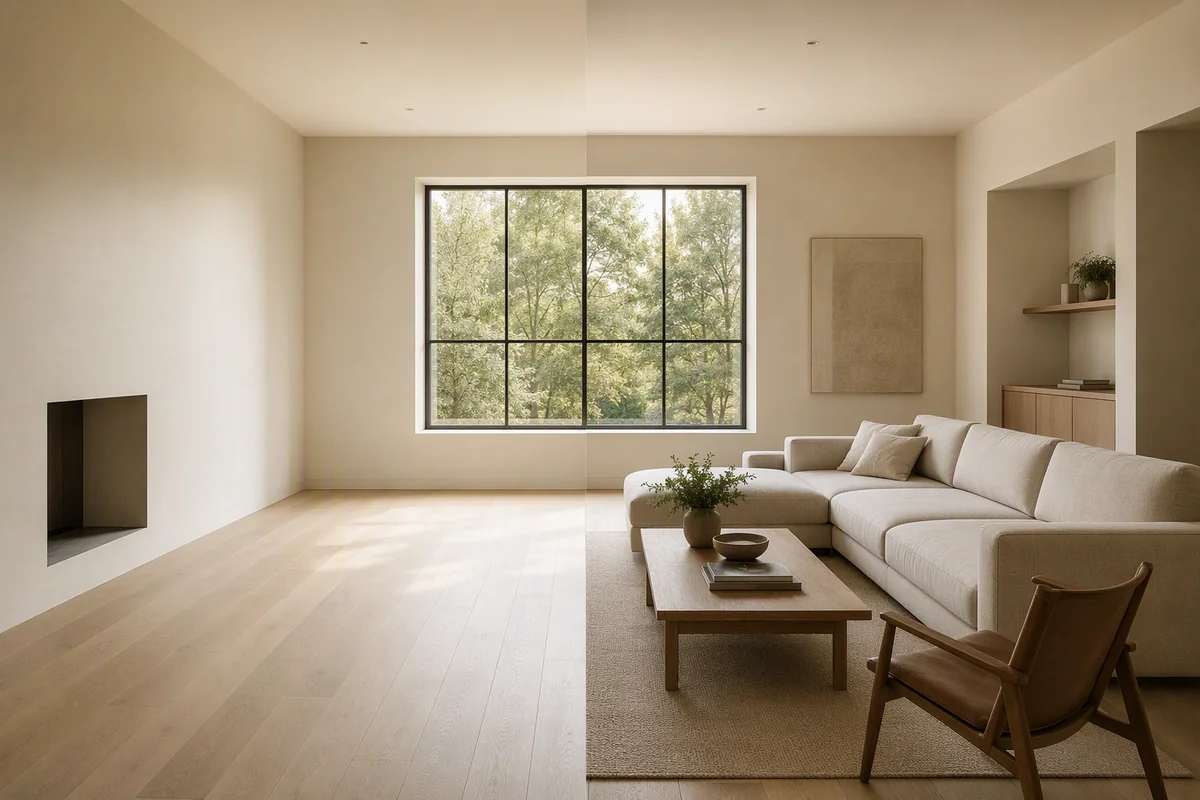
Reimagine AI gives you separate controls for different editing jobs. Furnish adds a furniture concept to an empty room. Cleanup tidies an occupied space. Enhance improves photographic presentation, including light and colour.
Beyond these presets, you can guide a result with reference images, refine a selected region and compare generated versions with the source. The same workspace supports interior restyling and image-based rendering concepts. Explore Reimagine AI’s features.
Can you create a video from a photograph?
Video Generator creates moving clips from still property images. Describe the camera movement, choose landscape or portrait framing, then arrange the clips into a film. The editing workflow supports titles, music and MP4 export. Video Generator is currently beta.
This gives a property team a route from listing photography to video without requiring a separate shoot for that generated film. See the photo-to-video workflow.
How do tours and Showcase work together?
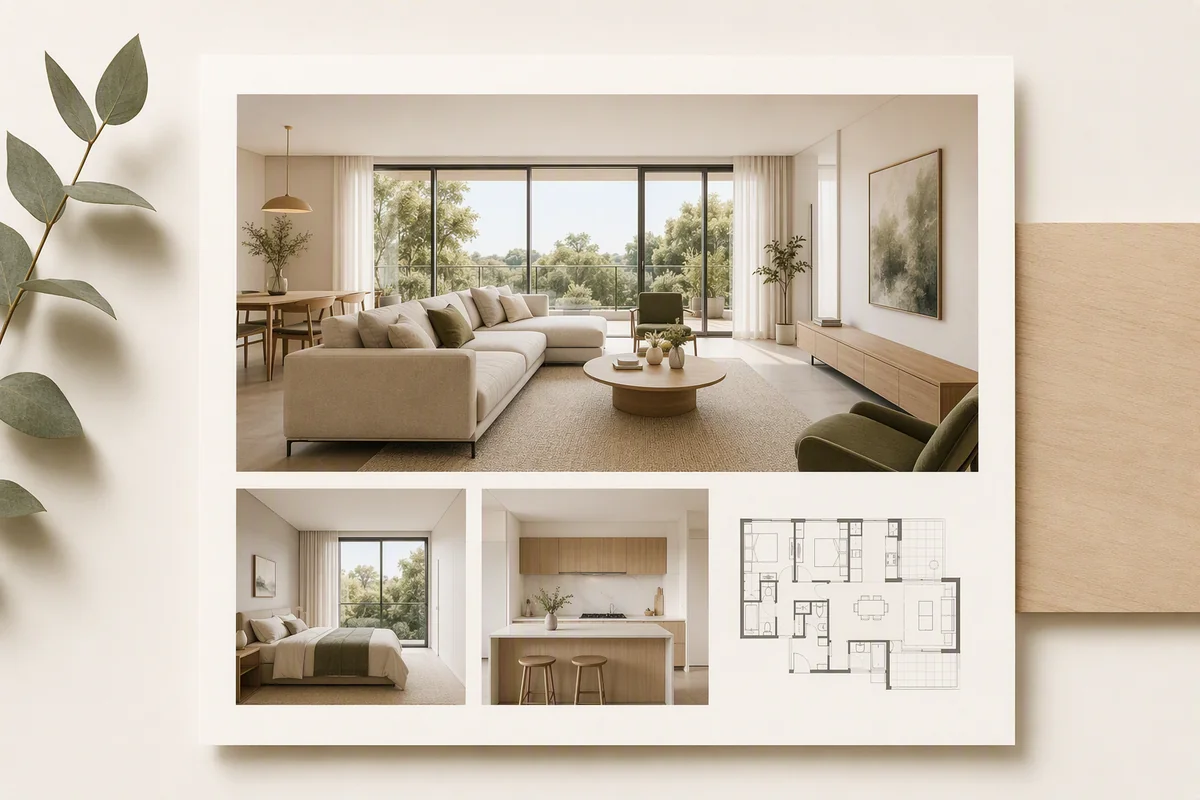
360° Visualization connects panoramic rooms with floor-plan navigation. It accepts suitable photographic or rendered panoramas, so you can present an existing property or a proposed development without a Splatr-branded camera.
Showcase adds the surrounding presentation: photographs, property details, location and an optional film. It also works as a standalone property page when you have no panoramic tour. Publish the appropriate view and share its link directly or through a supported listing workflow.
Who is Virtual Studio built for?
Estate agents can prepare listing media; marketing teams can produce several formats for a campaign; photographers can add staging and video to their deliverables. Developers and property managers can present furnishing possibilities and panoramic views of individual units.
Get started for free with the 14-day trial on Basic. Review generated imagery before publication and identify staging or proposed designs clearly.
Put the guide into practice.
Try Virtual Studio with your own property images.
14-day free trial on the Basic plan.