Splatr Virtual Studio helps estate agents turn property photographs into staged images, generated films and shareable listing presentations. Add a 360° tour when panoramic images are available. Each format is created through a dedicated plugin in the same platform.
How can you show the potential of an empty room?
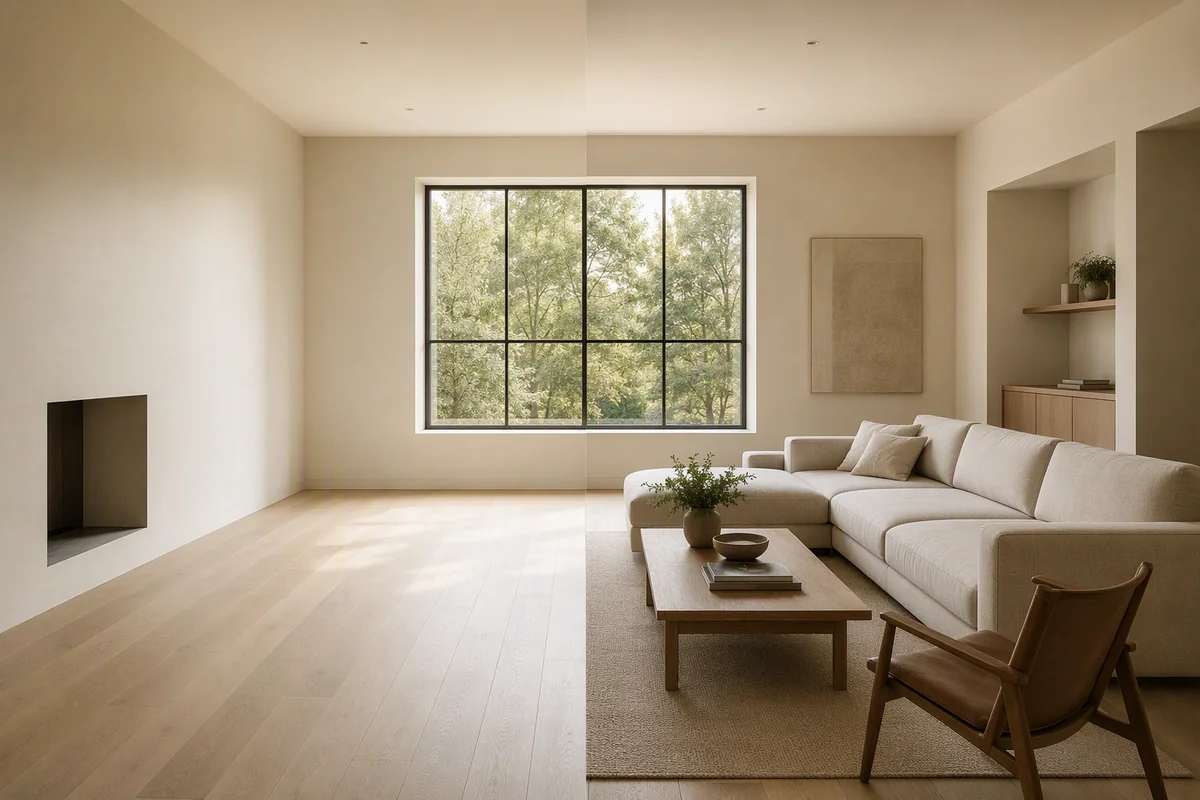
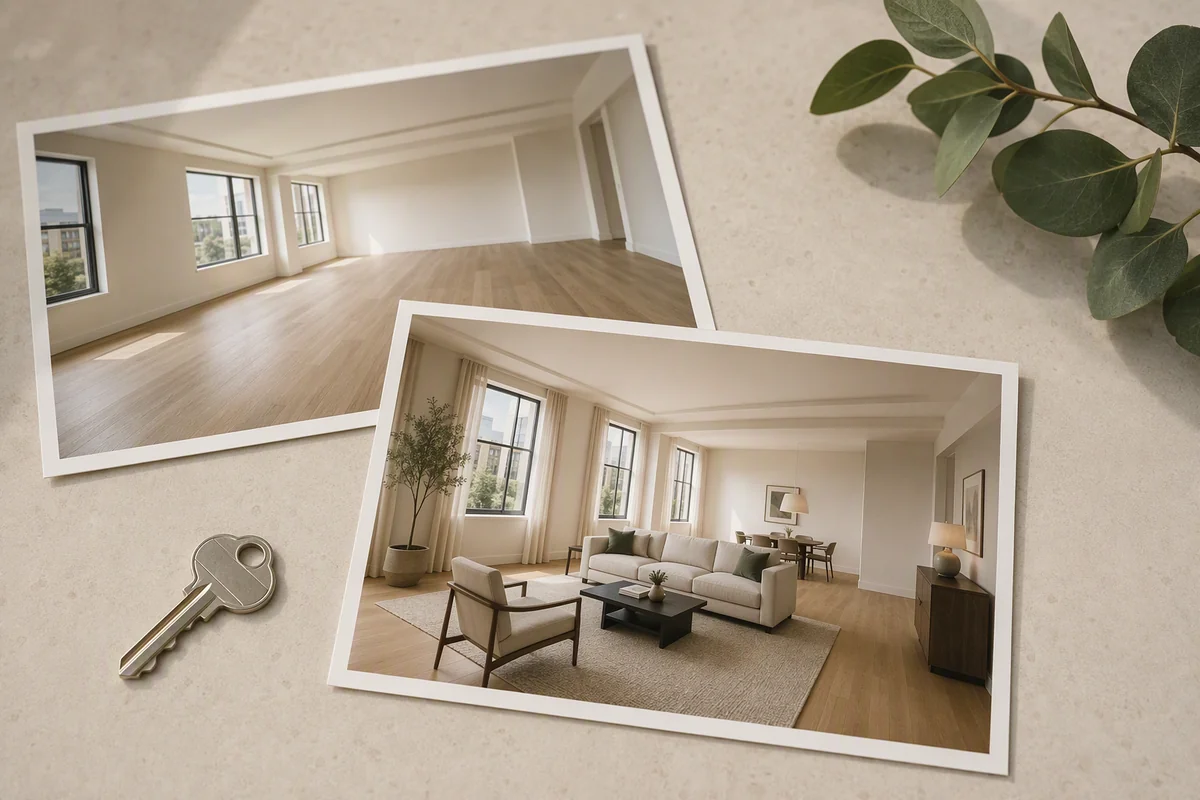
Use Reimagine AI’s Furnish preset to add a furniture concept to the source photograph. Describe the room’s intended use and preferred style, or use a reference image to guide the result.
A furnished image can show a seating arrangement, dining area or bedroom layout that is difficult to communicate through an empty photograph alone. Reimagine AI also provides comparison and region-editing tools for refining the generated version. Explore empty-room staging.
What about properties that are already furnished?
Cleanup and Enhance address different needs. Cleanup tidies loose clutter and light styling while aiming to retain major furniture. Enhance improves photographic presentation, including exposure, colour and detail.
This gives an agent options beyond replacing the interior. Choose the editing task that matches the photograph, then compare the generated version with the original before using it in the listing.
Can you make a film from listing photos?
Video Generator converts selected images into moving clips. Choose a camera direction and a 16:9 or 9:16 format, arrange the clips, then export an MP4. The plugin is currently beta.
You can use existing property images as the source for a generated film, with separate landscape and portrait presentations for different placements. See property video generation.
How can buyers explore the property?
360° Visualization connects panoramic rooms with floor-plan navigation. Visitors can choose where to look and which room to open. Suitable panoramas can come from photography or architectural renders; a Splatr-branded camera is not required.
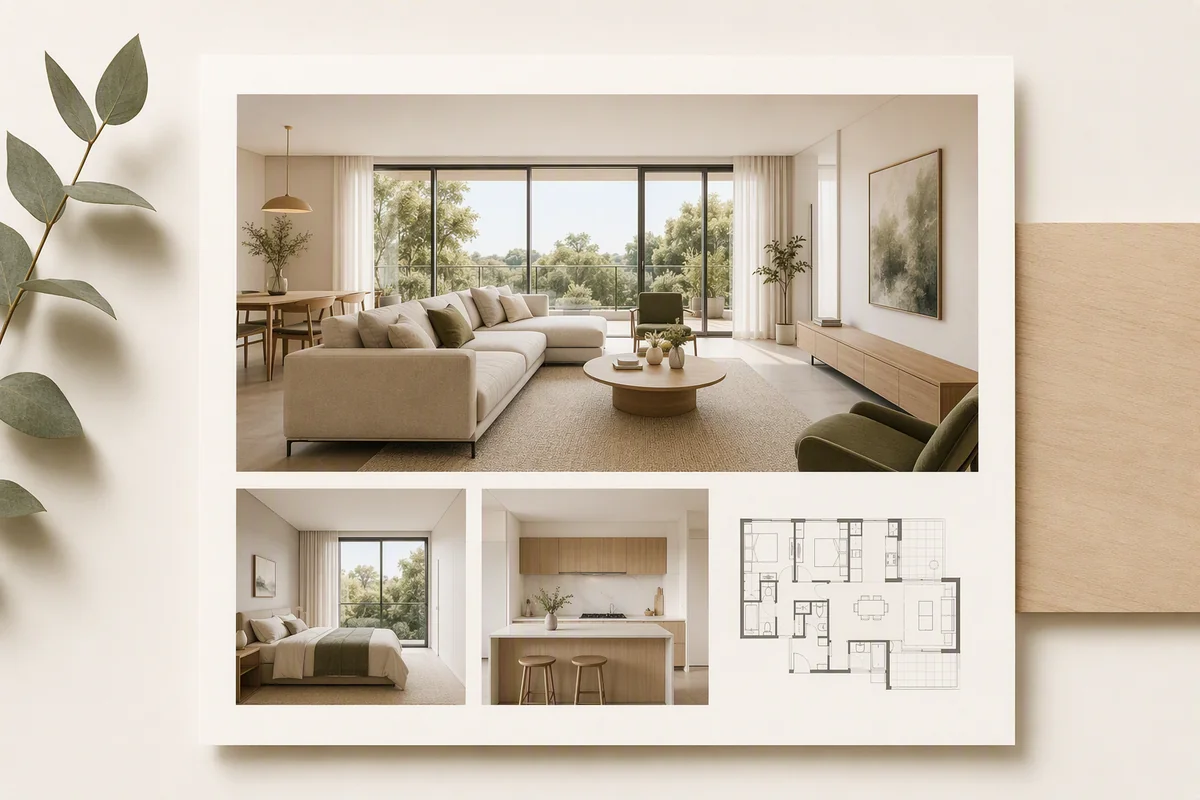
Showcase provides the property introduction around the media: photographs, details, location and an optional film. Publish the presentation and share its link with prospective buyers.
How do you use the assets on listing platforms?
Add images, hosted video or a public tour link through the destination’s supported workflow. Rightmove and Zoopla accept tour links through their documented listing processes; publishing in Splatr does not automatically update those listings.
Get started for free with the 14-day Basic trial. Clearly identify virtual staging and review generated assets before publication.
Put the guide into practice.
Try Virtual Studio with your own property images.
14-day free trial on the Basic plan.