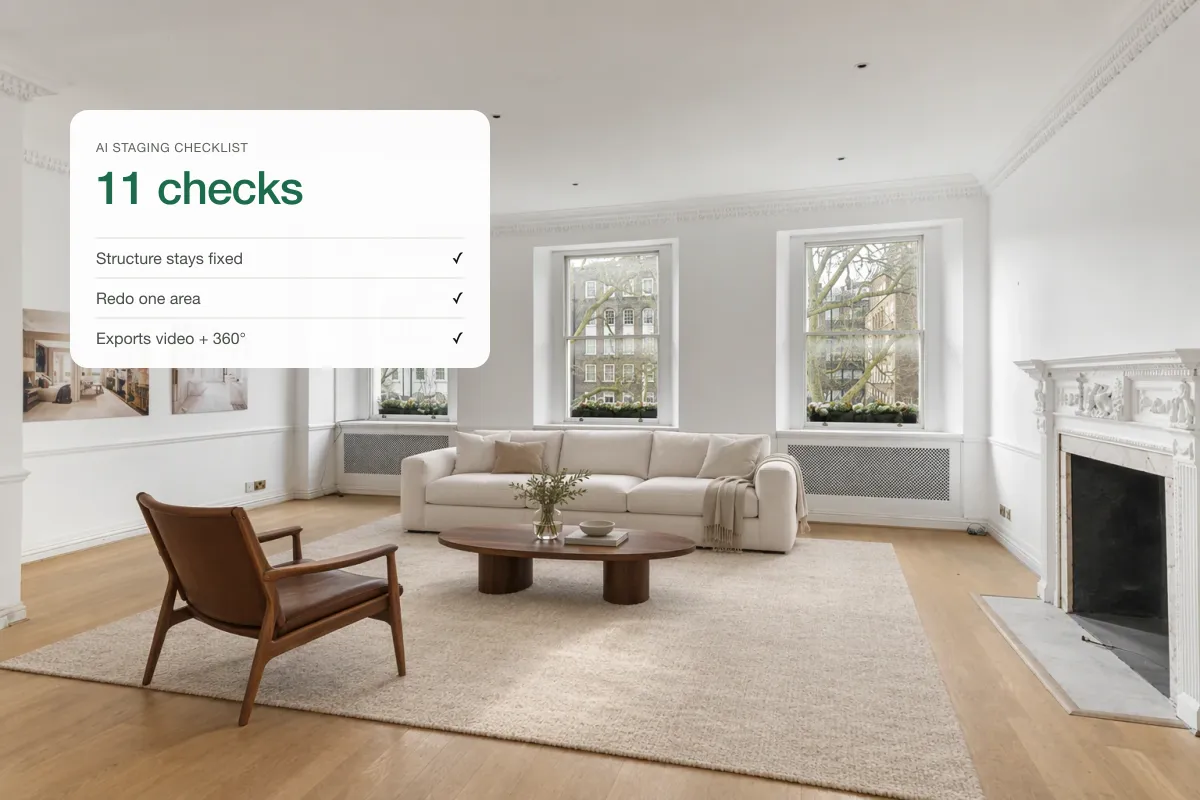
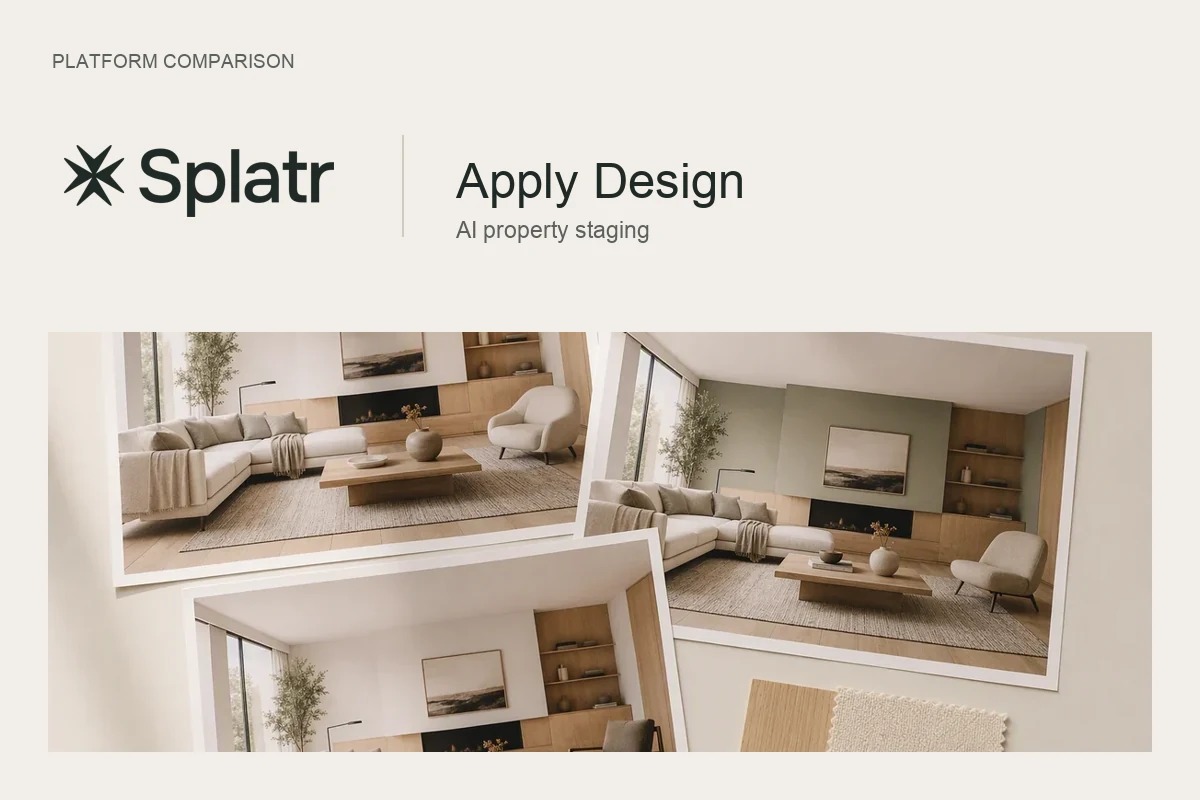
REimagineHome is an AI virtual staging and interior design tool: upload a room, pick a direction, refine and download. Splatr does staging and photo editing too, and then turns those photos into cinematic, branded listing videos in the same place. Choose REimagineHome if you only need staged images and design ideas; choose Splatr if you also want video and social content from the same photos.
How do they compare?
| Splatr | REimagineHome | |
|---|---|---|
| Virtual staging | Yes, presets and references | Yes, styles and inspiration images |
| Declutter and empty | Yes | Yes |
| HDR enhance, sky, day to dusk | Yes | Check current offer |
| Edit one area | Magic Edit | Prompt-based refinements |
| Listing video from photos | Yes, with effects, music and branding | Check current offer |
| Reels for social | Yes, 9:16 | Check current offer |
Based on REimagineHome's staging page.
Which should you choose?
If your job ends at the staged photo, either works. If the staged photos then need to become a reel for Instagram and a video for the portal, Splatr saves a second tool and a second subscription.
- UploadOne set of photos
- Stage and editBoth tools
- Make the videoSplatr only
- PublishPortals and social
Frequently asked questions
Is Splatr a REimagineHome alternative?
Yes, for AI staging and photo editing. Splatr also makes listing videos from the staged photos.
Which has more staging styles?
Both offer many styles. Compare results on the same room photo, since realism matters more than the number of styles.
Can I try Splatr free?
Splatr has a 7-day free trial, and plans start at $29 a month.
Related: choosing AI virtual staging software and free virtual staging.
Put the guide into practice.
Turn your own photos into edited images and videos in minutes.
7-day free trial.