Reimagine AI’s Cleanup preset tidies an occupied property photograph while aiming to retain its major furniture and permanent features. It is designed for loose clutter and light styling, making it useful when the room needs a cleaner presentation rather than a new interior.
What can Cleanup change?
The preset can guide edits such as clearing loose objects, tidying bedding and reducing incidental visual distractions. Add instructions that identify the items to change and those to retain.
Tidy the loose objects on the desk and floor, straighten the bedding, and retain the existing bed, wardrobe, artwork and finishes.
The source photograph supplies the room. Cleanup generates an edited version; you can compare the result with the original before downloading it.
How is it different from Furnish and Enhance?
| Tool | Main purpose |
|---|---|
| Cleanup | Tidy the contents and presentation of an occupied room |
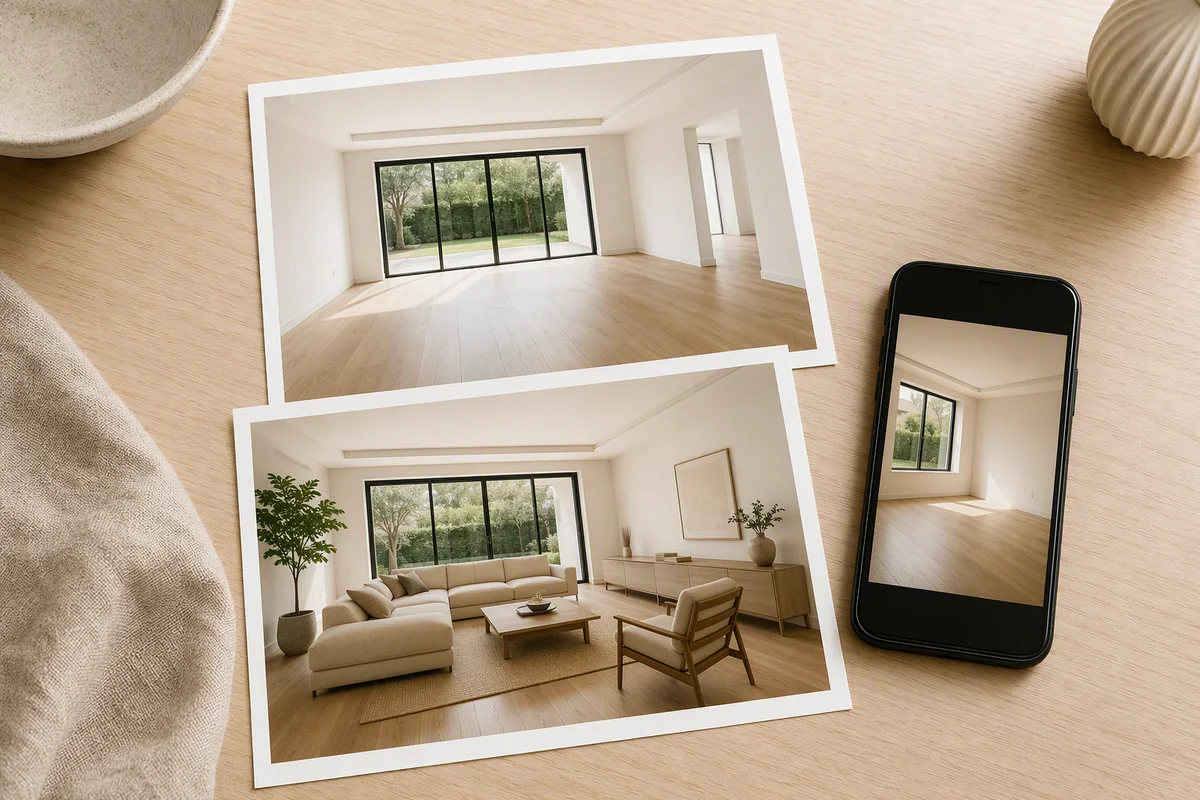
| Furnish | Add a furniture concept to an empty room |
| Enhance | Improve the photograph’s light, colour and detail |
The distinction gives property teams a more targeted editing workflow. You can keep the existing interior when it already communicates the space, rather than replace it simply to obtain a cleaner photograph.
Can you refine a smaller area?
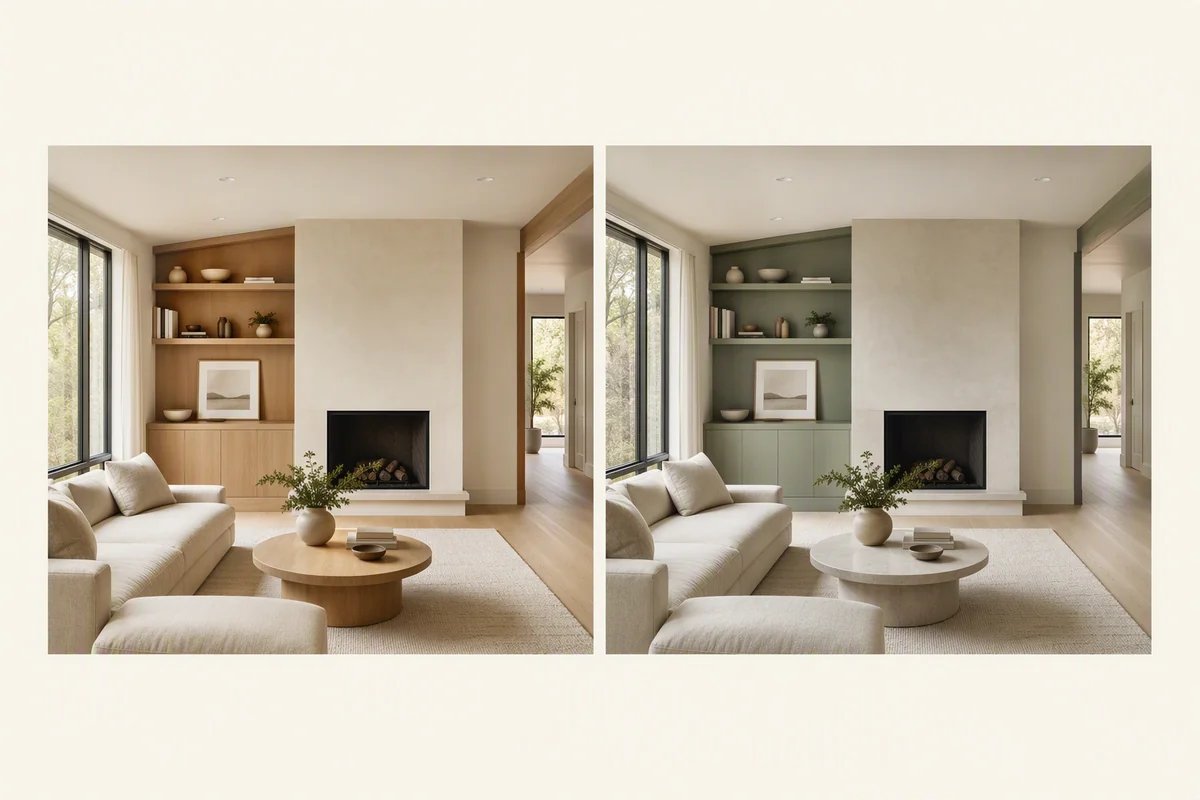
Reimagine AI includes region editing for a focused follow-up request. Select the relevant area and describe the intended change. This is useful when the rest of the image already works and a local detail needs attention.
Region editing and version comparison support refinement within the same image workspace.
Where can you use the result?
A selected cleaned image can be included in a property gallery or Showcase presentation. It can also become source material for Video Generator, which is currently beta.
This connects the editing step to wider property-media creation without requiring you to produce a new furniture concept for every room.
What should remain accurate?
Cleanup should not conceal defects or change permanent features. Removing an object generates the previously hidden area, so the result cannot verify what was behind it. Review it against the original and apply the relevant disclosure rules.
NAR’s guidance on enhanced listing imagery provides context on accurate representation. For a broader interior change, use a clearly identified restyling concept.
Put the guide into practice.
Try Virtual Studio with your own property images.
14-day free trial on the Basic plan.