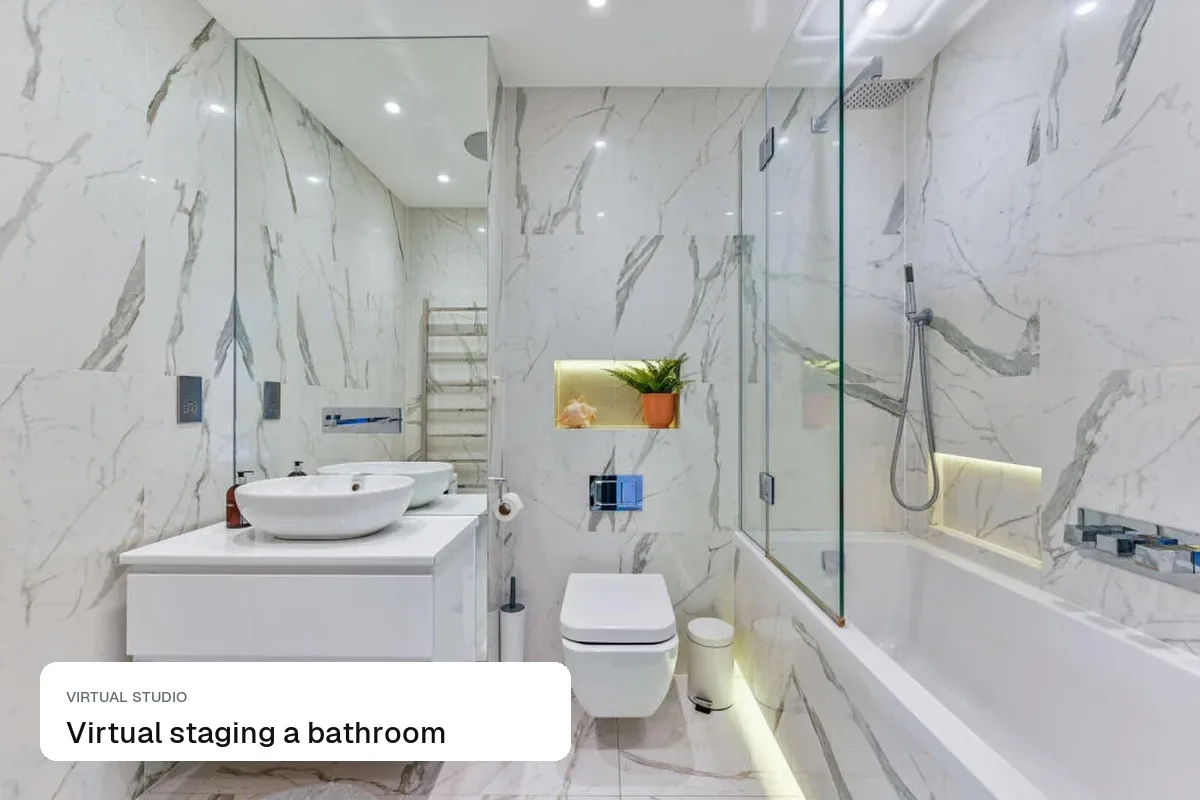
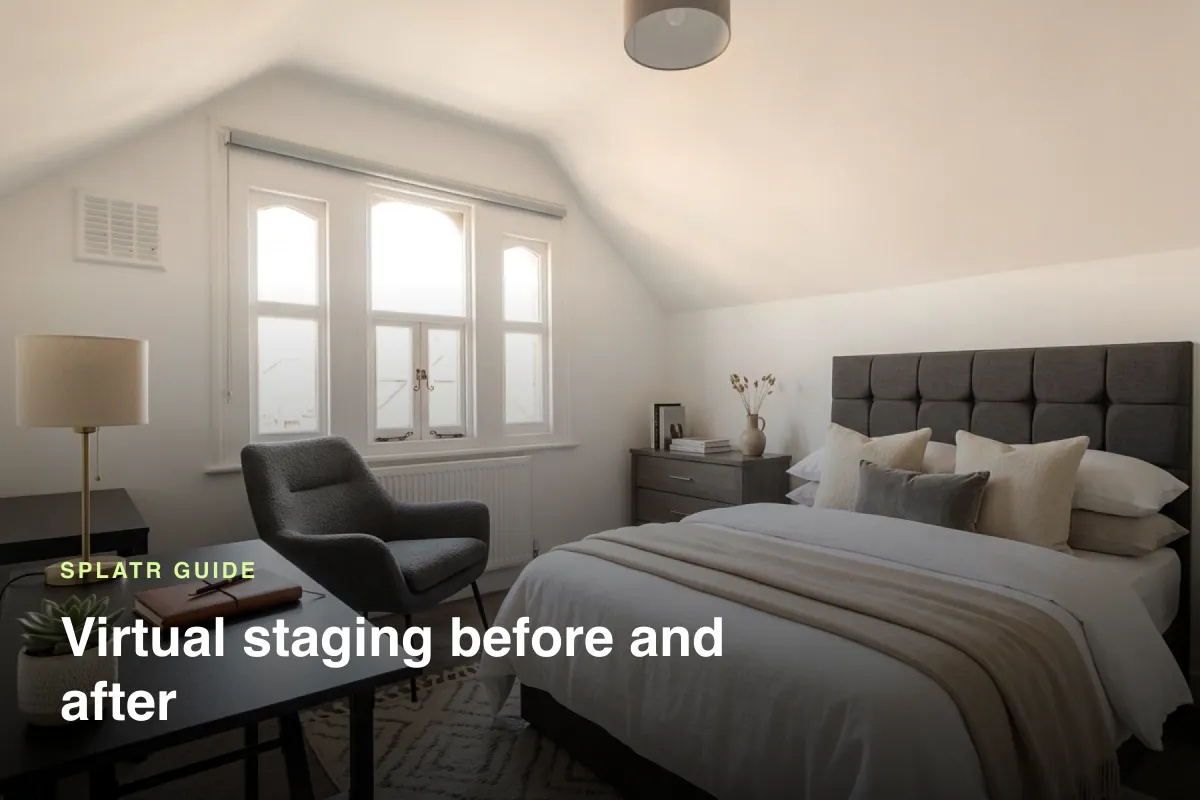
Kitchens need less staging than any other room: add bar stools, a dining table if there is space, and two or three objects on the counter, and stop there. The cabinets, worktops and appliances are fixed features, so they are what buyers are judging. Virtual staging can show how the space is used, but it must not change the units, the worktop or the appliances. If the kitchen is dated, that is a job for a clearly labelled virtual renovation, not staging.
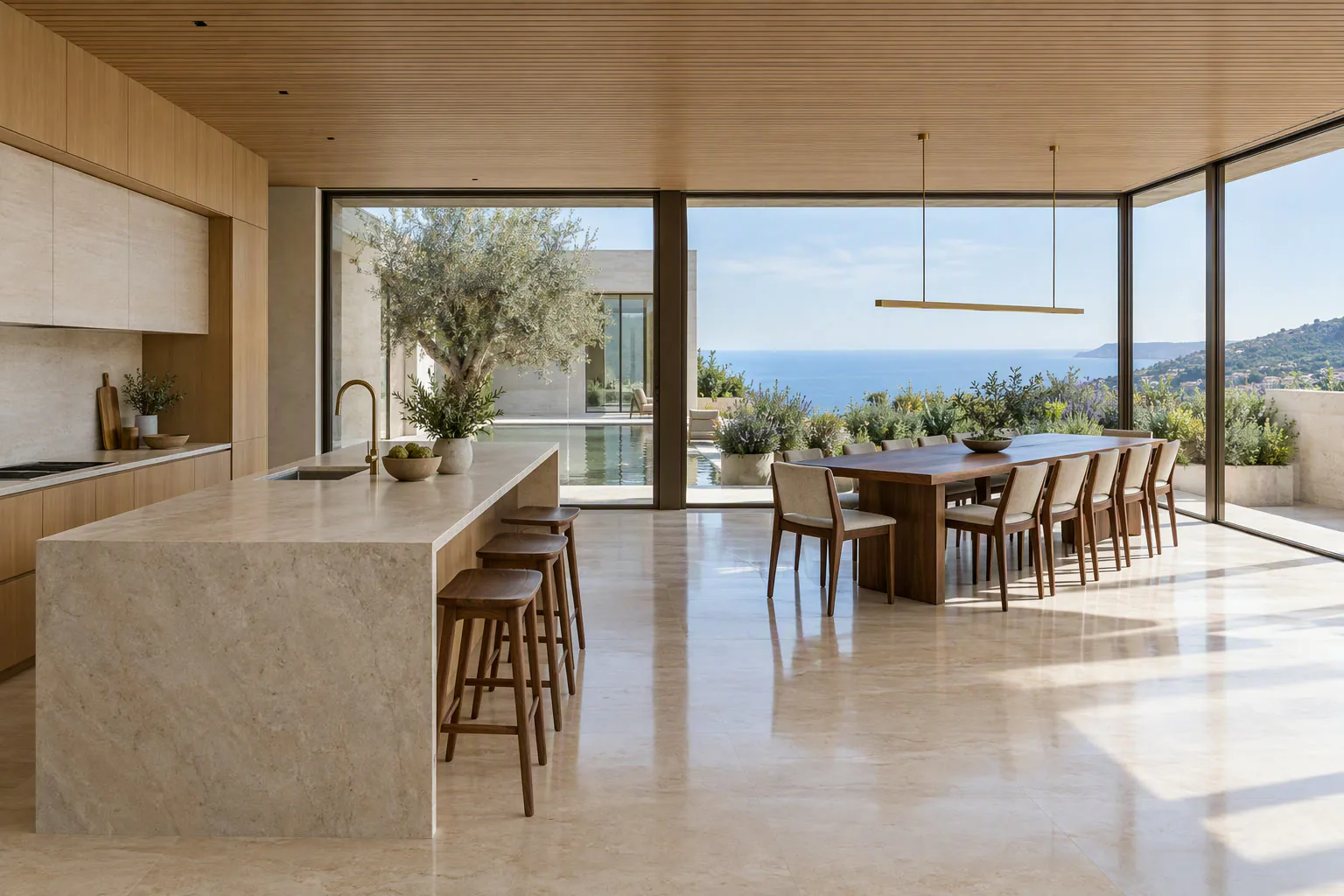 Staged: stools and table
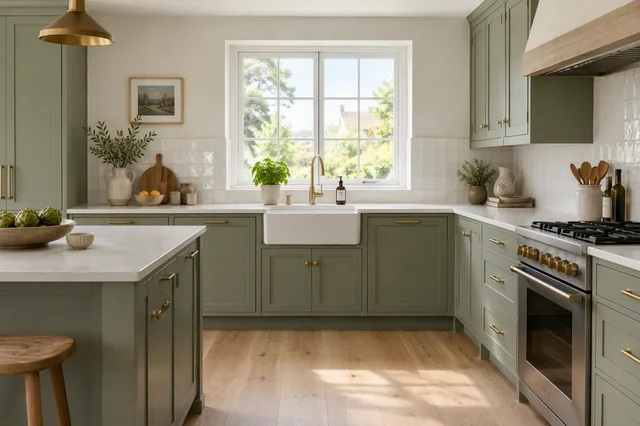 Renovation concept
What to add to a kitchen photo
- Bar stools at an island or breakfast bar. Two or three, matching the counter height.
- A dining table if the kitchen is a kitchen-diner. It tells buyers the family can eat here.
- Three objects at most on the worktops: a bowl of fruit, a plant, a chopping board.
- Pendant lights only if the ceiling already has the fittings for them.
What never to change
| Leave as it is | Why |
|---|---|
| Cabinet doors and colour | They come with the house |
| Worktops | Buyers price kitchens on the worktop |
| Appliances, including the hob and extractor | They are included or not; the photo must match |
| Flooring | Part of the property |
| The view from the window | Changing it is misleading |
Changing any of these is no longer staging. Under NAR's Code of Ethics (Article 12), the UK's consumer protection rules and RERA advertising rules in Dubai, a listing photo has to give a true picture of the property.
Staging or virtual renovation?
| Your kitchen | Use |
|---|---|
| Modern, just empty or cluttered | Declutter, then add stools and a few objects |
| Dated but sound | Keep the real photo first, add a labelled renovation concept after it |
| A shell or mid-refit | A renovation concept, clearly marked as a visualisation |
Renovation concepts work well for fixer-uppers. See virtual renovation for house flippers and virtual renovation in real estate.
Photographing the kitchen first
- Shoot from the doorway or the corner opposite the window, at counter height, so the worktop doesn't take over the frame.
- Close every cupboard and the dishwasher. Remove tea towels, magnets and bins.
- Turn on the under-cabinet lights. They make the worktop glow and cost nothing.
- Then run HDR enhance to balance the window. See enhance property photos.
Questions agents ask
Is it OK to virtually remove a kettle or toaster?
Yes. Small portable items are clutter, not fixtures. Removing them is normal decluttering.
Can I change the cabinet colour to show buyers an option?
Only as a separate, labelled concept image placed after the real photo. Never as the main kitchen photo.
Do staged kitchens help?
They help most in open-plan kitchen-diners, where an empty space makes it hard to see where the table goes. A galley kitchen rarely needs staging; it needs a clean, bright photo.
Keep exploring
Stage other rooms: living room, bedroom, dining room, home office, bathroom, basement, kids' room, studio apartment and patio or garden.
Related guides: Magic Edit for single details, paint and flooring before selling and virtual staging disclosure rules.
Put the guide into practice.
Turn your own photos into edited images and videos in minutes.
7-day free trial.